


Bring Your ProBook’s Typing Experience
The part you touch most, often shows the first signs of wear. Mushy keys, faded lettering, or a backlight that no longer illuminates can turn working with your laptop into a frustrating experience. The solution isn’t replacing the whole machine; it’s installing a quality replacement keyboard that restores that original, satisfying feel.
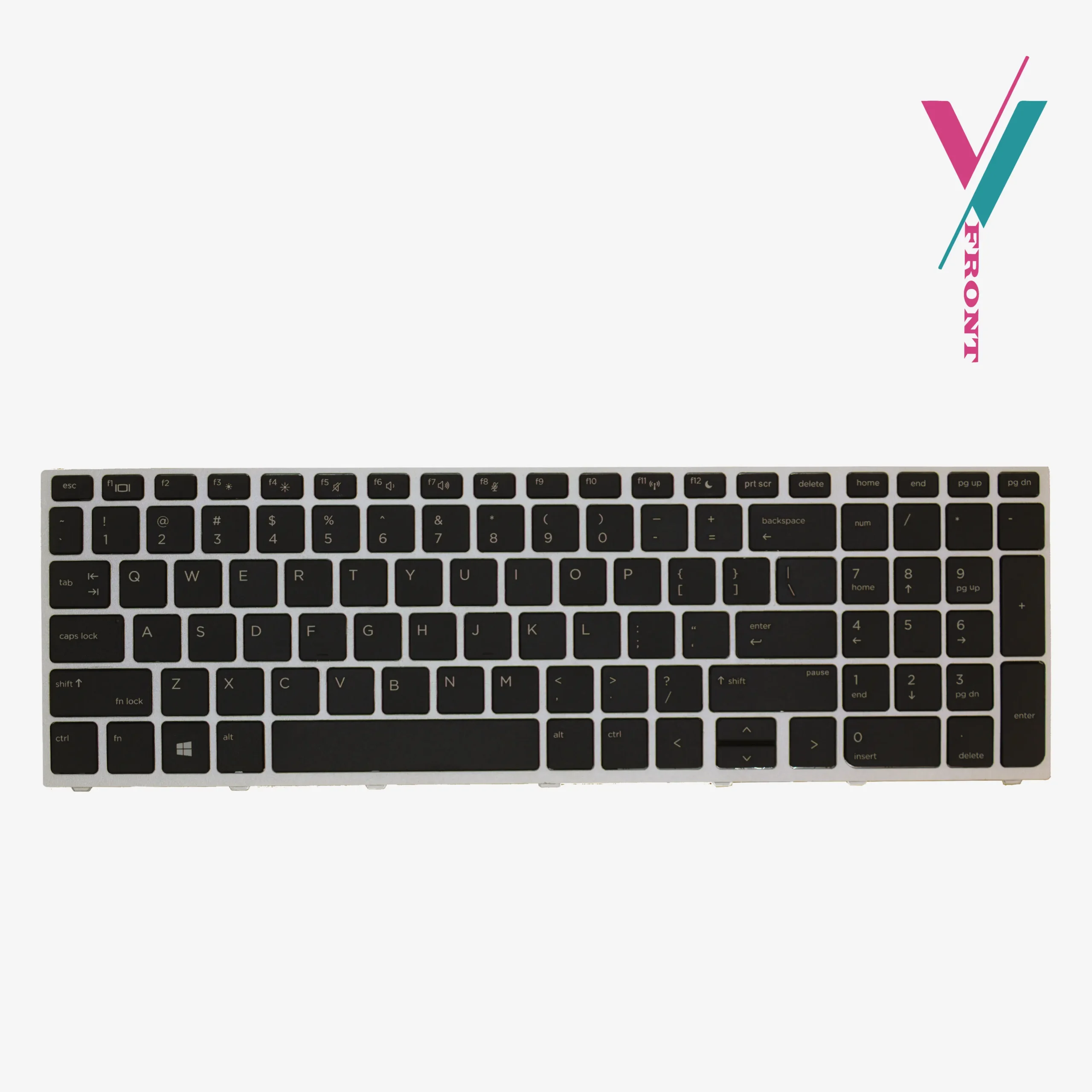
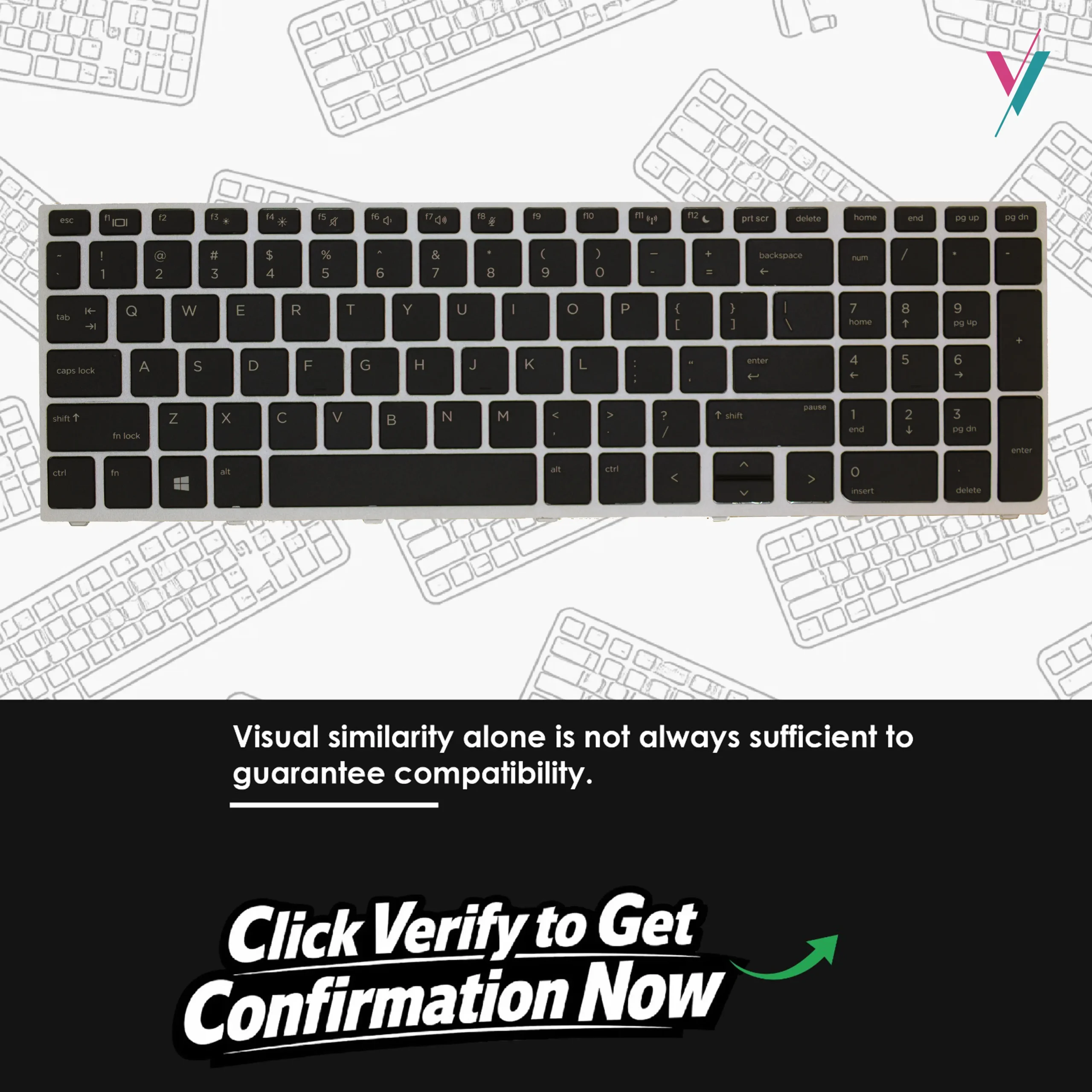
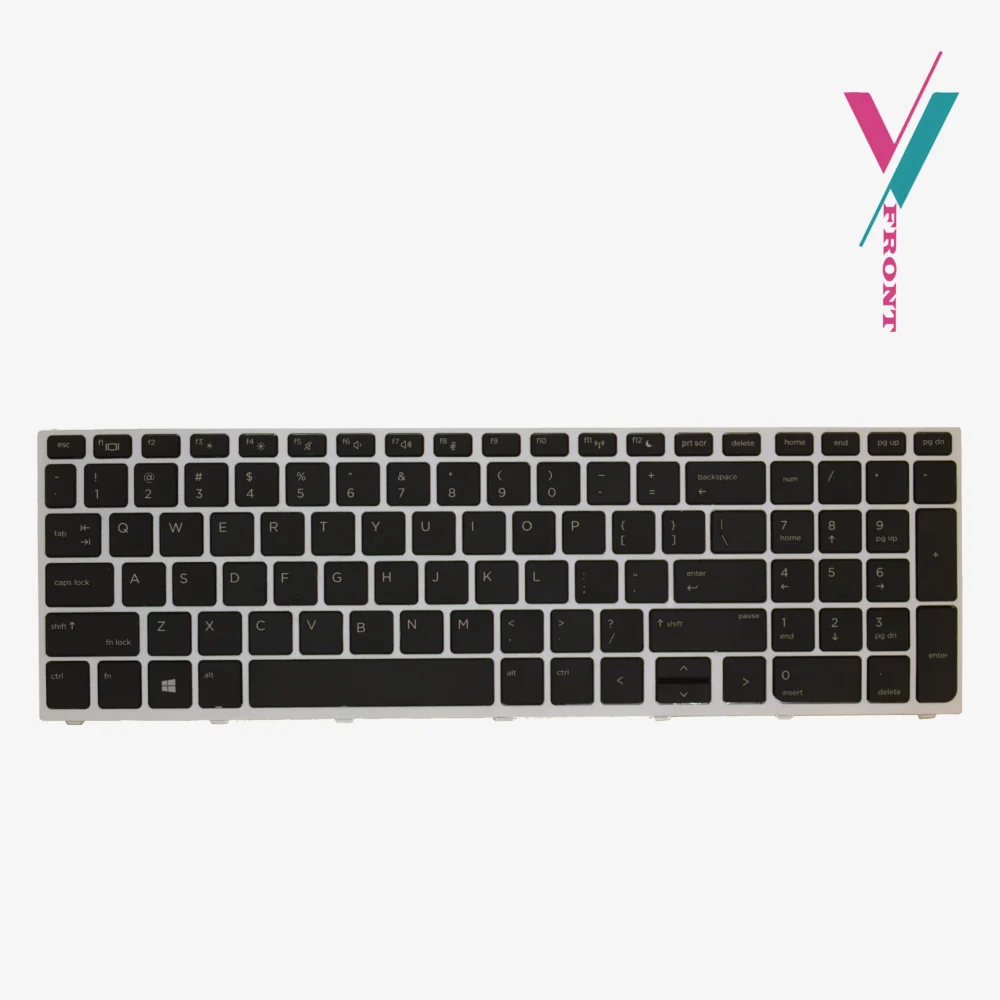
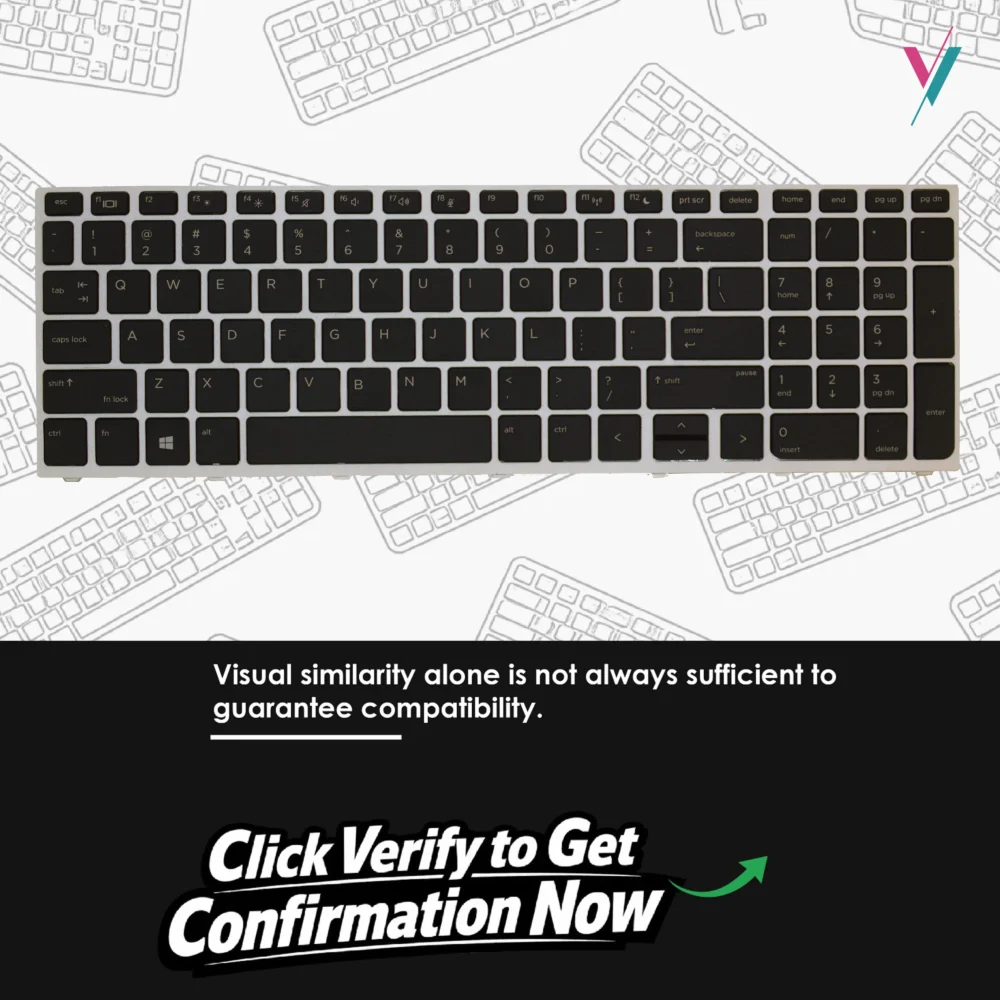
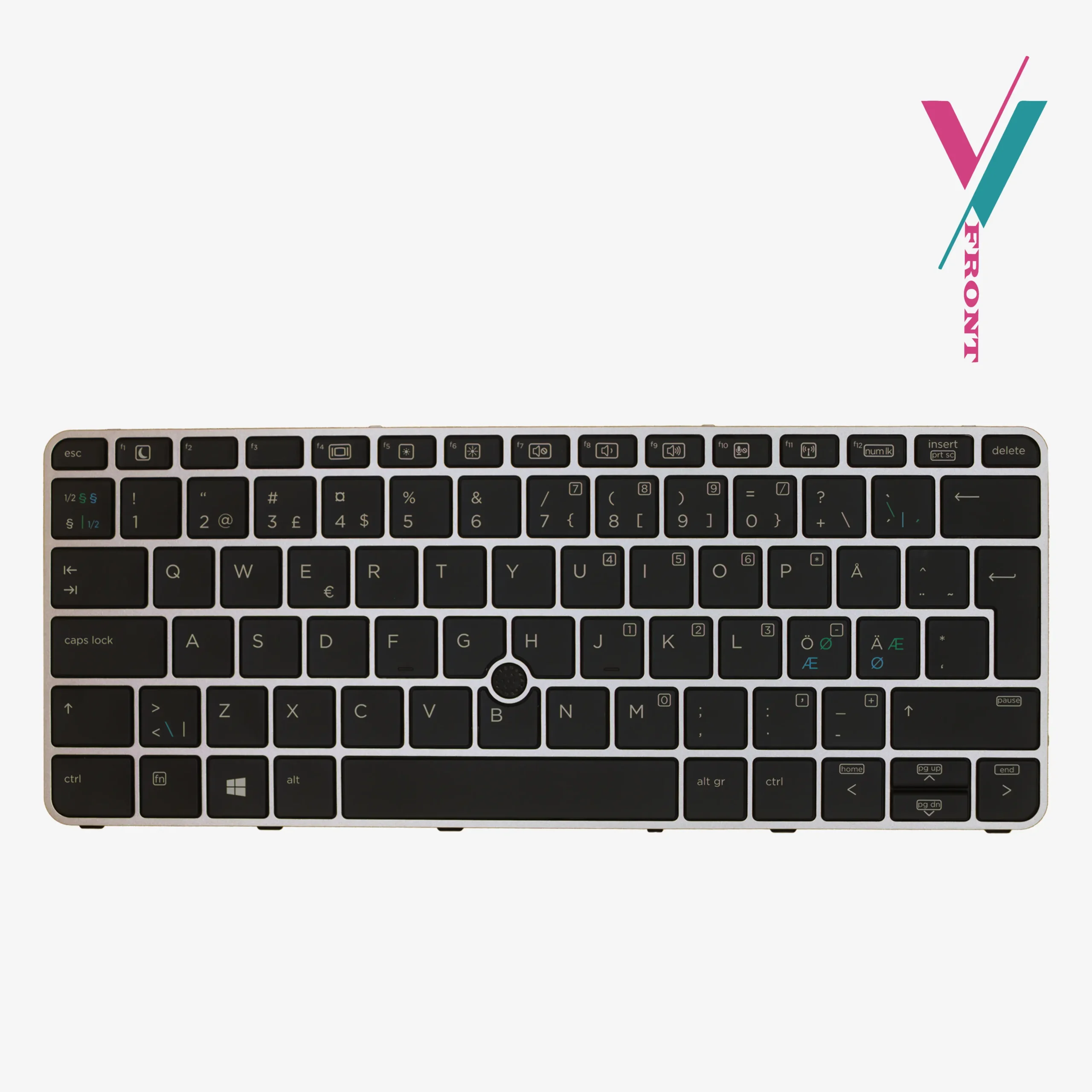
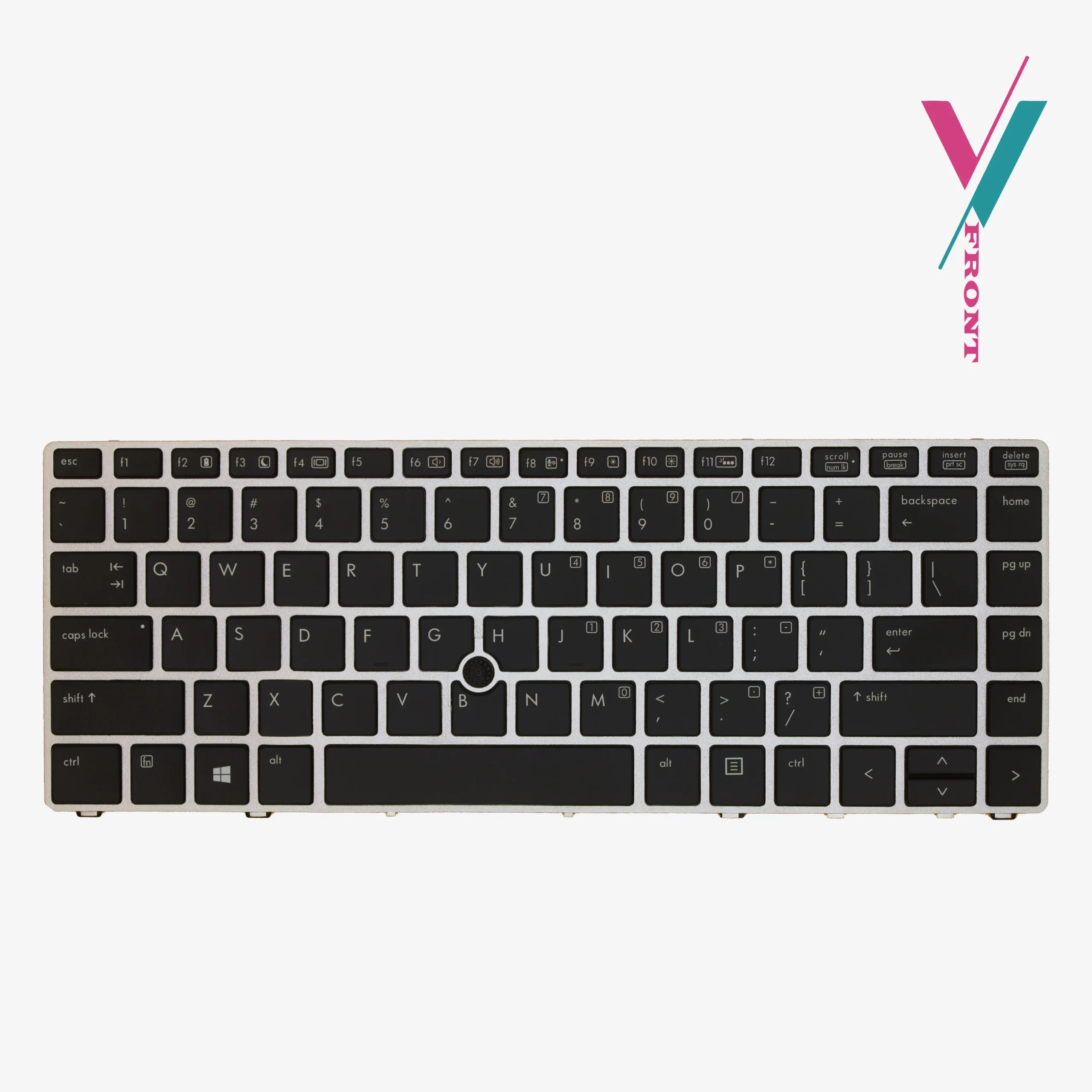
This backlit replacement keyboard is designed specifically for the ProBook G5 series, offering a direct fit that brings your laptop back to peak functionality while maintaining the clean, professional look you expect.
Modern Design
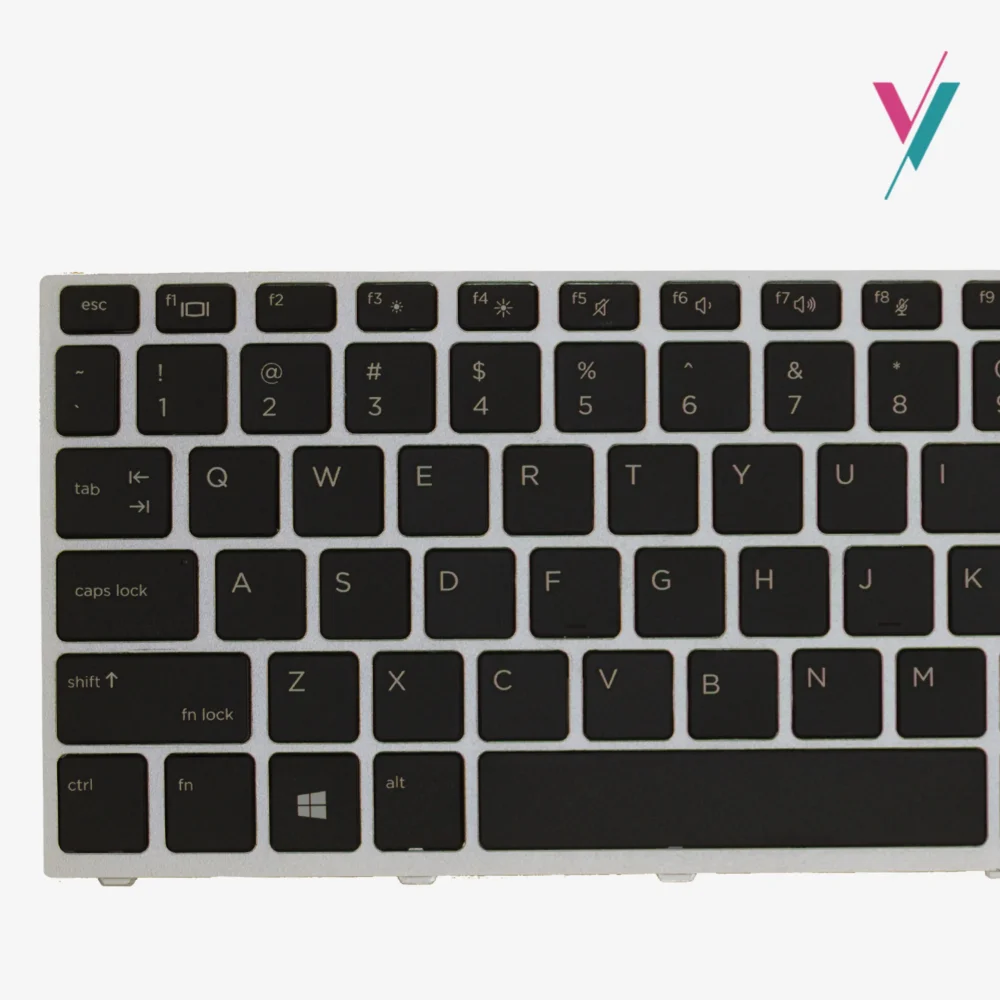
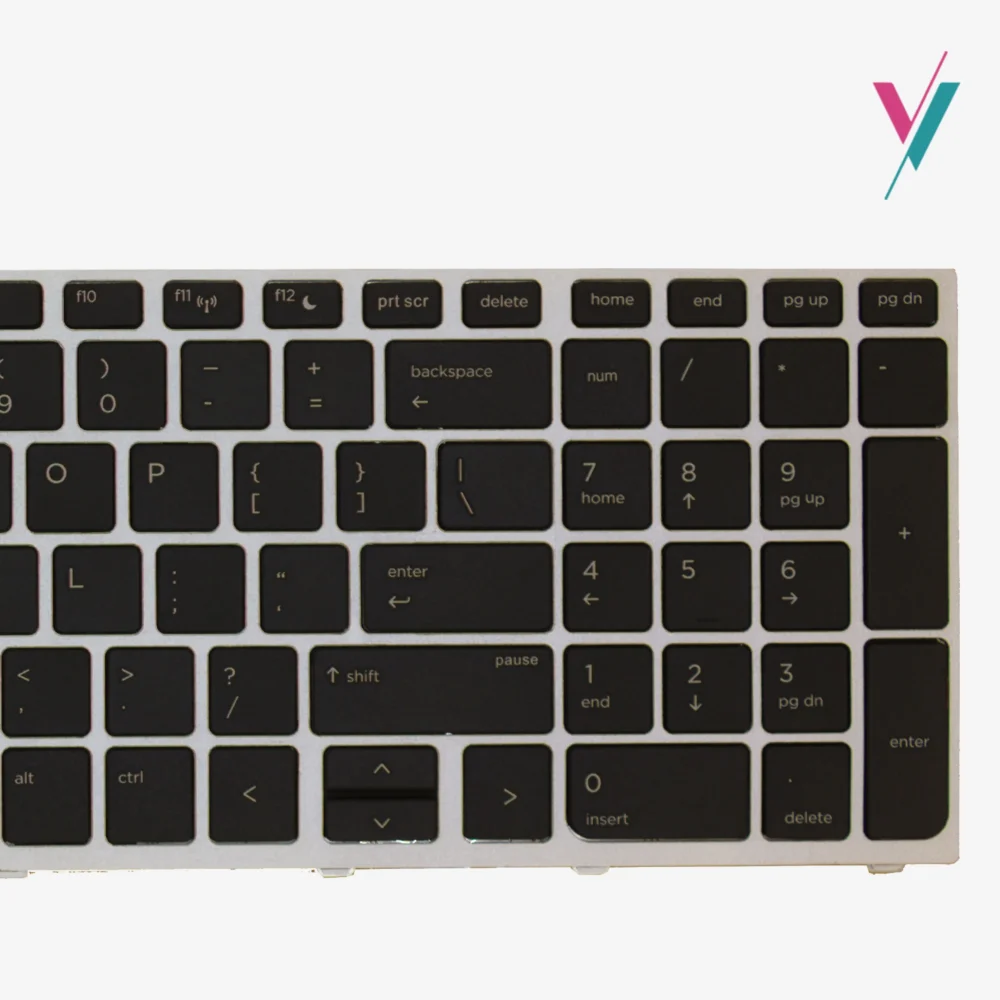
What sets this keyboard apart is its silver frame, a design element that matches the ProBook G5 series palm rest and chassis. Unlike generic replacements that can look mismatched, this keyboard blends cleanly, preserving your laptop’s original appearance.
Key Specifications:
- Backlight: Integrated backlight for low-light visibility
- Frame: Silver finish to match ProBook G5 series
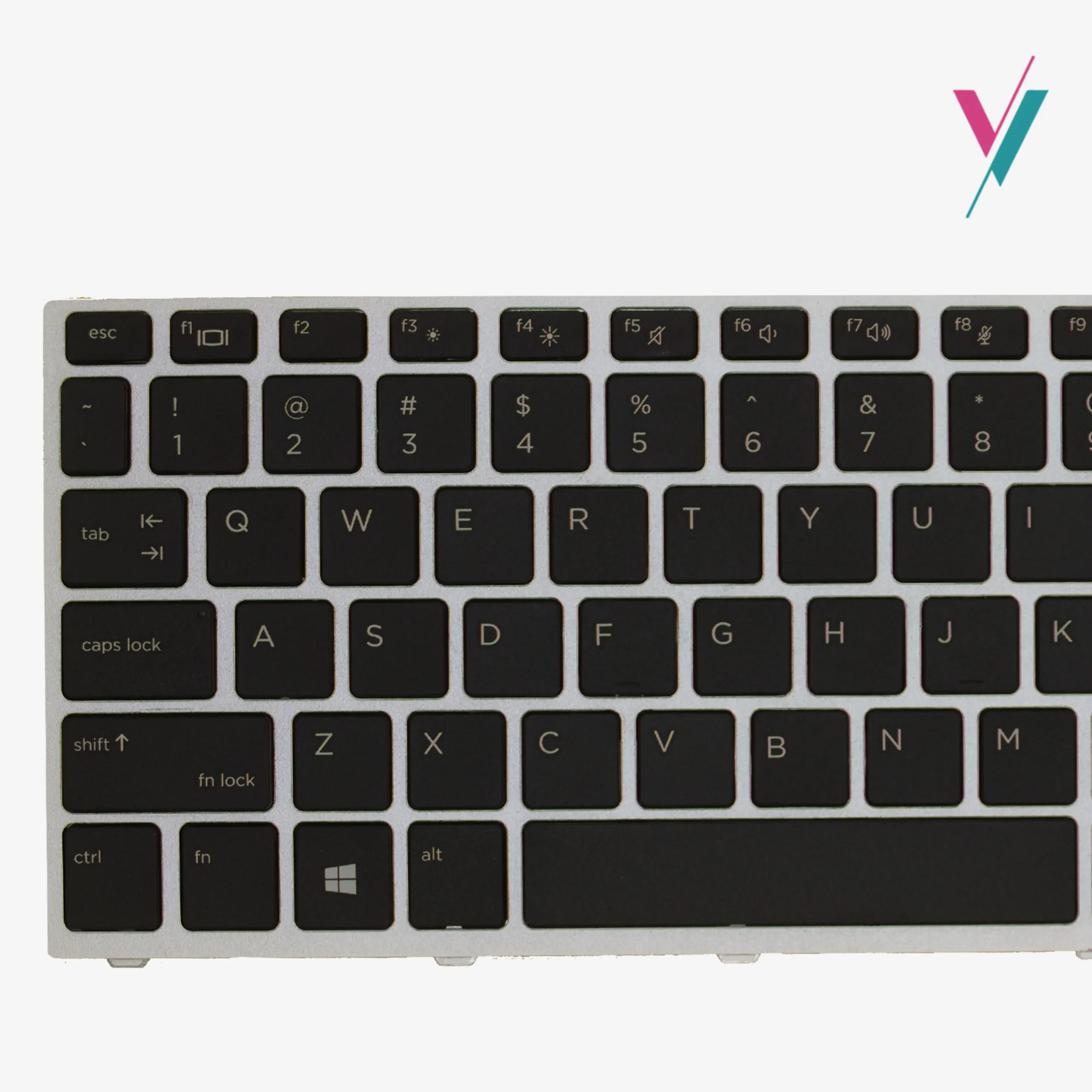
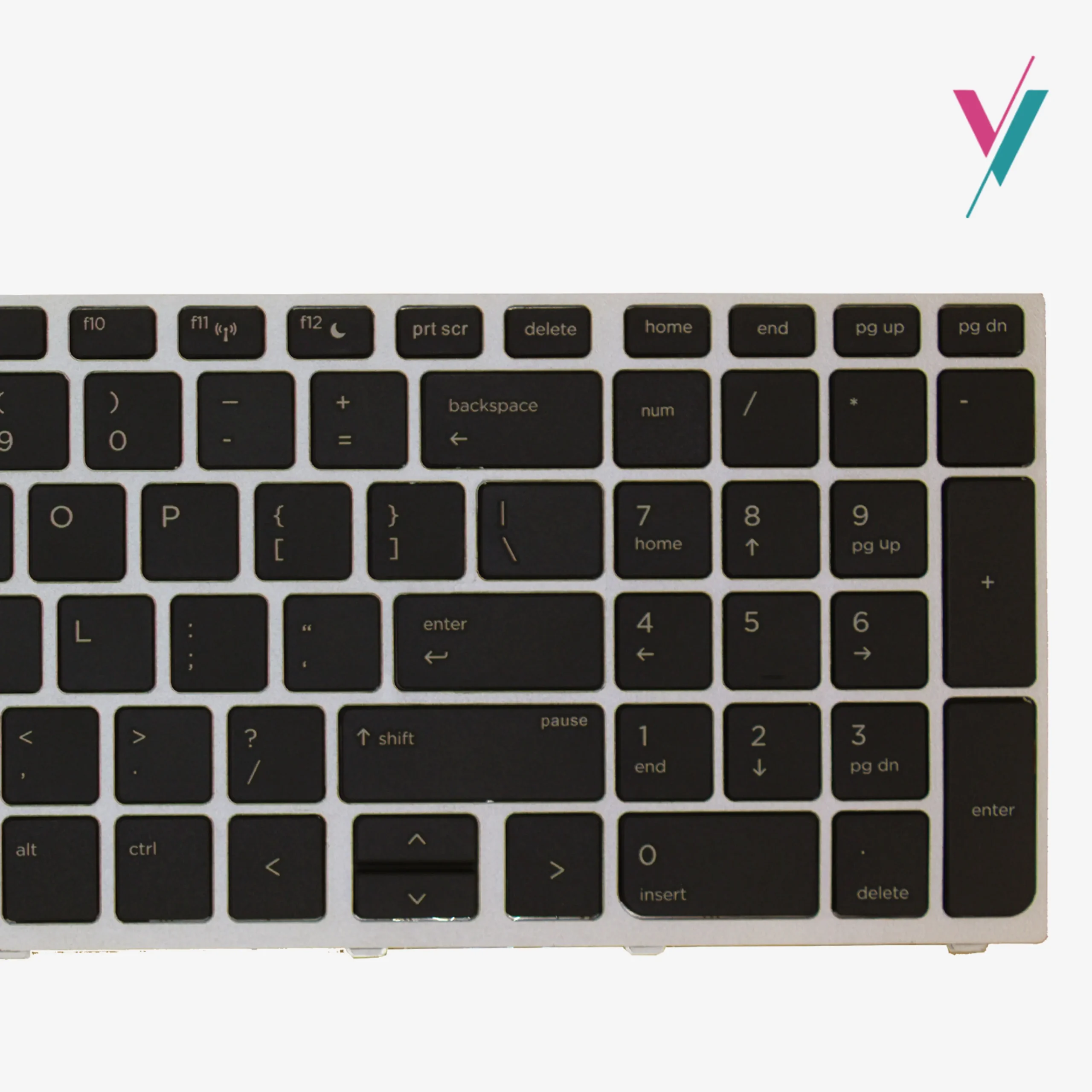
- Key Color: Black with US English layout
- Layout: Standard US layout for familiar typing
- Condition: Brand new, tested before shipping
Extensive Compatibility Within G5 Series
This keyboard is designed to work across multiple HP ProBook models, making it a reliable replacement option:
Compatible Laptop Models includes but not limited to:
- HP ProBook 450 G5
- HP ProBook 455 G5
- HP ProBook 470 G5
Reference Part Numbers (for guidance):
L01028-001, L01027-001, 9Z.NEFSQ.00U, NSK-XK1SV, 841137-001
Important Note: This compatibility list is provided as a reference guide only. While these models share keyboard compatibility, there can be regional variations, layout differences, and subtle design changes between manufacturing batches. The most reliable way to ensure a perfect match is to verify first with us before purchase.
Quality Assurance and a Helpful Installation Tip
Every keyboard we offer is tested before shipping to ensure all keys function correctly and the backlight operates as intended.
One important installation note: If you install this keyboard and some keys don’t work immediately, don’t assume the keyboard is faulty. In most cases, this indicates the ribbon cable hasn’t been fully or properly seated in the connector. Gently disconnect and reconnect the cable, often, a firmer connection resolves the issue entirely. This simple step has solved the problem for many customers.
Installation Guidance
Replacing a laptop keyboard requires patience and care. Here are some general steps to guide you:
- Power Down: Fully shut down your laptop and disconnect from any power source
- Remove the Battery: If your model has a removable battery, take it out
- Work Methodically: Laptop keyboards are typically secured with screws and sometimes clips, remove them carefully
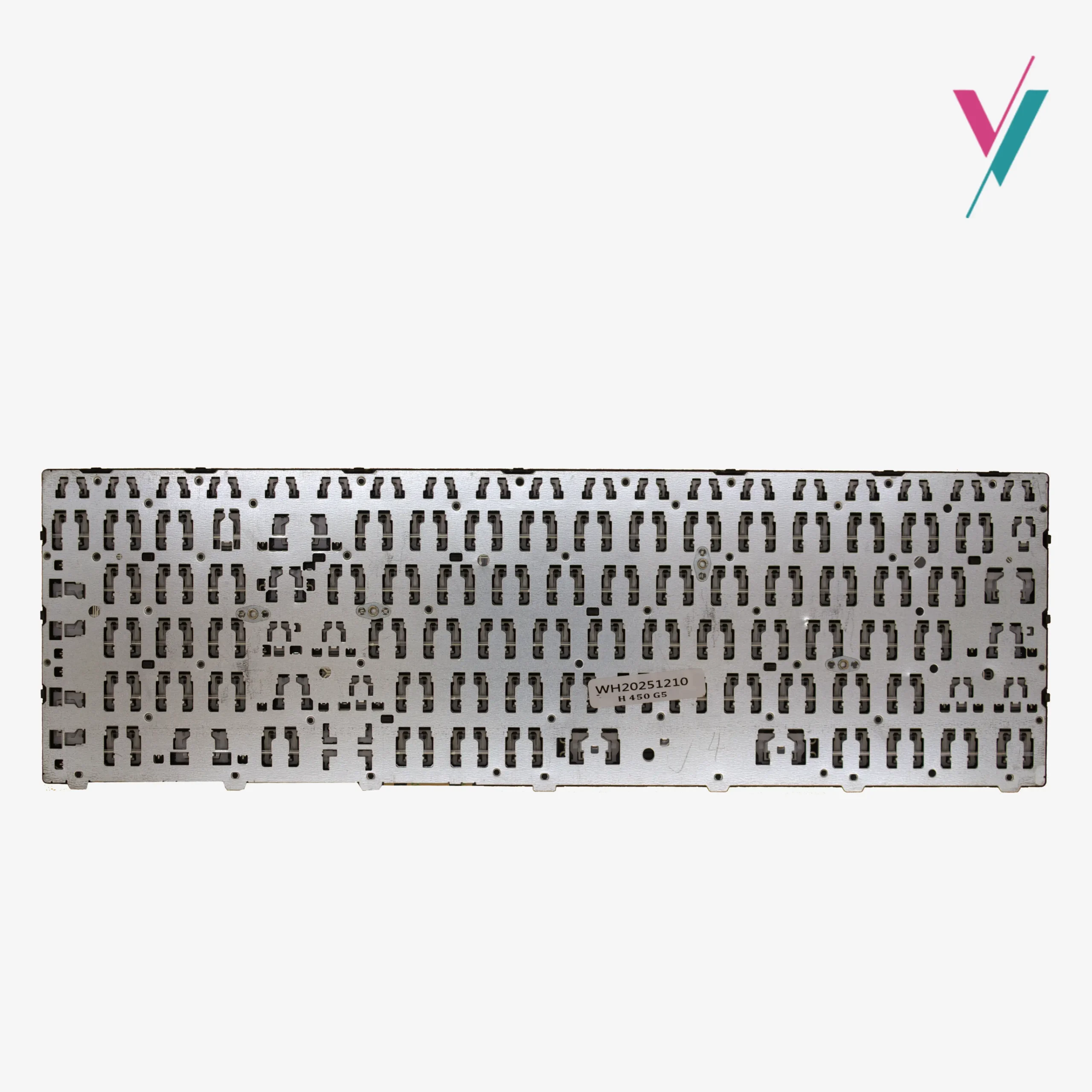
- Compare Before Connecting: Place your new keyboard alongside the old one to confirm layout, cable position, and mounting points match
- Handle the Ribbon Cable Gently: The keyboard connects via a delicate ribbon cable; insert it carefully and ensure it’s fully seated
- Test Before Fully Securing: Before tightening all screws, connect the cable and power on briefly to verify key function and backlight operation
If you’re uncertain about any step of the replacement process, we will recommend a qualified technician to assist you.
Your Purchase, Protected
We understand the hesitation that comes with ordering a replacement keyboard online.
That’s why we offer a 7-day return/exchange (subject to policy). If this keyboard doesn’t fit your laptop or match your requirements, simply contact us, and we’ll arrange a return or exchange promptly.
The Smartest Way to Get the Right Keyboard
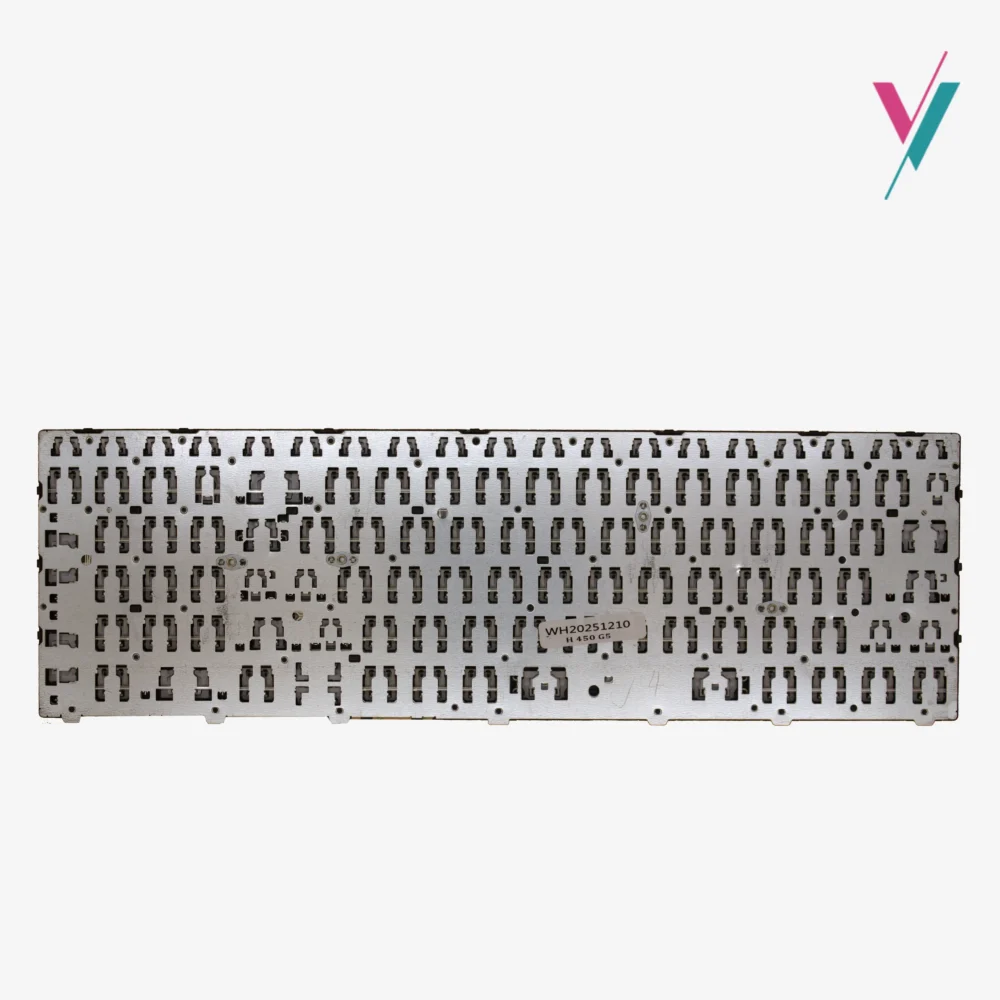
Part numbers and model lists are helpful starting points, but they can’t be fully reliable. Keyboard compatibility ultimately comes down to layout, cable positioning and even subtle variations between manufacturing batches.
Skip the guesswork entirely. Click the “verify Compatibility” button to connect with our team. Send us a quick photo of your current keyboard layout and, if possible, the cable connection underneath. We’ll personally verify what keyboard is the right fit for your ProBook, giving you complete peace of mind.

Reviews
There are no reviews yet.