
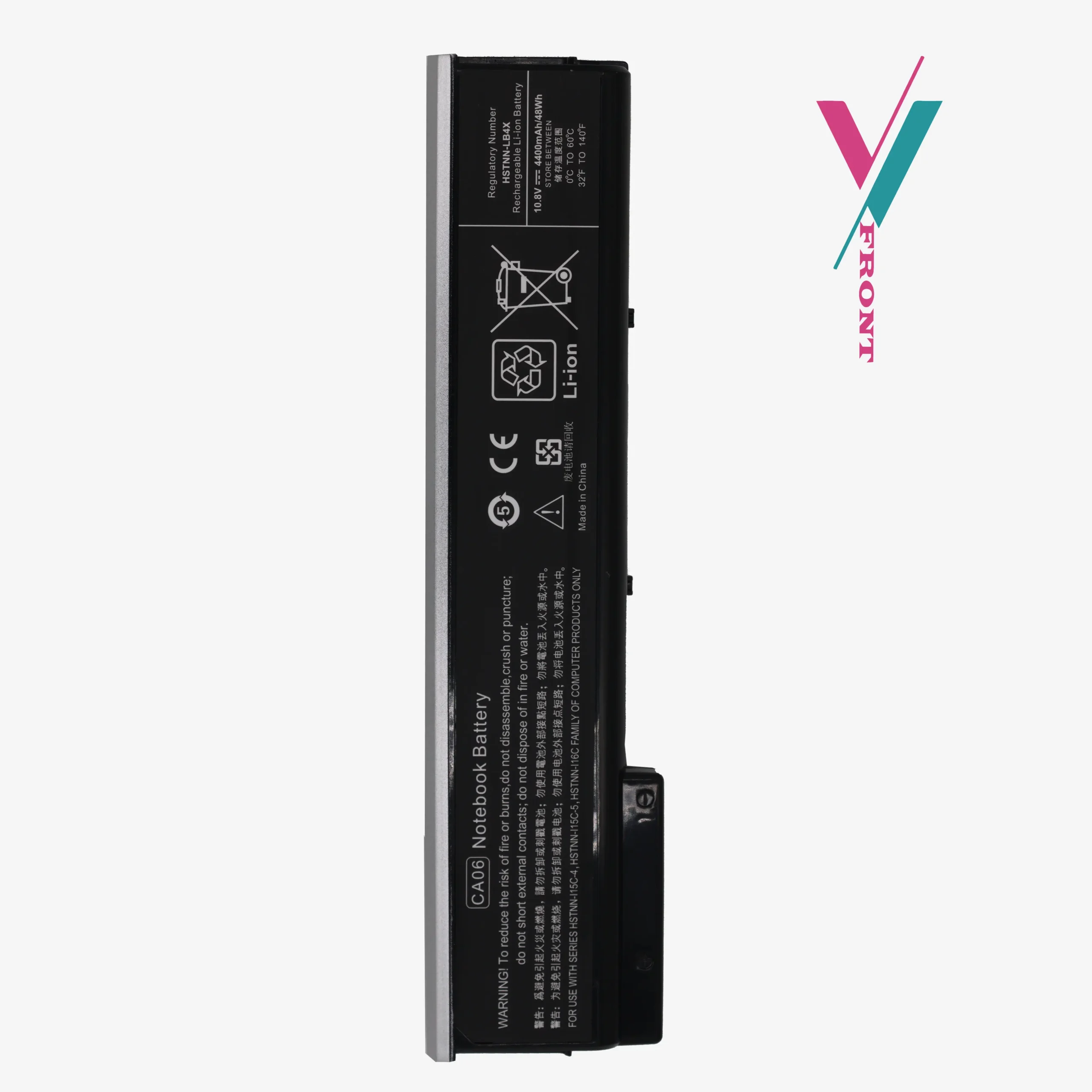
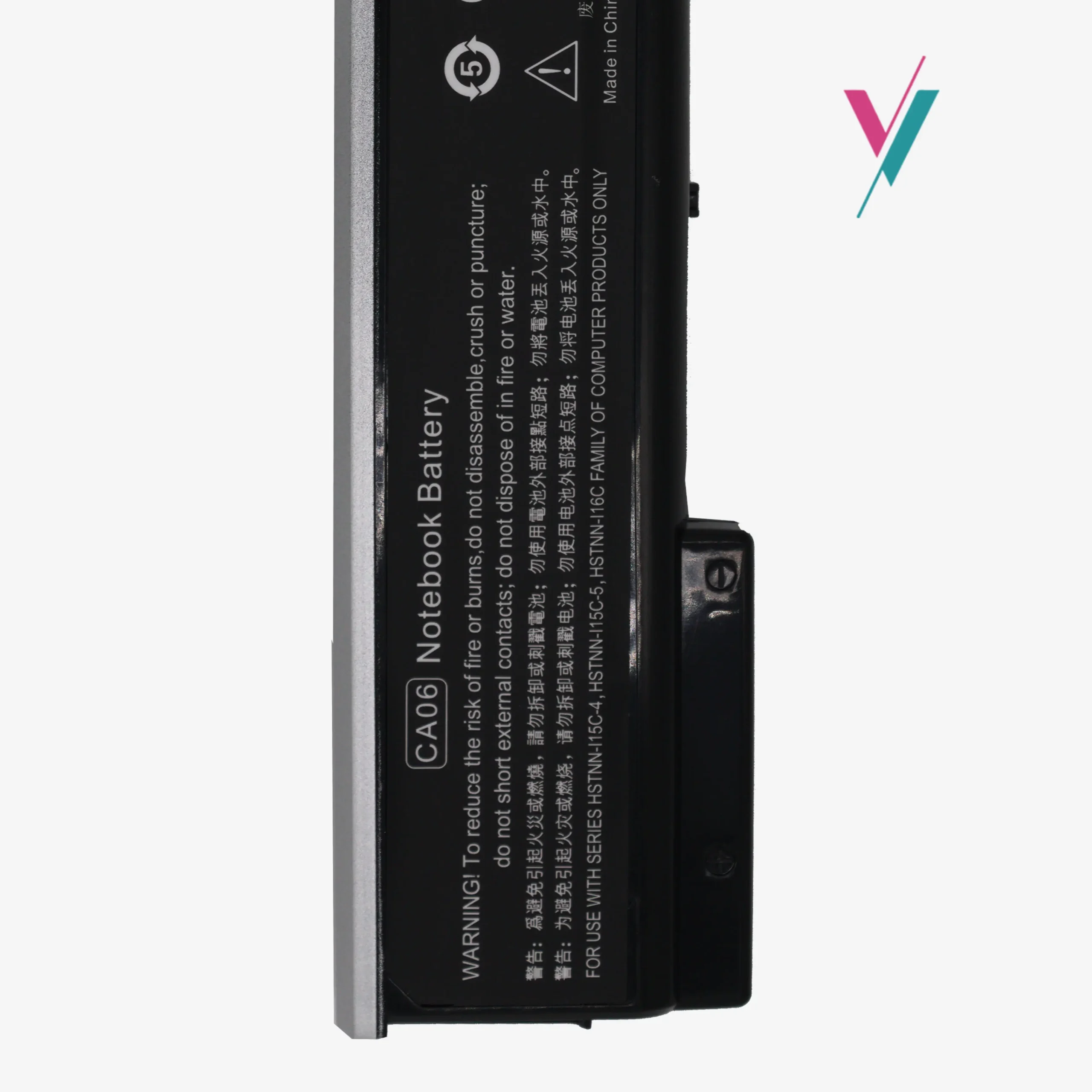
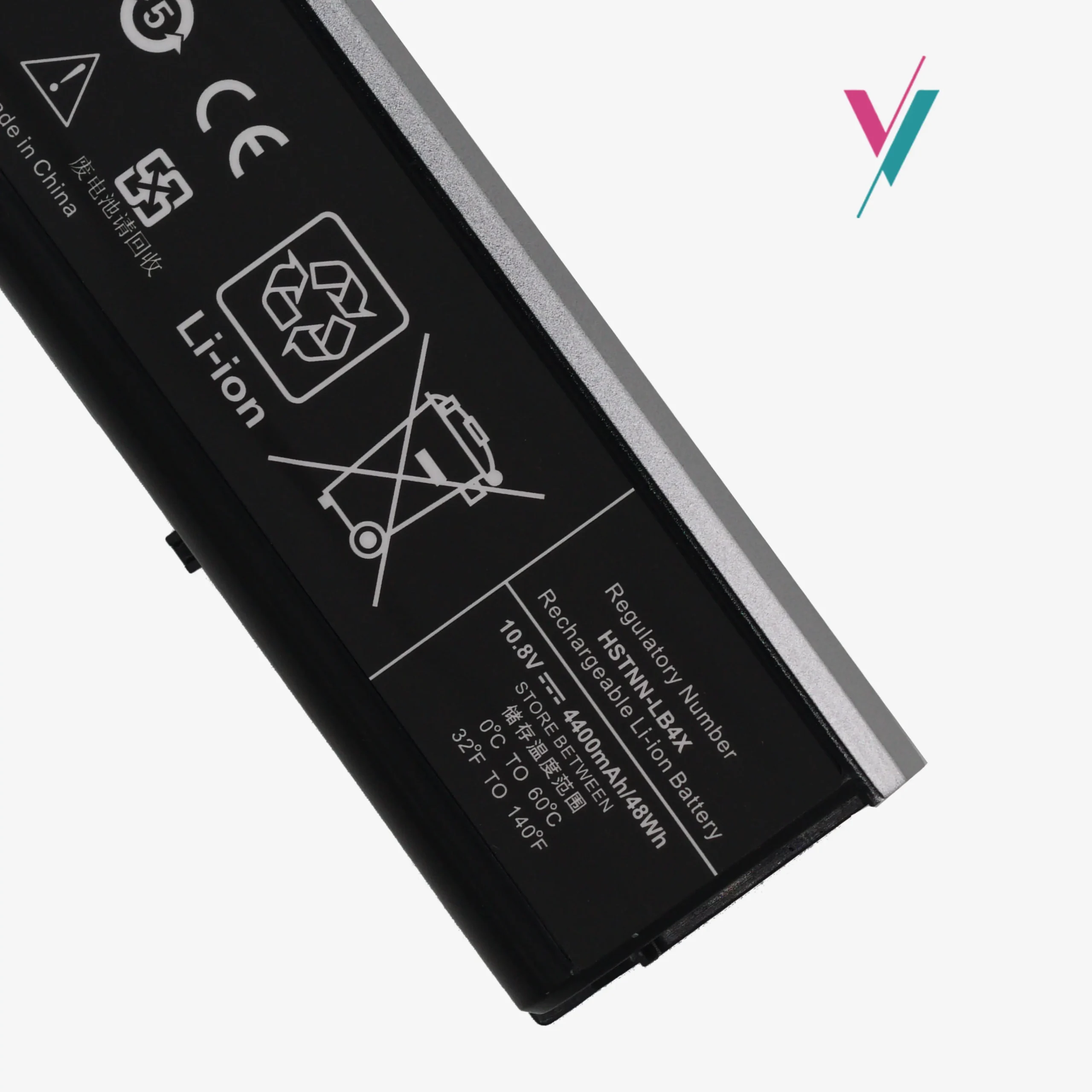
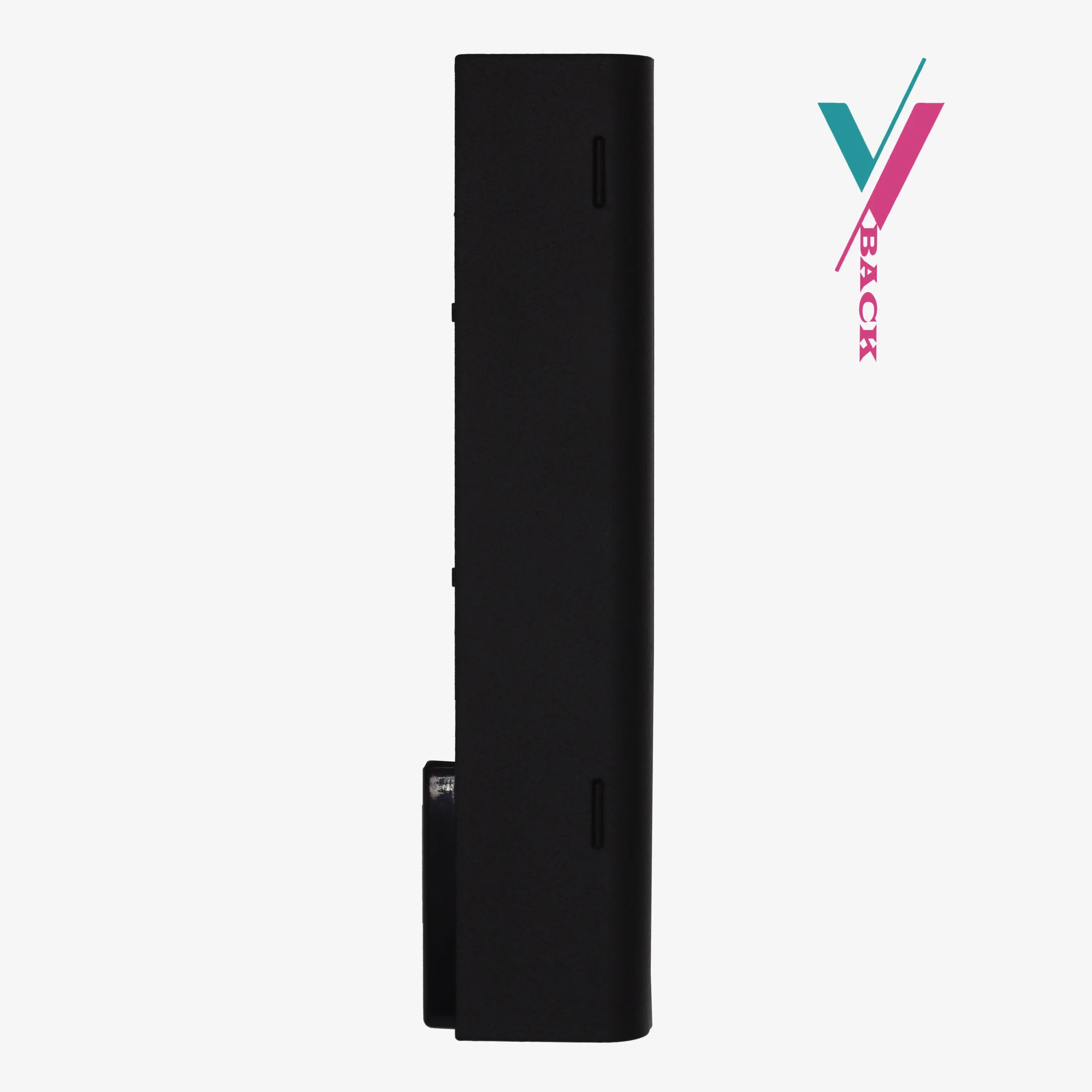


A Simple Solution for Your ProBook
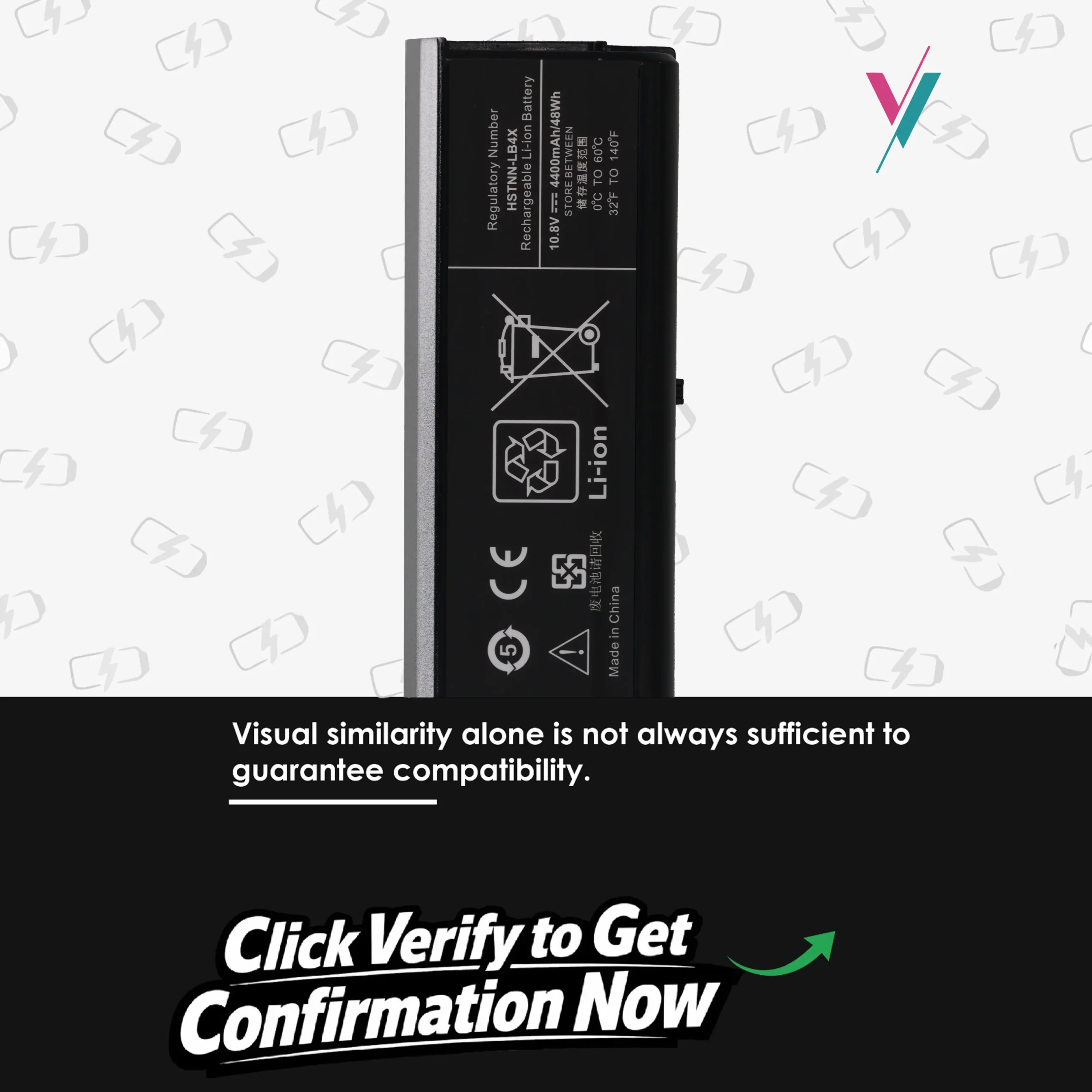
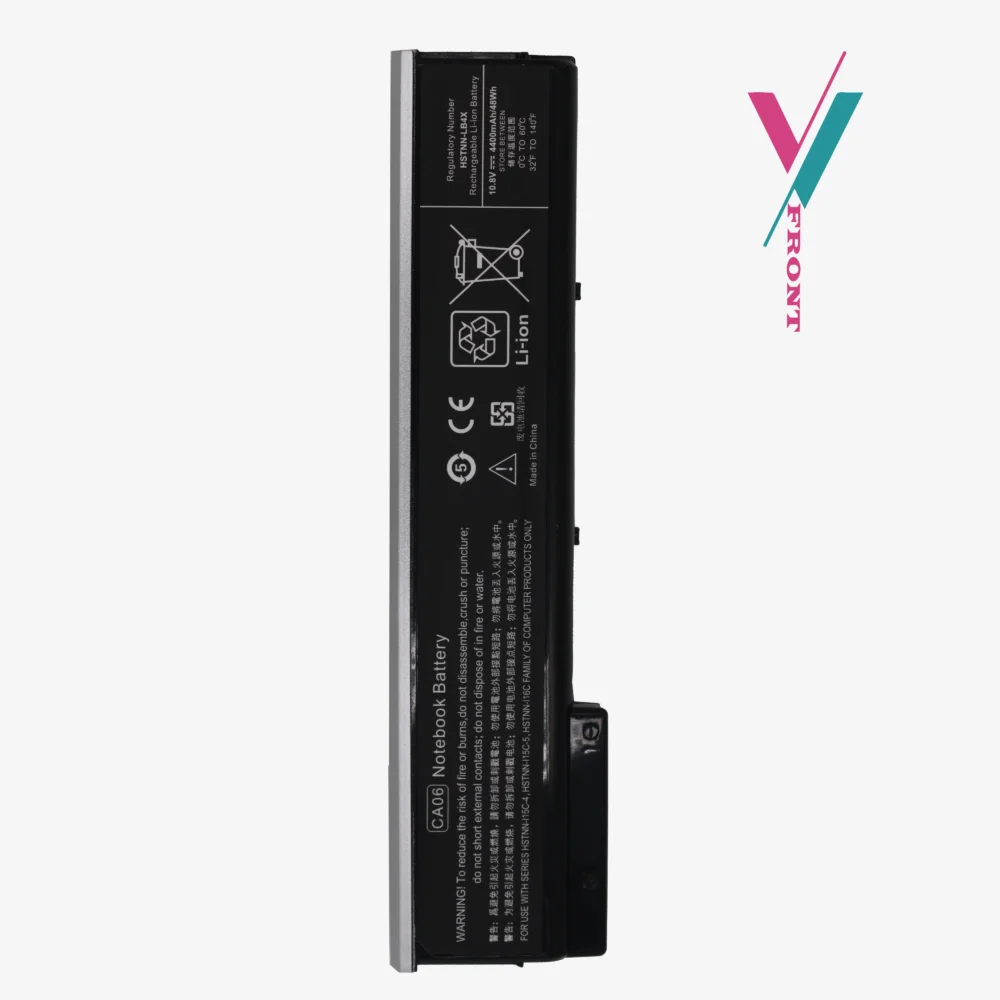
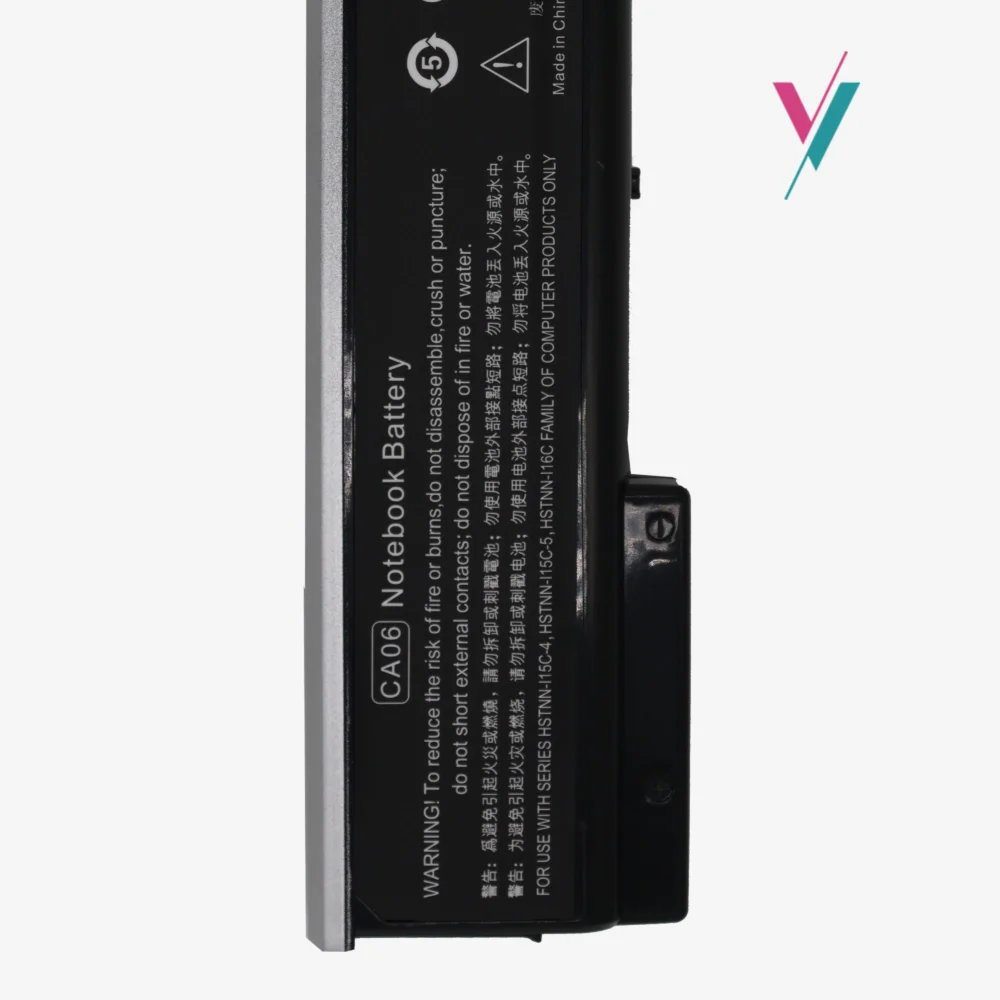
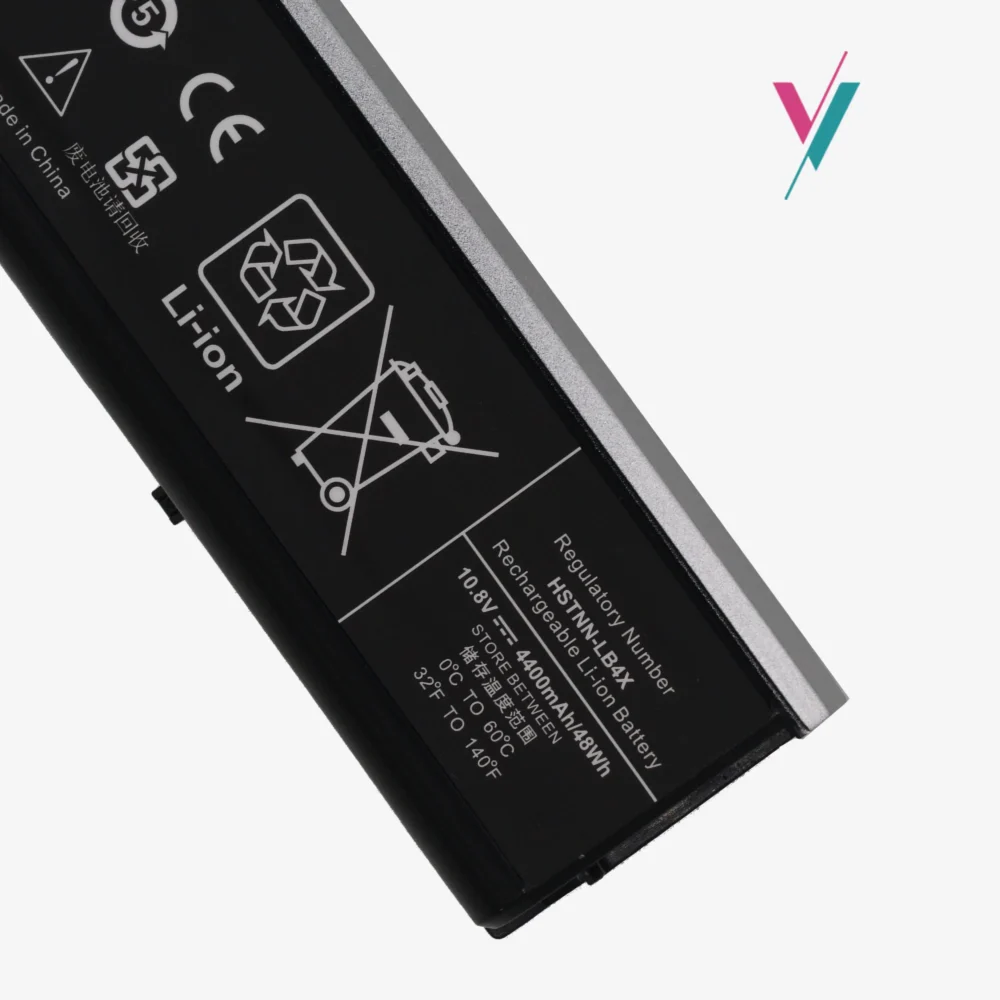
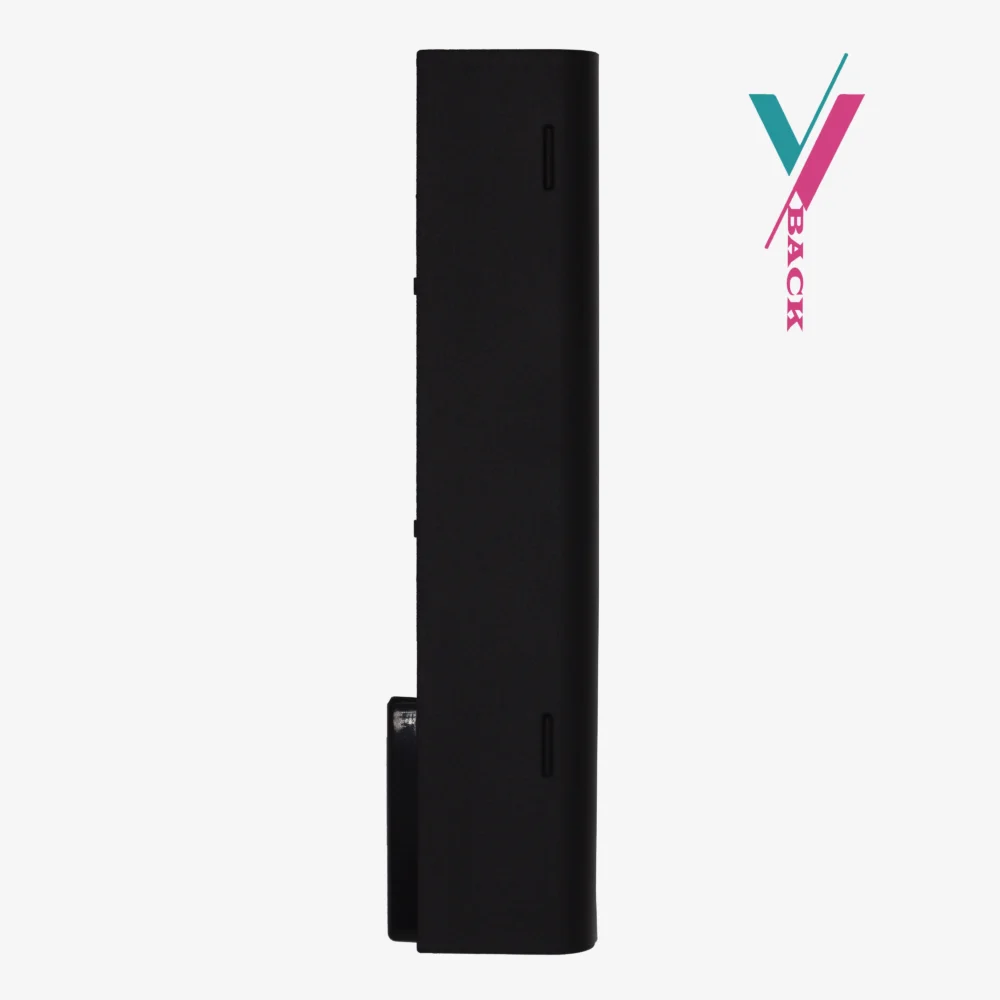
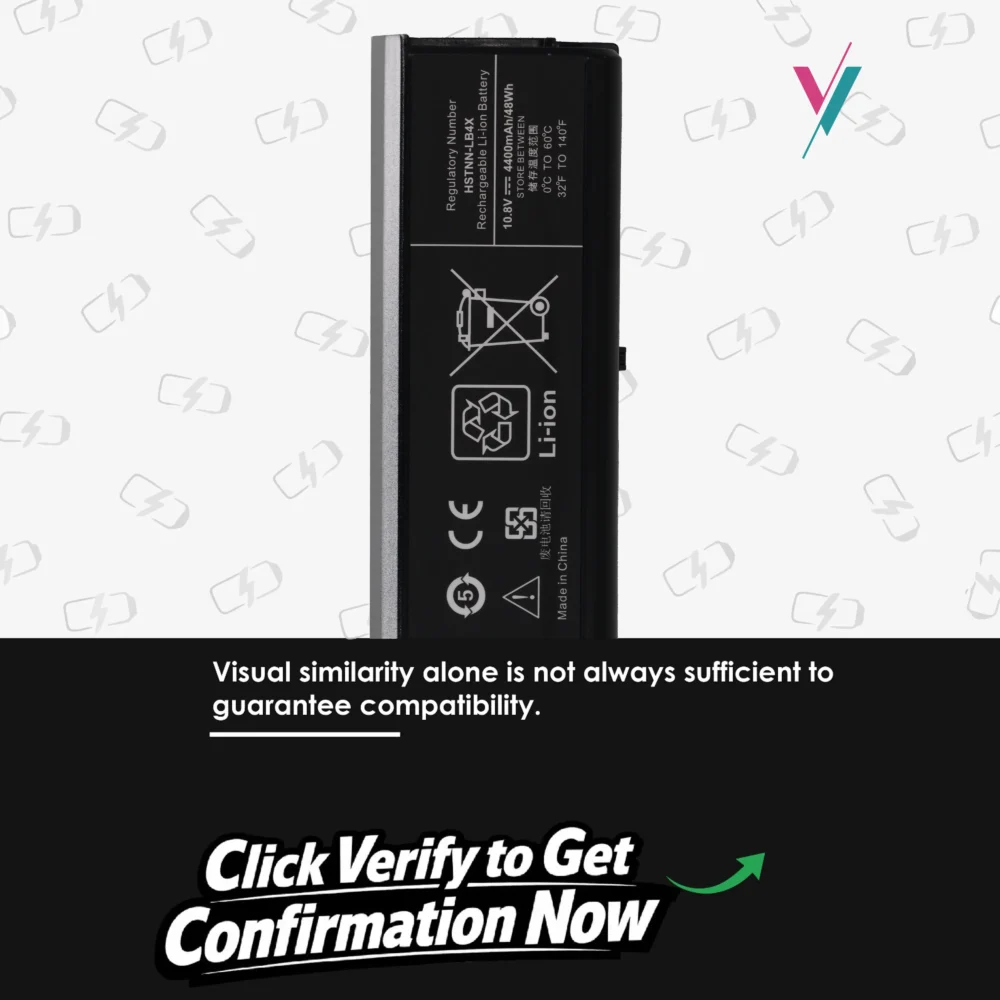
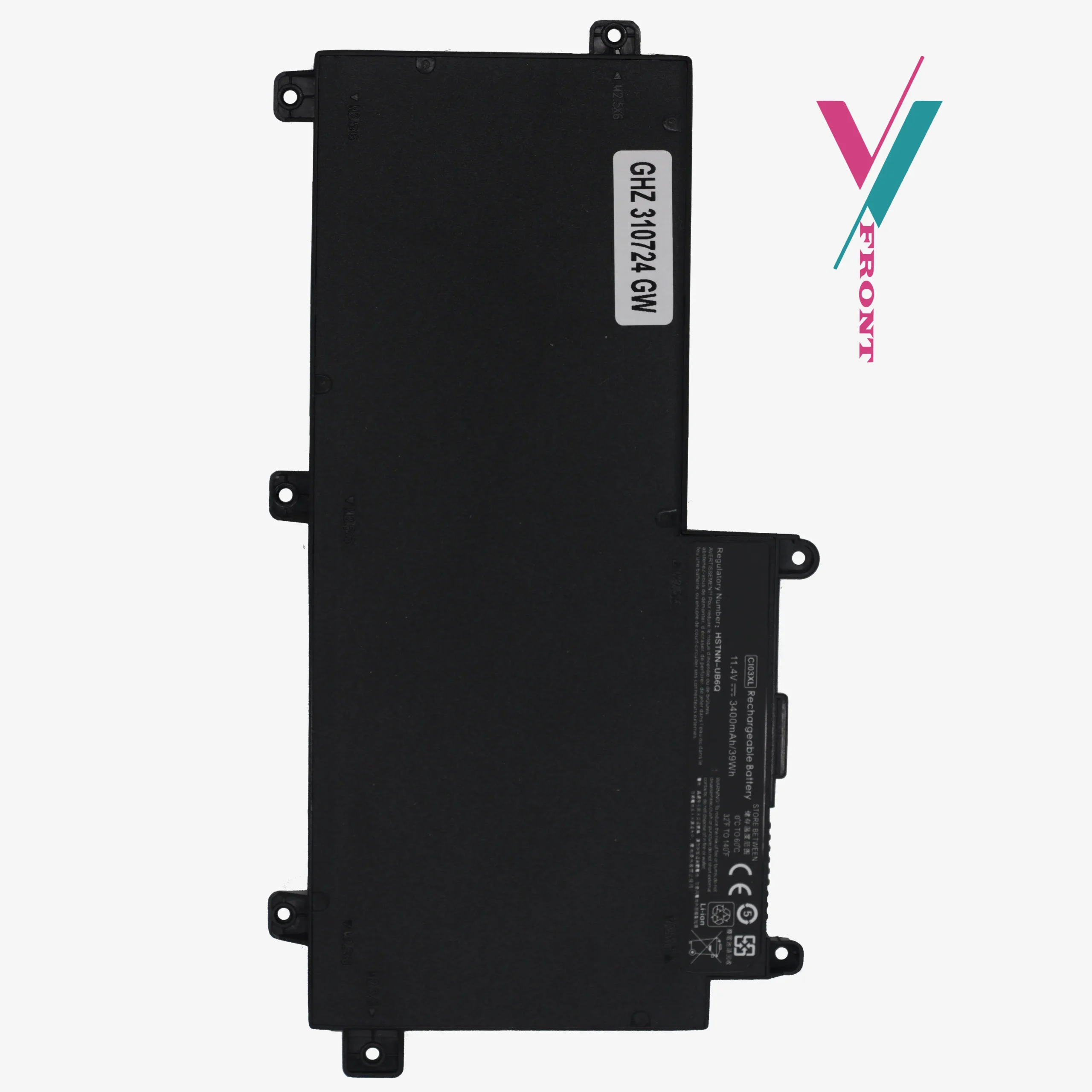
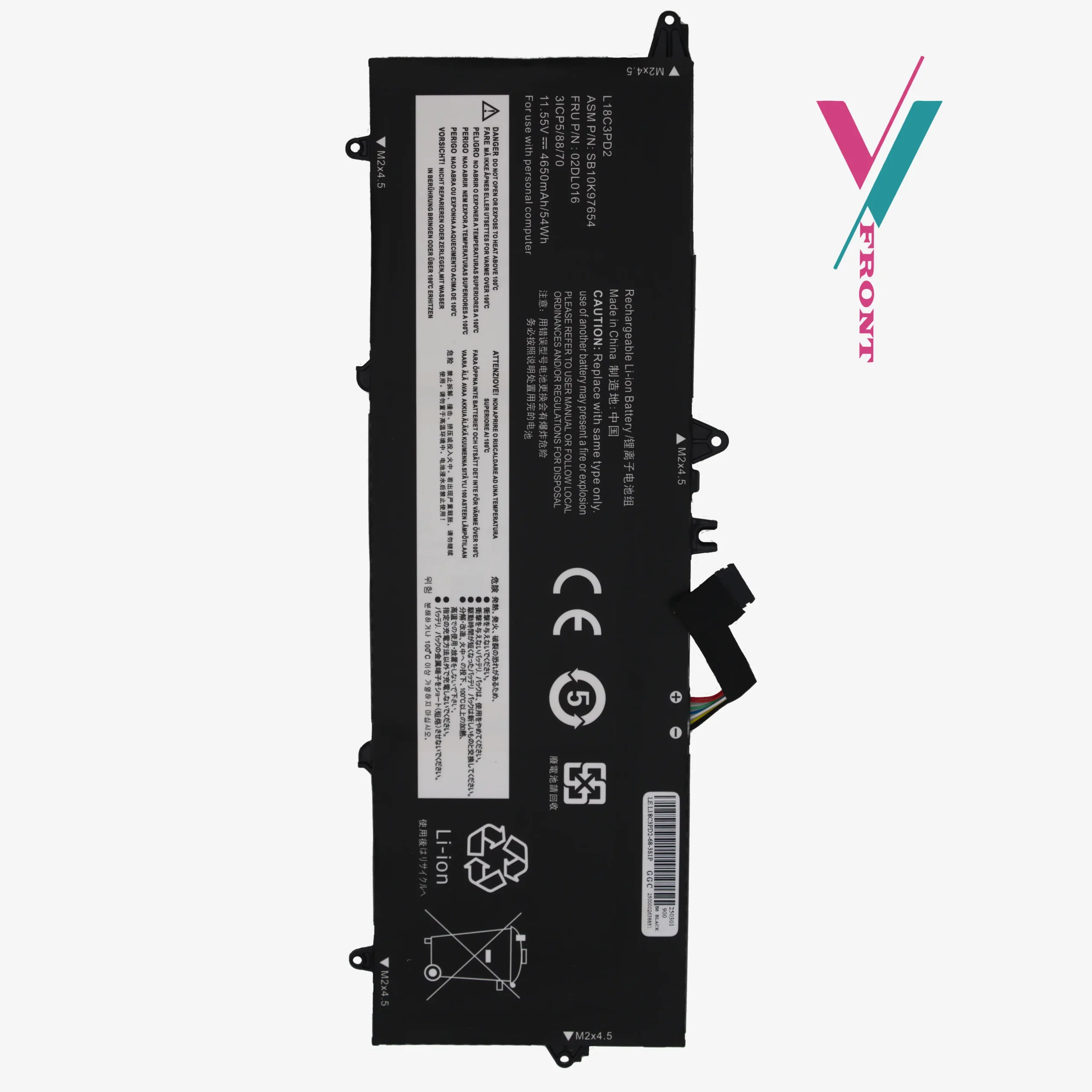
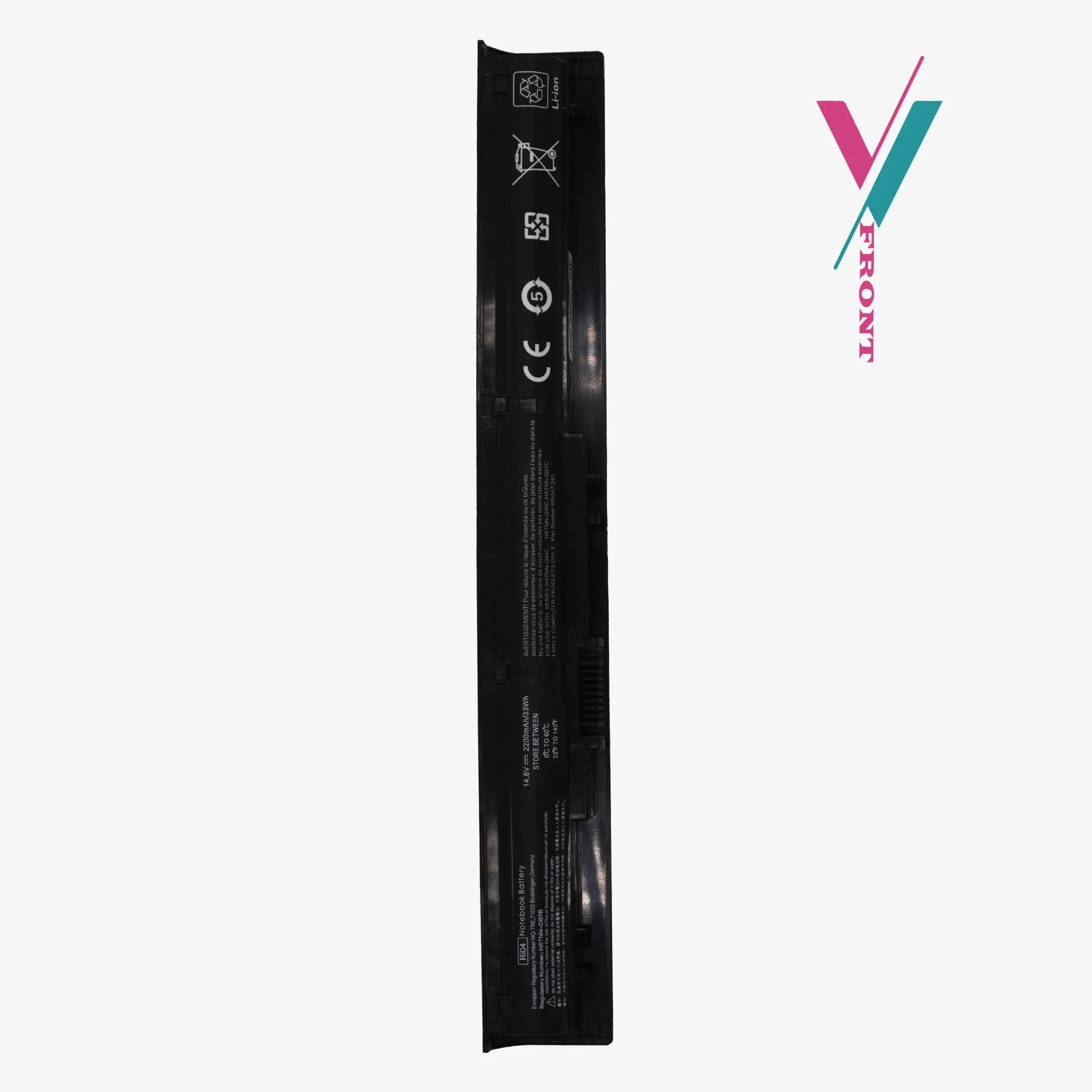
Is your laptop shutting down unexpectedly? Replacing your ca06 notebook battery is a straightforward way to fix power issues and get back to work. This replacement unit is built with Grade A cells that provide consistent energy levels, ensuring your probook battery performance feels like the day you first unboxed your computer.
Quick-Look Specifications
- Battery Model: CA06
- Voltage:8V
- Capacity: 4400mAh (High-output)
- Cell Type: Lithium-ion (Li-ion)
- Safety: CE, FCC, and RoHS Certified for stable charging.
Extensive Compatibility Guide
This battery is a versatile replacement for a wide range of HP hardware. Note: This list is a reference guide based on common configurations. To be 100% certain of a match, we recommend a quick chat with our support team.
Fits These Laptop Models:
- HP ProBook 640 Series: G0, G1
- HP ProBook 645 Series: G0, G1
- HP ProBook 650 Series: G0, G1
- HP ProBook 655 Series: G0, G1
- HP ProBook 350 Series: G1, G2
Replaces These Part Numbers:
718677-421, 718678-421, 718755-001, 718756-001, 718677-424, CA06, CA06XL, CA09, CA09XL, CA06055XL, HSTNN-DB4Y, HSTNN-LB4X, HSTNN-LB4Y, HSTNN-LB4Z, HSTNN-LP4Z, HSTNN-I15C-4, HSTNN-I15C-5, HSTNN-I16C, E7U21UT.
Buying Without the Stress
We know the biggest worry is ordering a part that doesn’t fit. We eliminate that risk in two ways:
- Seven-Day Return Window: If the battery isn’t compatible with your specific sub-model, you can return it within 7 days (subject to policy).
- Expert Verification: You can skip the worry entirely by clicking our “verify” Our experts will cross-reference your serial number to ensure you receive the correct battery, significantly reducing the chance of needing a return.
Helpful Setup Tips
How do I install this battery?
Most G1 ProBooks use an external latch system. Simply slide the battery lock, remove the old unit, and click the new one into place. No tools are typically required for these specific series.
Initial Charging Instructions:
When you first receive your battery, charge it to 100% without interruption. For the best long-term health, try to avoid letting the charge drop below 10% during your first week of use.
Still unsure?
Don’t guess! Reach out to us with your laptop’s model number, and we will do the technical homework for you.

Reviews
There are no reviews yet.