

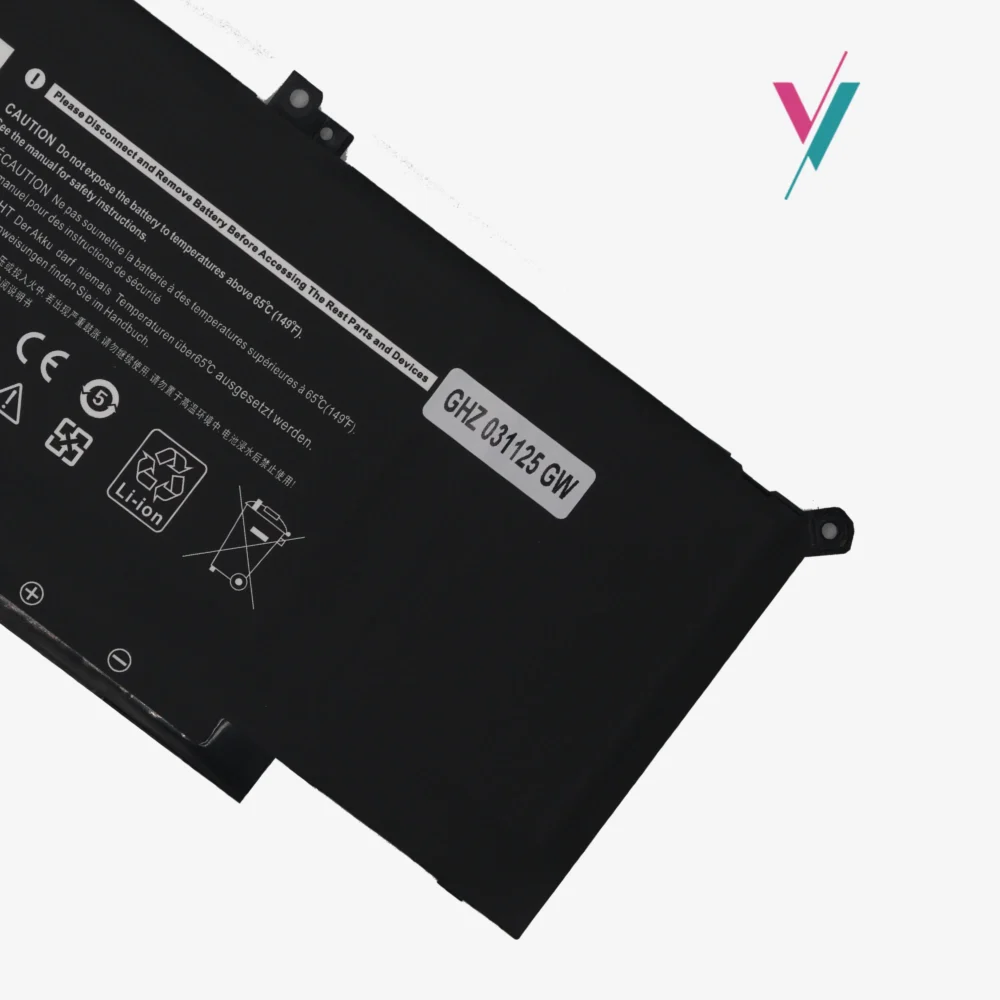
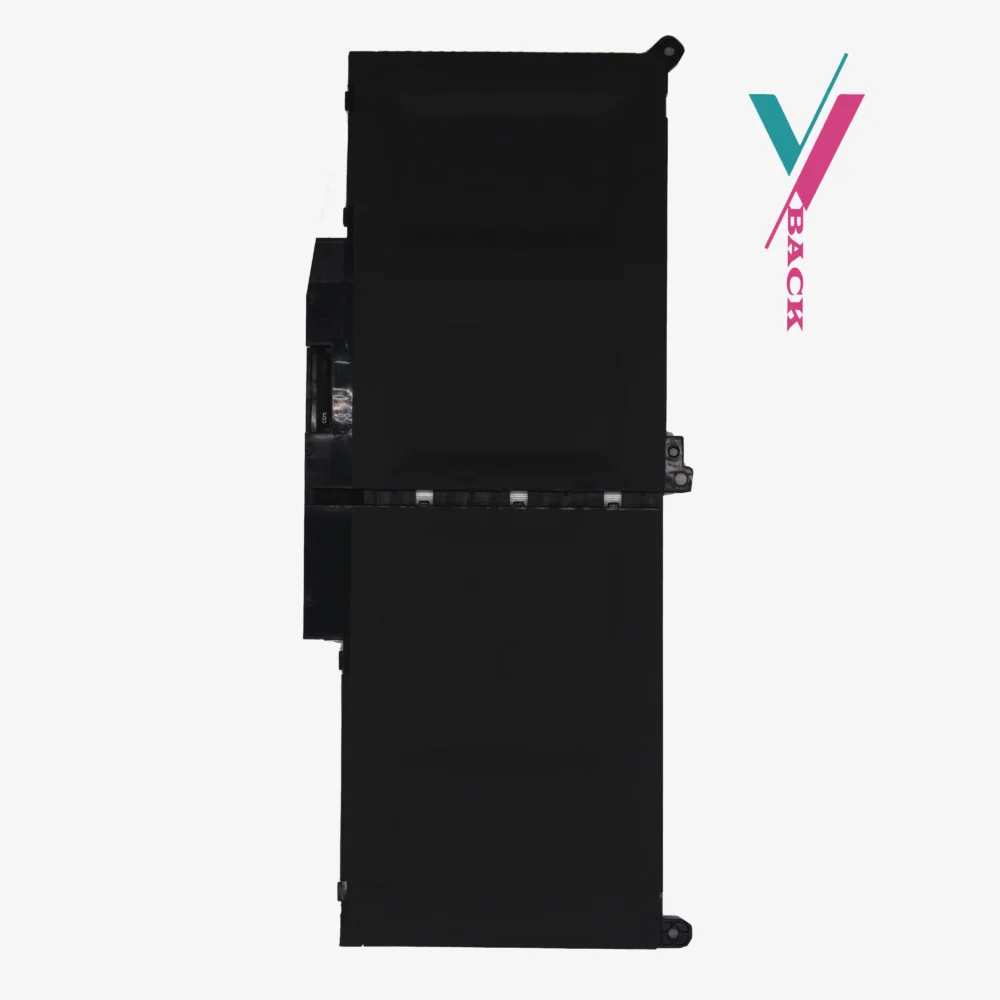



Elevate Your Dell Experience
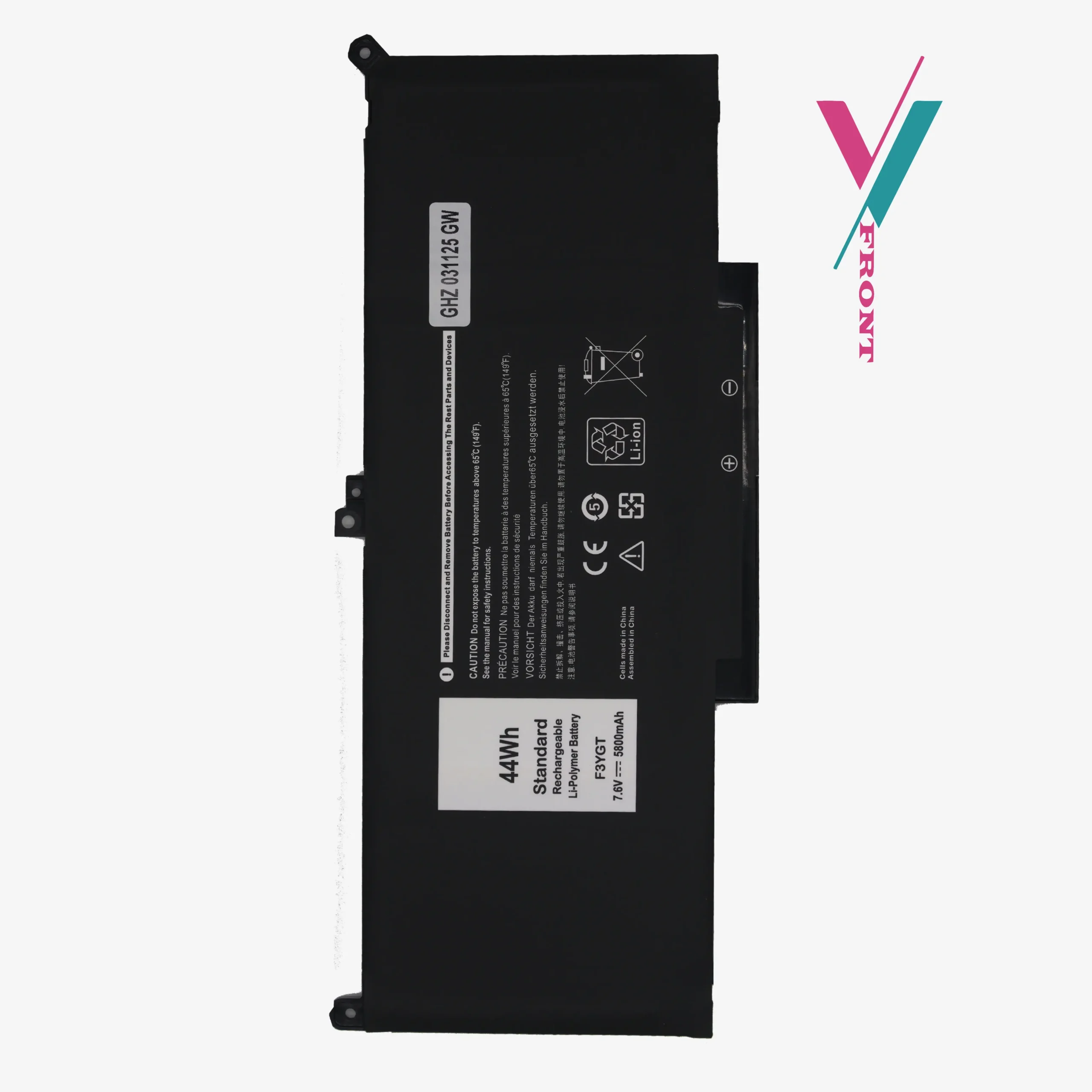
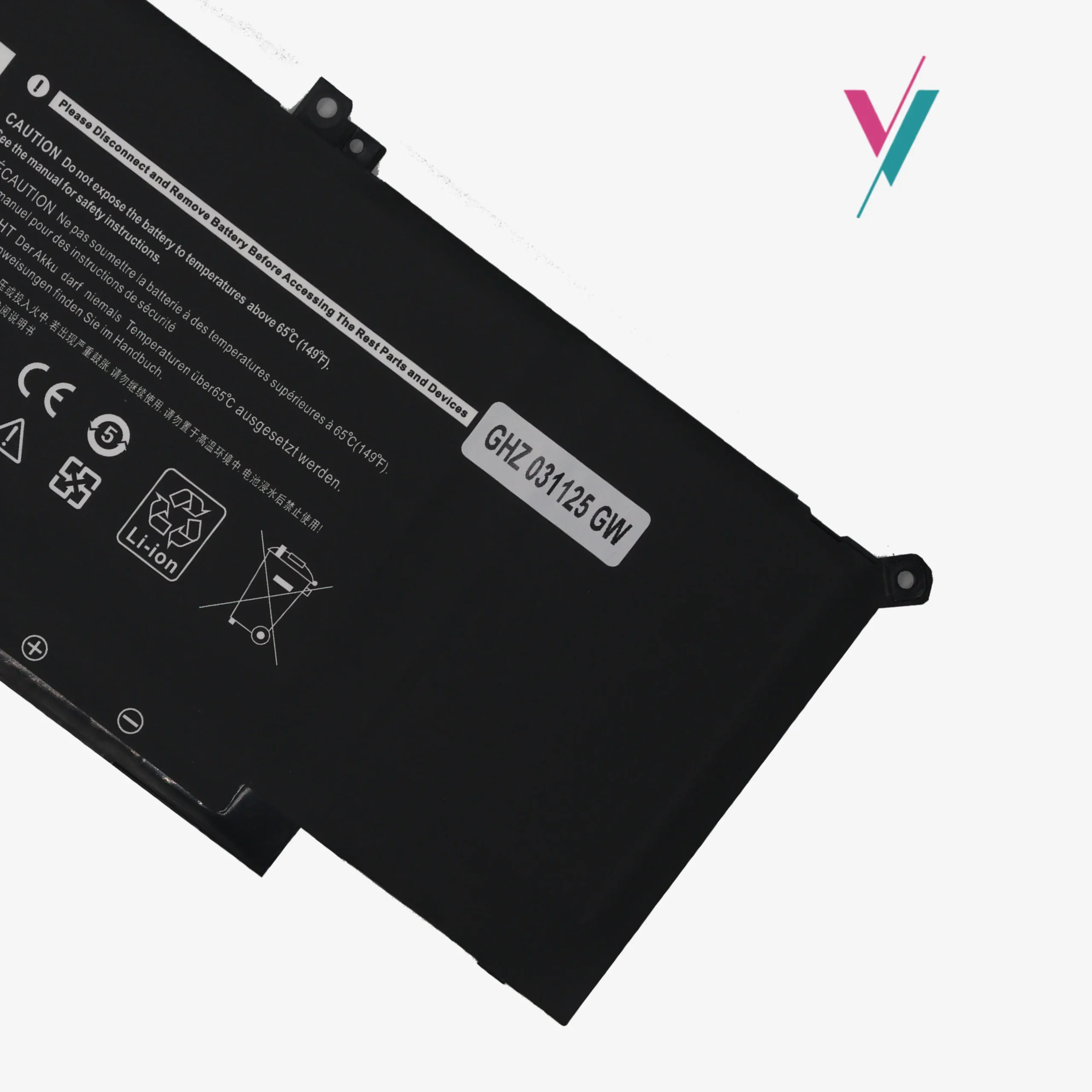
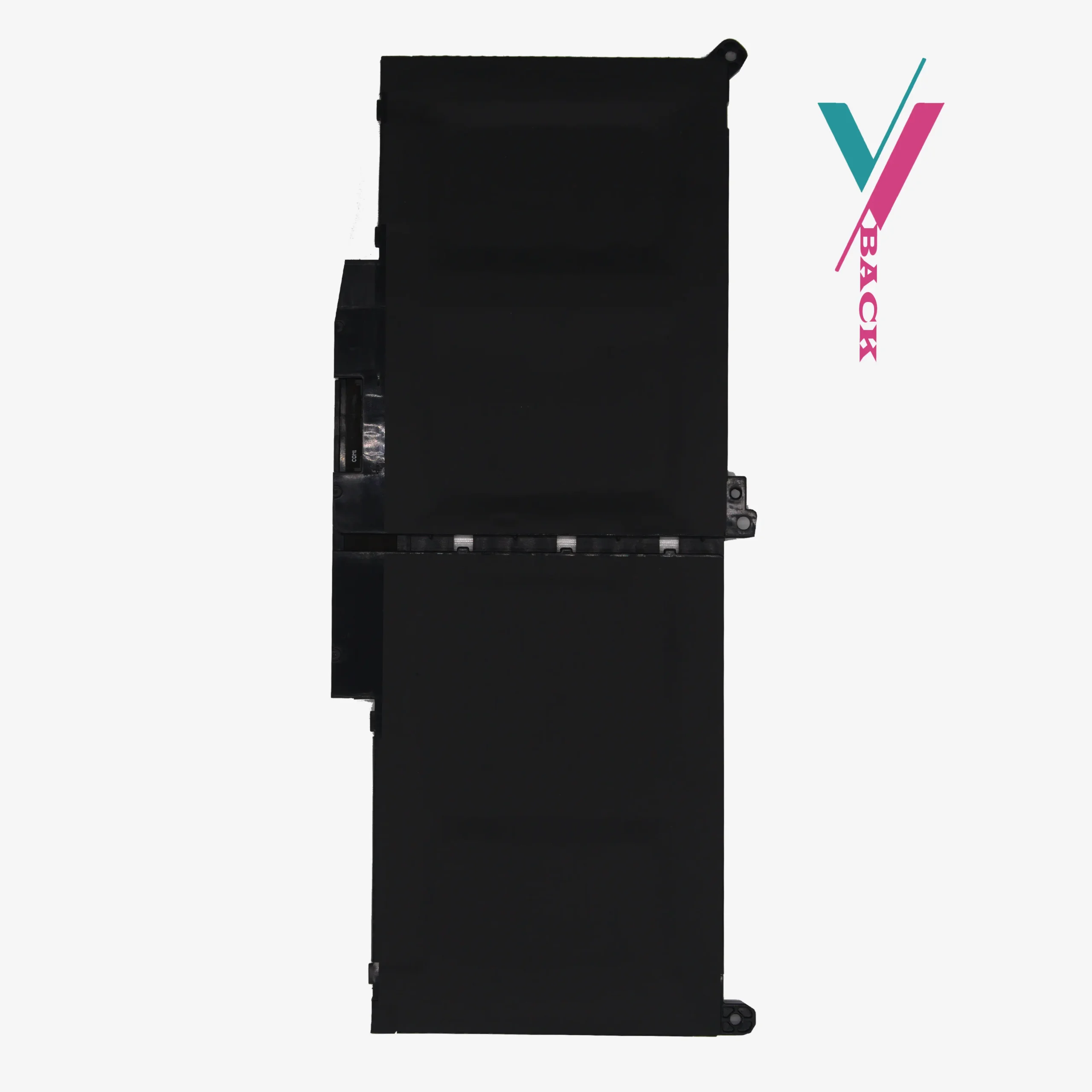
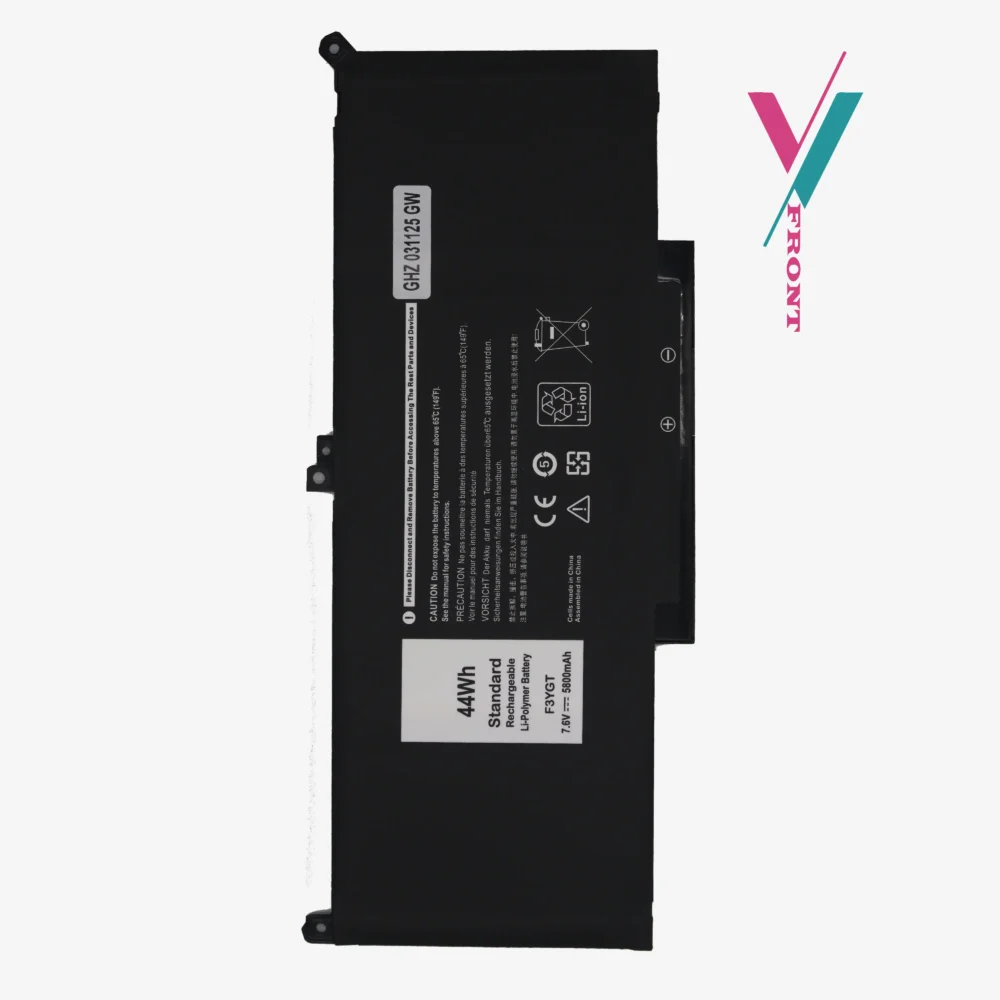
Your Latitude 7000 series laptop is a high-performance machine; it shouldn’t be held back by a low-quality power source. This premium dell f3ygt battery replacement utilizes Grade A Lithium-Polymer cells, ensuring that your device maintains its sleek, portable profile while delivering hours of untethered productivity.
Unlike generic alternatives that can fluctuate in power delivery, our units are calibrated to meet strict OEM standards for voltage stability and thermal safety.
Essential Technical Specifications
- Battery Model: F3YGT (Premium 4-Cell Edition)
- Energy Capacity: 44Wh / 5800mAh
- Operating Voltage: 6V
- Cell Chemistry: Lithium-Ion Polymer
- Cycle Rating: Designed for 500+ recharge cycles with minimal capacity decay.
Comprehensive Compatibility & Cross-Reference
The dell f3ygt battery is the primary power source for several generations of the Latitude Ultrabook family.
Please Review: While the following list covers the majority of compatible systems, it is not exhaustive.
Verified Laptop Models:
- Latitude 12 7000 Series: 7280, 7290, E7280, E7290.
- Latitude 13 7000 Series: 7380, 7390 (Note: Does not fit 7390 2-in-1 Tablet models).
- Latitude 14 7000 Series: 7480, 7490, E7480, E7490.
- Chassis Identifiers: P28S, P73G, P28S001, P28S002, P73G001, P73G002.
Alternative Part Numbers for Search:
F3YGT, 0F3YGT, DM3WC, 2X39G, 0DM3WC, 451-BBYE, 453-BBCF, KG7VF, 0DJWGP, 083XPC, 4YFVG.
Our Commitment to Your Satisfaction
We believe that buying a laptop part should be a solution, not a stressor. To eliminate the risk of a “wrong fit,” we offer a 7-day compatibility return window, if the battery isn’t a perfect match for your internal connector, we’ll swap it out (subject to policy).
To get it right the first time, we invite you to use our “Pre-Purchase Verification” service. Send us a quick message with your laptop’s Service Tag, and we will double-check the requirements of your specific build, giving you total peace of mind.
Maintenance & Usage Tips
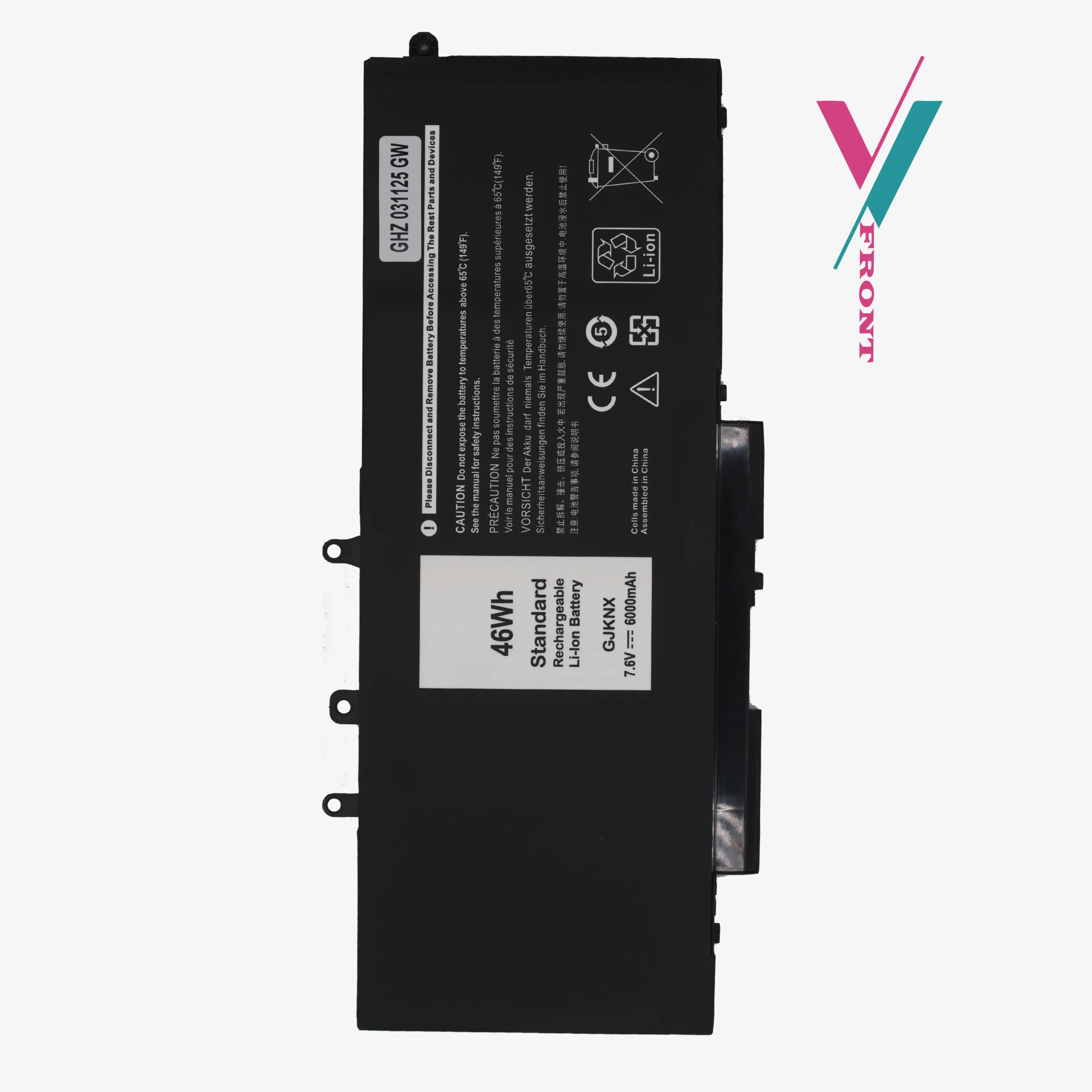
Why are there different voltages (7.6V and 11.4V) for the same battery name?
Dell sometimes offers different screen types (Touch vs. Non-touch) or storage configurations that require different battery shapes and voltages. Installing the wrong voltage can cause performance issues, which is why we suggest verifying your original battery label with us first.
How do I prevent my new battery from swelling?
Swelling is often caused by heat or leaving the laptop plugged in 24/7. To maximize the life of your new F3YGT, try to keep your laptop on a hard surface for airflow and allow the battery to discharge to 20% at least once a week.
Do I need special tools to install this?
Most Latitude 7000 series laptops require a small Philips head screwdriver. Since the battery is internal, ensure the device is completely powered down before opening the bottom panel.

Reviews
There are no reviews yet.