


Restoring Power to Your ThinkPad T460s and T470s
The Lenovo ThinkPad T460s and T470s are renowned for their slim profile, lightweight design, and business-ready performance. But like all laptops, their internal batteries have a finite lifespan. Over time, you may notice reduced runtime, faster discharge, or the need to stay plugged in constantly. If this sounds familiar, a battery replacement is the most cost-effective way to breathe new life into your device.
However, there’s something crucial you should know about these specific models.
Two Batteries, One Replacement at a Time
Unlike many laptops that contain a single battery, the ThinkPad T460s and T470s feature two separate internal batteries working together to power your device. This design allows for extended runtime and a slimmer profile, but it also means replacement requires a bit more attention.
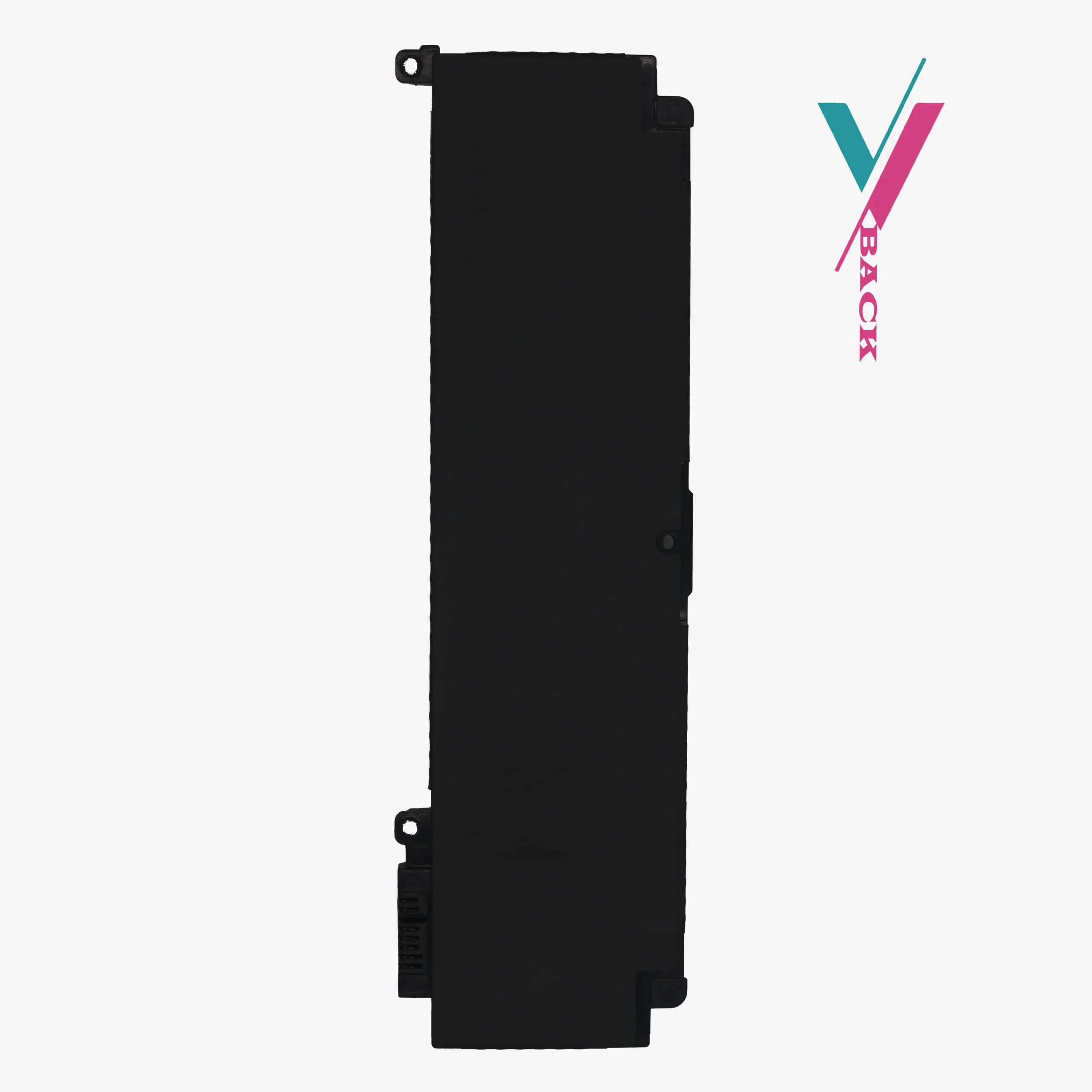
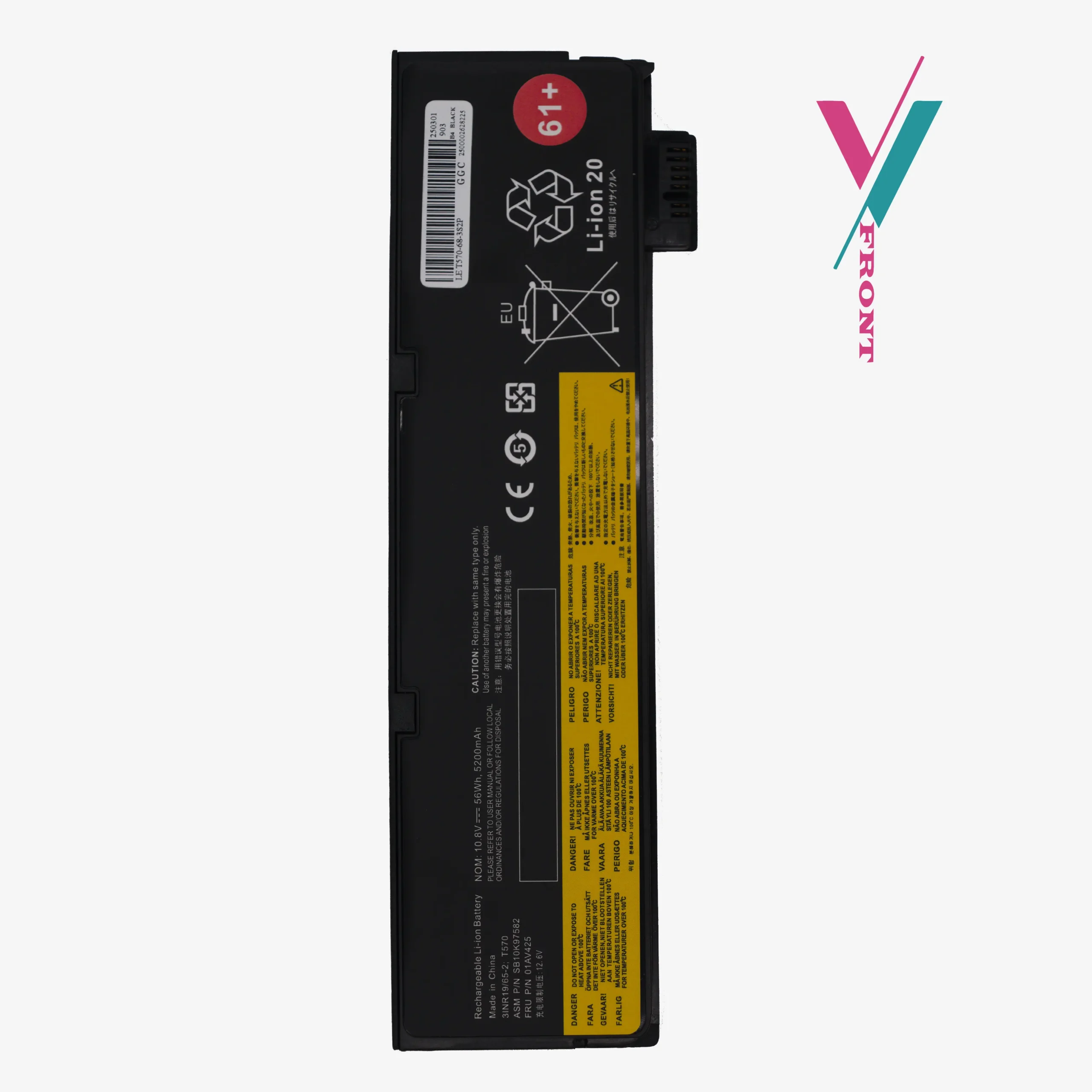
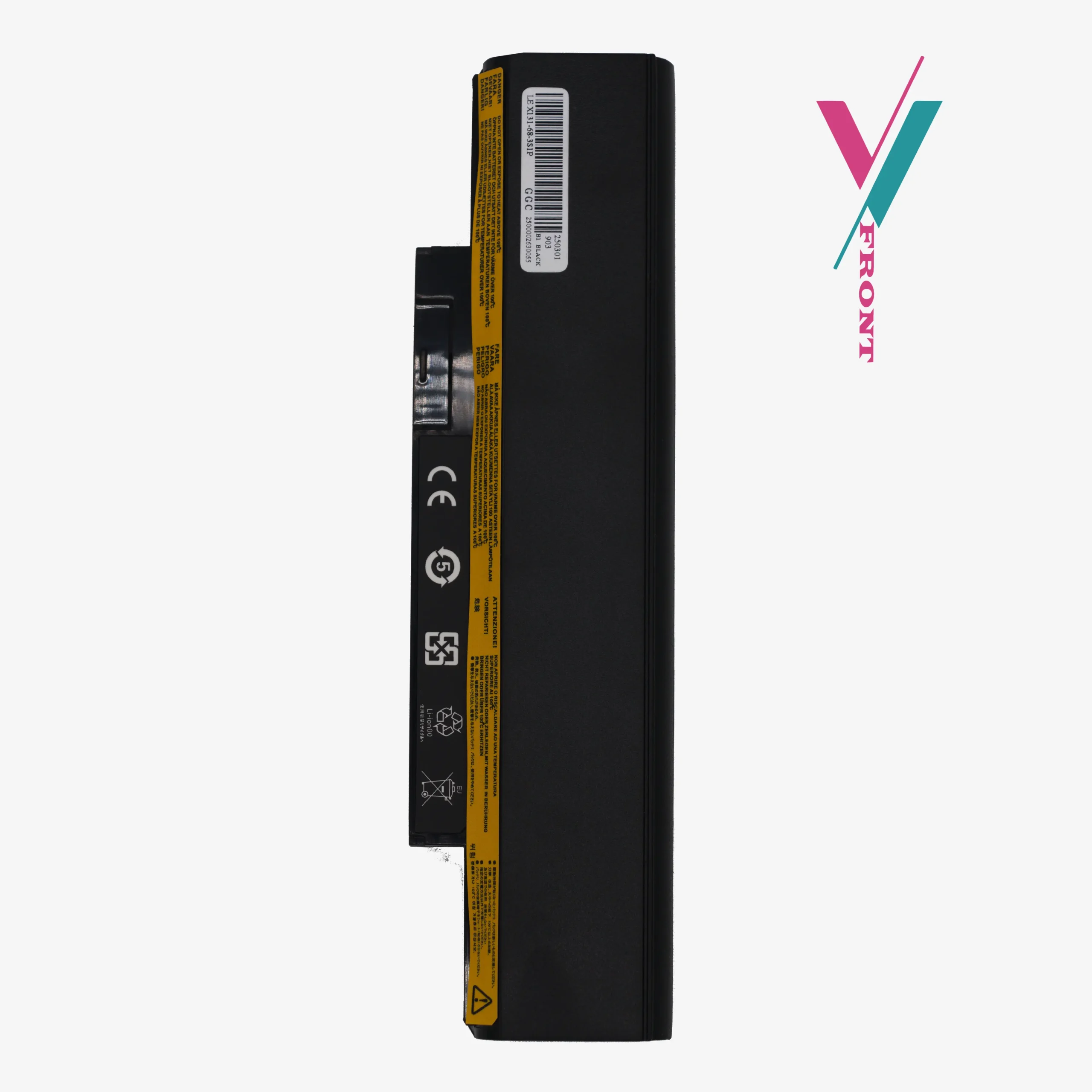
This listing is for one replacement battery that can serve as either the primary or secondary battery, depending on which one needs replacement in your system. Before ordering, you’ll need to:
- Check your system to identify which battery is failing
- Remove both existing batteries from your laptop (following proper safety procedures)
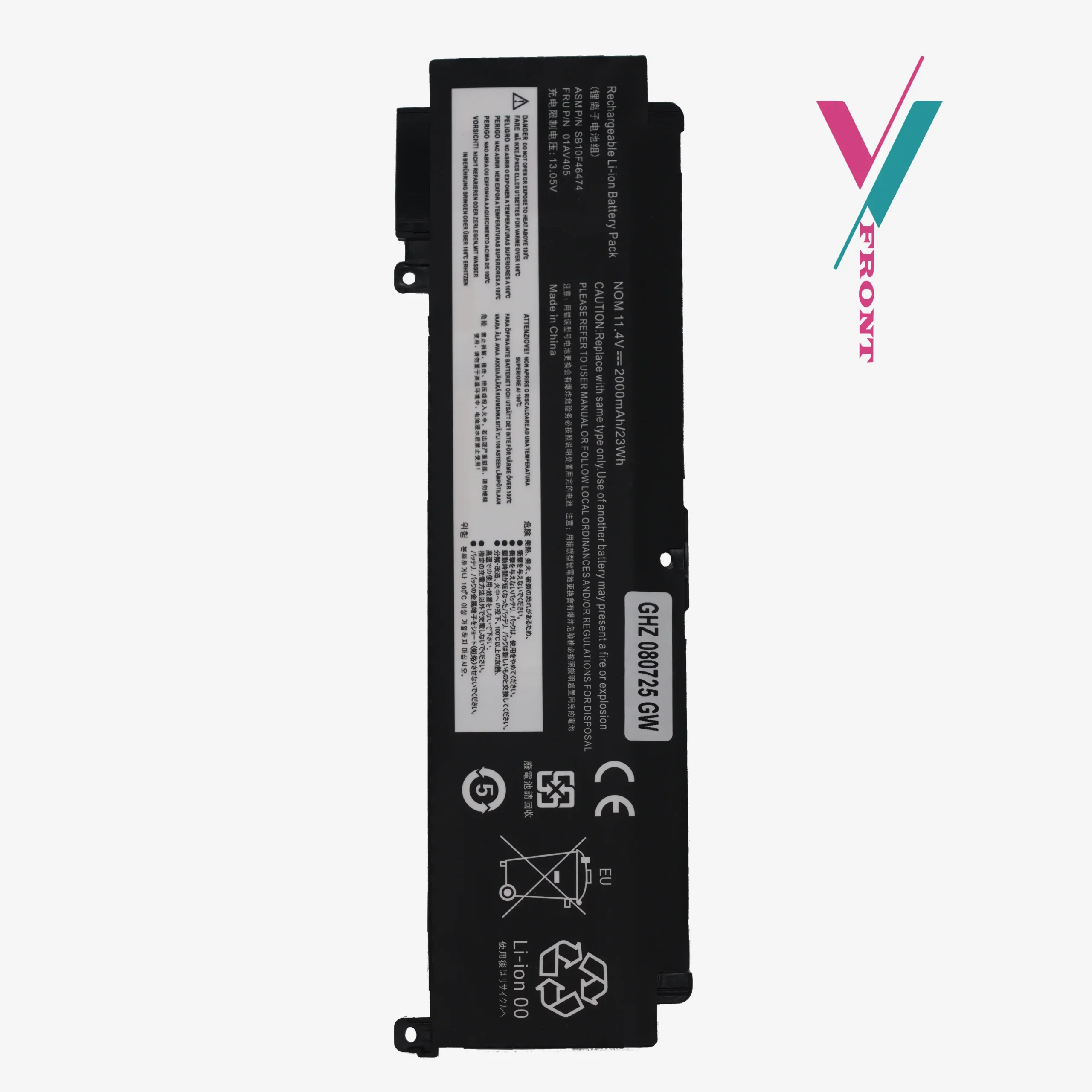
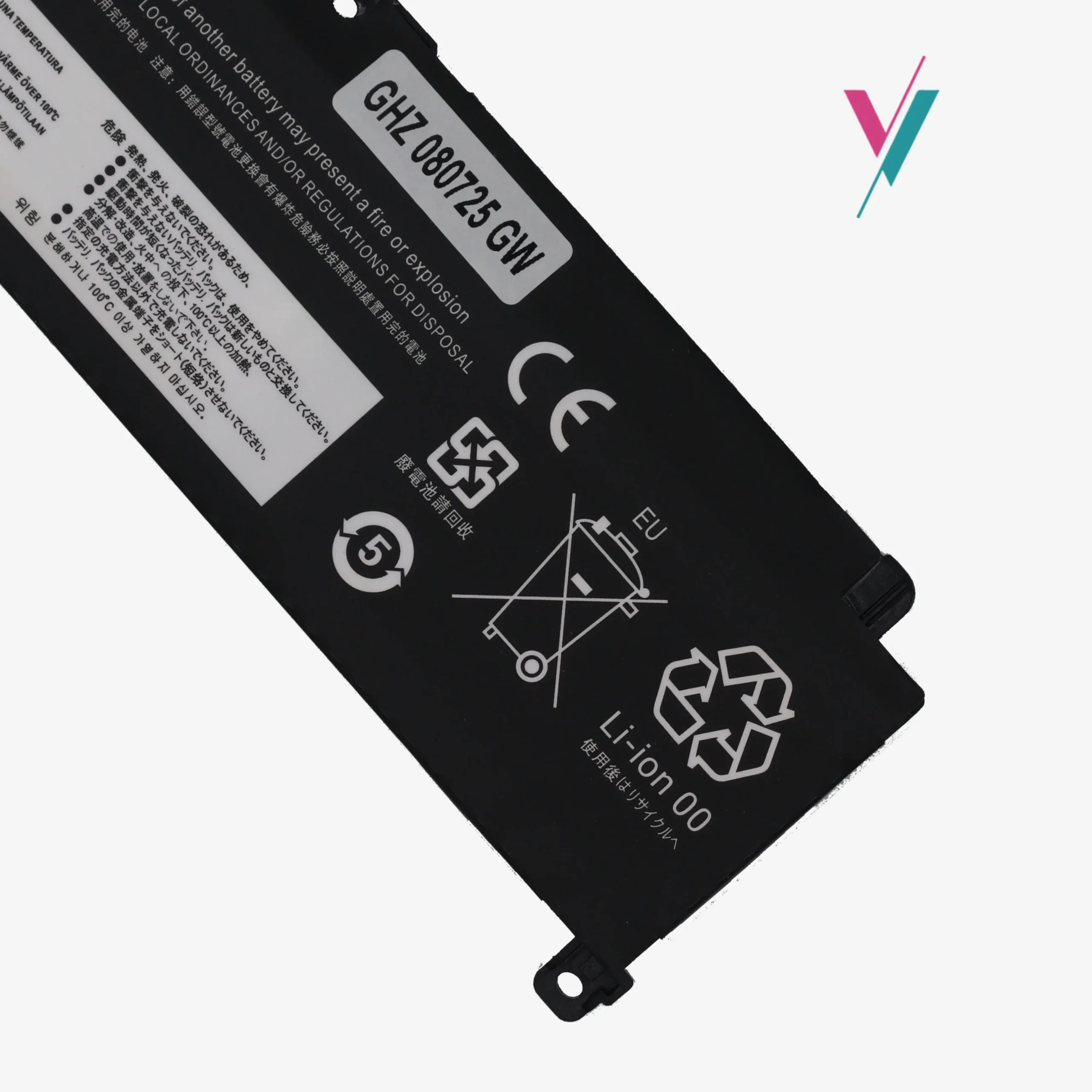
- Verify the part number on the specific battery that needs replacement
- Order the correct matching battery based on that part number
Specifications and Compatibility Information
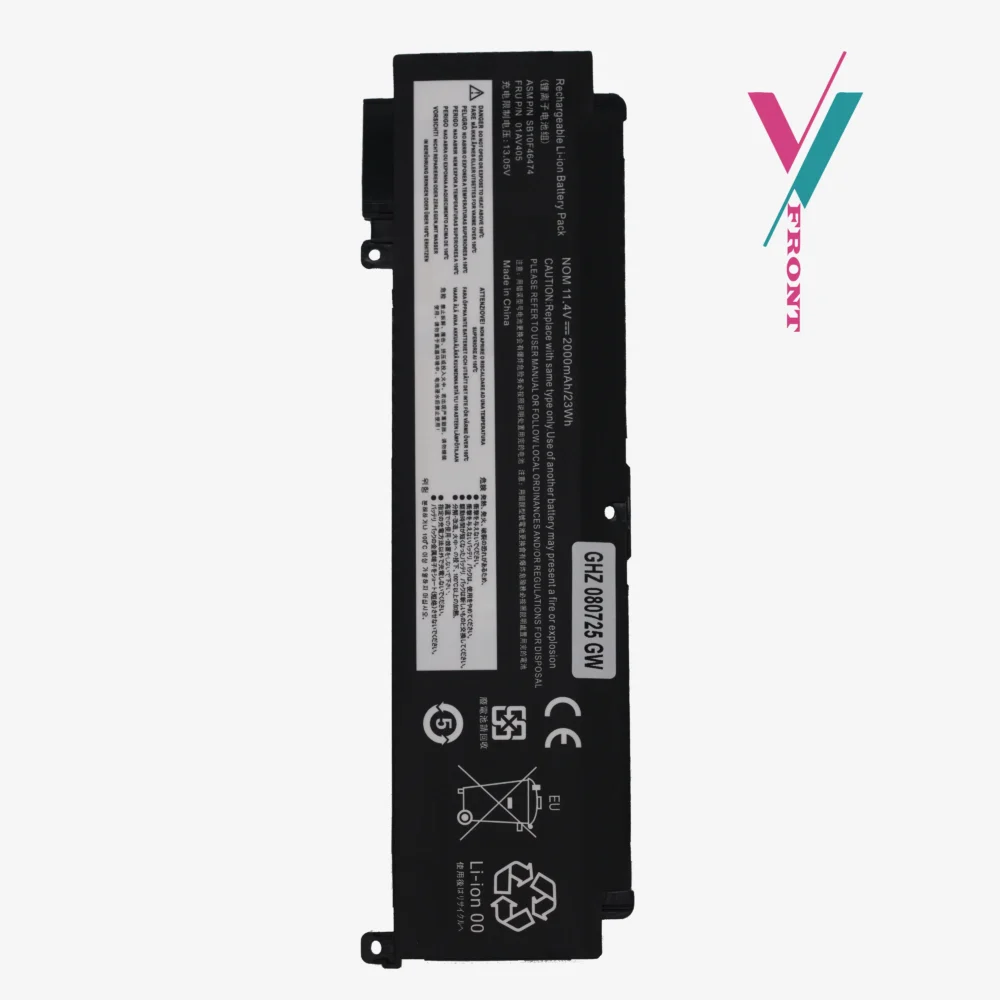
This replacement battery is designed to work with various original part numbers. Please note that specifications may vary depending on the original configuration of your laptop.
Specification:
- Voltage: 11.4V
- Capacity: 23Wh / 2000mAh
- Cell Type: Li-ion
- Cell Count: 3-Cell
- Color: Black
Compatible Part Numbers (For Reference)
This replacement battery is designed to work with the following original Lenovo part numbers. Please check the part number printed on your specific battery before ordering, if you do not see your number here, reach out for assistance:
Primary Part Numbers:
00HW038, 00HW024, 00HW025, 01AV405, 01AV406, 01AV407, 01AV408, 01AV462
Additional Compatible Codes:
SB10J79003, SB10J79002, SB10J79004, SB10K97605, SB10F46462, SB10F46463, SB10F46476, L16M3P73
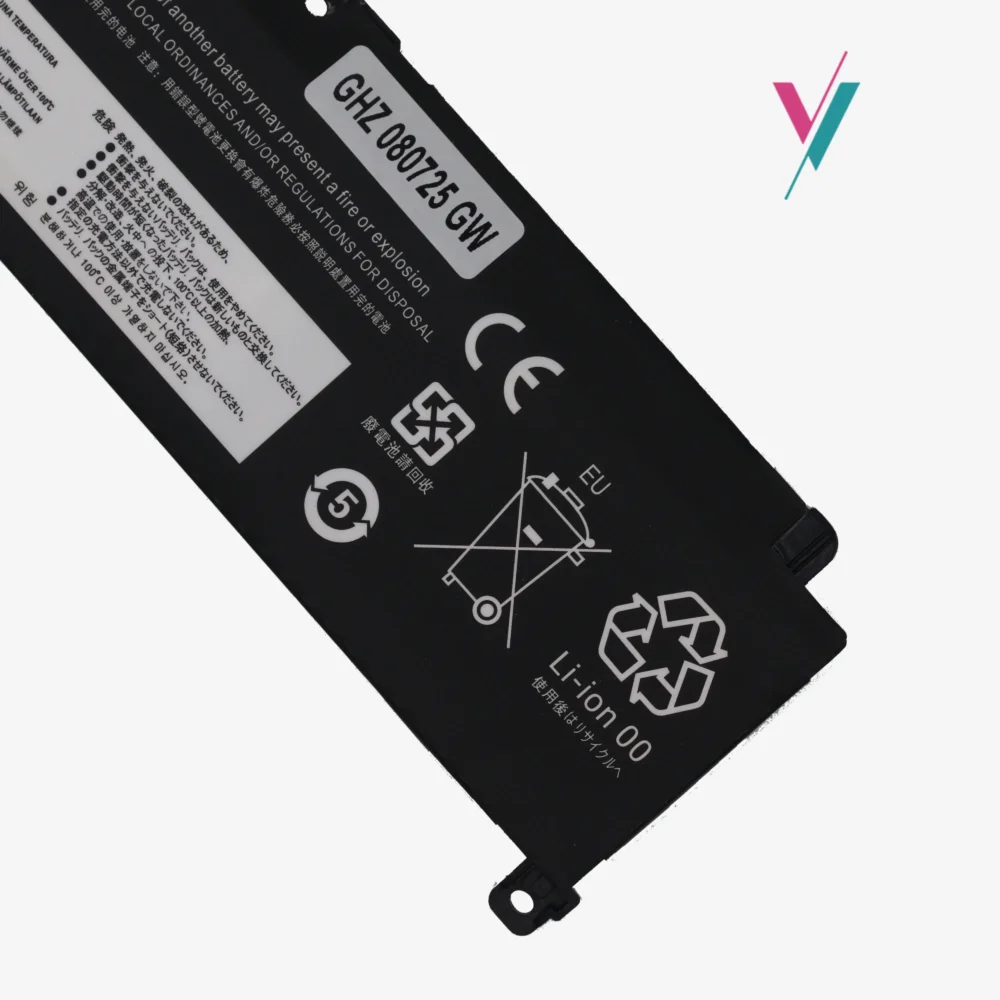
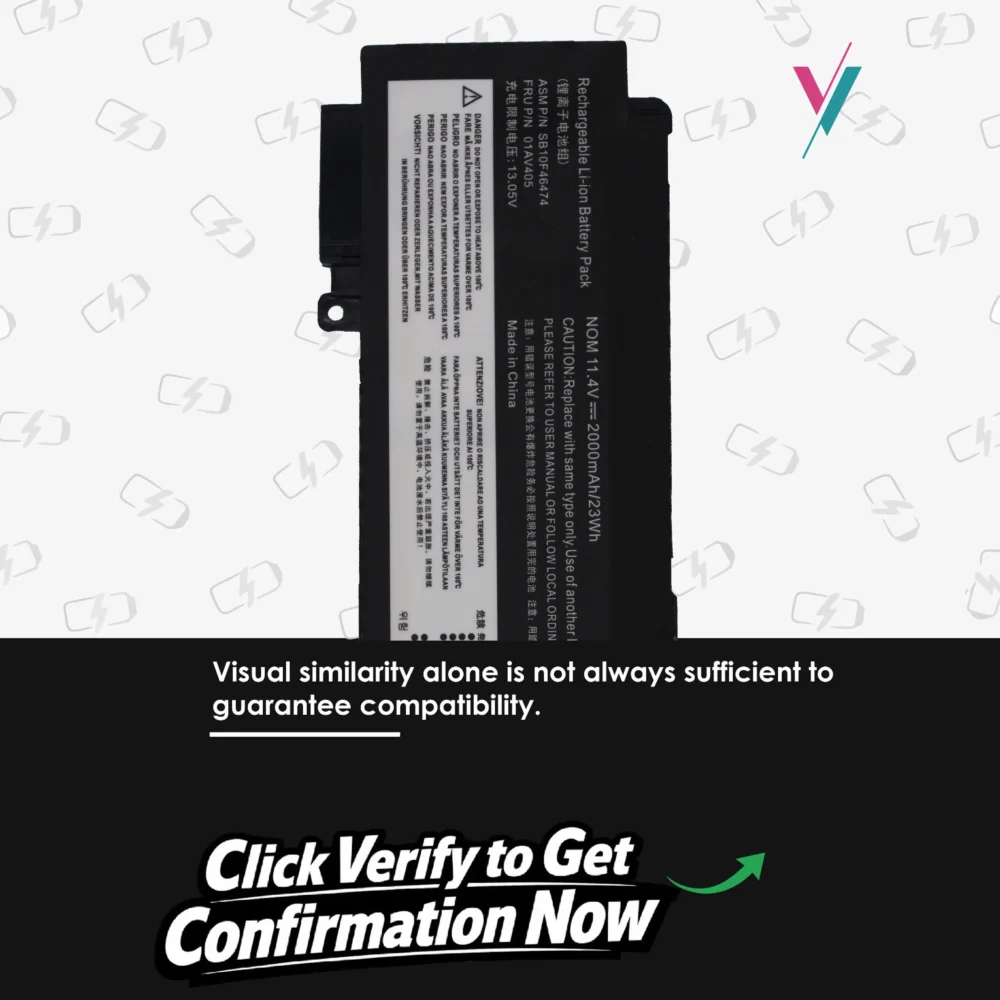
Important Note: This compatibility list is provided as a reference guide only. Laptop configurations, regional variations, and manufacturing changes can affect compatibility. The most reliable method to ensure a perfect match is to physically examine your current battery and confirm to us the part number printed on its label.
Quality and Safety Considerations
When replacing an internal laptop battery, quality and safety should be your top priorities. A poor-quality or incompatible battery can lead to:
- Reduced performance and runtime
- Overheating issues
- Potential damage to your laptop’s internal components
- Safety hazards during charging and use
Our replacement batteries are tested for basic functionality and include safety features to protect against overcharging and short circuits. However, proper installation and compatibility verification remain essential for safe operation.
How to Install Your New Battery
Installing an internal battery requires care and attention. Here are general steps to guide you:
- Power Down: Completely shut down your laptop and disconnect it from any power source.
- Disconnect Existing Battery: Before removing the old battery, carefully disconnect its connection to the motherboard to prevent any electrical issues.
- Remove Old Battery: Unscrew and gently remove the old battery from its compartment.
- Connect New Battery: Carefully connect your new battery to the motherboard, ensuring the connection is secure.
- Secure and Test: Screw the new battery into place, then power on your laptop to verify it’s recognized and charging correctly.
Note: If you’re uncomfortable performing this replacement yourself, we recommend consulting us or a qualified technician.
Your Satisfaction and Peace of Mind
We understand that ordering a replacement battery, especially for a model with two internal batteries, can feel overwhelming. You shouldn’t have to worry about whether you’re getting the right part.
That’s why we offer a 7-day return (subject to policy). If you receive this battery and it doesn’t match your laptop’s requirements, simply reach out to us, and we’ll process a return or exchange promptly.
The Smartest Way to Get the Right Battery
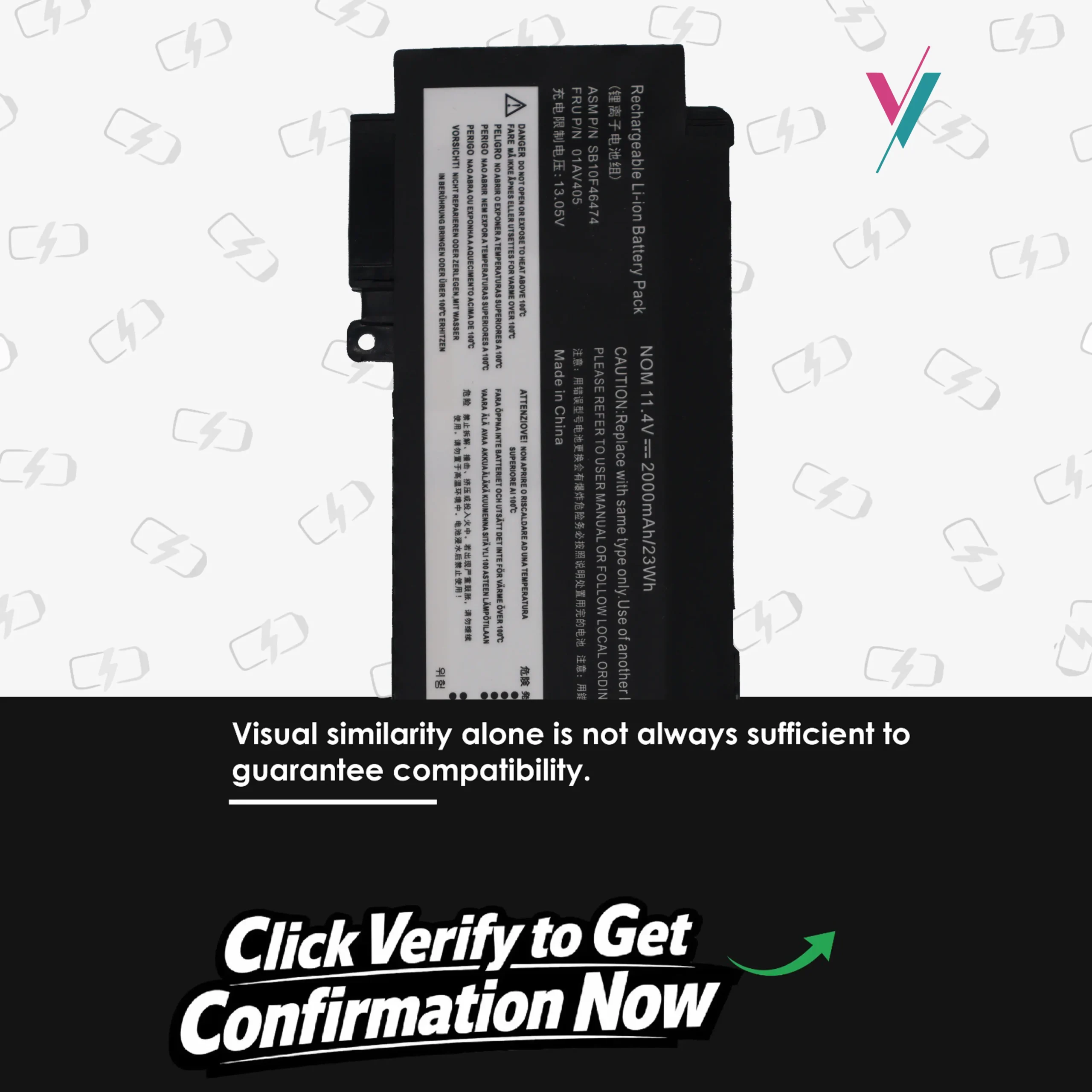
Even with the most comprehensive part number list, nothing beats direct verification. Your specific laptop configuration, manufacturing date, and regional model can all influence which battery you need.
Don’t leave it to chance. Click the “Verify Compatibility” button to connect with our team. Share your laptop’s model number, service tag, or the part number from your existing battery, and we’ll personally verify you’re ordering the correct replacement. It’s quick, it’s free, and it’s the surest path to a perfect fit.

Reviews
There are no reviews yet.