
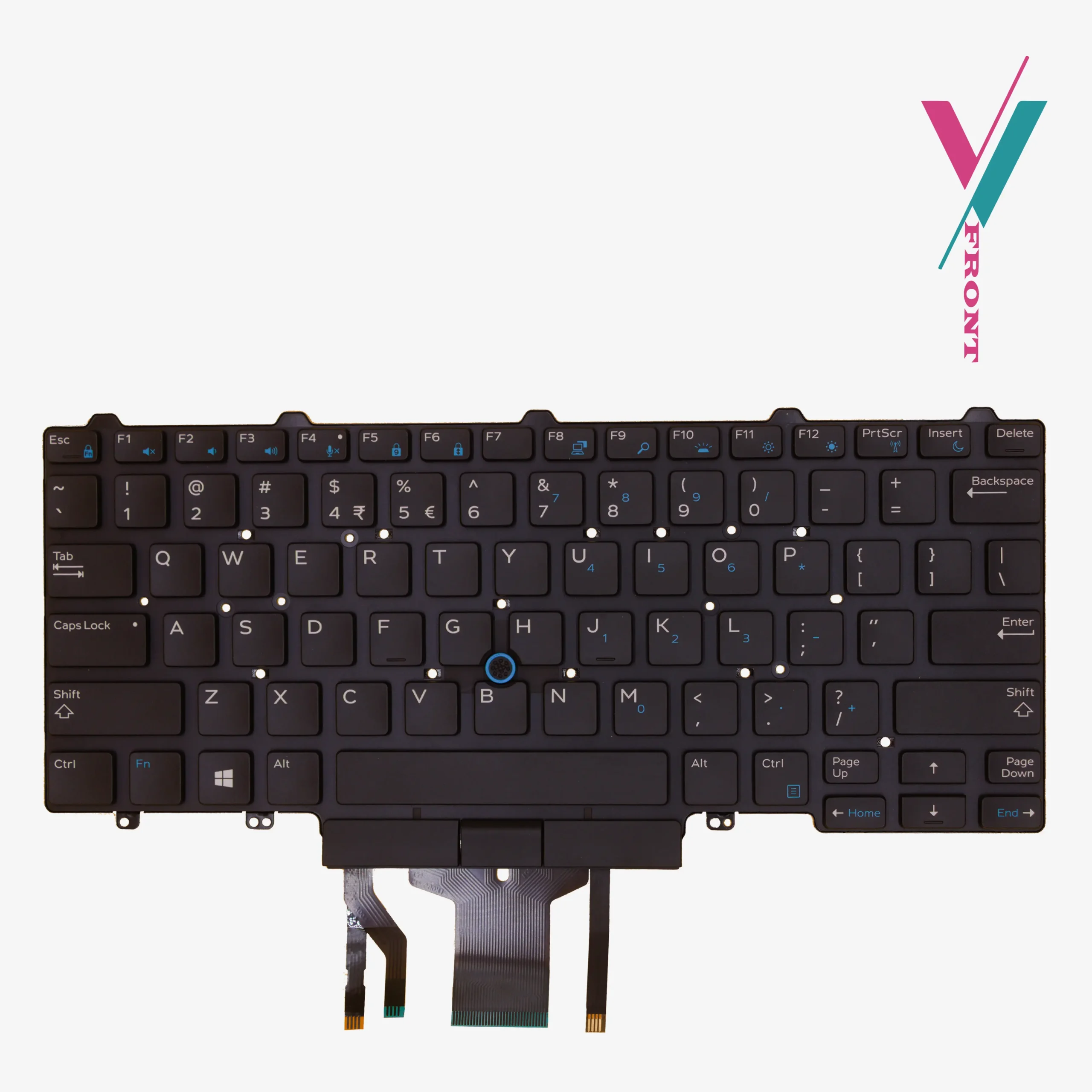
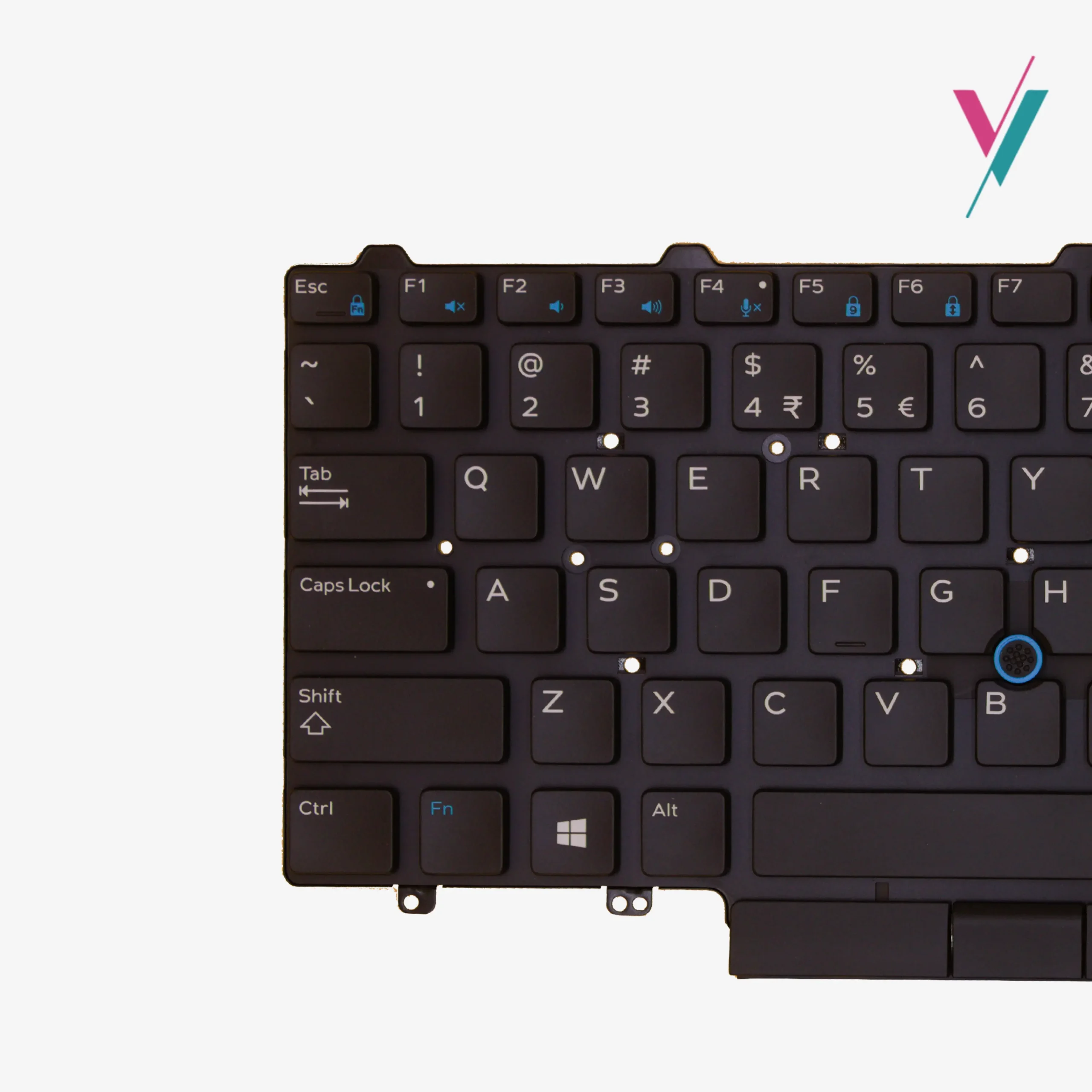
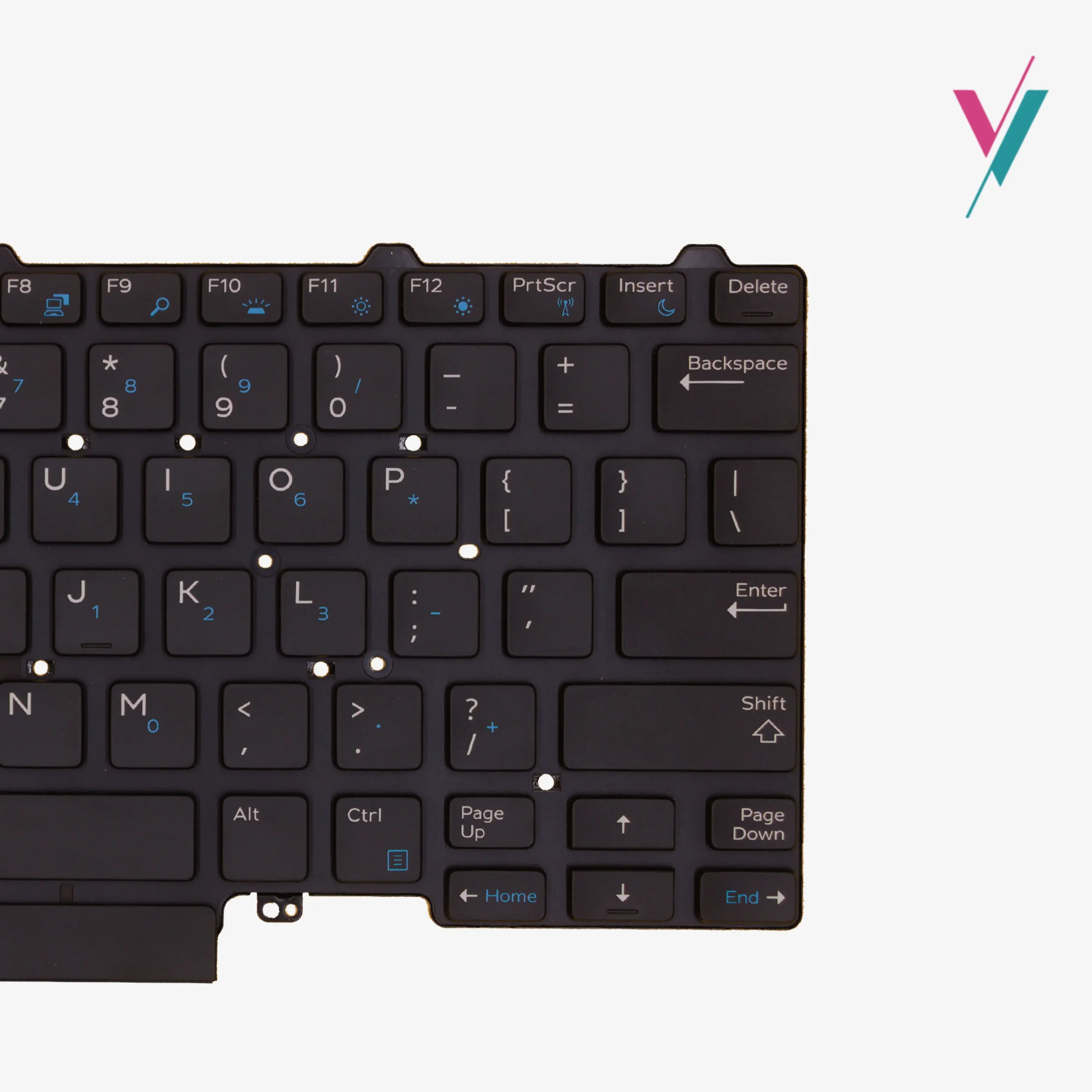
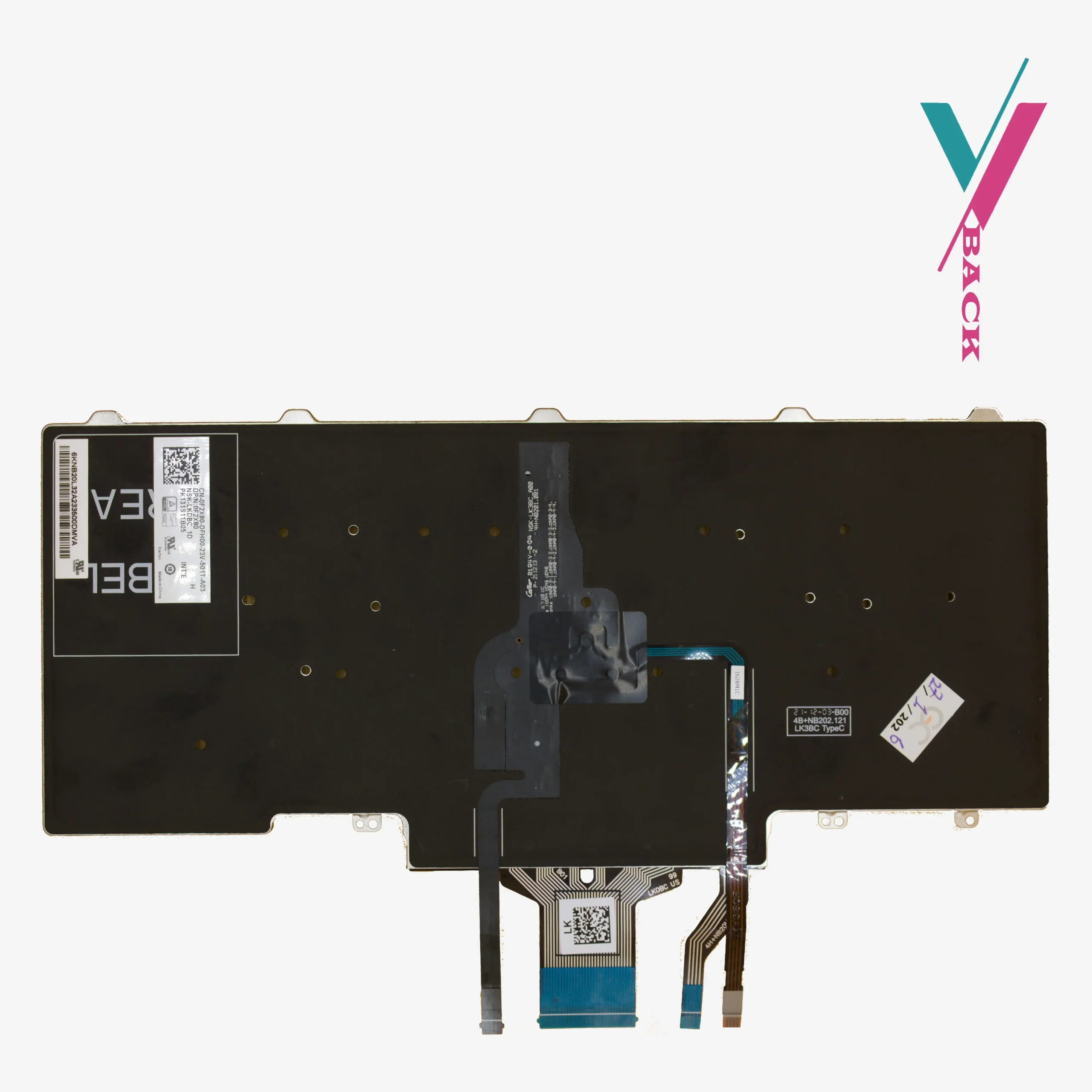


The Problem with an Old Keyboard
You might not notice it at first. A key here and there feels a little softer than the others. Then the backlight starts flickering or dies completely. Eventually, you find yourself pressing the spacebar twice just to make a space, or hammering the ‘E’ key hoping it will register. For anyone who types often, writers, developers, data entry professionals, students, a failing keyboard is a productivity killer.
Your Dell Latitude 5490 is still a powerful machine. The processor is fine. The RAM is adequate. The screen still looks great. The only thing holding you back is the keyboard.
The Solution
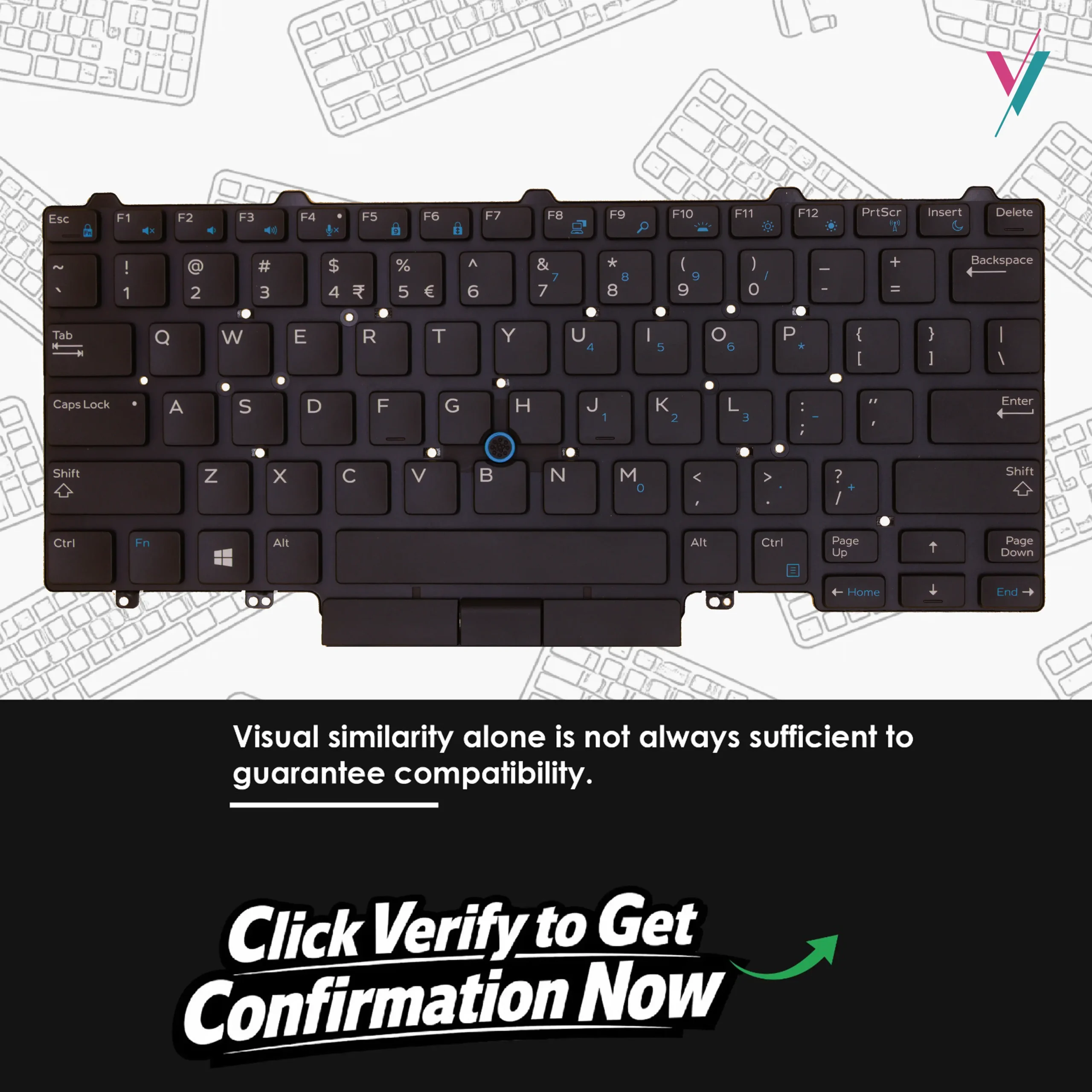
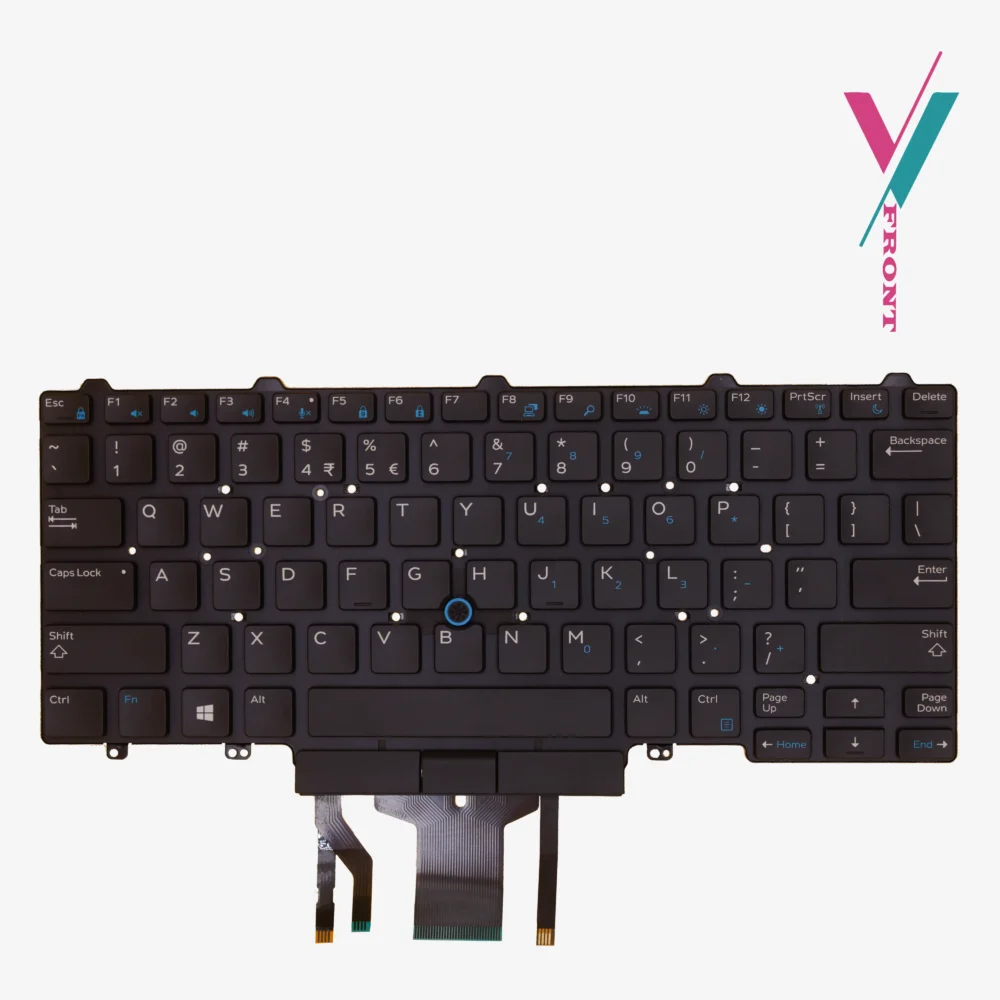
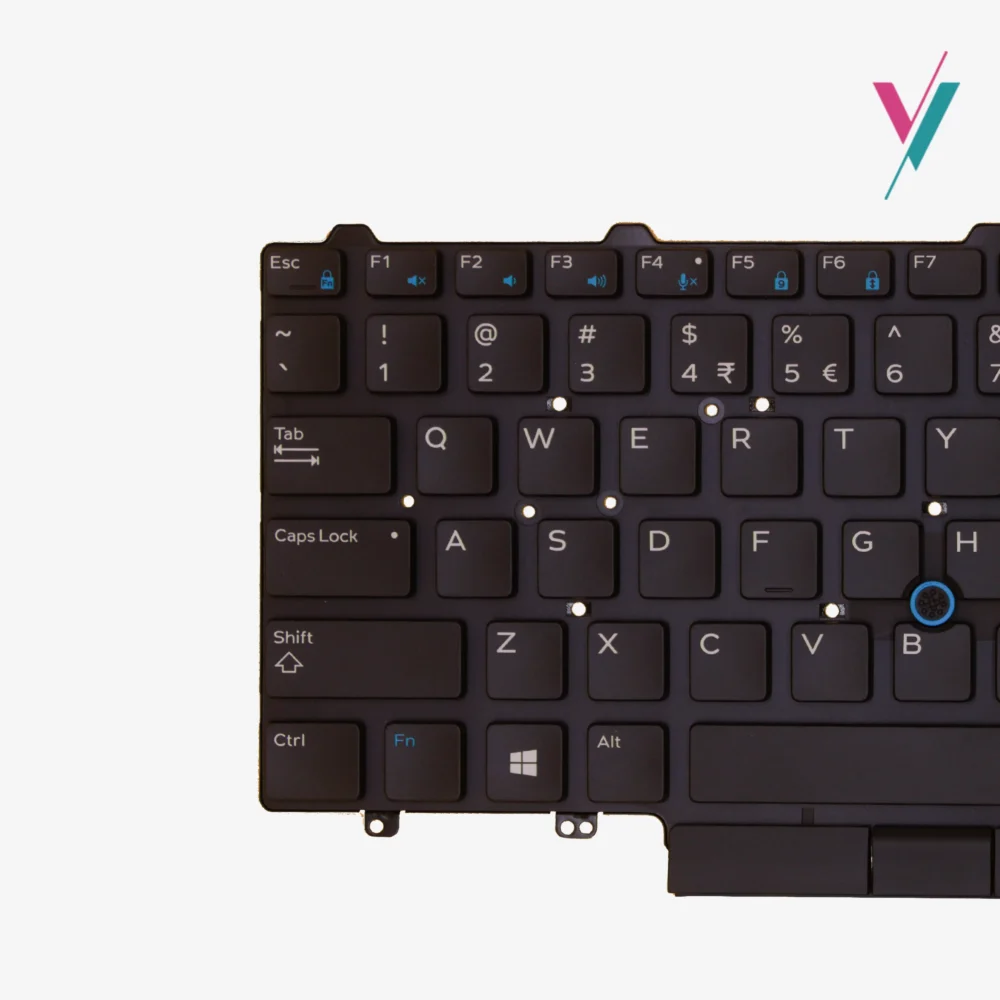
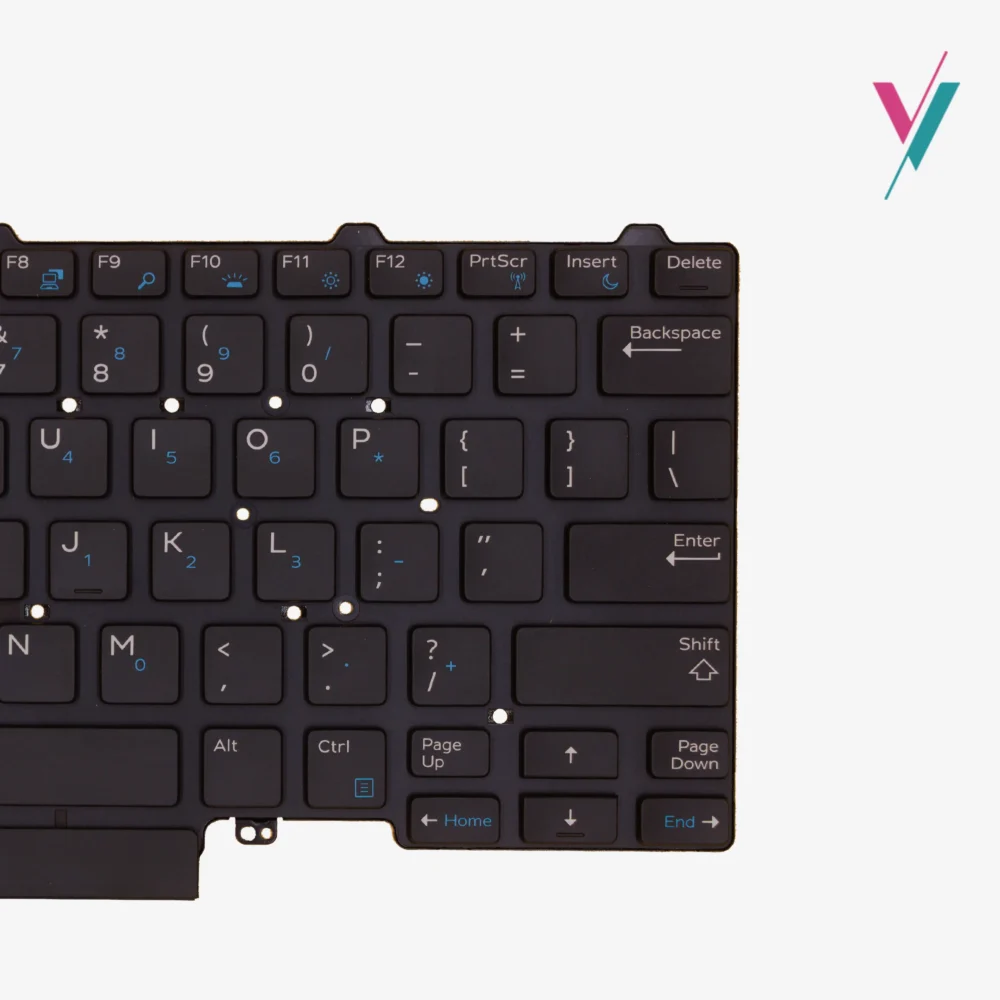
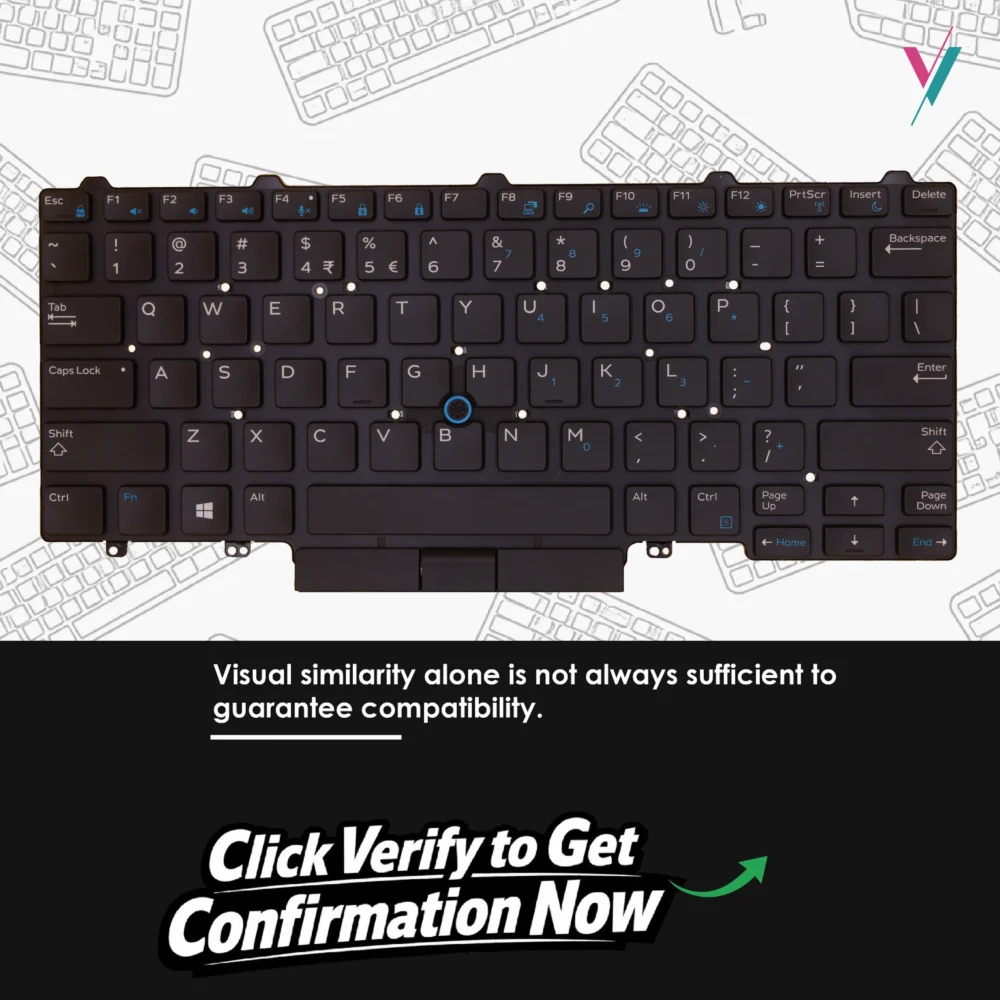
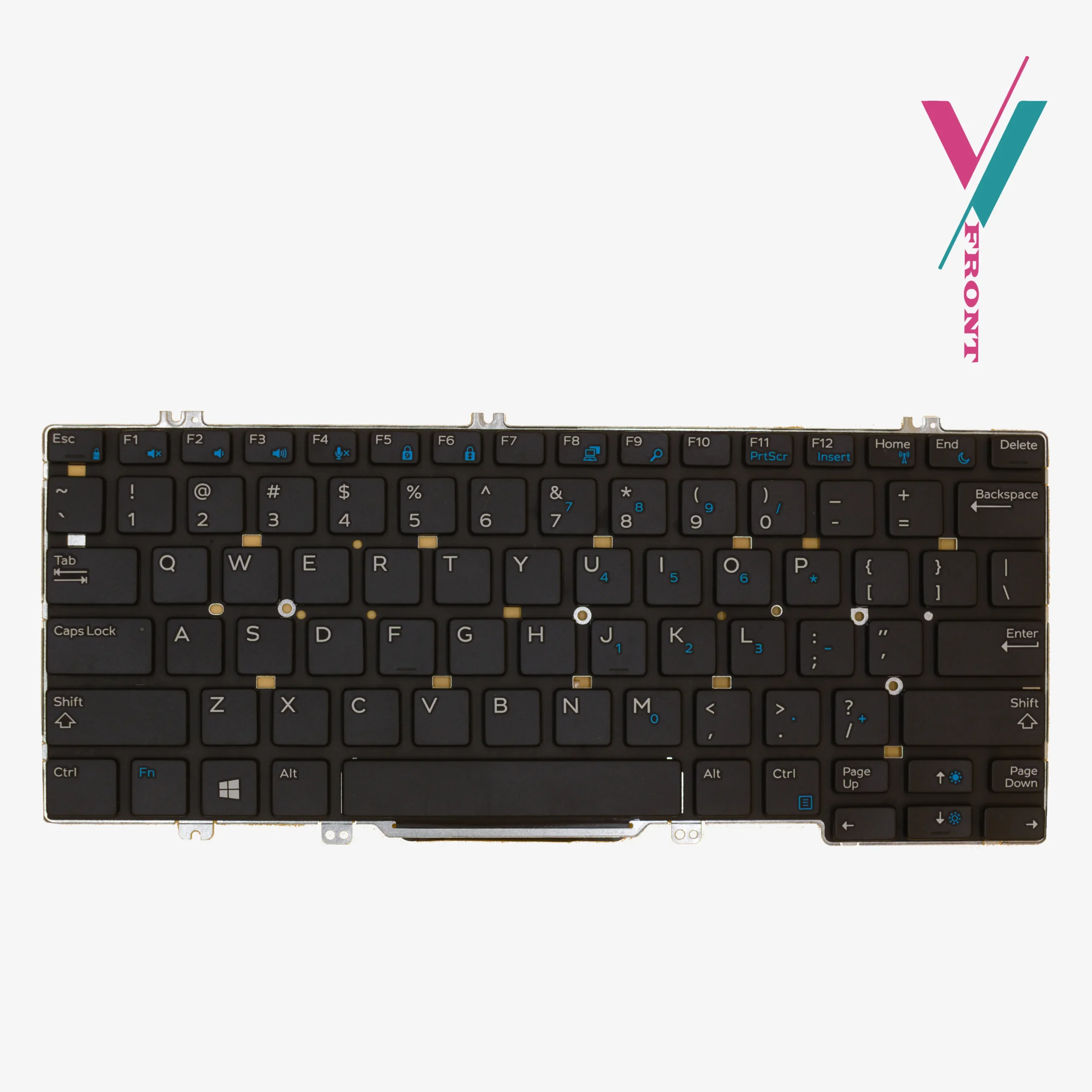
This is a genuine Dell backlit keyboard designed specifically for the Latitude 5490 series. It features a standard US English layout, black keys, and a built-in dual pointing stick (the little red nub between the G and H keys that lets you move the cursor without leaving the home row). The backlight illuminates every key, making late-night work sessions or dimly lit conference rooms far less annoying.
Which Laptops Does This Fit?
This keyboard is compatible with the following Dell Latitude models:
- Latitude 5490
- Latitude 7490
- Latitude 5480
- Latitude 5491
- Latitude 5495
- Latitude 7480
- Latitude 5488
- Latitude E5450, E5470, E5480, E5490
- Latitude E7450, E7470, E7490
It also matches the following Dell part numbers (for reference only): 6NK3R (primary MPN), as well as D19TR and other compatible variants.
Important: This list is a guide, not a guarantee. Dell sometimes uses different keyboard suppliers for the same laptop model, which means cable connectors or mounting points can vary slightly. To be completely sure verify compatibility with us before purchase by clicking the verify compatibility button.
The One Thing You Should Do Before Ordering
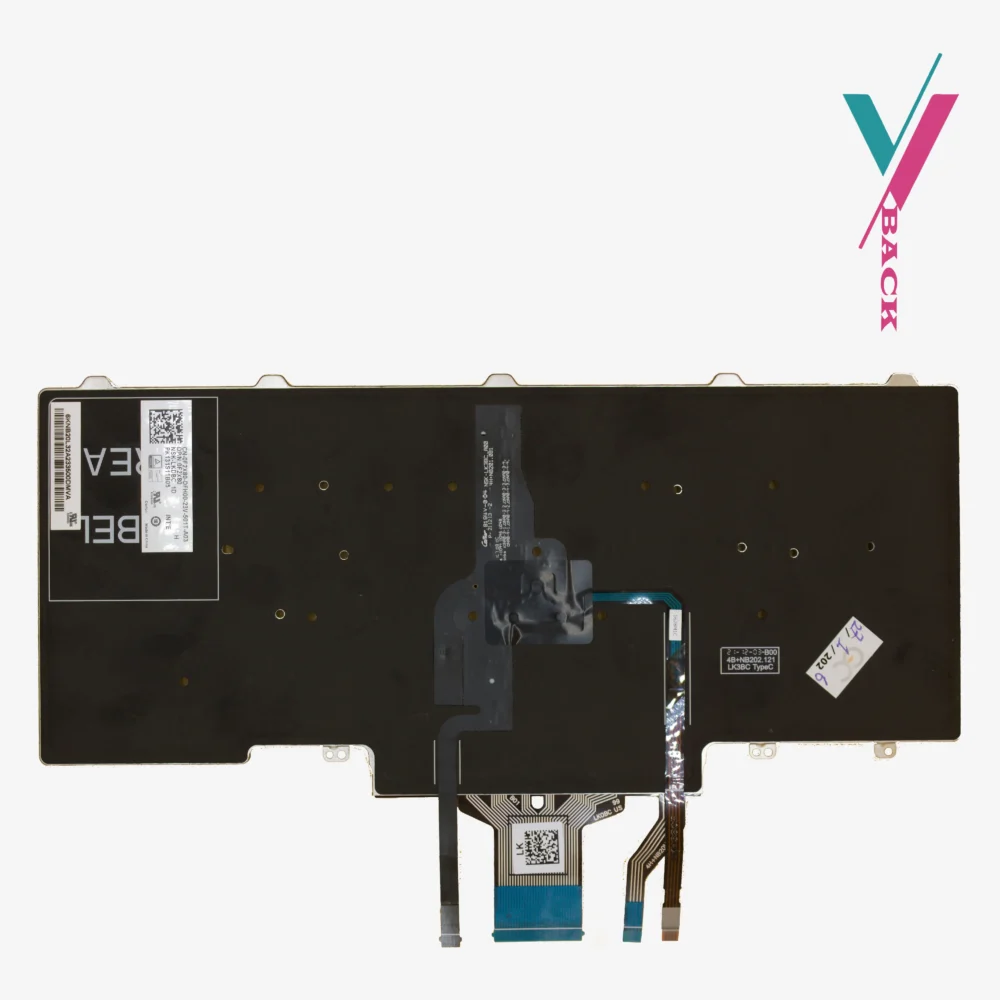
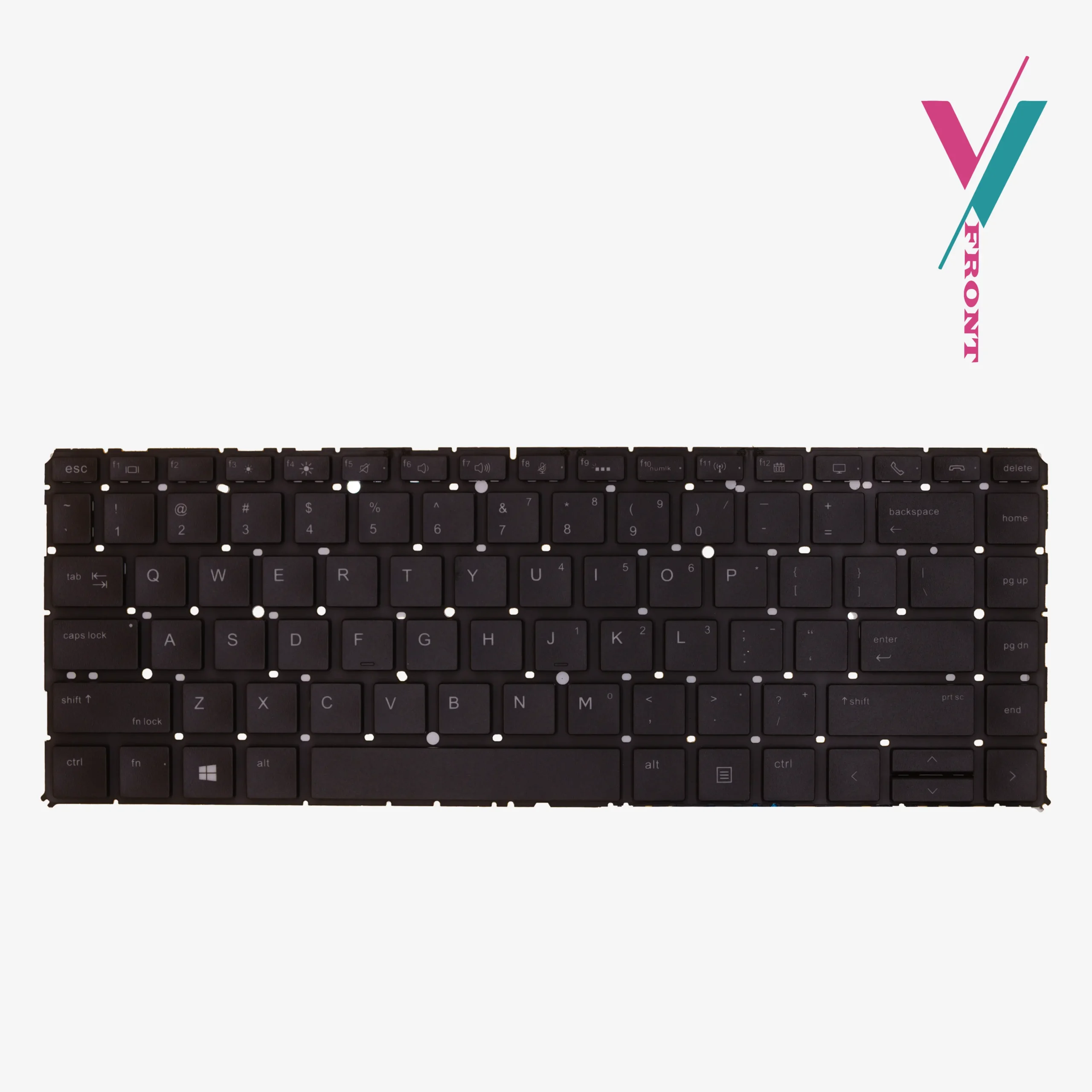
Part numbers are important, but the only way to be 100% certain this keyboard will fit your specific laptop is to look at your current keyboard. Specifically, we need to see the part model sticker and the overall layout.
Here is what we recommend: click the “verify Compatibility” button on this page. Send us a clear photo of your current keyboard (the top view) and, if you can, a photo of the cable connector underneath. Our team will compare it to this model and tell you yes or no before you place any order. It takes two minutes and saves you the headache of receiving the wrong part.
What If You Order and It Doesn’t Fit?
Mistakes happen. Maybe your Latitude uses a different cable revision. Maybe the mounting brackets are slightly off. If this keyboard is not compatible with your laptop, you have 7 days from delivery to return it for a refund or exchange, just contact us and we will process it (subject to policy).
That said, using the verify compatibility check button first is the smarter option.
Installation
Replacing a keyboard on a Latitude 5490 is not difficult, but it requires patience. You will need to remove the bottom case, disconnect the battery (critical step), and then carefully release the ribbon cable for the old keyboard. The new keyboard connects the same way.
The most common mistake people make is not fully seating the ribbon cable. If you install this keyboard and certain keys do not work, do not panic. Disconnect the cable and reconnect it, pushing firmly until it clicks into place. In most cases, that solves the problem.
If you are not comfortable doing this yourself, any reputable technician can handle the swap in about 15–20 minutes, if you do not know any we will recommend one.
Quality Check
Every keyboard we ship is tested before it leaves our shop. Keys are pressed. Backlight is checked. Cables are inspected. We do not send out defective parts. If you receive a keyboard that has an issue (rare, but possible), contact us immediately and we will replace it.
The Bottom Line
Your Dell Latitude 5490 has years of life left. A fresh backlit keyboard with a responsive dual pointing stick makes using it feel like a brand new machine again. Verify compatibility with us first, place your order, and get back to typing without frustration.

Reviews
There are no reviews yet.