
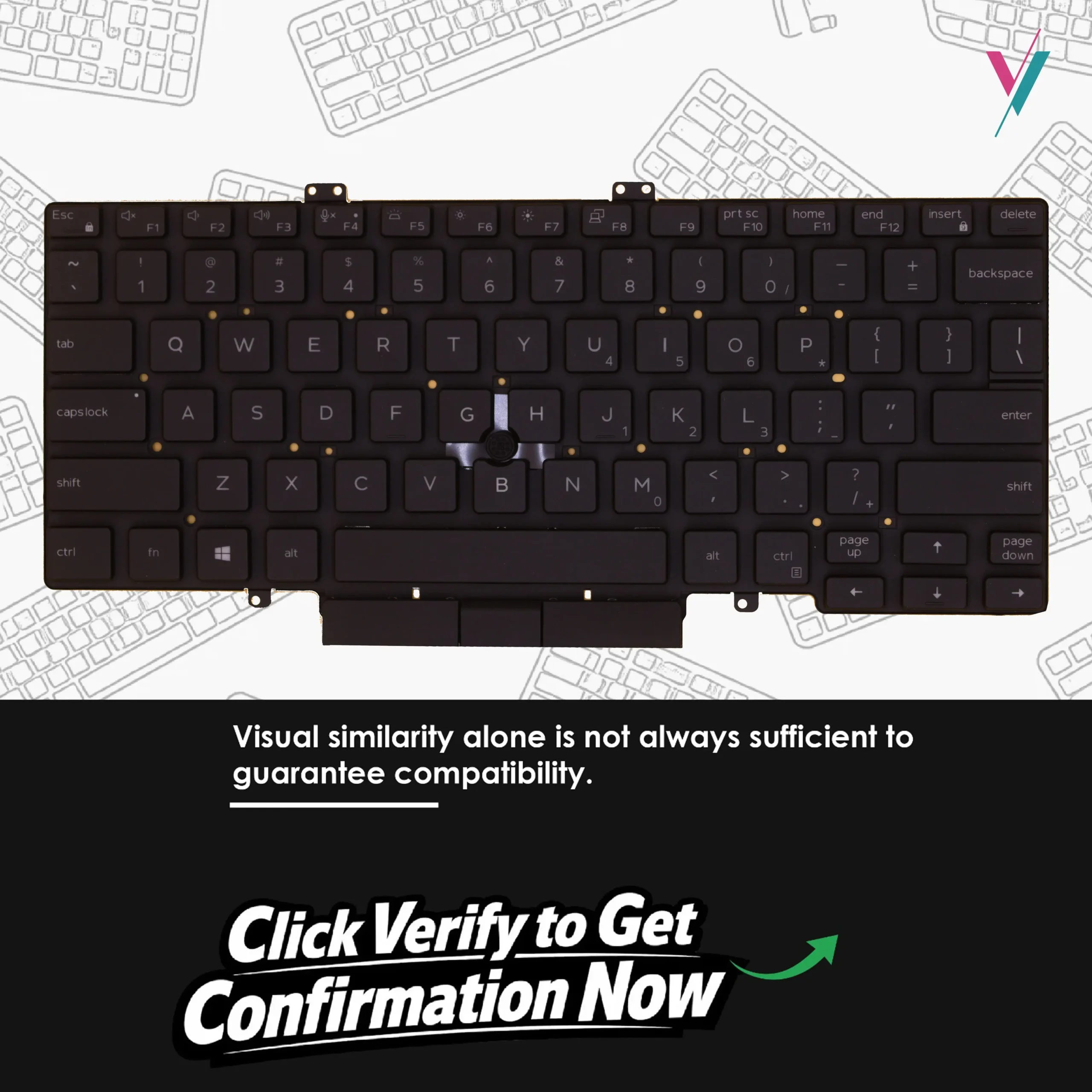
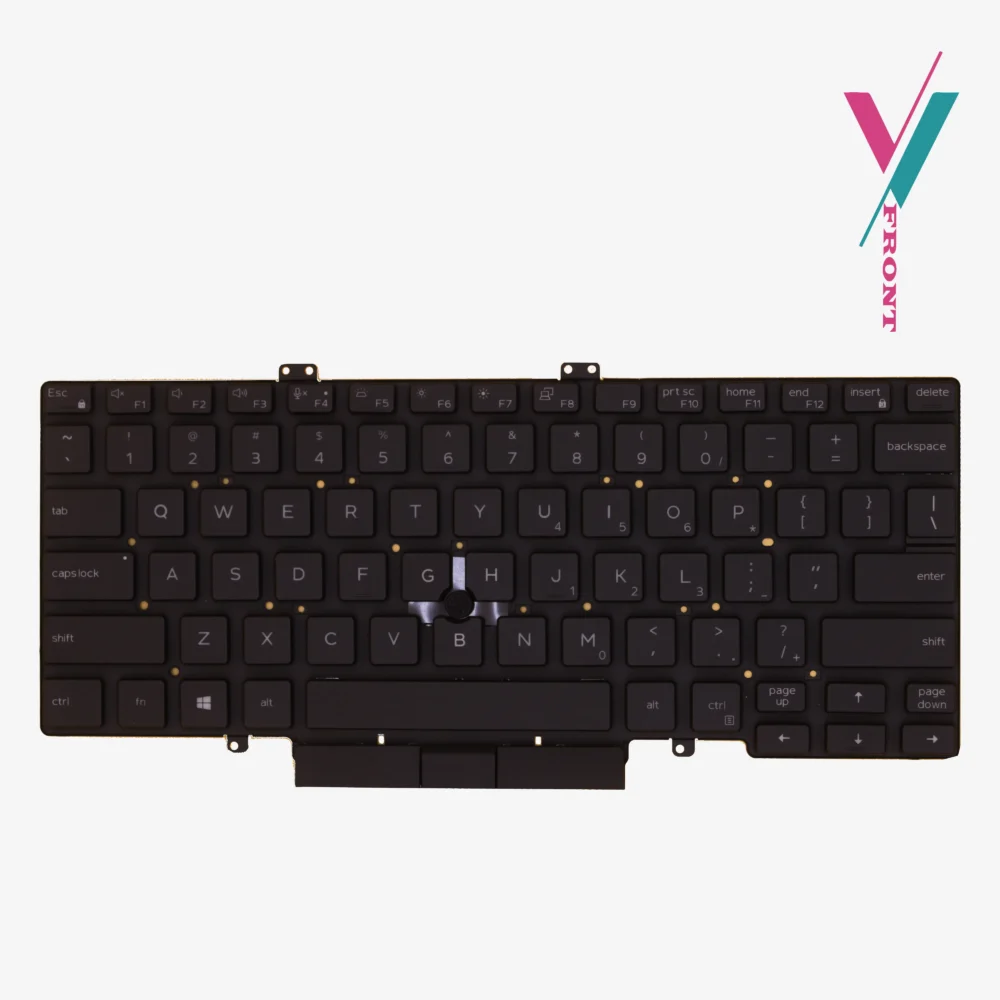
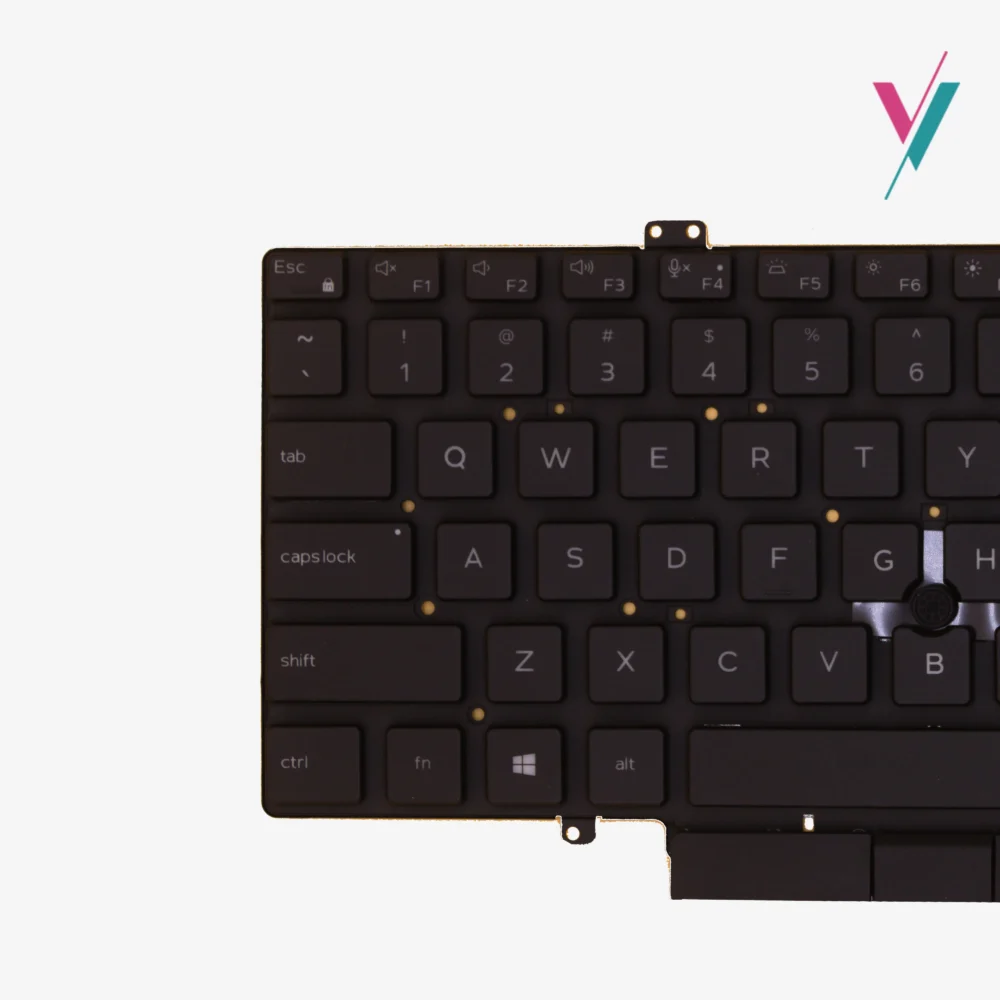
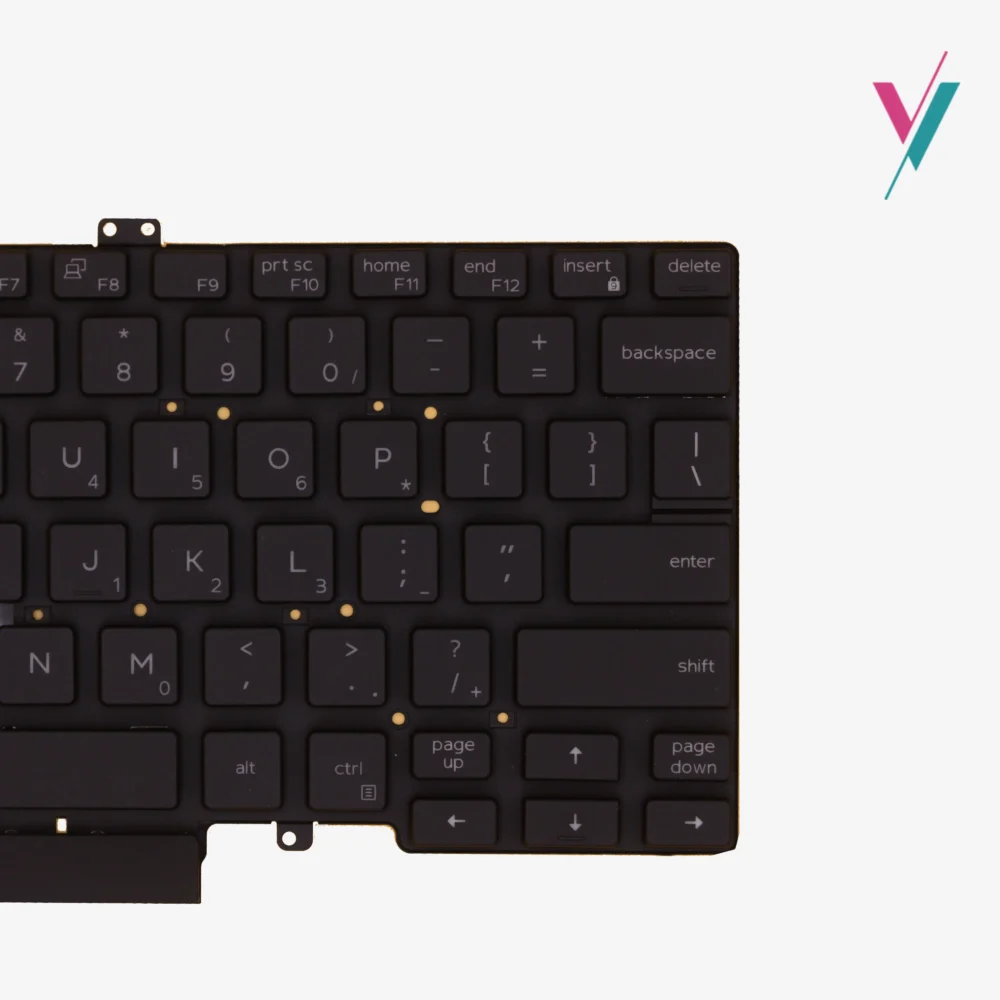


Specifications & Design
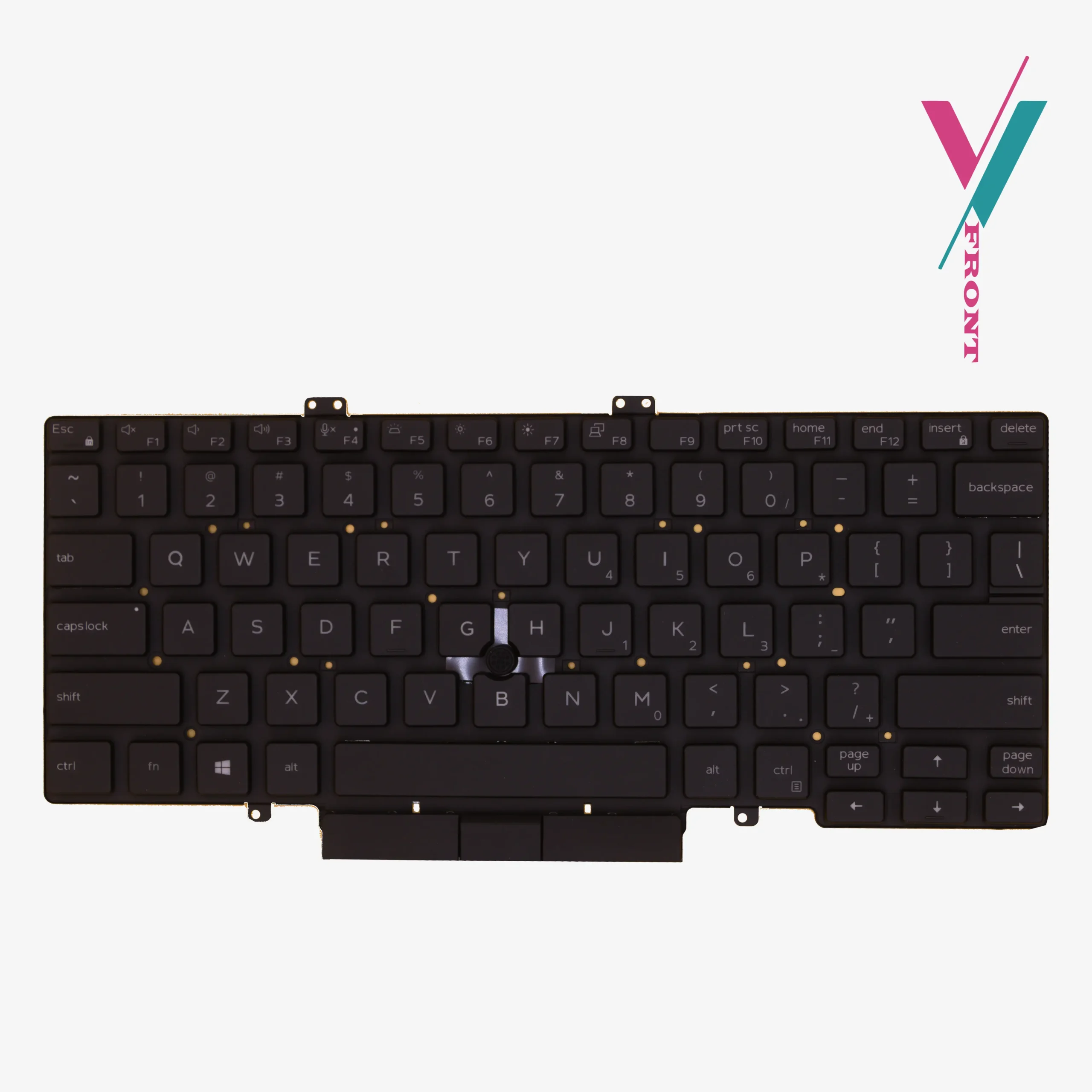
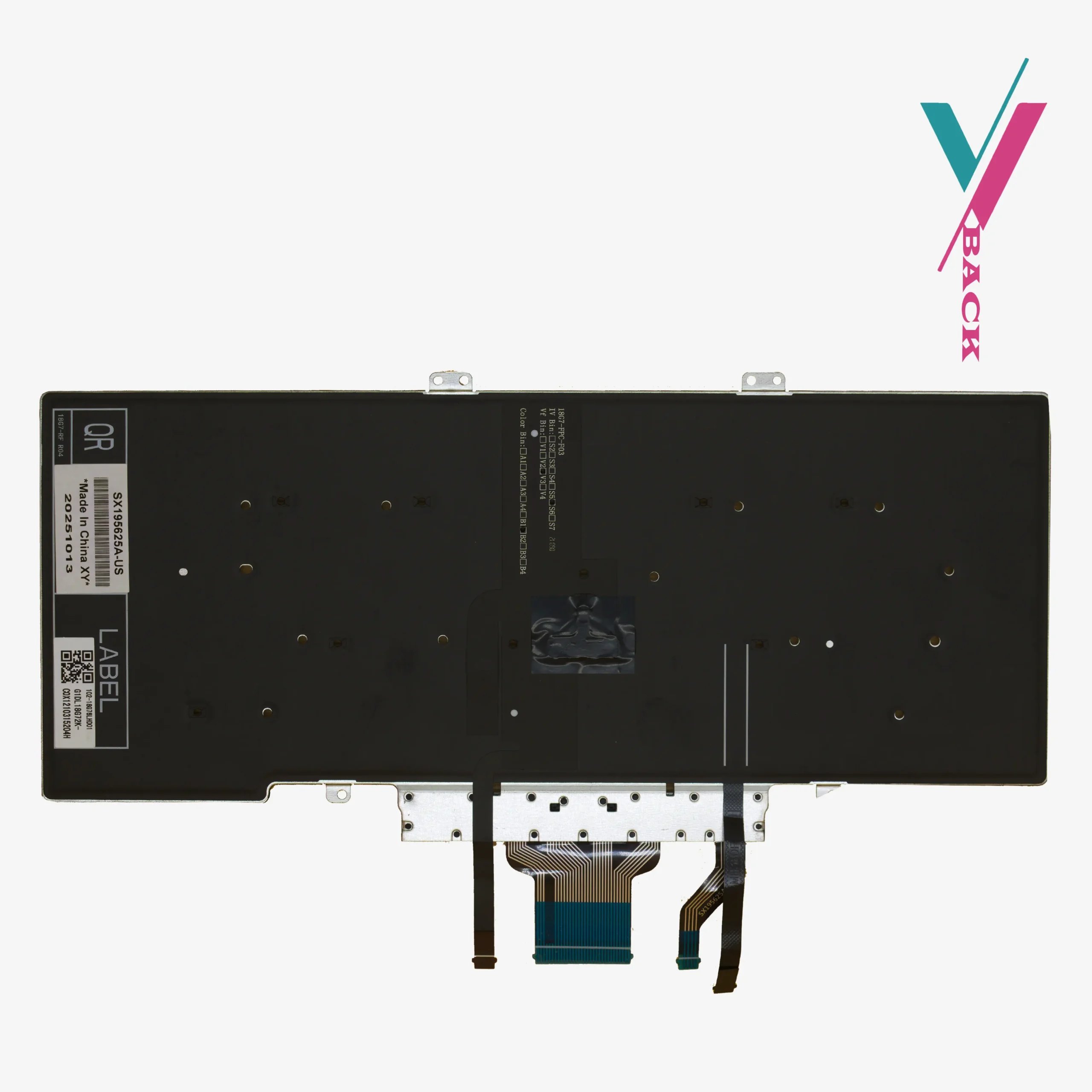
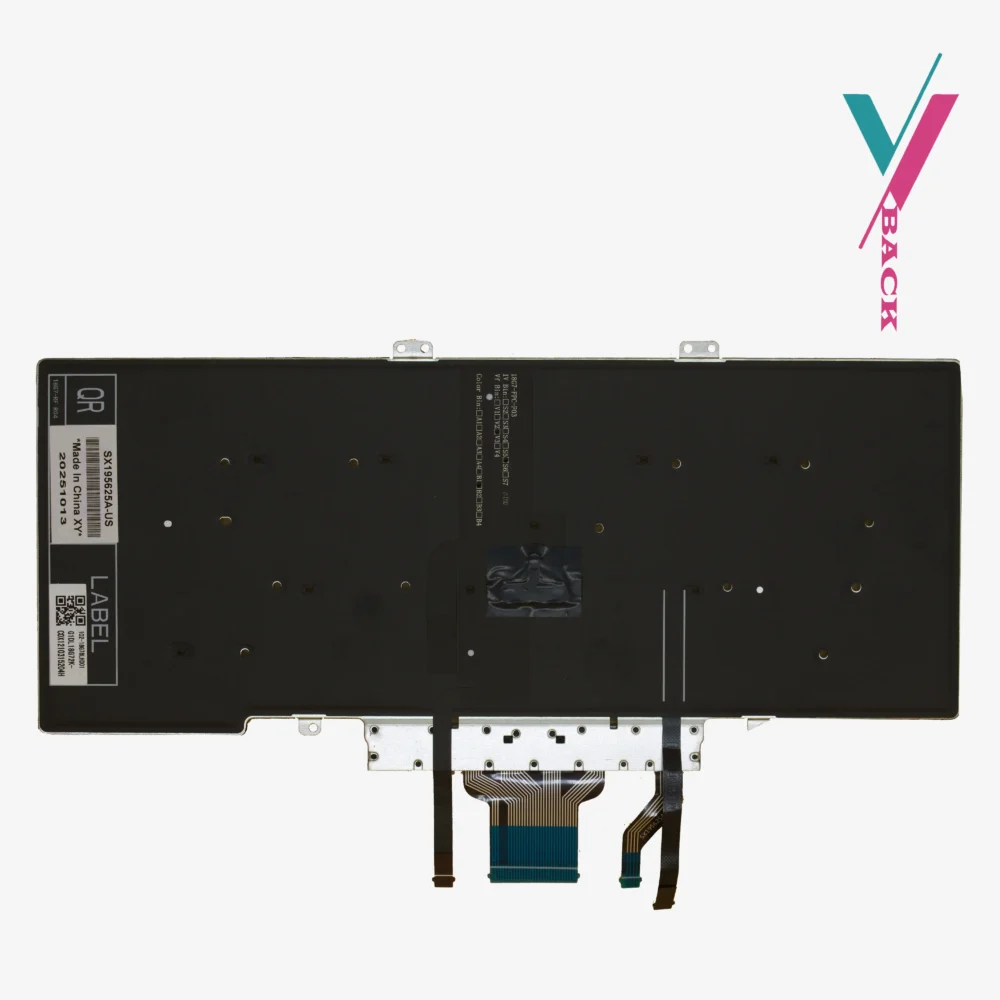
- Backlight Integration: Integrated LED illumination (includes dedicated power ribbon for backlit functionality).
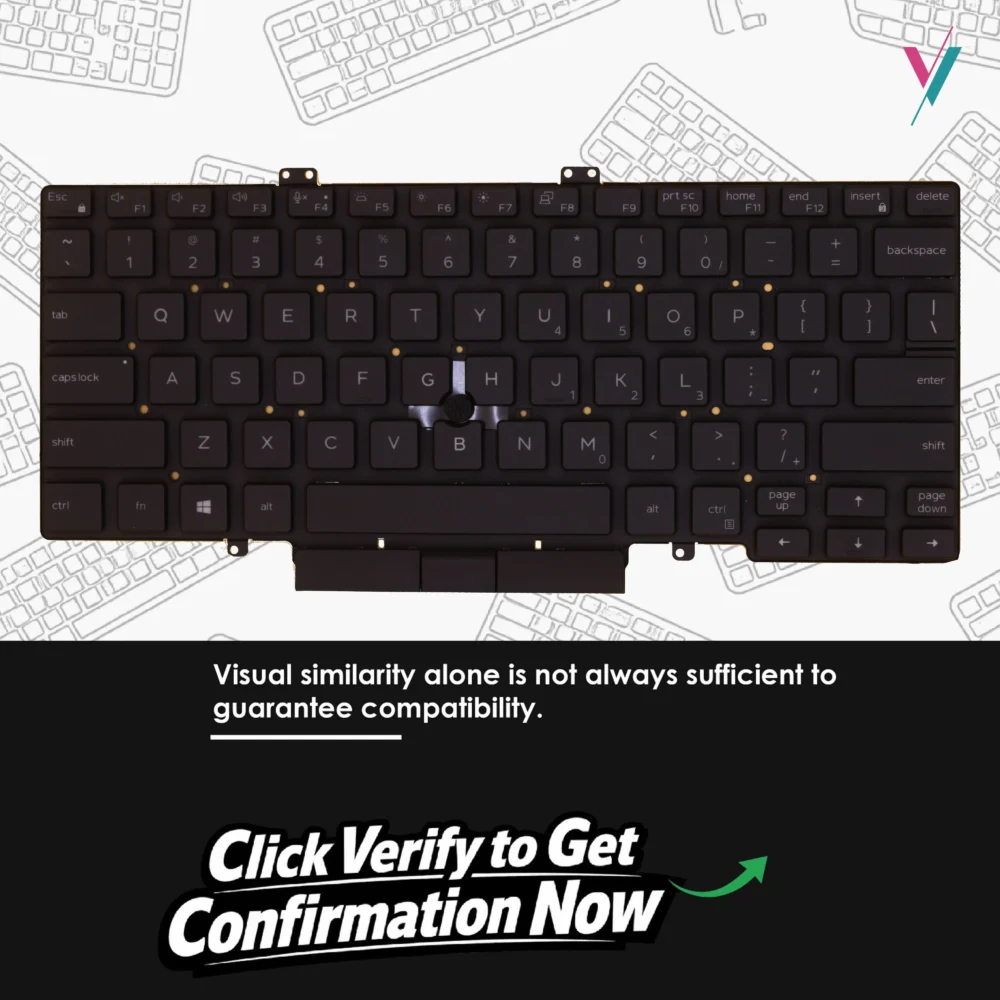
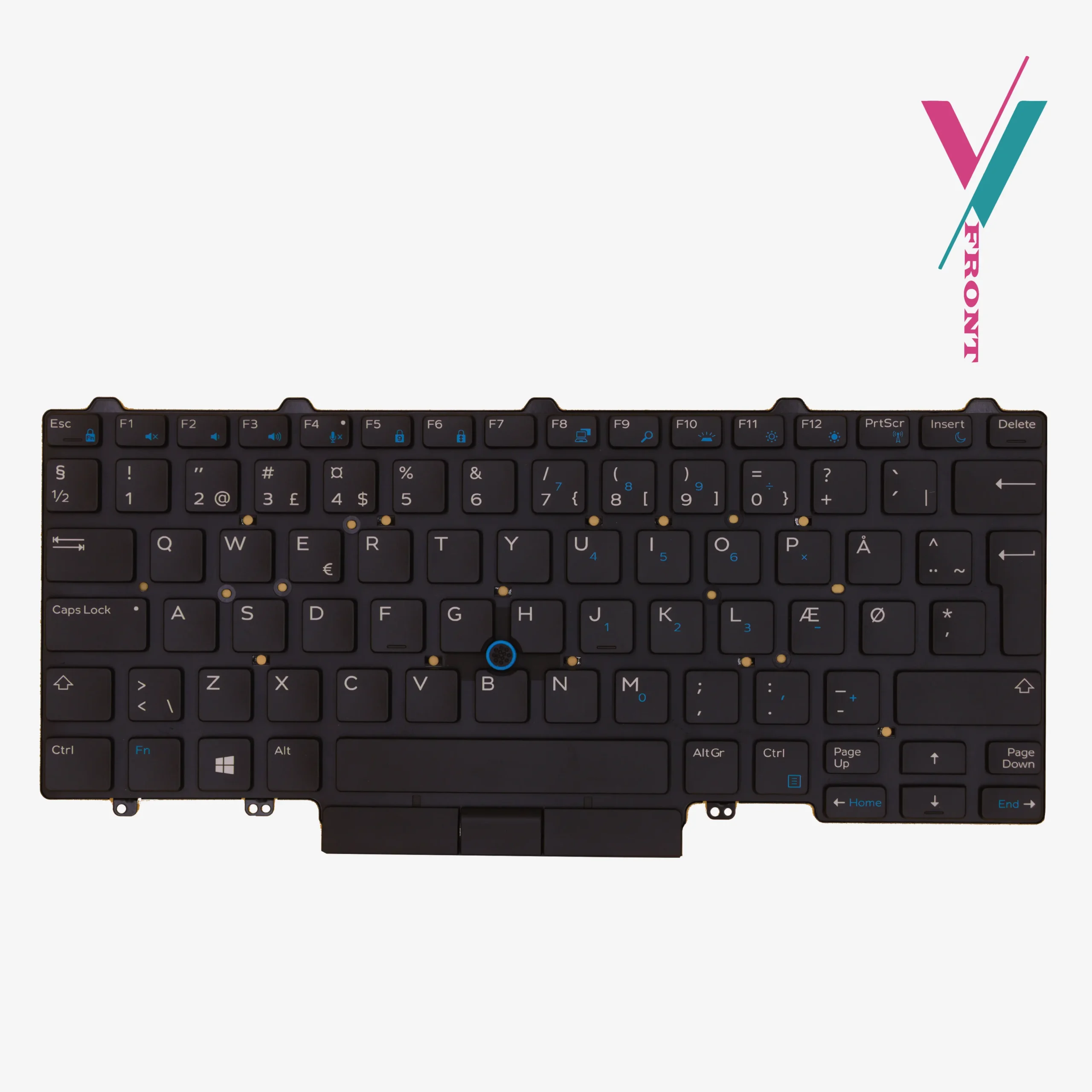
- Pointing System: Dual Point technology featuring a central pointing stick (Trackpoint).
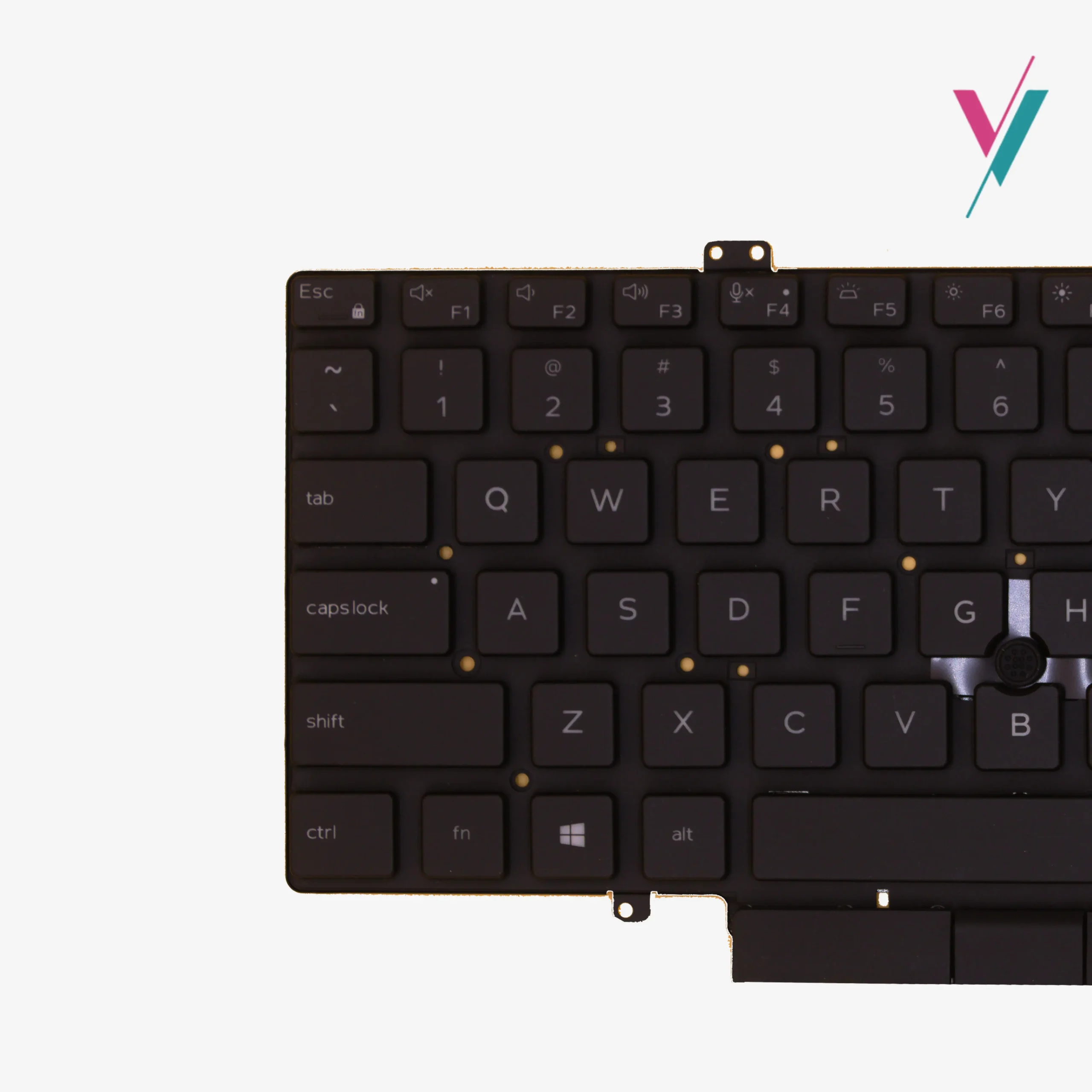
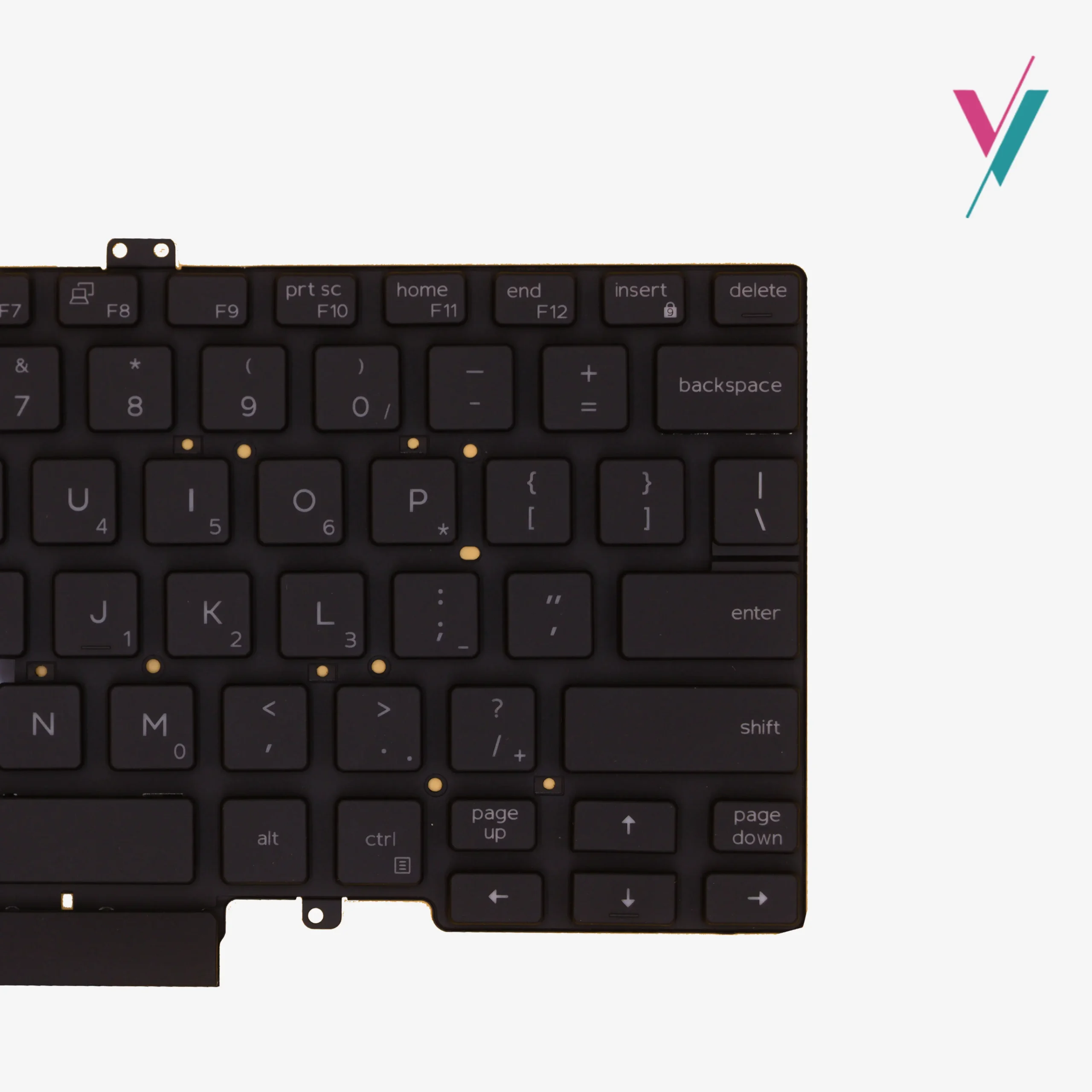
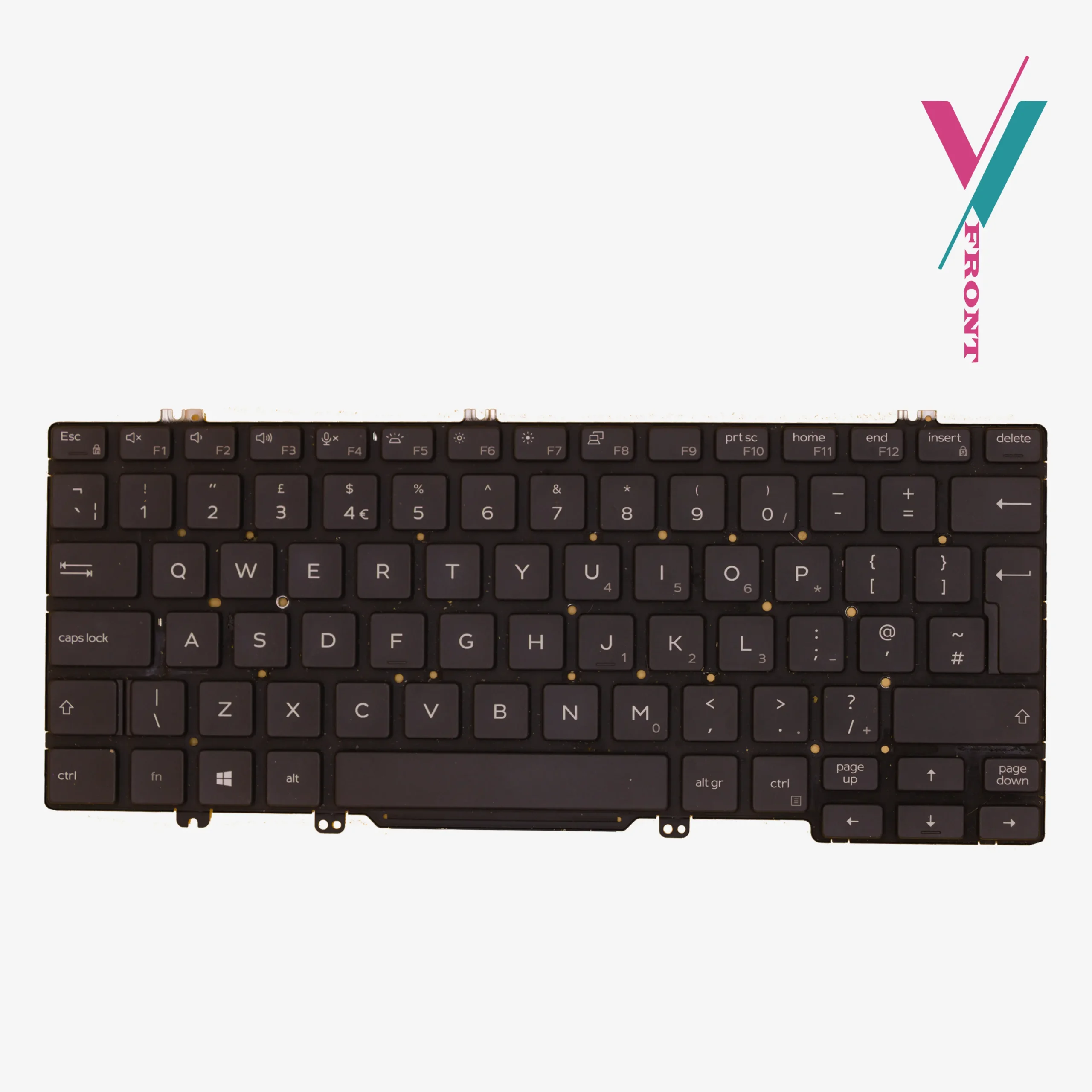
- Layout: US Standard QWERTY (81-Key architecture).
- Mechanical Feel: Scissor switches with quiet-actuation.
- Durability: Manufactured to original factory standards for high-cycle keystroke longevity.
- Surface Finish: Matte black finish with UV-coated lettering to prevent character wear.
Compatibility
This keyboard is utilized across a range of Dell’s 14-inch professional Latitude laptops.
Note the list provided here is only for technical guidance. Because Dell often updates internal revisions mid-production, reaching out to our experts for a final compatibility verification remains the best way to secure your purchase.
Verified Latitude Series Compatibility:
- Mainline Models: Latitude 5400, 5401, 5410, 5411.
- Ultrabook Series: Latitude 7400 (select sub-models).
Searchable Spare Part Numbers (P/N) & MPNs:
3J9FC, 03J9FC, H2DXX, 0H2DXX, PK132B13B00, SN7271BL.
Eliminating the Fear of Incompatibility
We know that the biggest hurdle in laptop repair is receiving a part that looks correct but fails to connect. To solve this, we offer a Risk-Reduction Guarantee.
If you purchase and the keyboard still fails to interface perfectly with your chassis, we provide a full 7-day return and exchange (subject to policy). This takes the guesswork out of your maintenance and ensures your Dell is back in service without delay.
Verification:
Don’t guess which “H2DXX” or “3J9FC” part number you need. Our team can cross-reference your specific laptop sub-model against our current stock within a few minutes. Confirming compatibility isn’t just about the keys layout; it’s also about ensuring the ribbon cable angle is perfect for your motherboard. Click the “Verify Compatibility” button to start the process and buy with total peace of mind.
Maintenance & Installation Insights
What is the benefit of the “Dual Point” system?
The dual-pointing system includes the central “nub” (pointer stick), allowing you to move the cursor without taking your hands off the home row. It is a favourite for touch-typists and professional data analysts.
Is it safe to replace this keyboard yourself?
Yes. The Latitude 5400 series is designed for modular service. However, since it is an internal replacement, it requires the removal of the battery (as a safety precaution) and the careful handling of two fragile ribbon cables (data and backlight). If you are not comfortable handing the installation, we recommend using a qualified technician, we can suggest a few to you.
What if my laptop didn’t originally have a backlit keyboard?
If your motherboard has the secondary small connector for the backlight cable, this keyboard will work and provide illumination where there was none before! Most Latitude 5000 series boards are equipped for this upgrade. And if that was not integrated in your laptop, the keyboard will still work fine only missing the backlit feature.

Reviews
There are no reviews yet.