
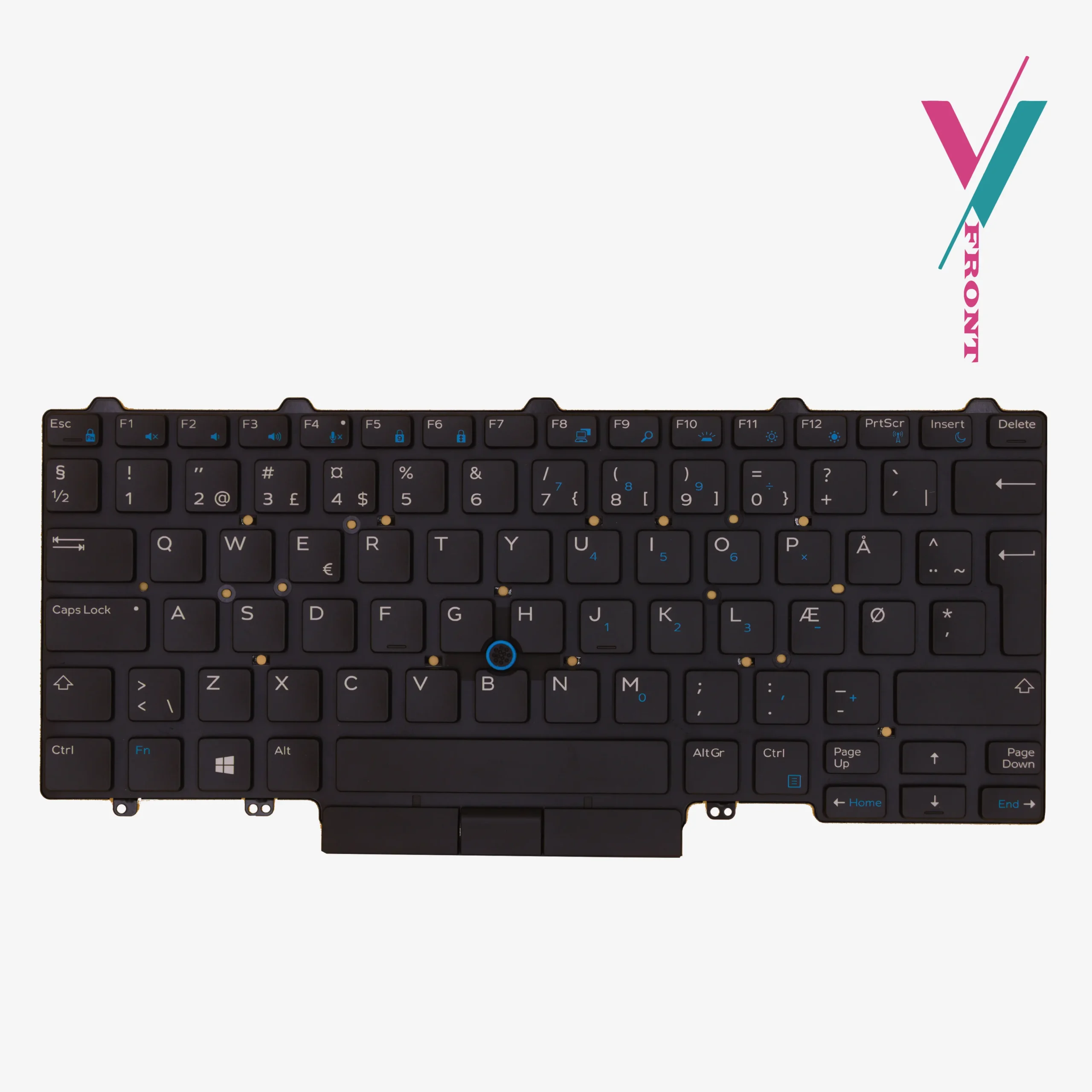
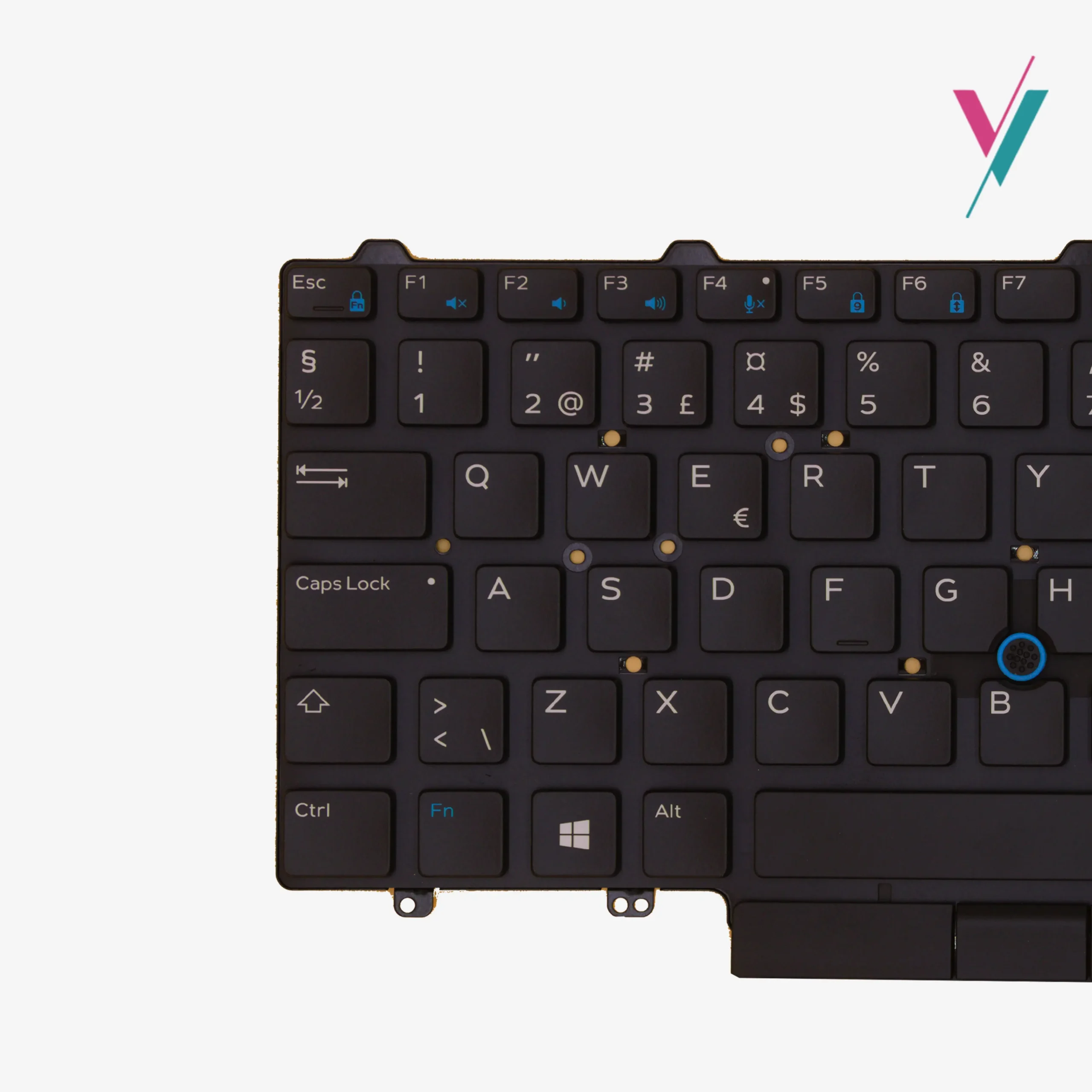
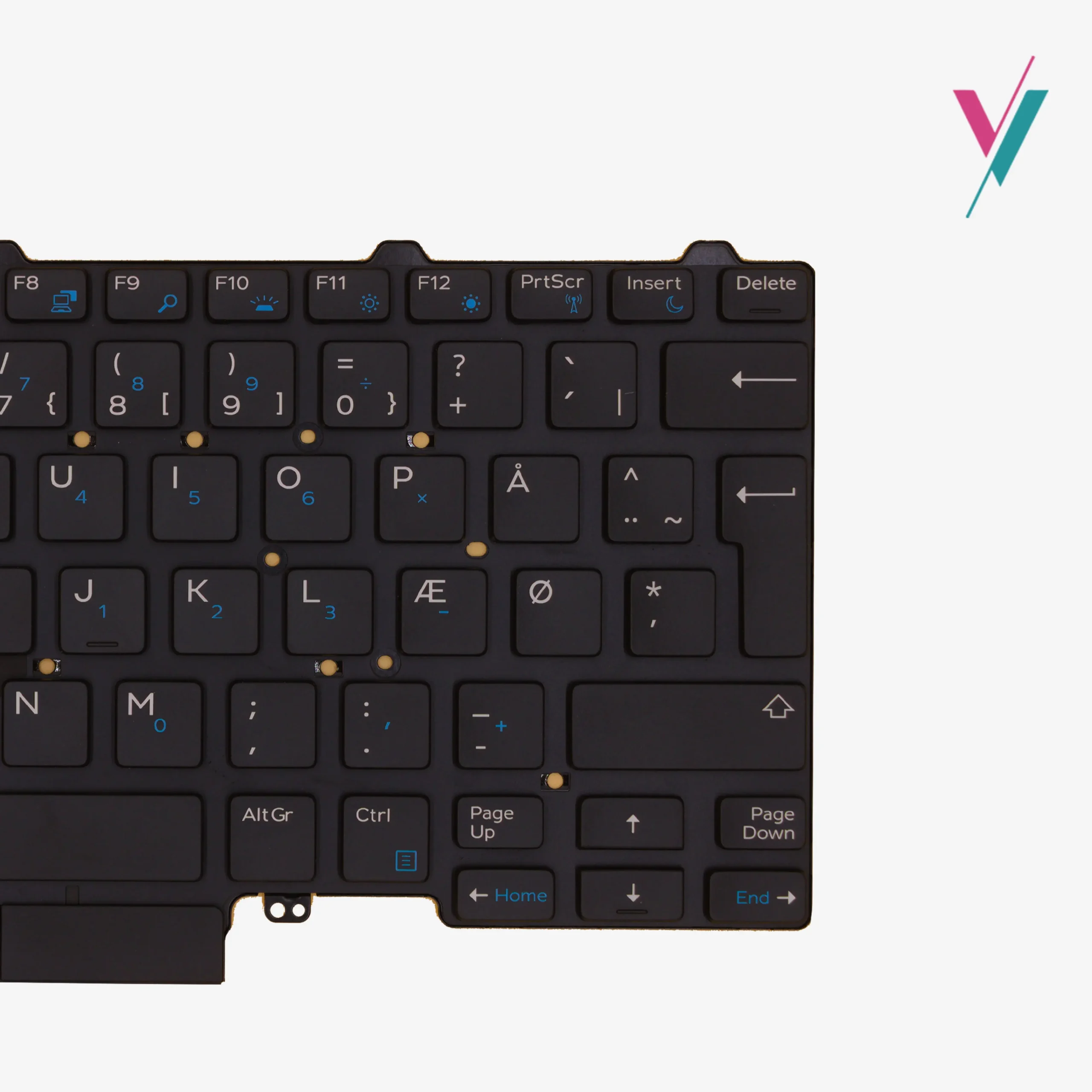
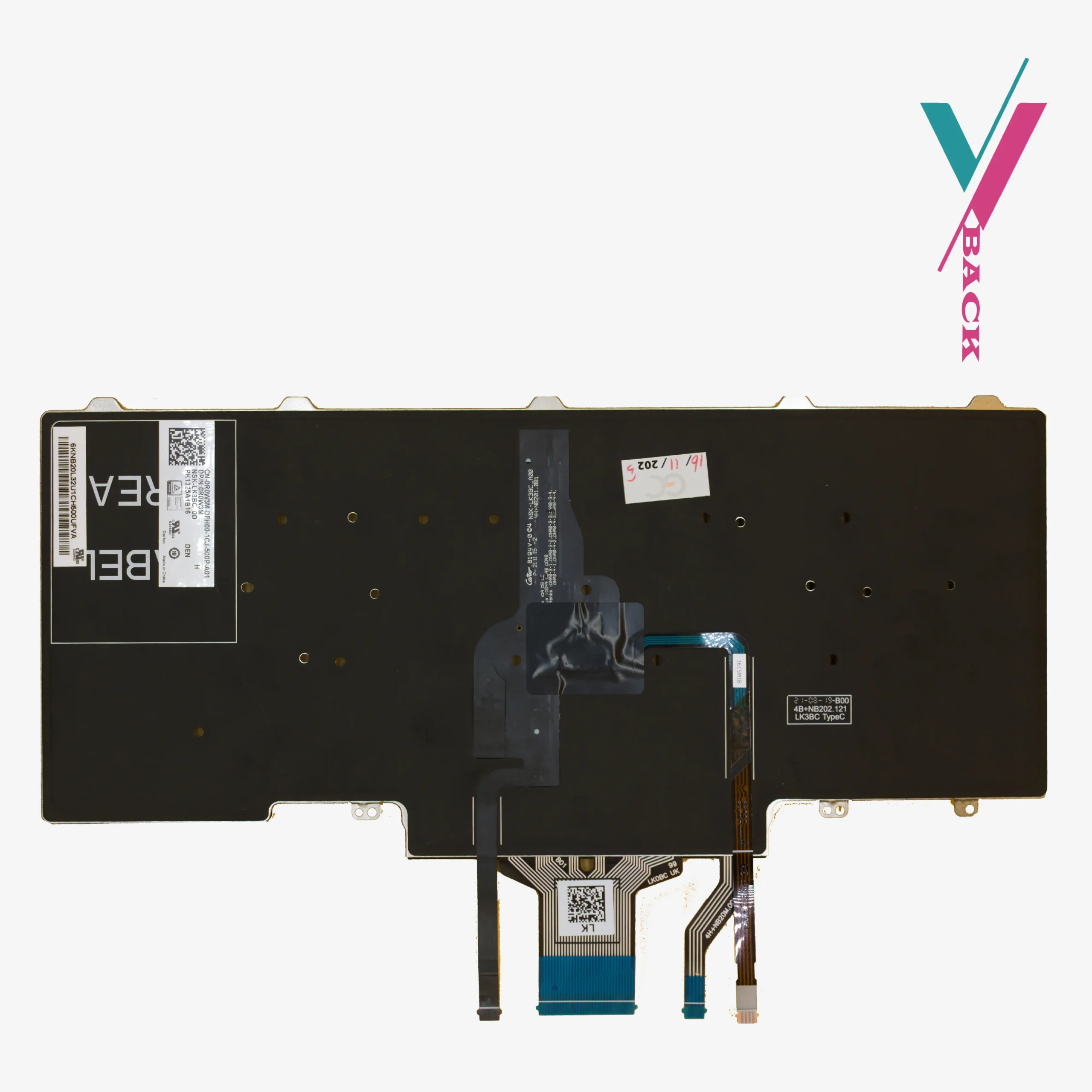

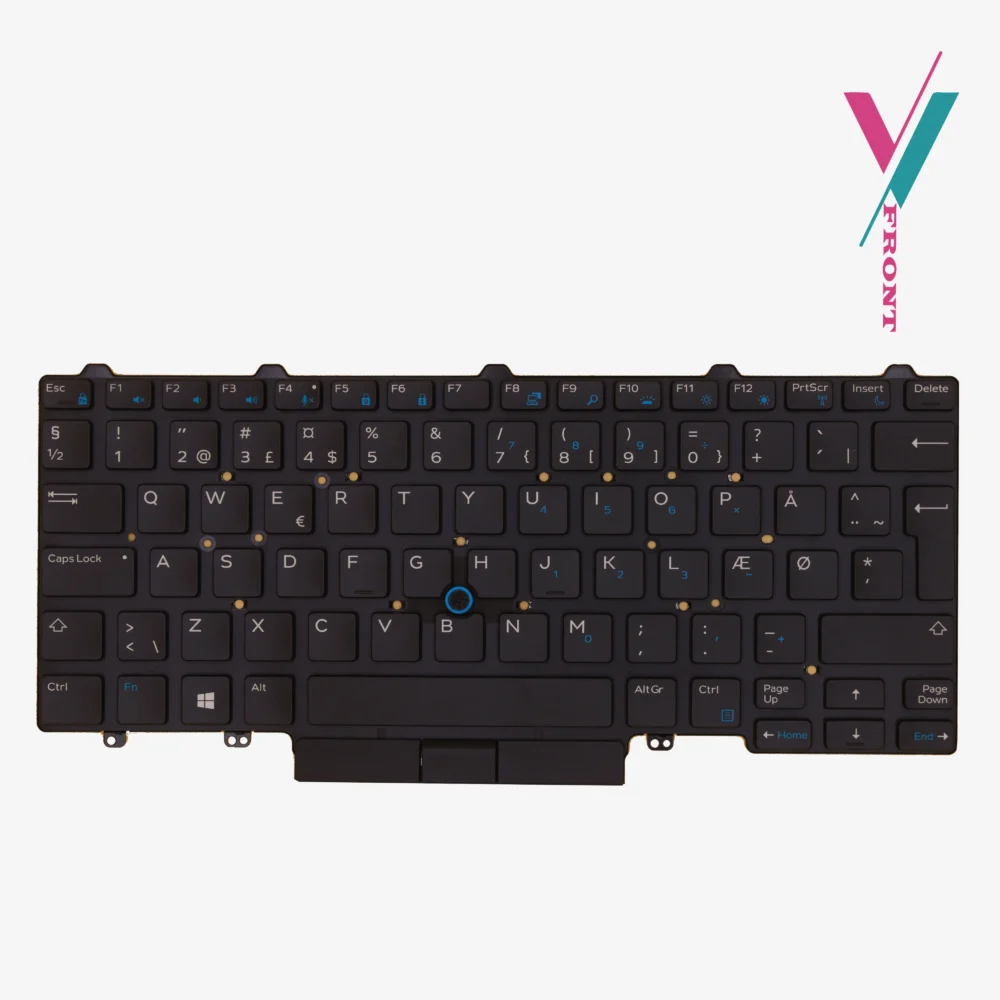
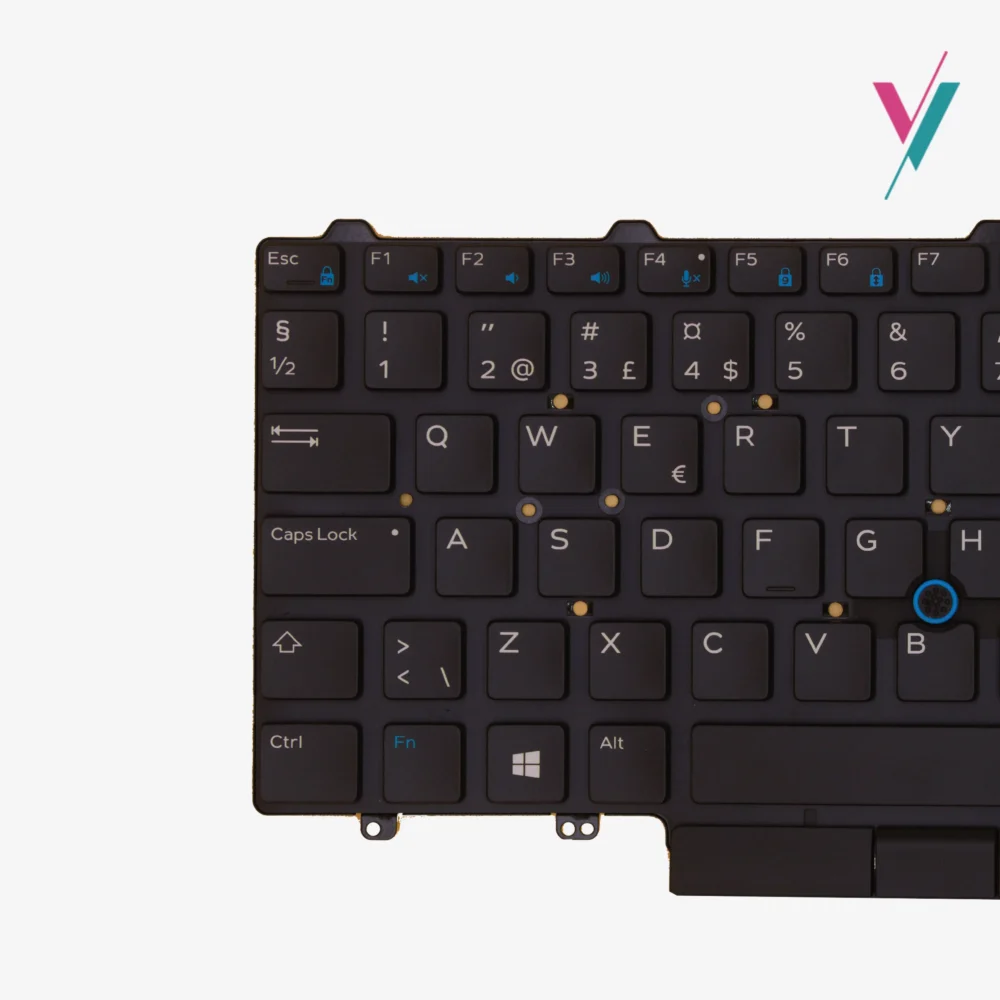
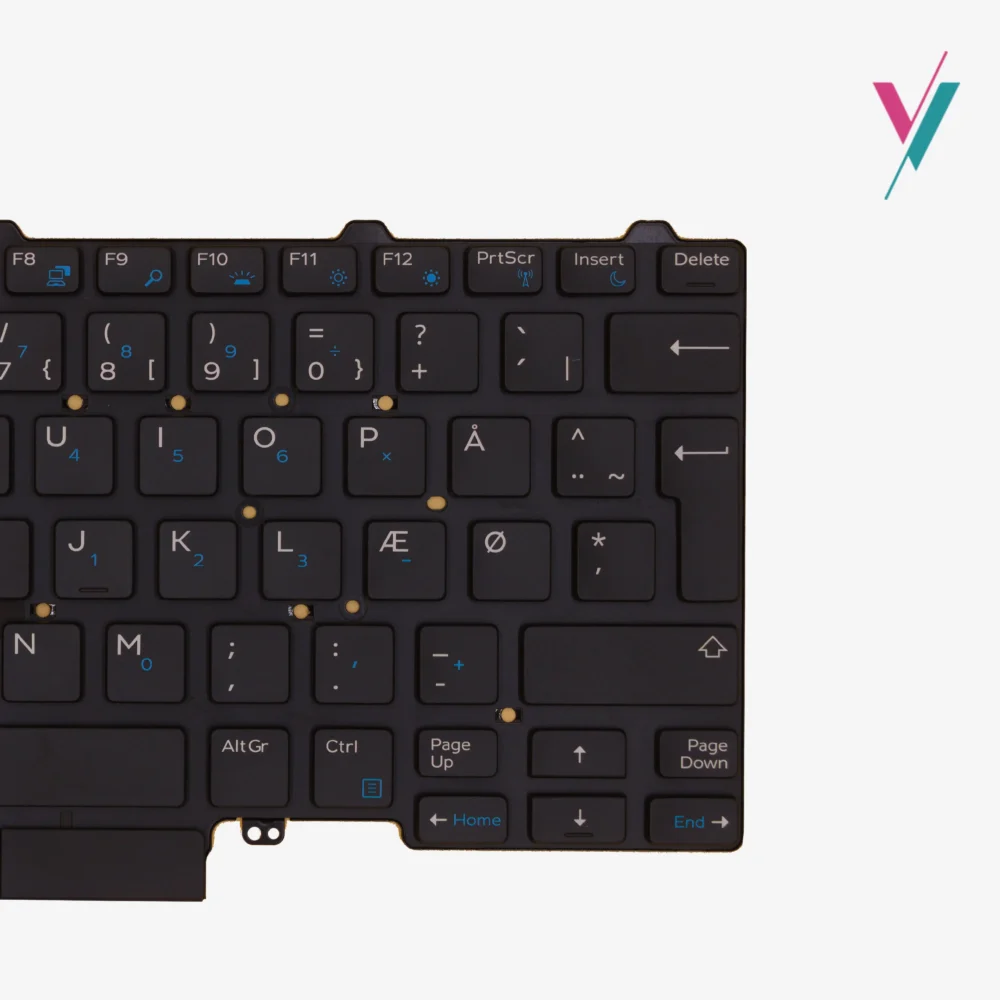
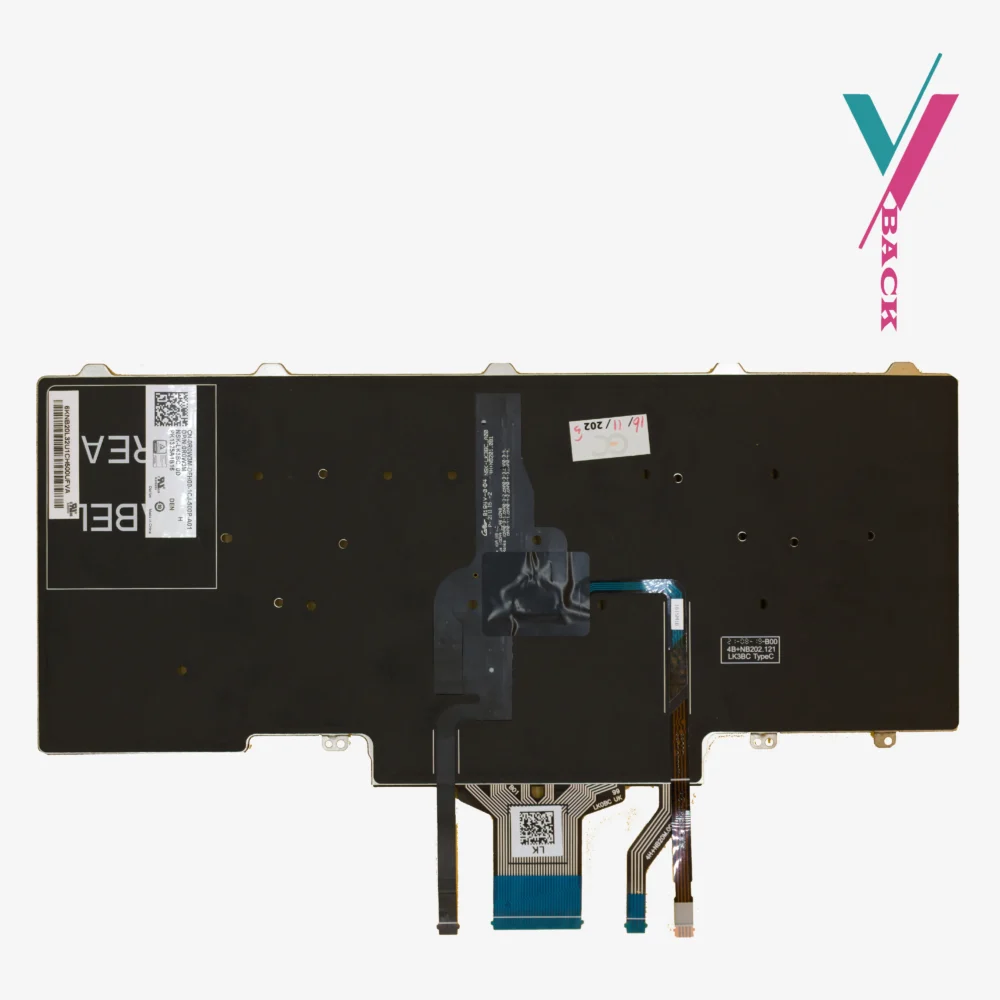



Dell Latitude 5480 keyboard:
Latitude 5480 is a solid business laptop. Reliable. Well-built. But after two or three years of daily use, the keyboard starts showing its age, the keys begin to feel different. Softer. Less responsive. And the backlight? If yours still works, consider yourself lucky. Most fade slowly until one day you realize you cannot see a single letter in the dark.
What this keyboard gives you
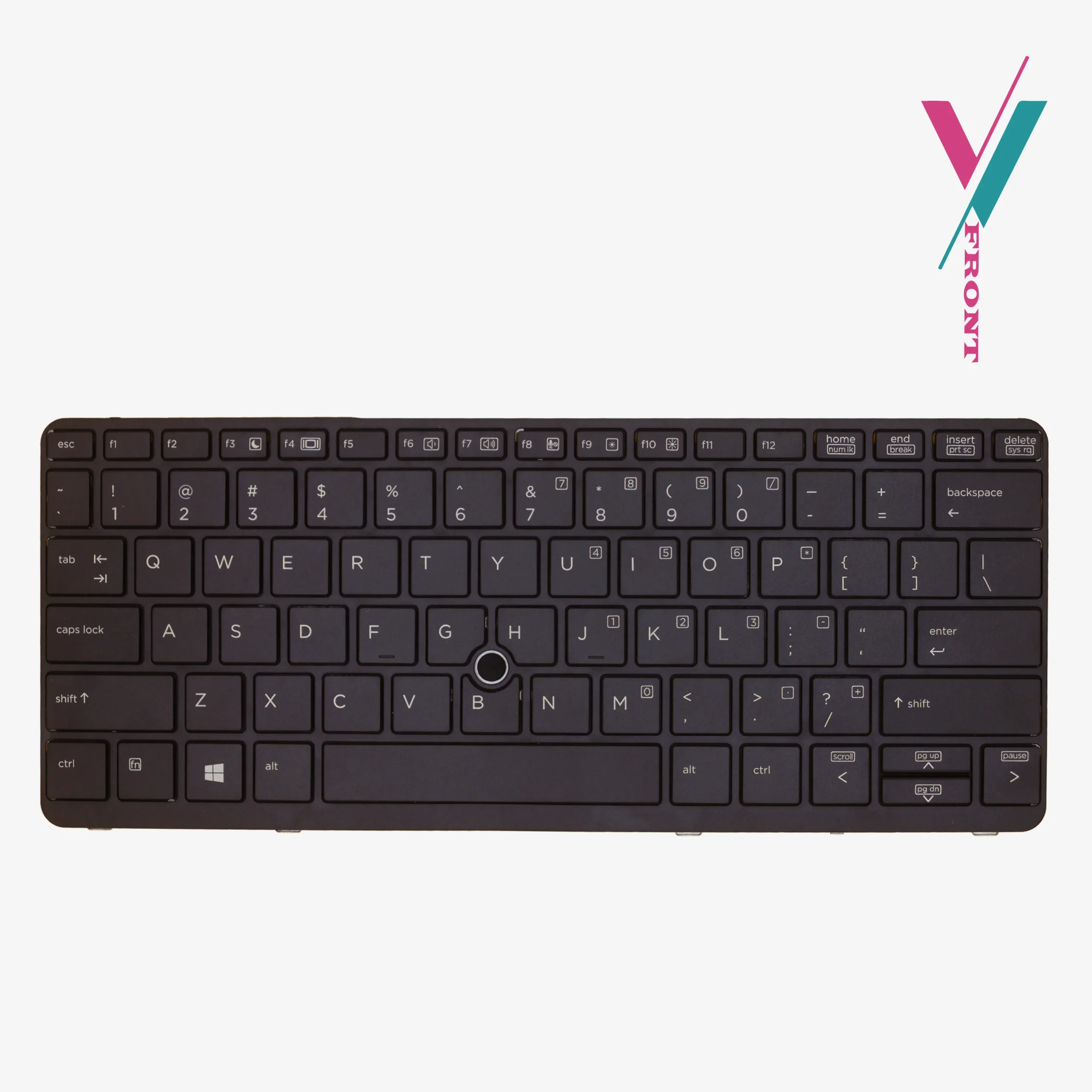
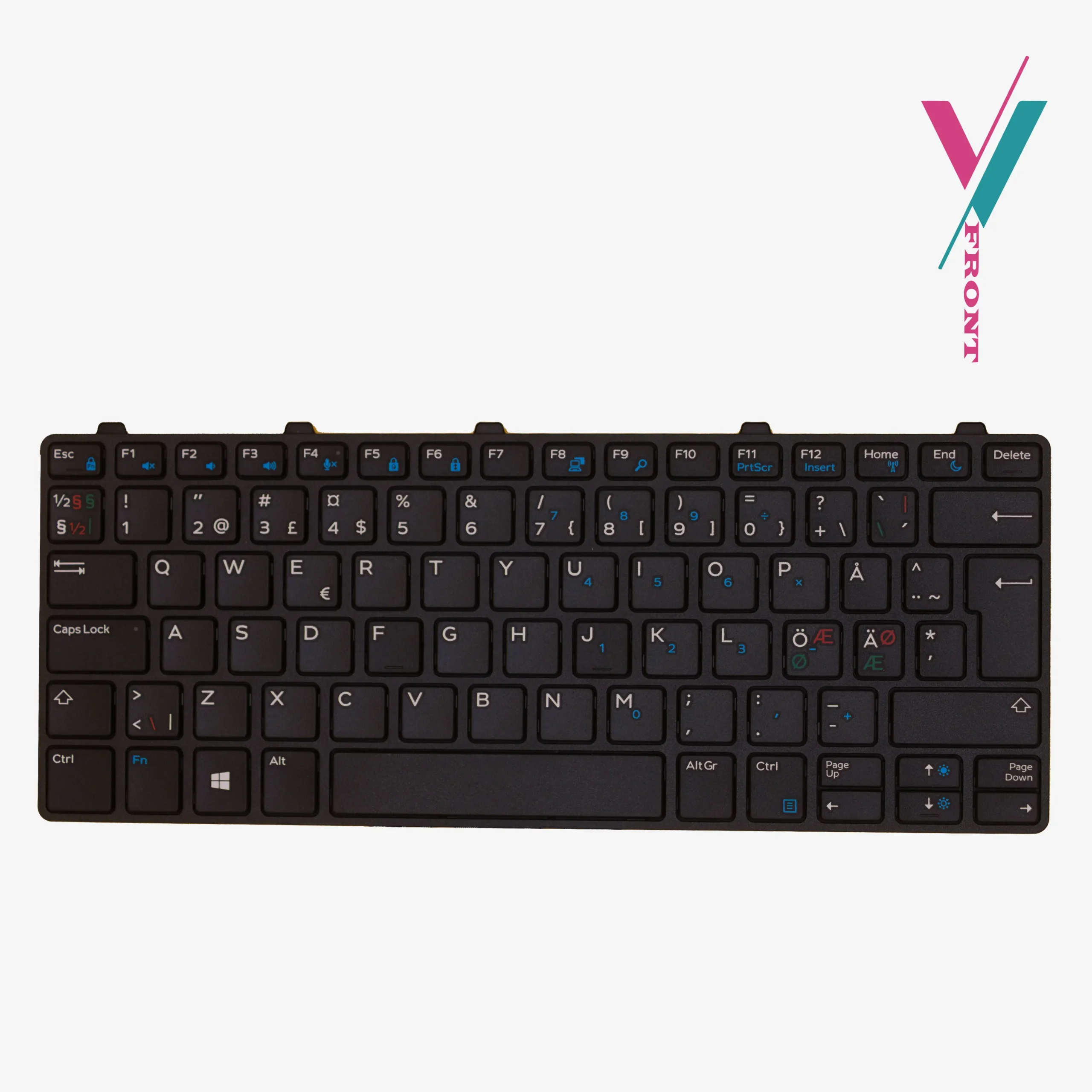
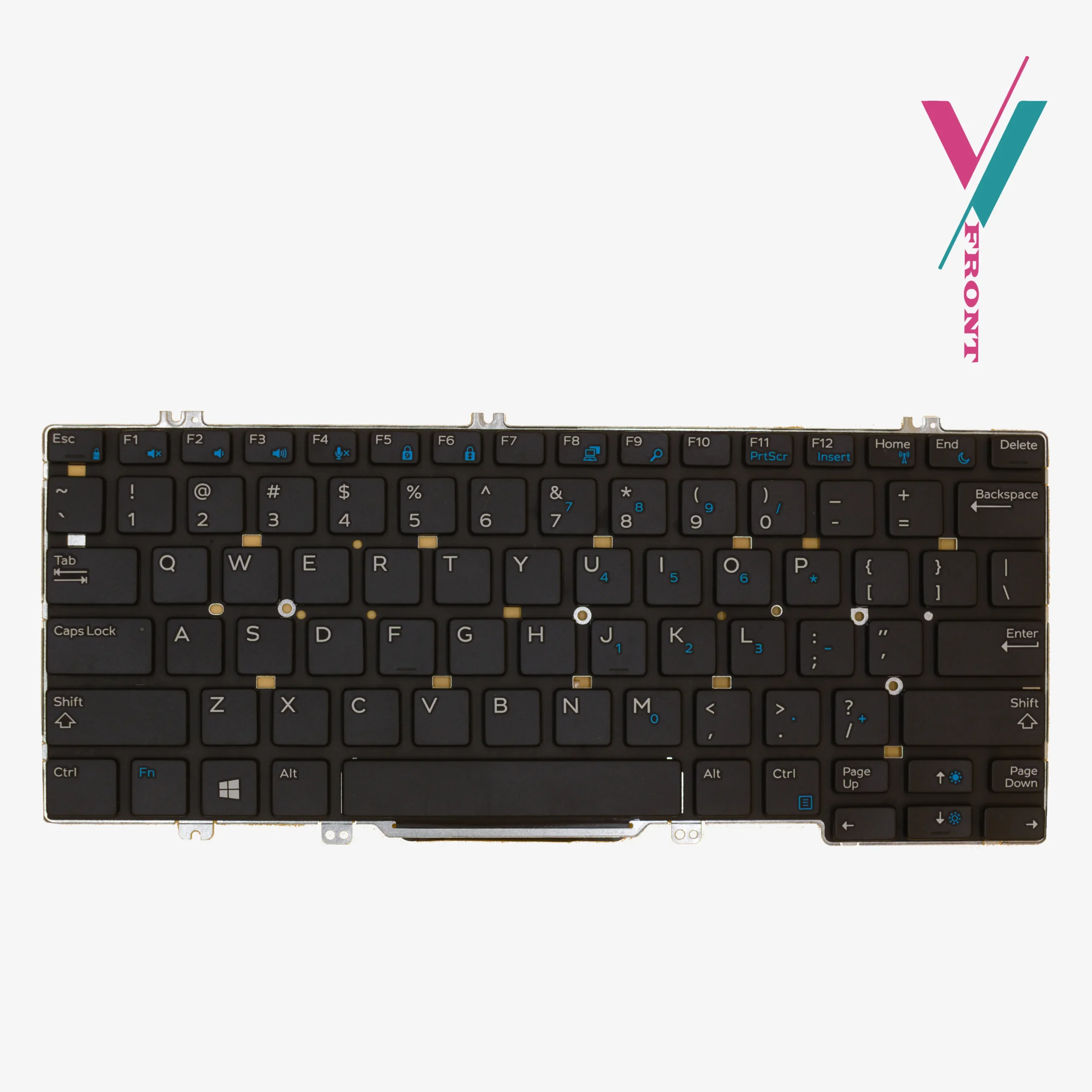
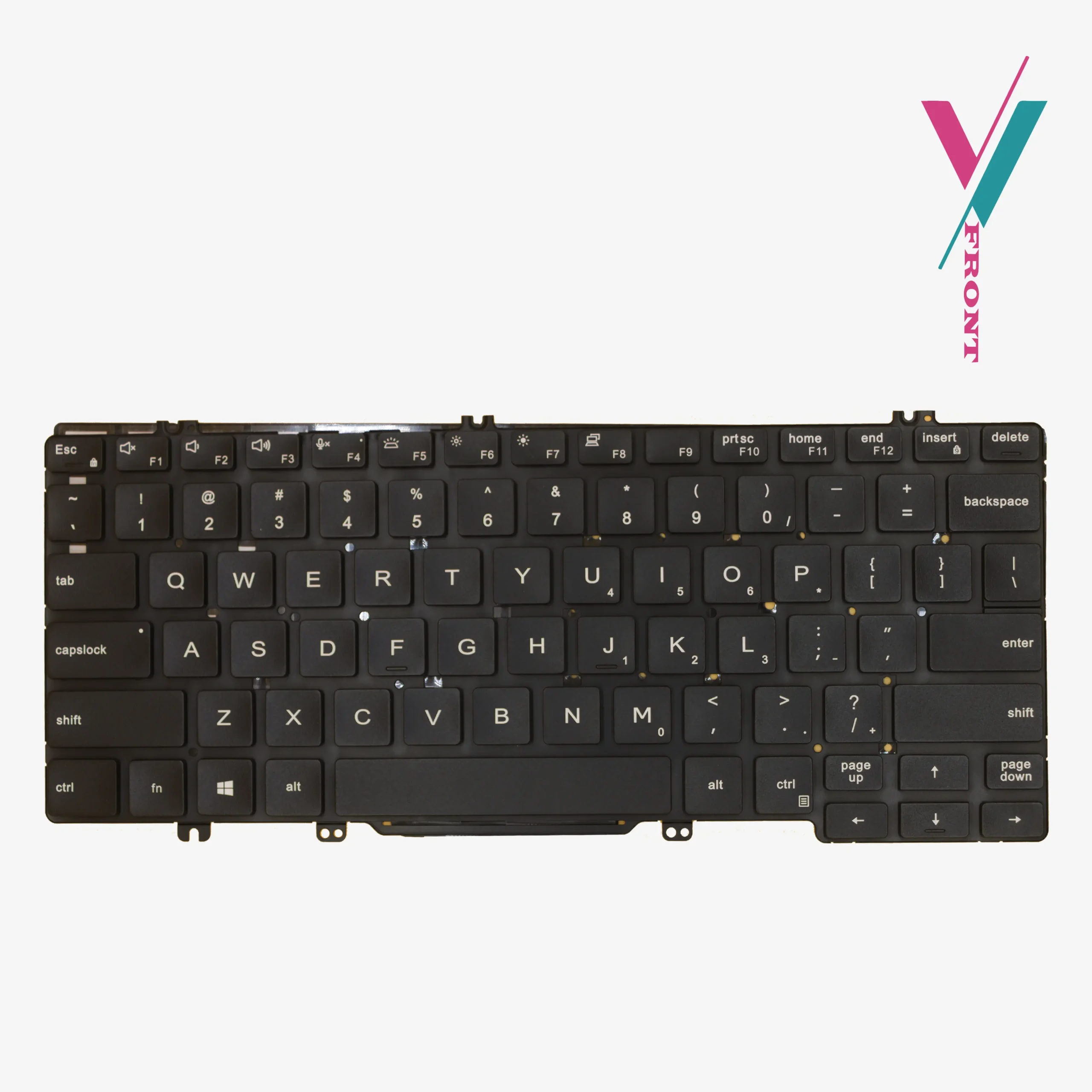
This is a direct replacement backlit keyboard for the Dell Latitude 5480. It comes with the pointing stick (the little nub between the G and H keys that Dell includes on their business models). The keys are black. The layout is standard US English. The backlight illuminates evenly across all keys, making late-night work sessions or early-morning tasks far less annoying.
Which laptops does this fit?
This keyboard is compatible with the following Dell Latitude models:
- Latitude 3340
- Latitude 3350
- Latitude 5480
- Latitude 5490
- Latitude 7480
- Latitude 7490
Quick note: The list above is a guide, not a guarantee. Dell sometimes uses different keyboard suppliers for the same model, which means cable connectors or mounting points can vary. For complete clarity, verify compatibility with us before buying.
If you order this keyboard and it does not fit your specific laptop, maybe the cable is different, maybe the mounting points do not align, a 7-day return is available (subject to policy). Just contact us and we will make it right.
To reduce the risks of having to initiate a return, click the “verify Compatibility” button on this page. Send us a photo of your current keyboard layout, and if possible the cable connector underneath or the part model sticker. Our team will compare it to available keyboards and tell you what works for you before you spend a cent.
Installation
Replacing a keyboard on a Latitude 5480 is not too technical, but you do need to be careful.
First, power down the laptop and disconnect the battery. This is important, doing this with power still available can damage the motherboard.
Next, remove the bottom case. The keyboard is usually held in place by small screws and sometimes clips. Take your time. Do not force anything.
Then, locate the ribbon cable connecting the old keyboard to the motherboard. Gently lift the locking flap on the connector and slide the cable out.
Slide the new keyboard’s cable in. Push the locking flap back down. Secure the keyboard with the screws you removed earlier. Reattach the bottom case. Power on.
If you are unsure of performing this procedure have a professional technician assist you, and if you do not have access to any we will recommend a few to you.
A common problem and how to fix it
If you install this keyboard and some keys do not work, do not panic. In nearly every case, this happens because the ribbon cable is not fully seated. The connector can be fussy. Disconnect it. Push the cable in again, firmly this time, until it stops. Then lock the flap. Test again. Nine times out of ten, this solves the problem.
What about quality?
Every keyboard we ship is tested before it leaves us. Keys are pressed. Backlight is checked. Cables are inspected.
Your Dell Latitude 5480 still has years of productive life ahead of it. A fresh backlit keyboard makes using it feel like a new machine again. Verify compatibility with us first, then order with confidence.

Reviews
There are no reviews yet.