


Give Your EliteBook a Fresh New Feel
Your HP EliteBook 820 G1 or G2 has been a trusted companion, but after years of use, the keyboard often shows the first signs of wear, keys that stick, lettering that’s worn away, or backlighting that no longer illuminates properly. The good news? You don’t need a new laptop. A keyboard replacement can restore that fresh, responsive feel and extend the life of your device for years to come.
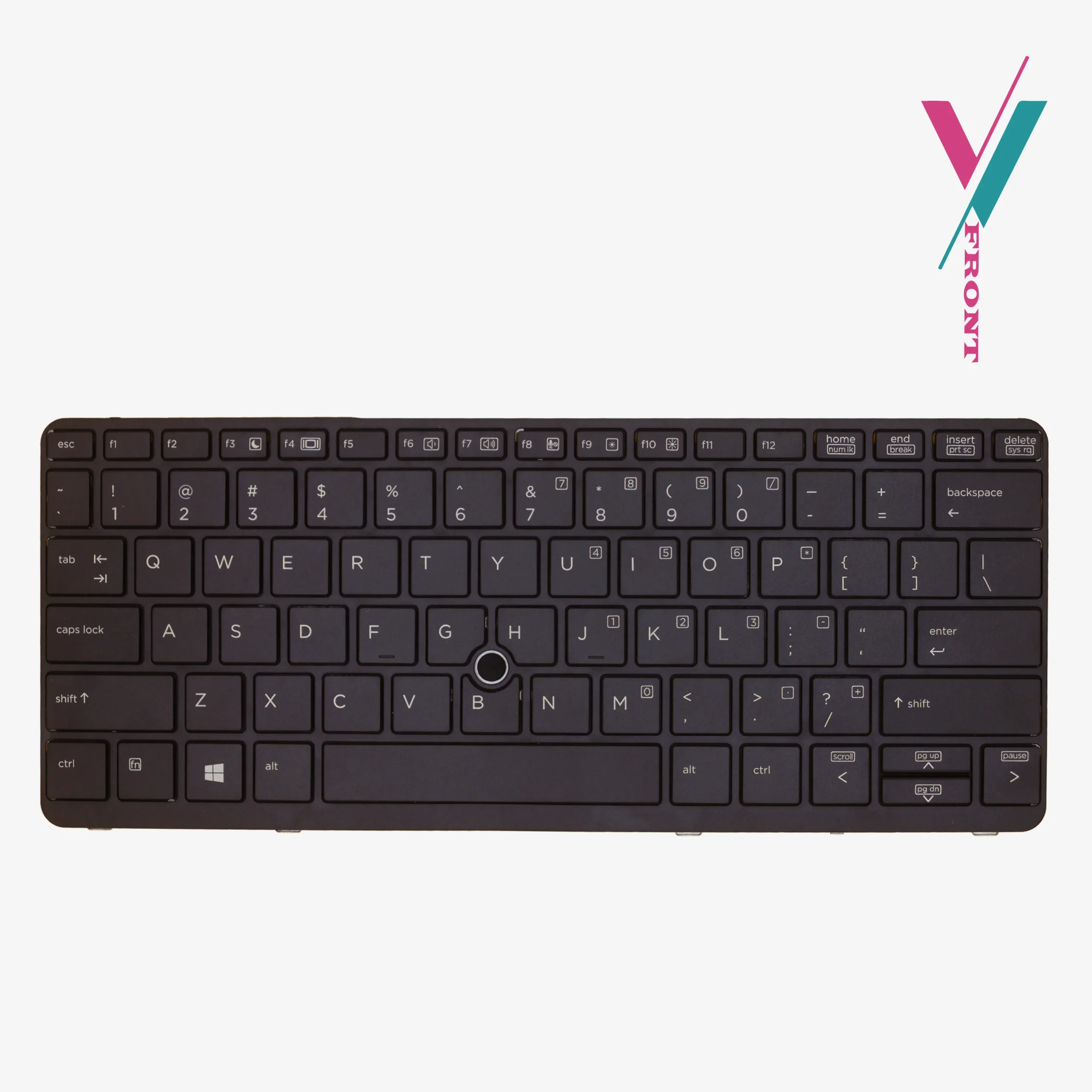
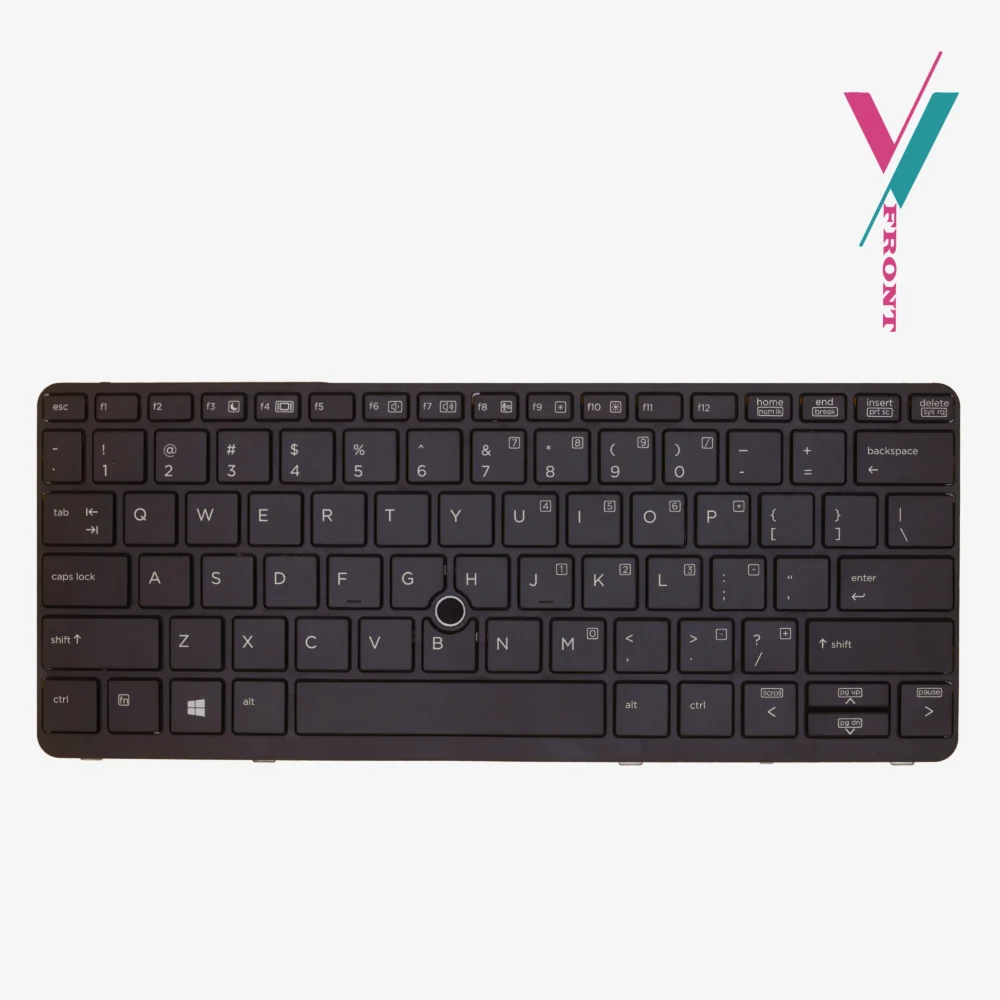
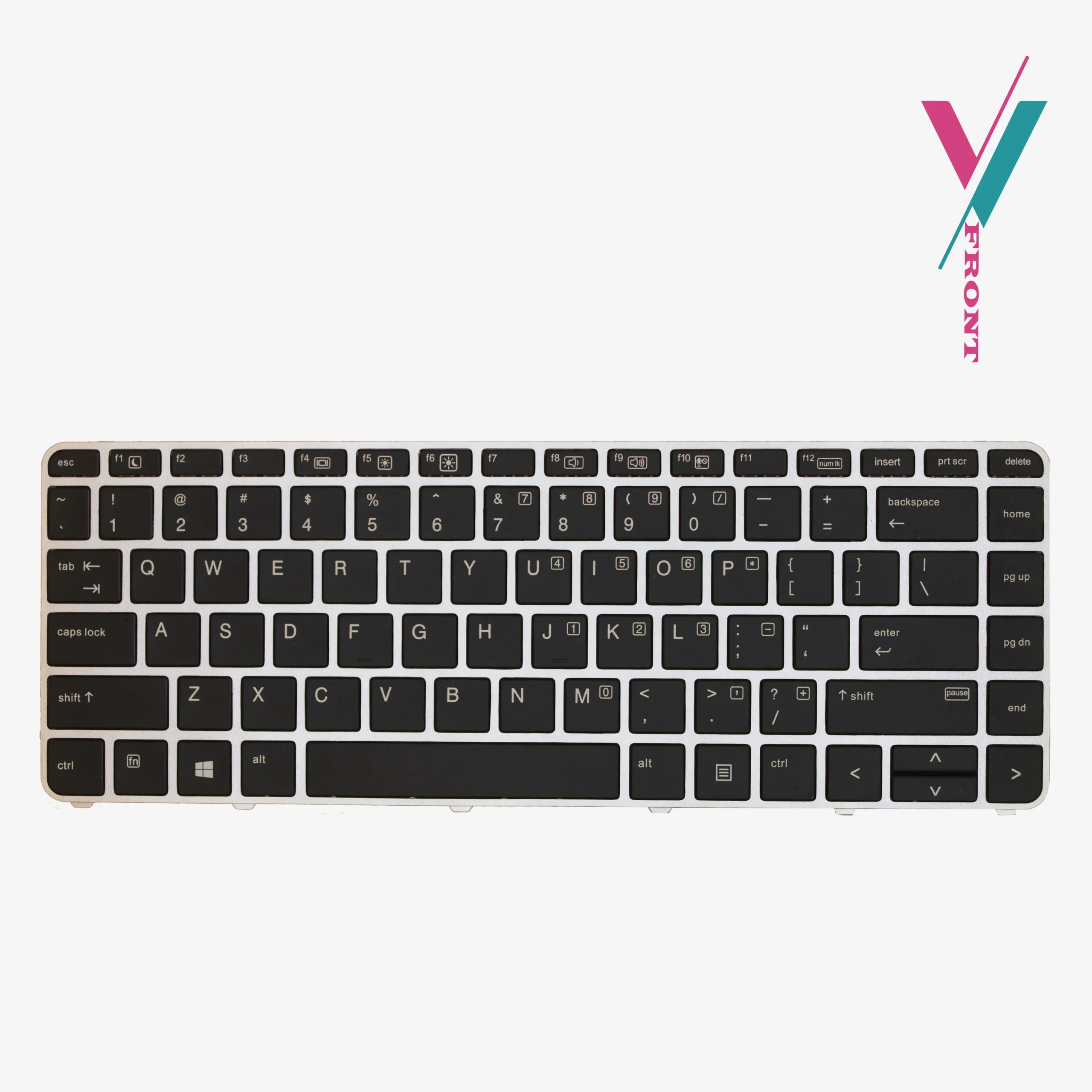
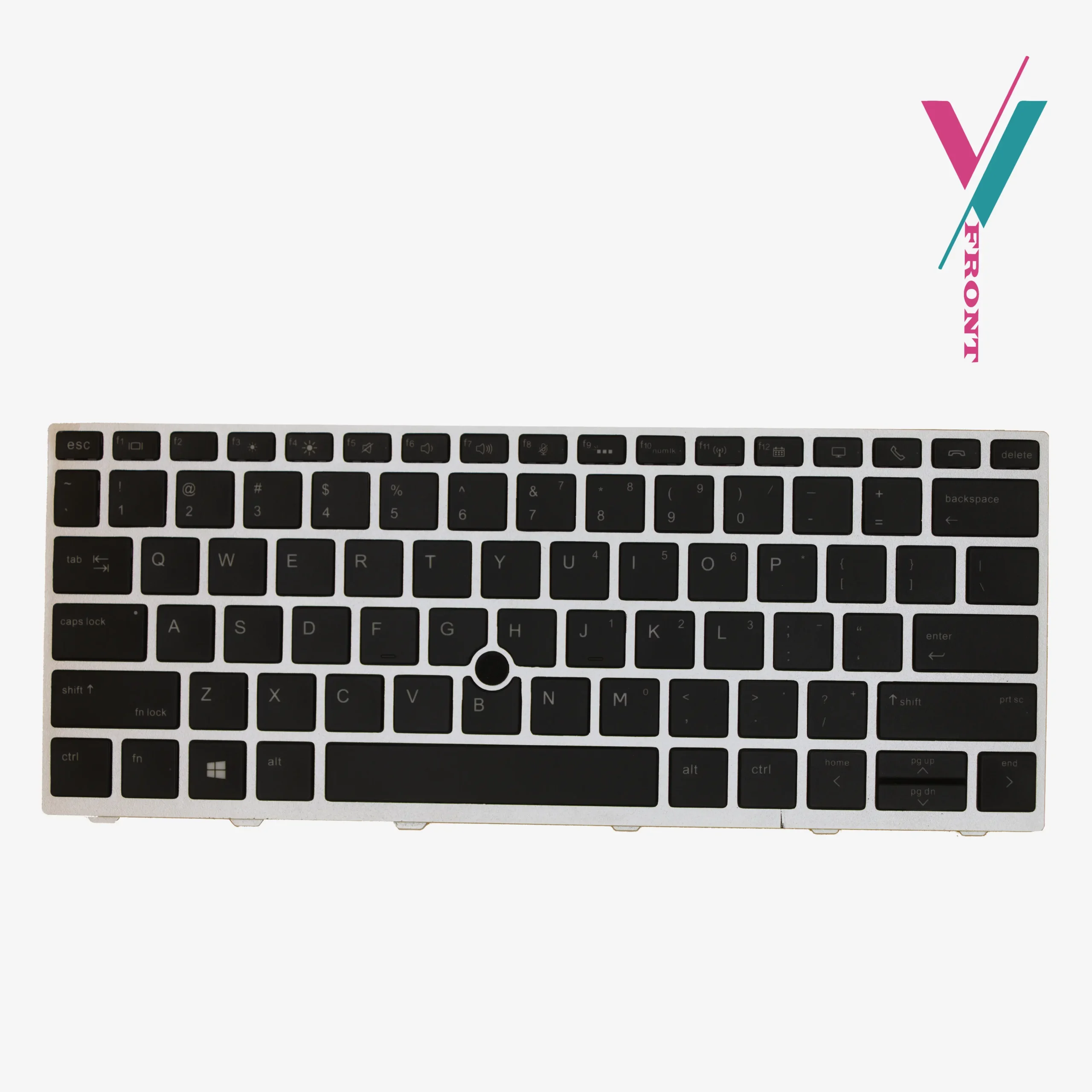
This backlit replacement keyboard is designed specifically for the EliteBook 820 G1 and 820 G2, offering a direct fit that brings your laptop back to its original functionality.
Key Features at a Glance
- Backlight: Integrated backlight for low-light visibility
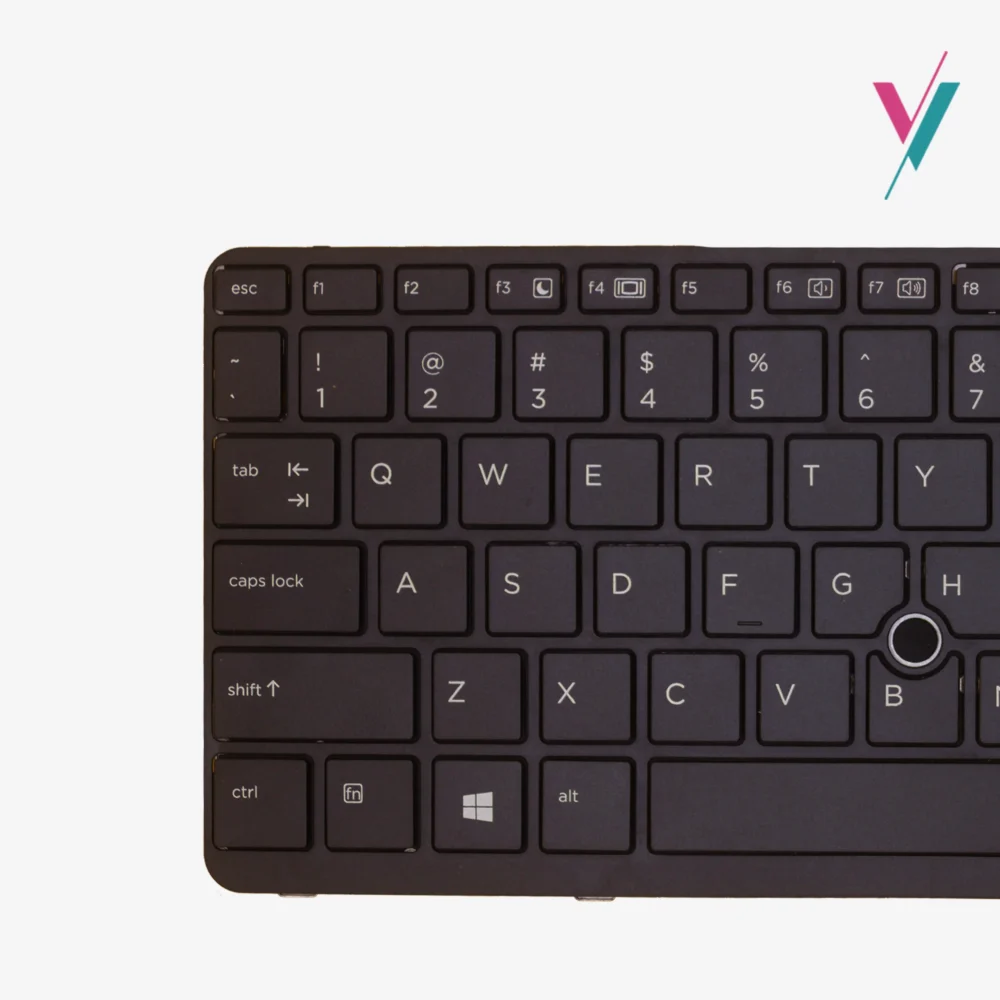
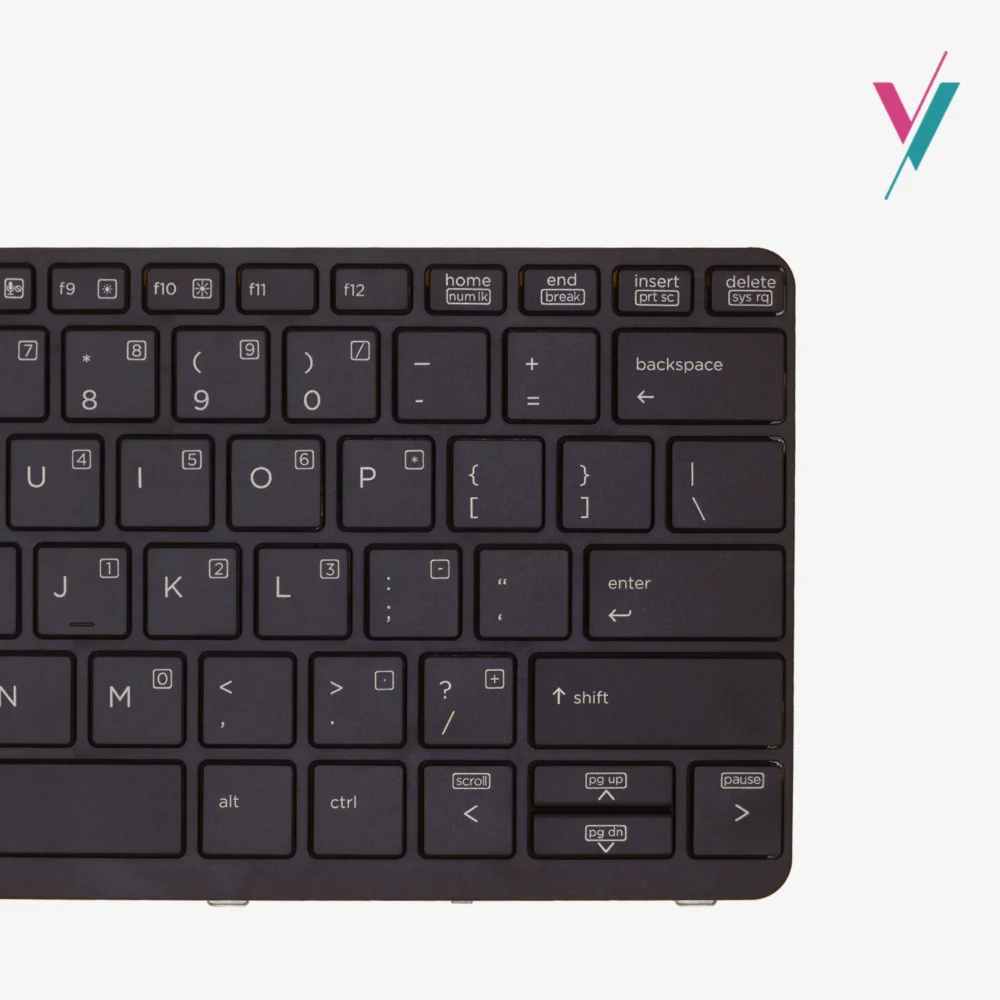
- Mouse Pointer: Built-in pointing stick for navigation without removing hands from keyboard
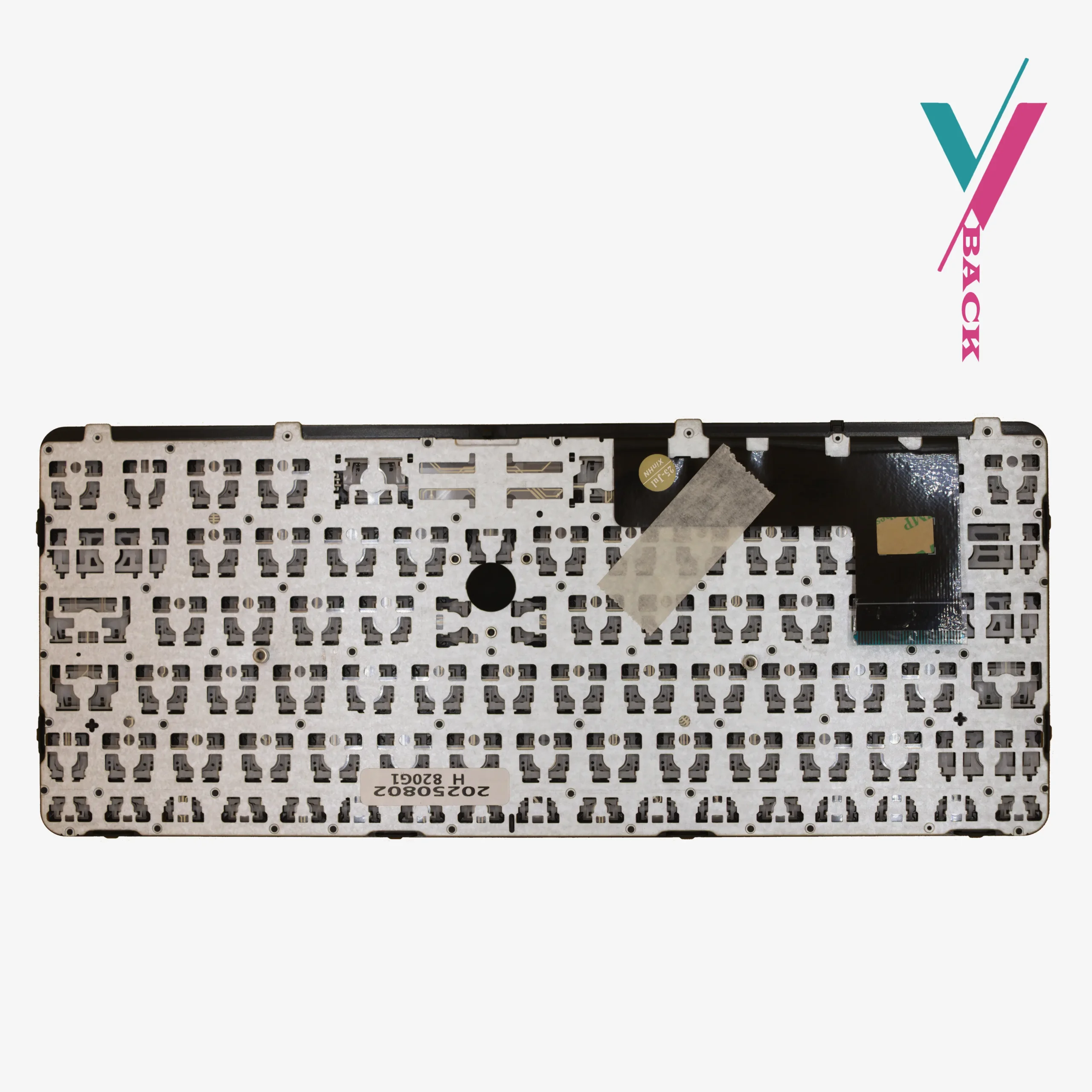
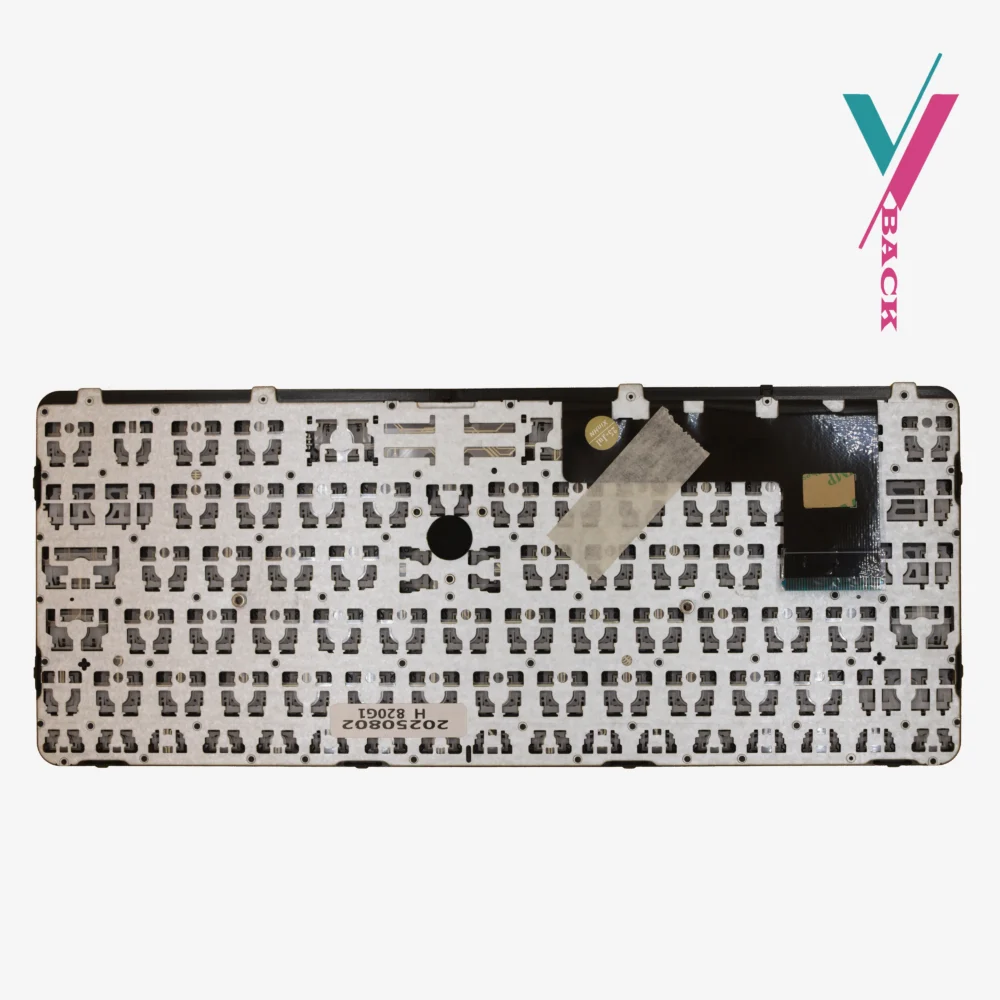
- Cable: Ribbon cable pre-attached (no separate cable to source)
- Mounting: No screws included—reuse the screws from your existing keyboard
- Finish: Black, matte finish to match original laptop colour
Why This Keyboard Is the Right Choice
Designed for Compatibility
This keyboard is built to work with the HP EliteBook 820 G1 and 820 G2 models. It’s a direct replacement, meaning it should align perfectly with your laptop’s chassis and connection points.
Backlit for Any Environment
Working in dim lighting doesn’t have to mean squinting at your keys. The integrated backlight illuminates each key, allowing you to stay productive wherever you are.
Complete with Ribbon Cable
Unlike some replacement keyboards that require transferring cables from your old unit, this keyboard comes with the ribbon cable already attached. This simplifies the installation process and reduces the risk of connection issues.
Important Installation Note
This keyboard does NOT include mounting screws. You will need to carefully remove the screws from your existing keyboard and reuse them for installation. If you’re unsure about the replacement process, we recommend having the installation done by a qualified technician.
Compatibility Reference
This keyboard is compatible with the following HP EliteBook models:
Laptop Models:
- HP EliteBook 820 G1
- HP EliteBook 820 G2
Reference Part Numbers (for guidance only):
UI V141926AS1, UI 730541
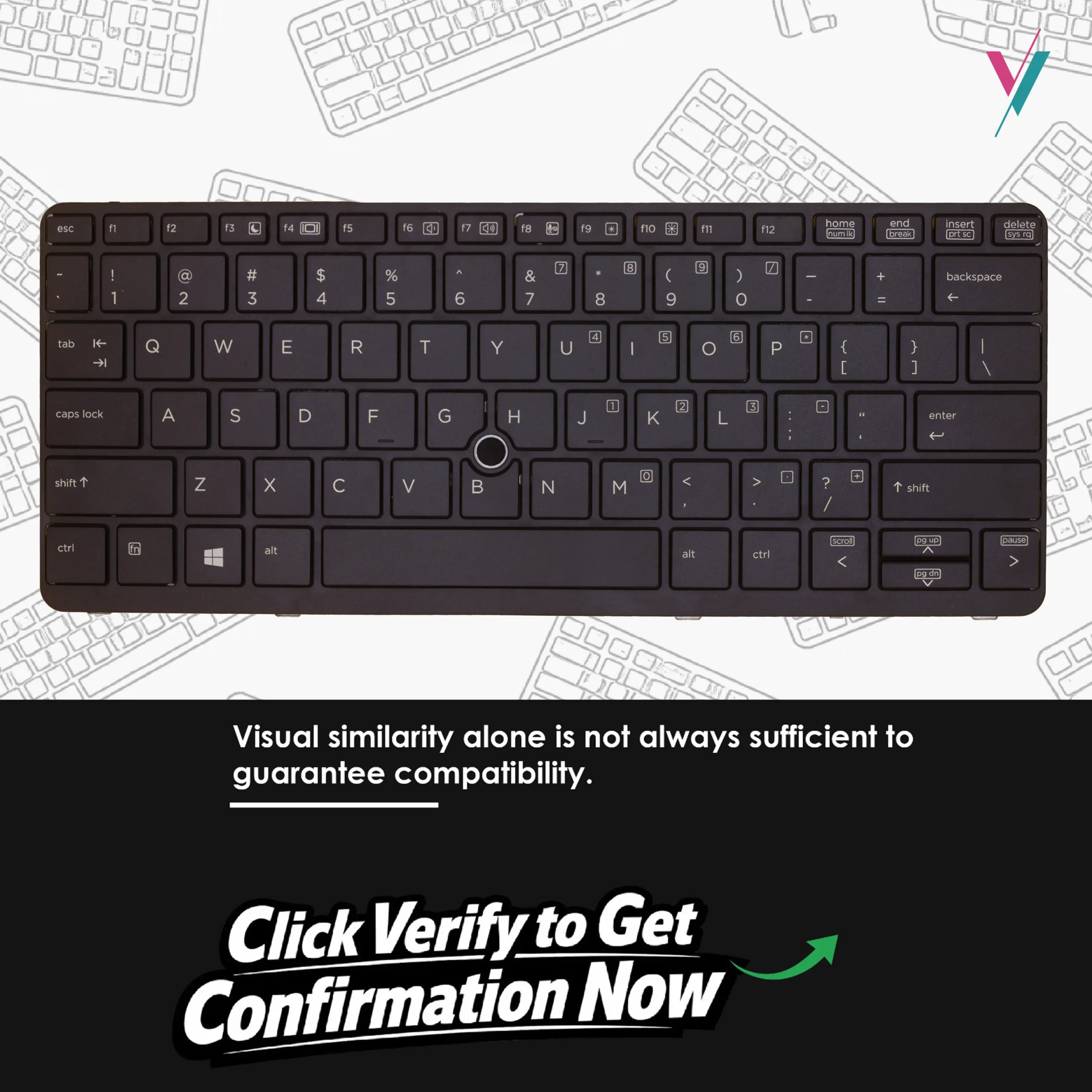
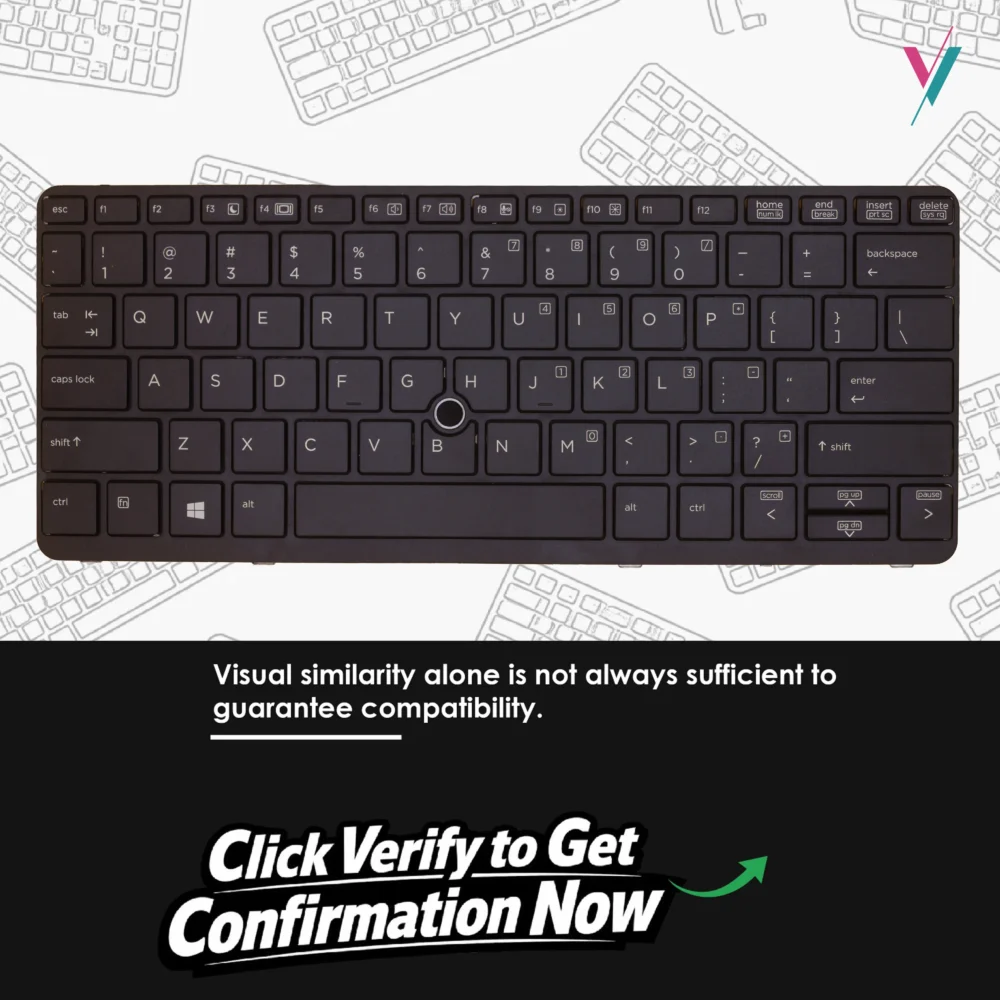
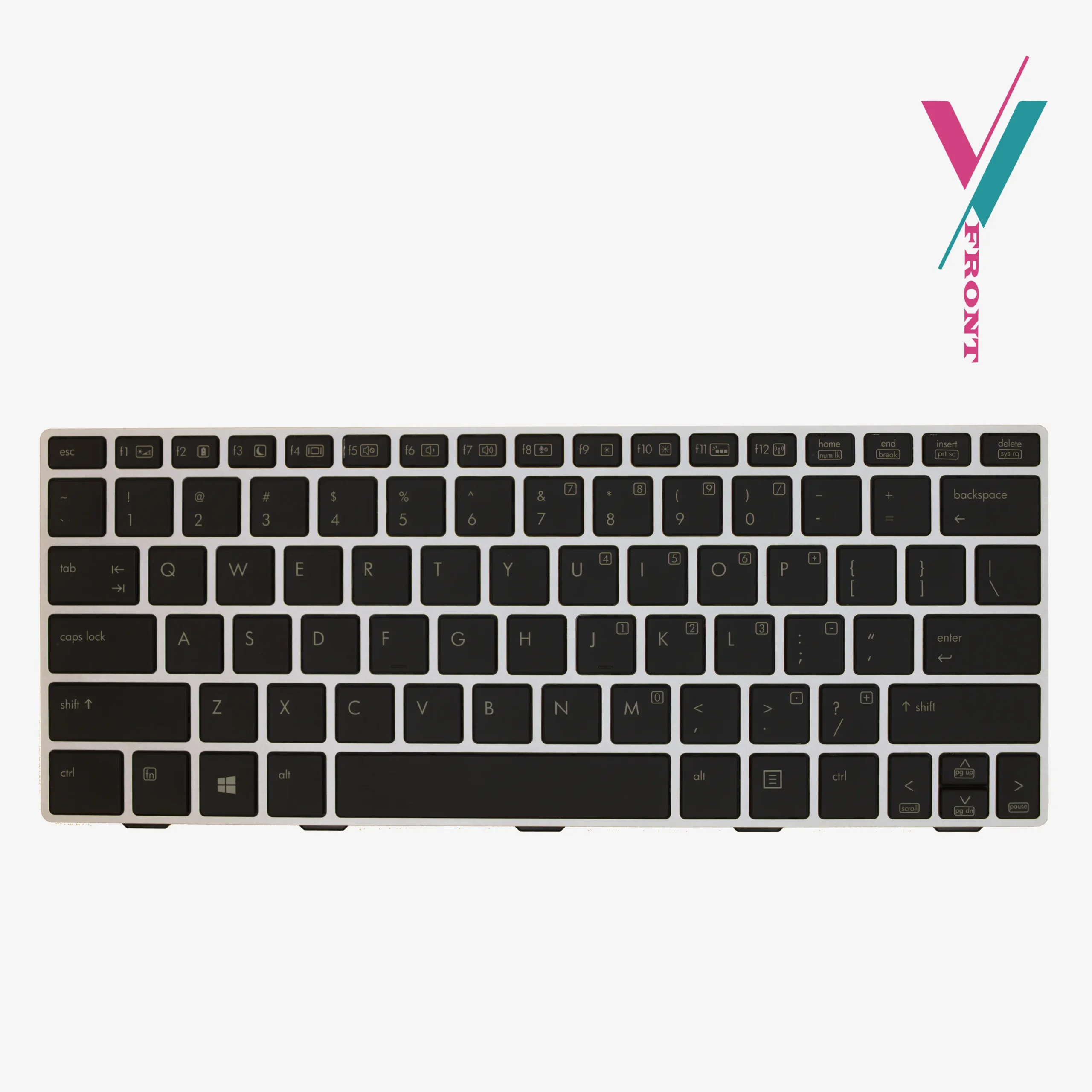
Important Note: This compatibility list is provided as a reference based on manufacturer specifications and supplier data. Keyboard configurations can vary based on region, keyboard layout (US vs. international), and specific laptop sub-models. The most reliable way to ensure a perfect match is to easily verify compatibility with us for complete confirmation.
What’s in the Box
- 1 x Backlit Laptop Keyboard for HP EliteBook 820 G1/G2 (with ribbon cable attached)
Installation Tips for a Smooth Replacement
Replacing a laptop keyboard requires patience and care. Here are a few tips to guide you:
- Power Down: Ensure your laptop is completely shut down and disconnected from any power source before beginning.
- Remove the Battery: If your laptop has a removable battery, take it out to prevent any accidental power flow.
- Work Slowly: Laptop keyboards are held in place by small screws and sometimes clips. Work methodically to avoid damaging the chassis or ribbon cable connections.
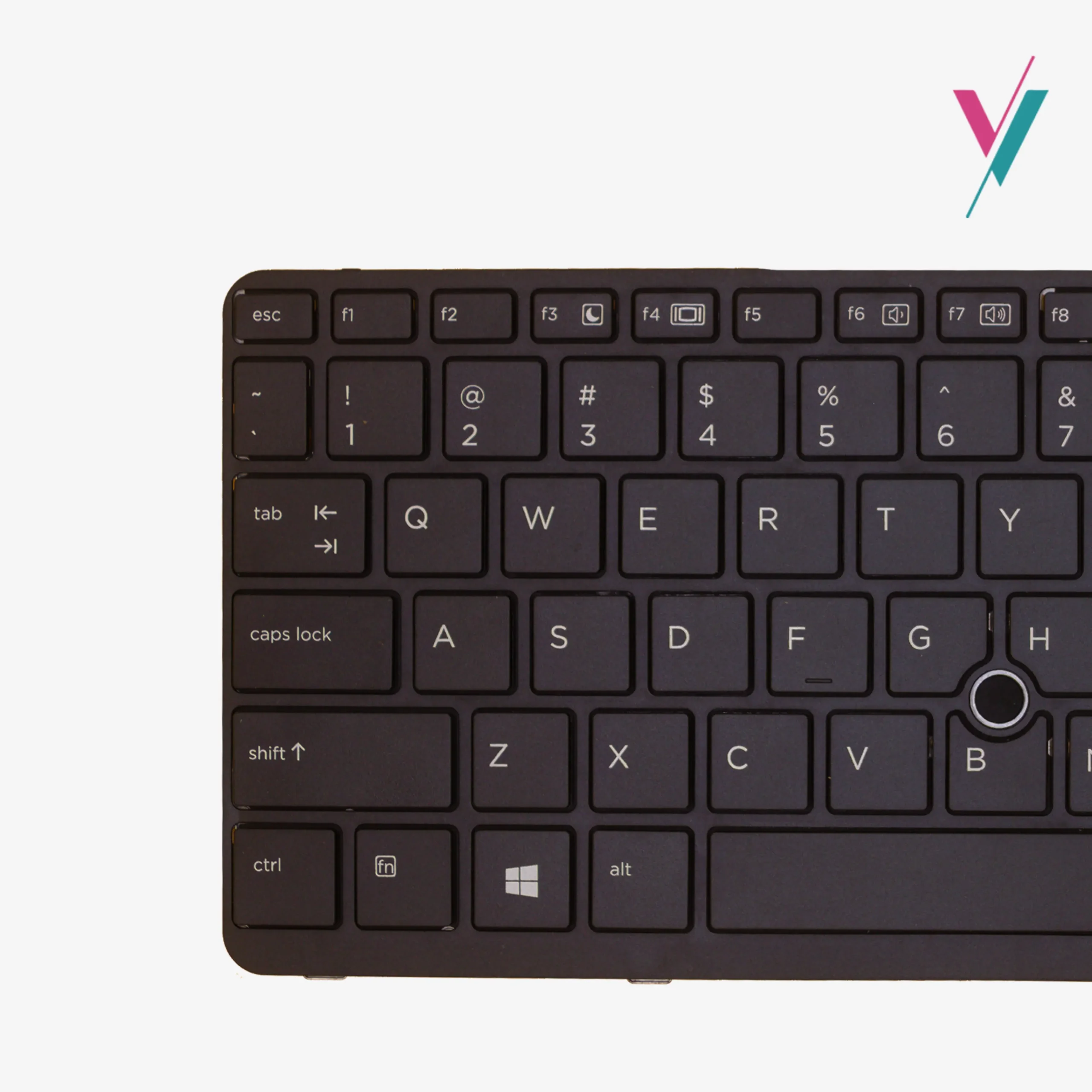
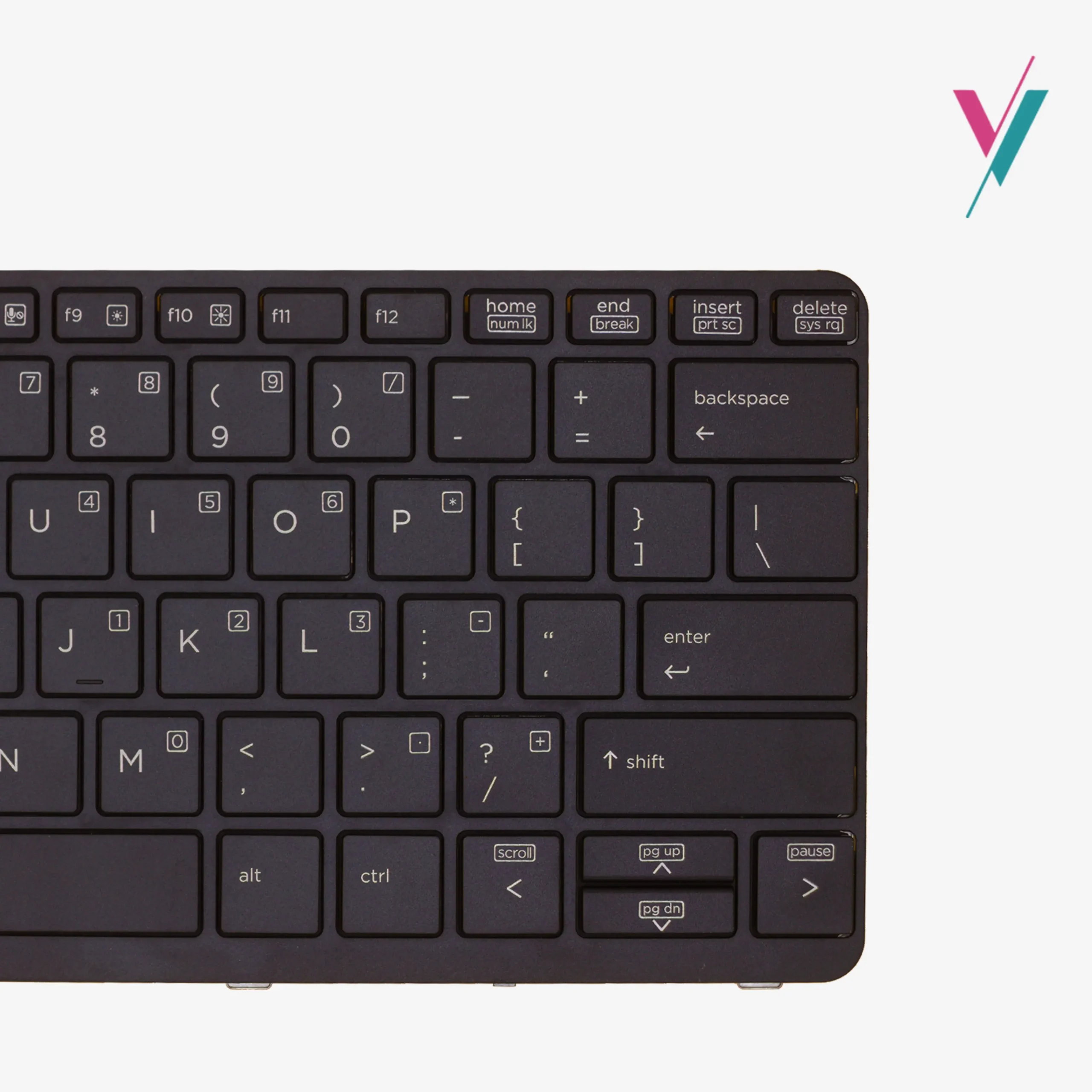
- Compare Before Installing: Before connecting your new keyboard, place it alongside your old one to confirm the layout, cable position, and mounting points match.
- Reuse Your Screws: As noted, this keyboard does not come with mounting screws. Carefully remove the screws from your old keyboard and set them aside for installation.
If you’re uncomfortable performing this replacement yourself, we’ll recommend a professional technician.
Your Satisfaction, Protected
We understand that ordering a laptop keyboard can feel uncertain. Will the layout match? Will the cable connect properly? Will the backlight function correctly? You shouldn’t have to take a gamble.
That’s why returns and exchanges are available within 7 days (subject to policy). If this keyboard doesn’t match your laptop’s requirements, simply contact us, and we’ll arrange a return or exchange.
The Smartest Way to Get the Right Keyboard
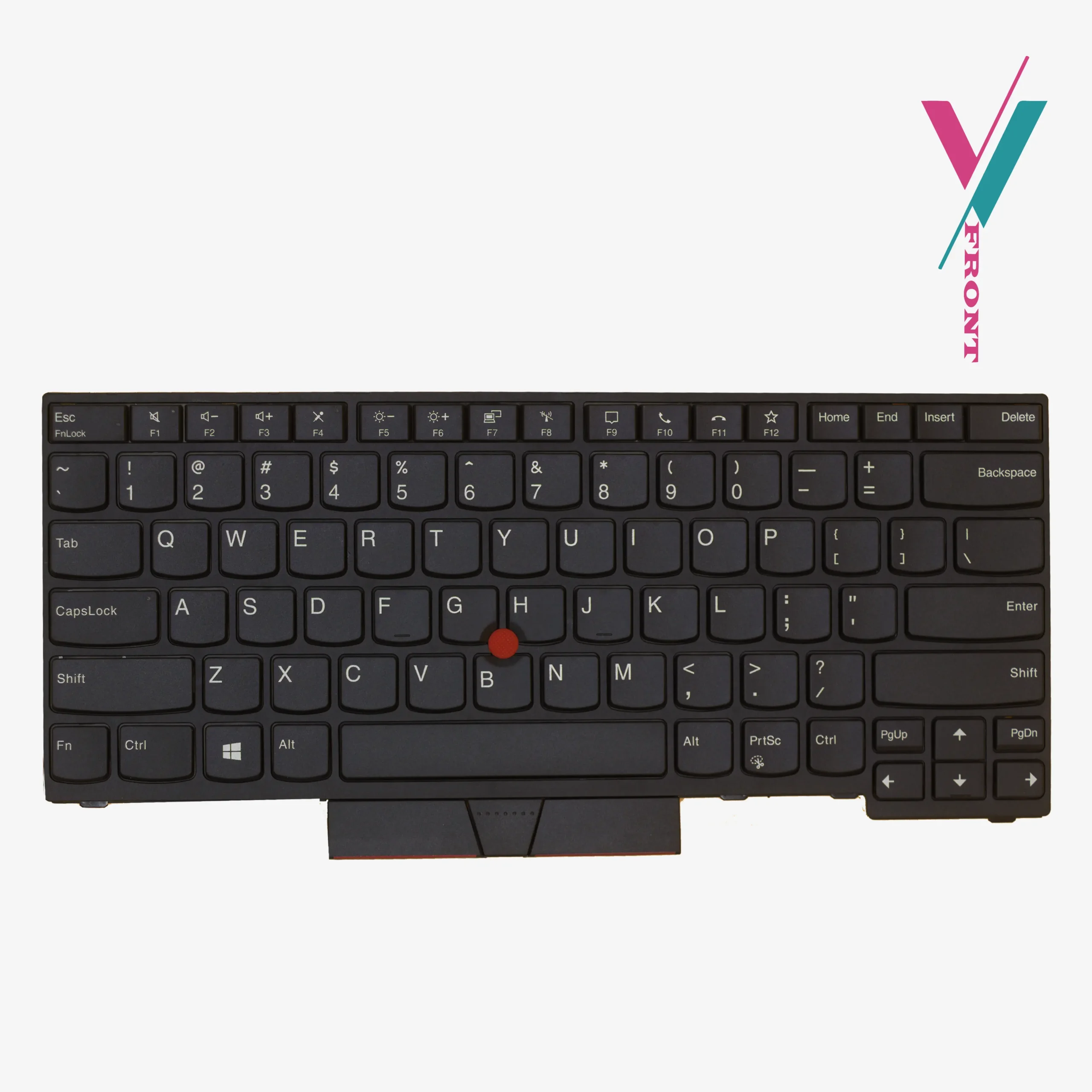
Here’s the reality: even with model numbers and part lists, keyboard compatibility ultimately comes down to visual confirmation. Layout variations, cable positioning, and regional differences can all affect whether a keyboard fits your specific laptop.
Skip the guesswork. Click the “Verify Compatibility” button to connect with our team. Simply send us a photo of your current keyboard layout. We’ll personally confirm whether this keyboard is the right match for your EliteBook, giving you complete confidence before you place your order.

Reviews
There are no reviews yet.