


After two or three years of daily use, even a ThinkPad keyboard wears down. The keys you use most, E, A, spacebar, backspace, start to feel different. Softer. Less responsive. The TrackPoint might develop a wobble or drift to the left when you are not touching it. And if you have a backlit model, the light might have faded or died entirely.
You notice it every single time you sit down to work. It is not catastrophic. But it is annoying. And it slows you down.
What this keyboard gives you.
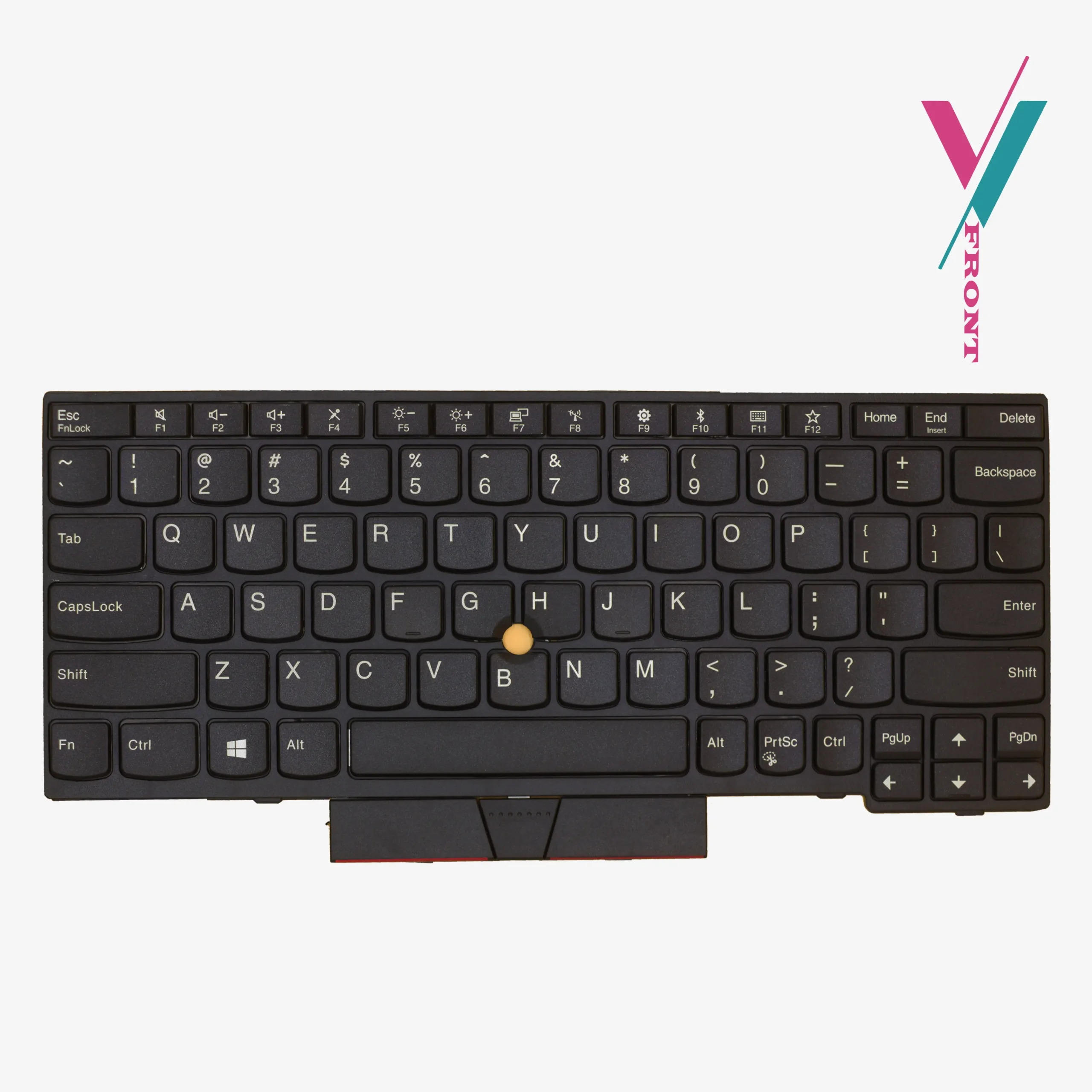
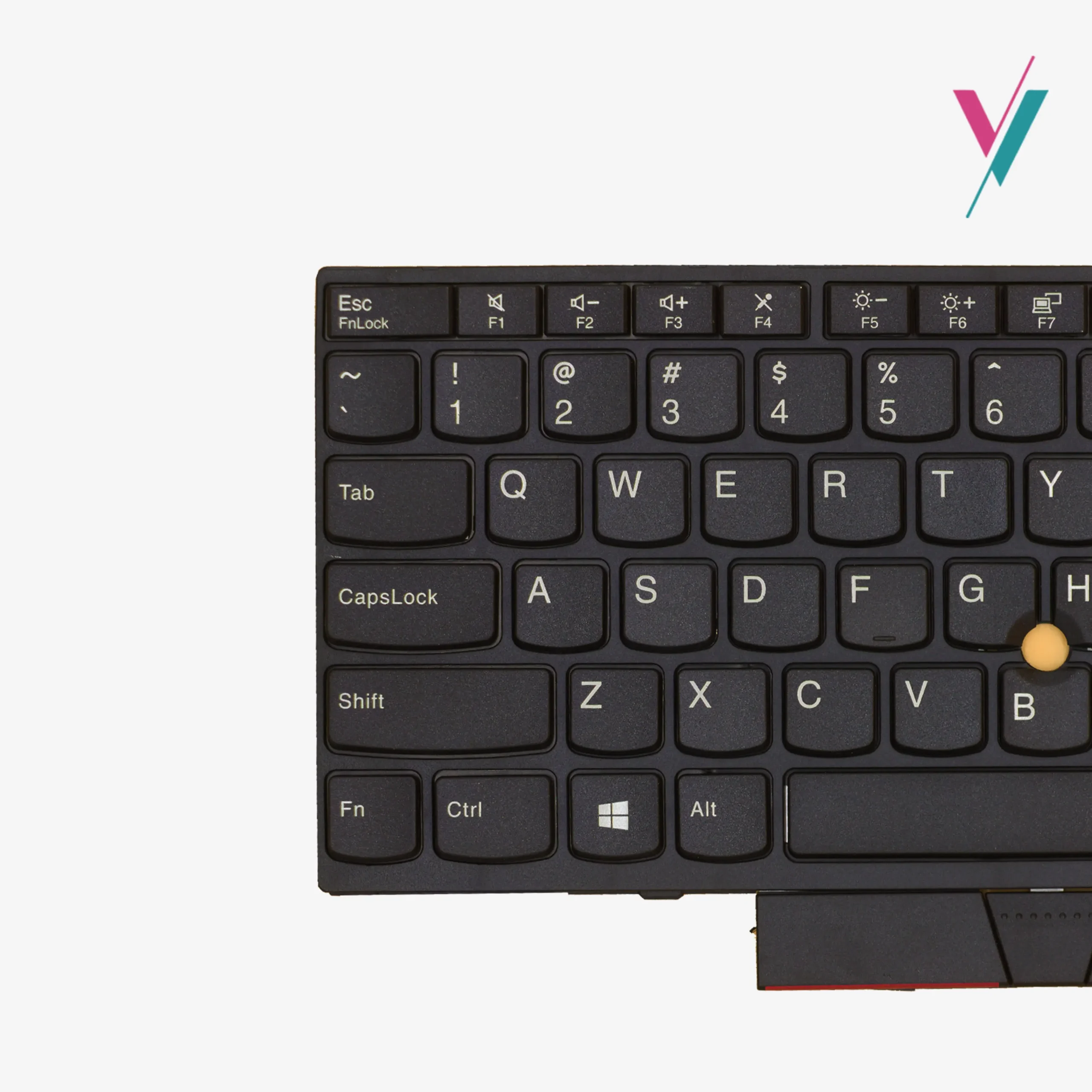
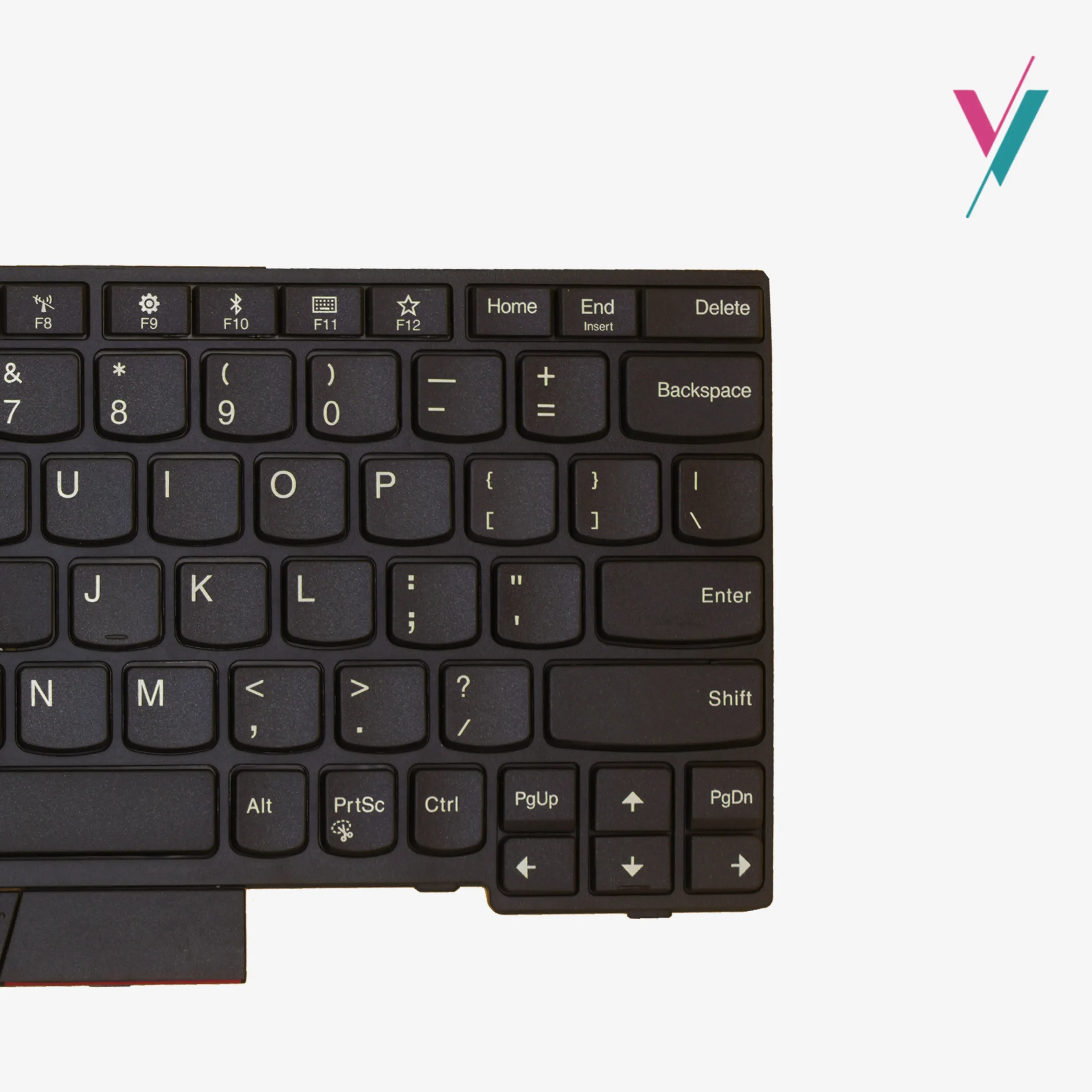
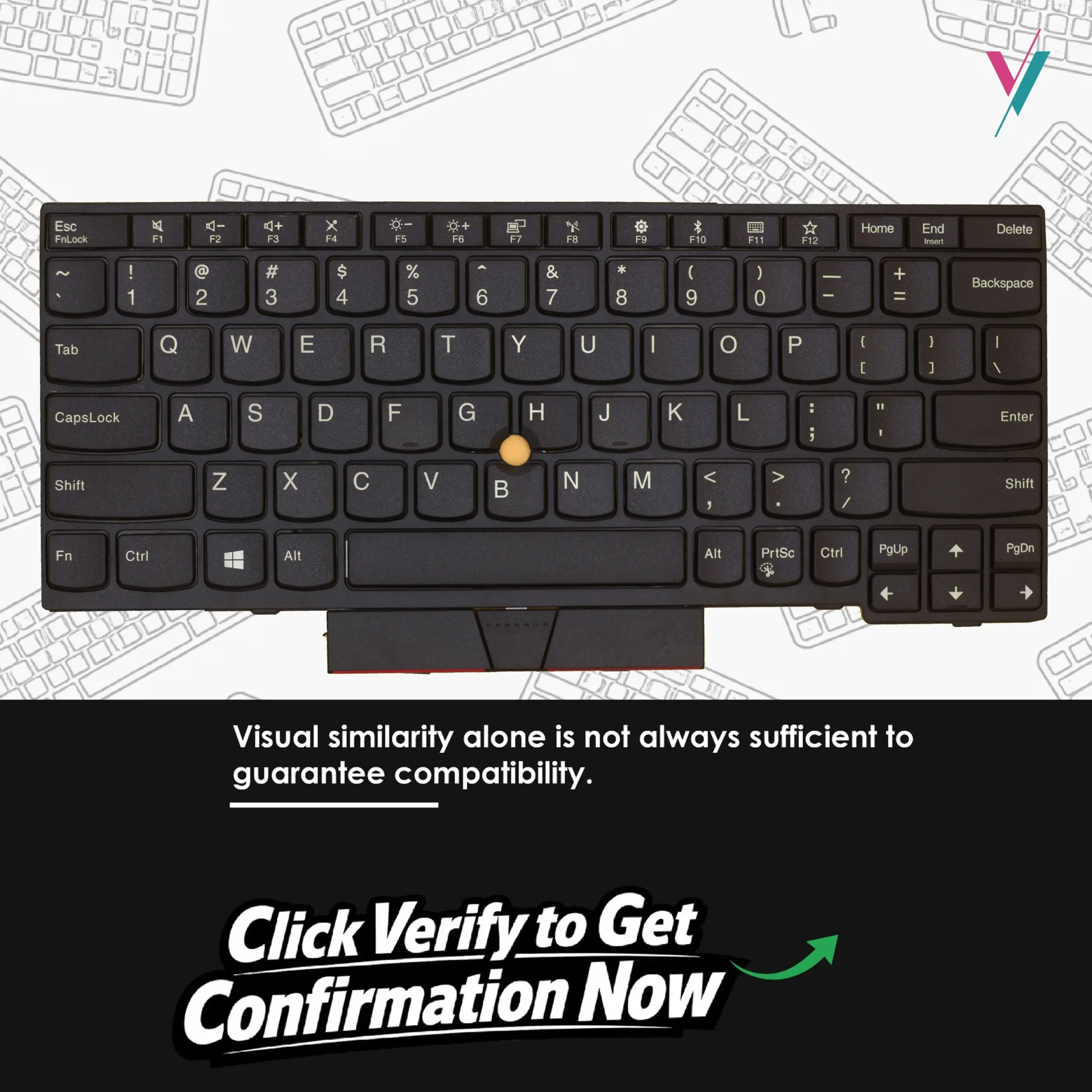
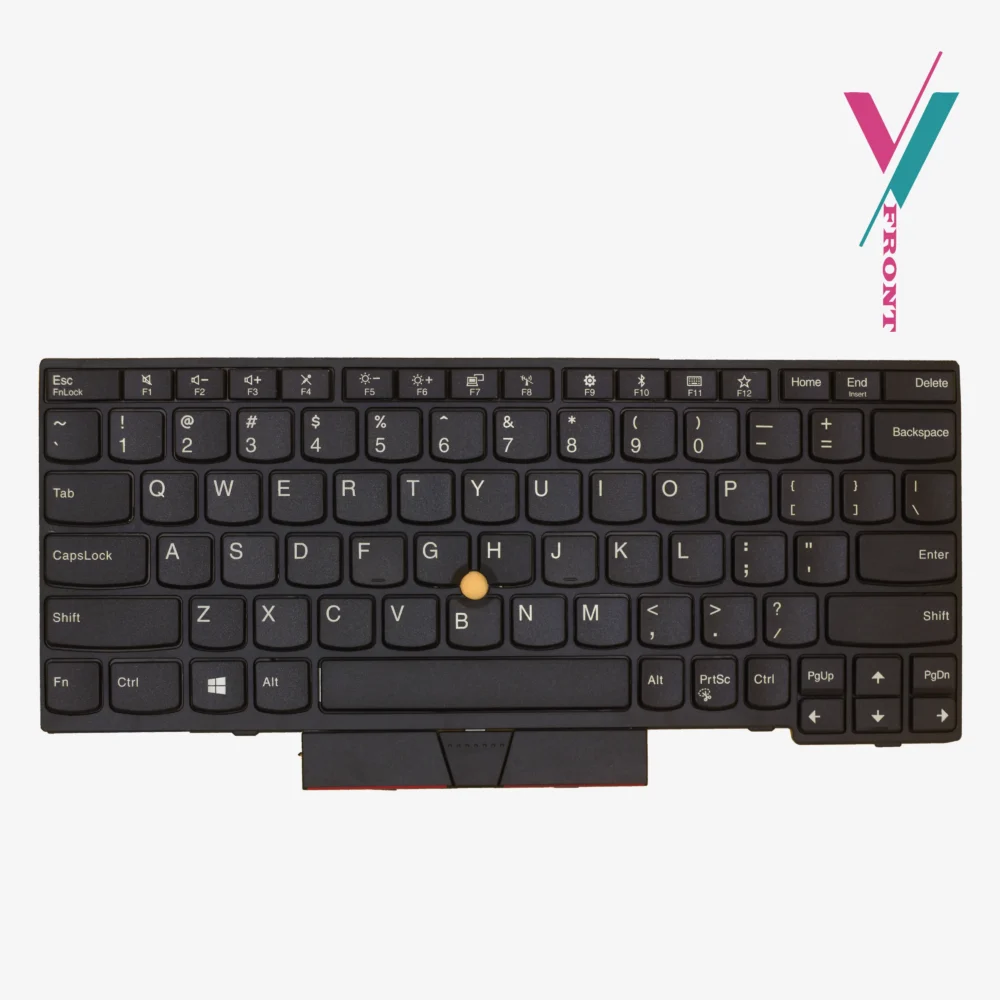
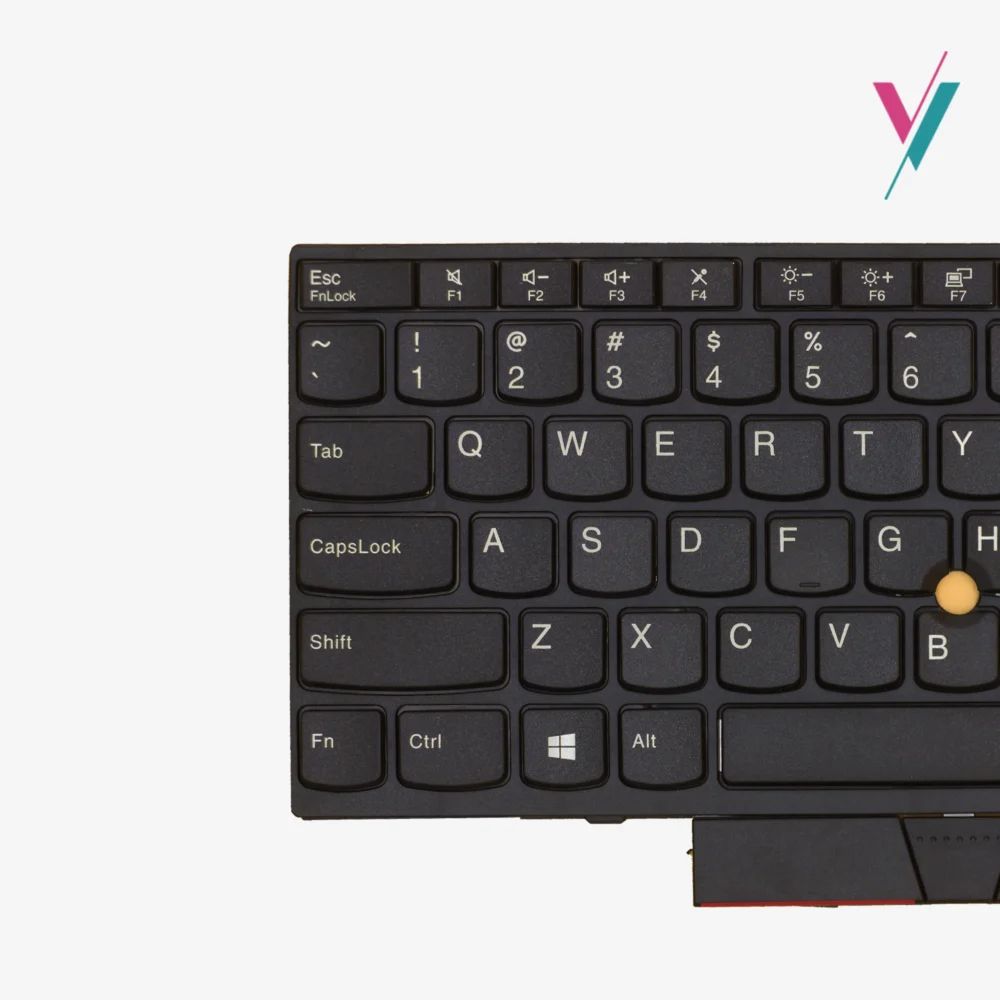
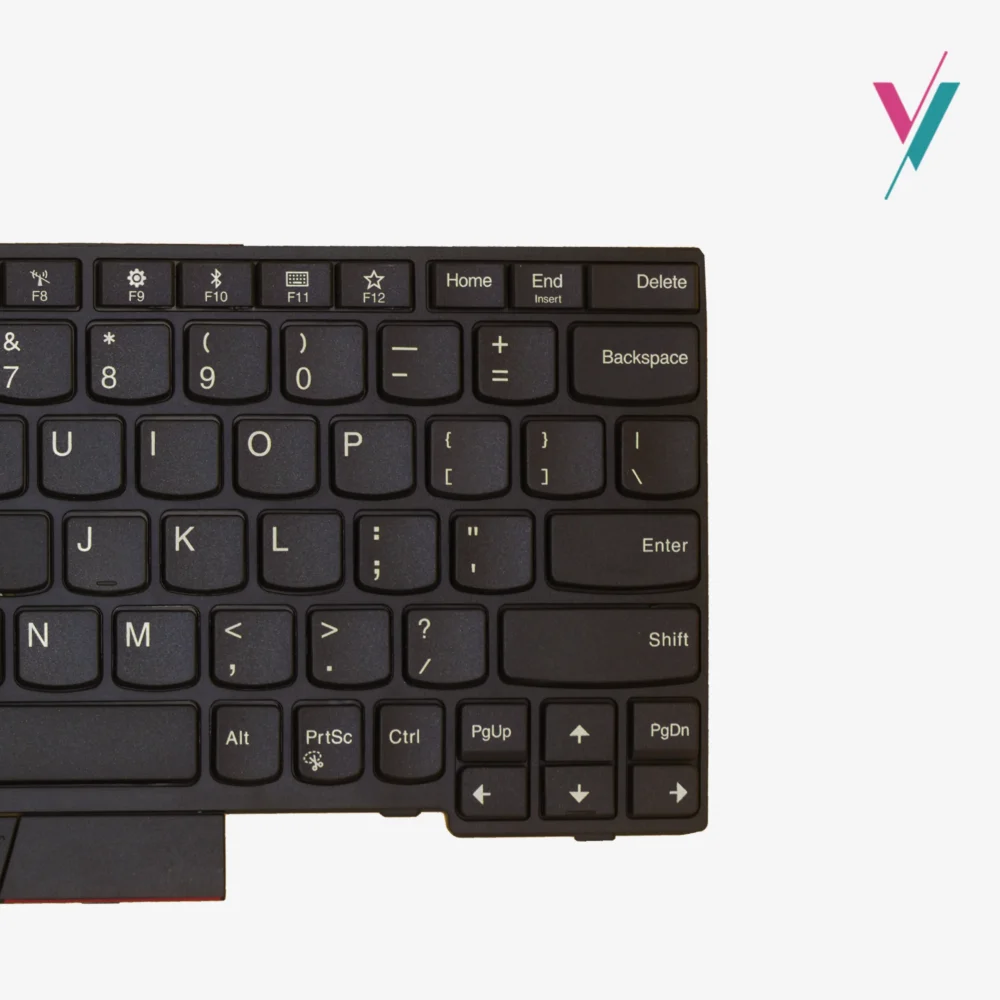
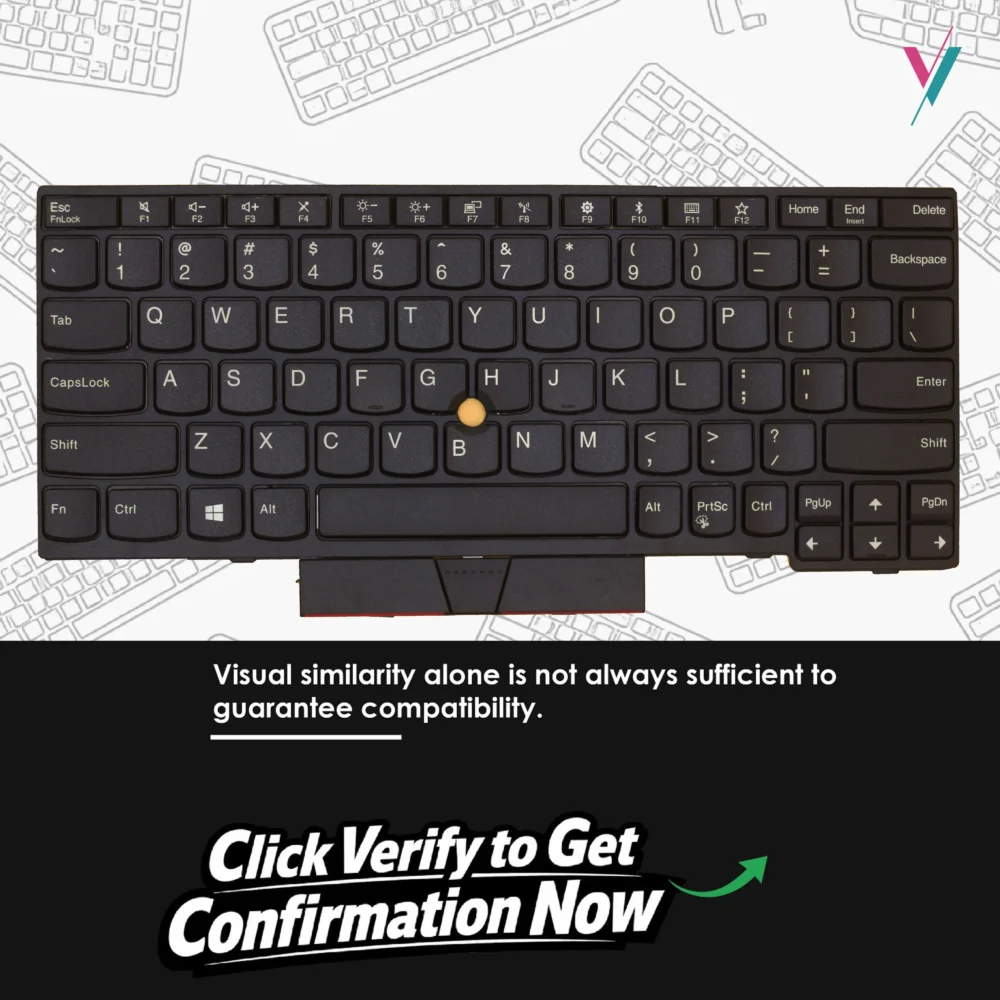
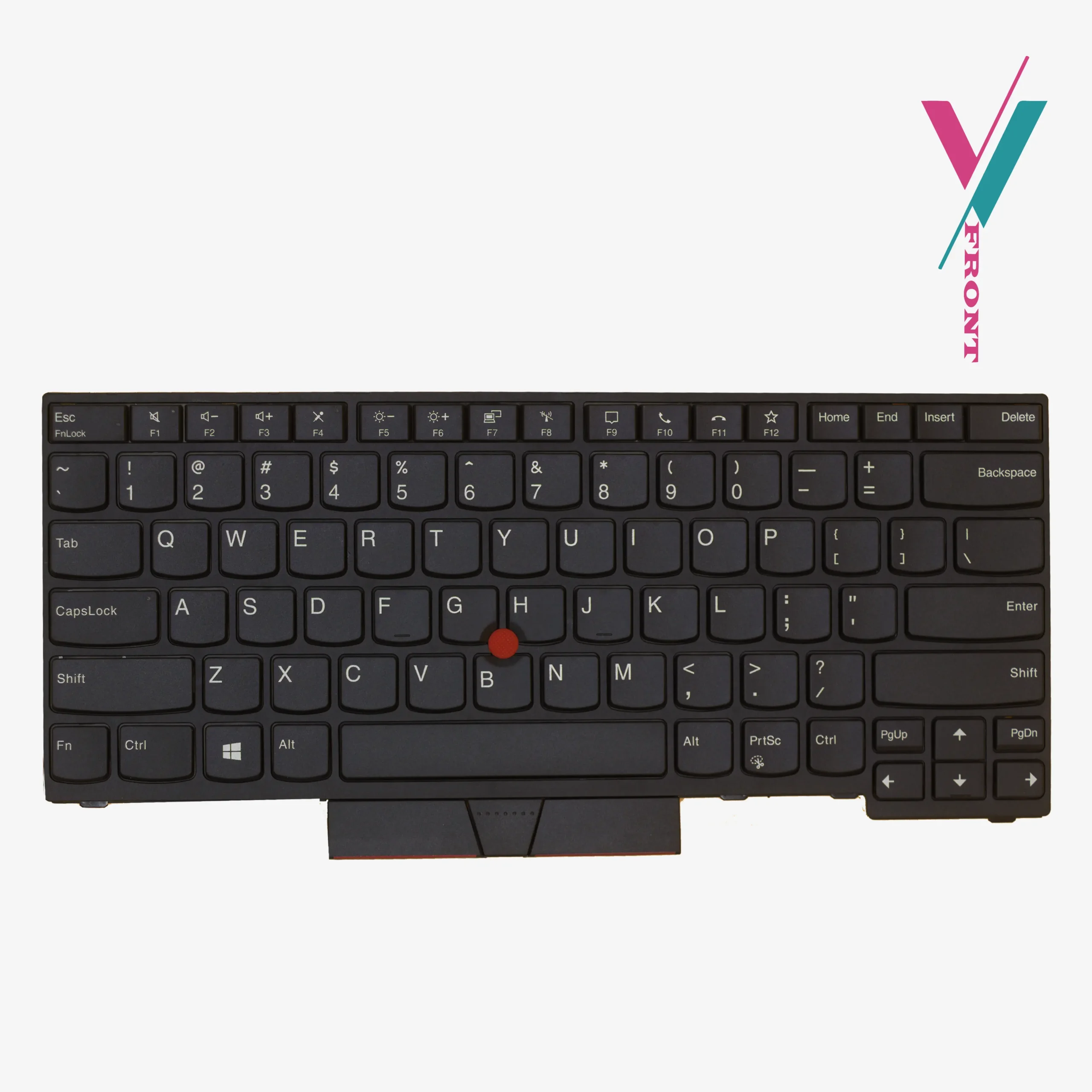
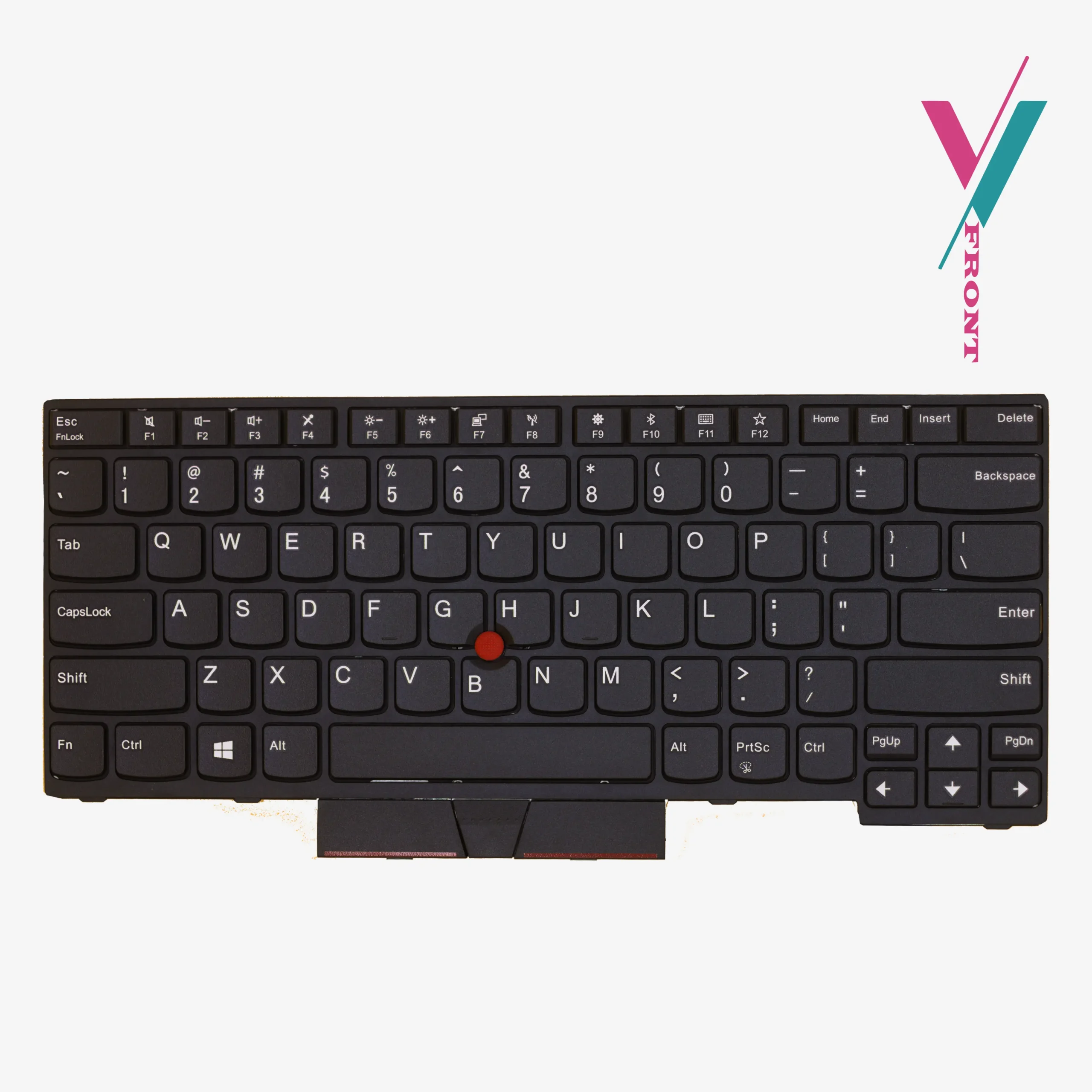
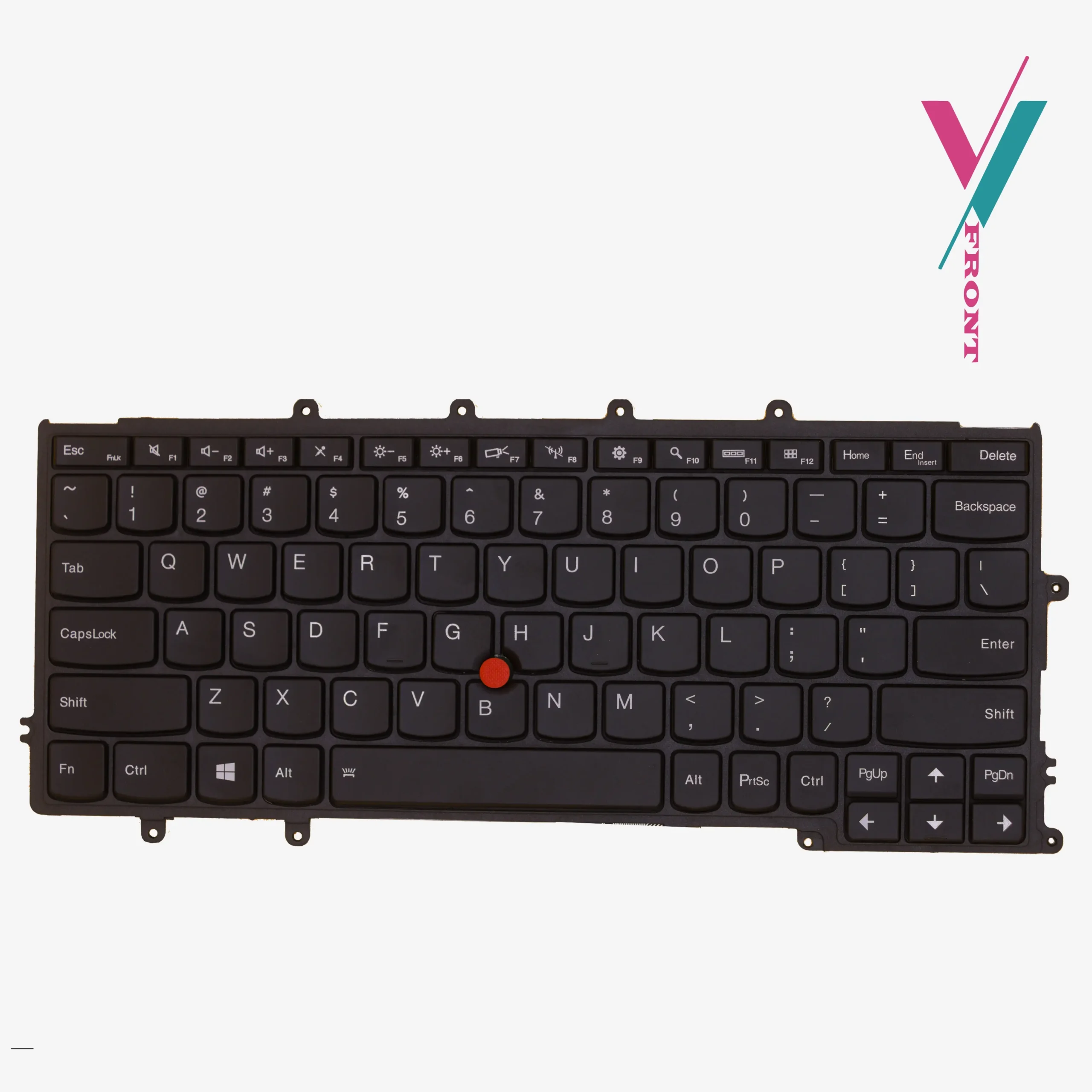
This is a genuine Lenovo replacement keyboard for the ThinkPad X280, X390, A285, X395, and L13 series. US English layout. Black. Includes the TrackPoint (red pointing stick)
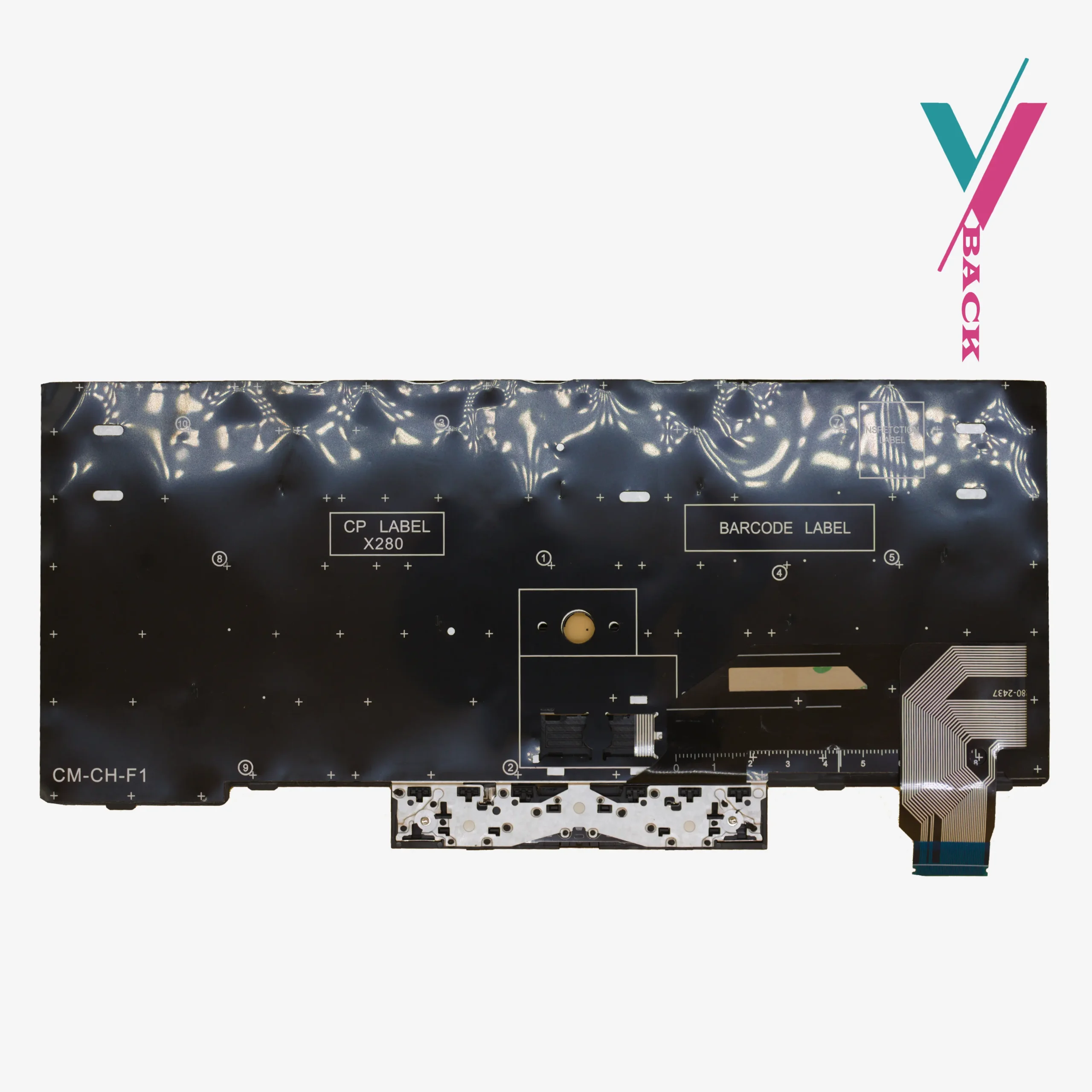
It is a direct replacement. The ribbon cable connects the same way. The mounting points line up. No soldering. modifications to your laptop are not needed.
Which laptops does this fit?
This keyboard is compatible with the following models and machine types:
- ThinkPad X280 (Machine types: 20KE, 20KF, 20MW, 20MX)
- ThinkPad X390 (Machine types: 20NL, 20NM, 20Q0, 20Q1)
- ThinkPad A285 (Machine types: 20MW, 20MX)
- ThinkPad X395 (Machine types: 20NL, 20NM)
- ThinkPad L13 (Machine types: 20R3, 20R4, 20R5, 20R6, 20SD)
Reference part numbers (for guidance only):
01YP149, 01YP069, 01YP229, 01YP189, 01YP029, 01YP109
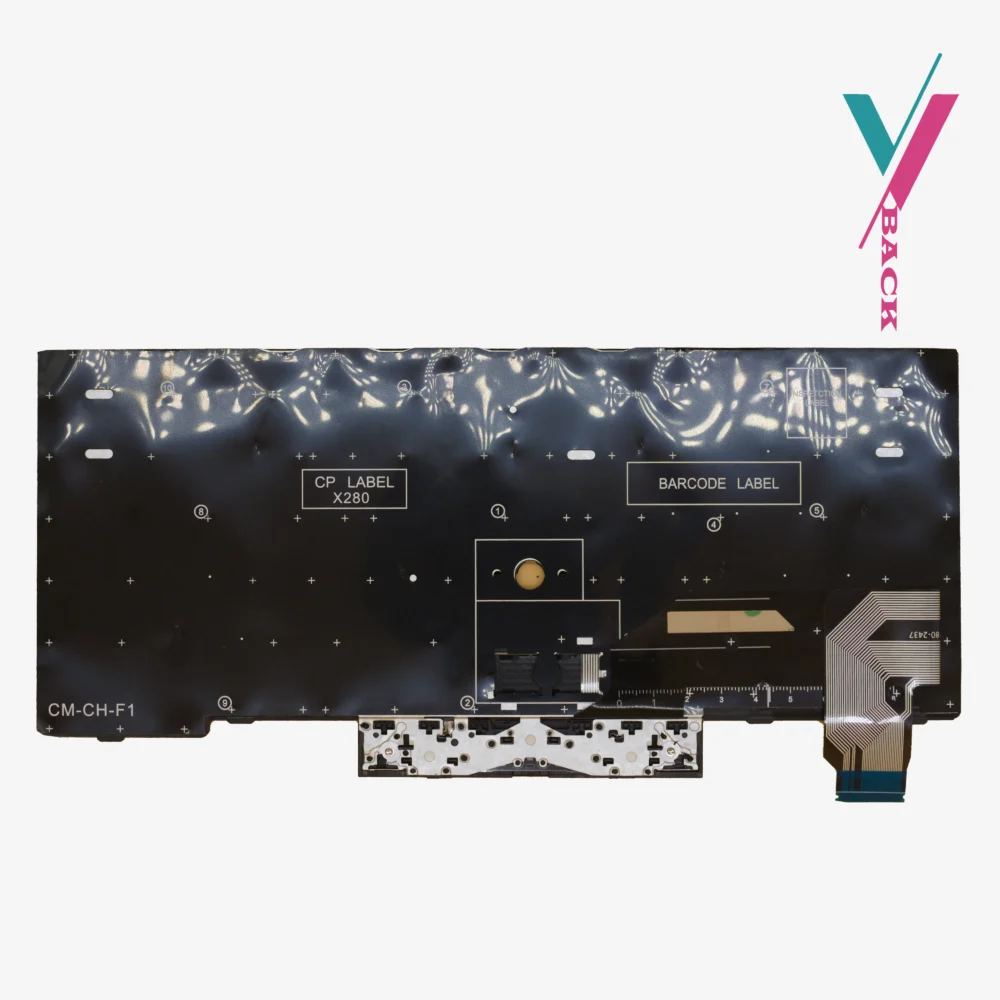
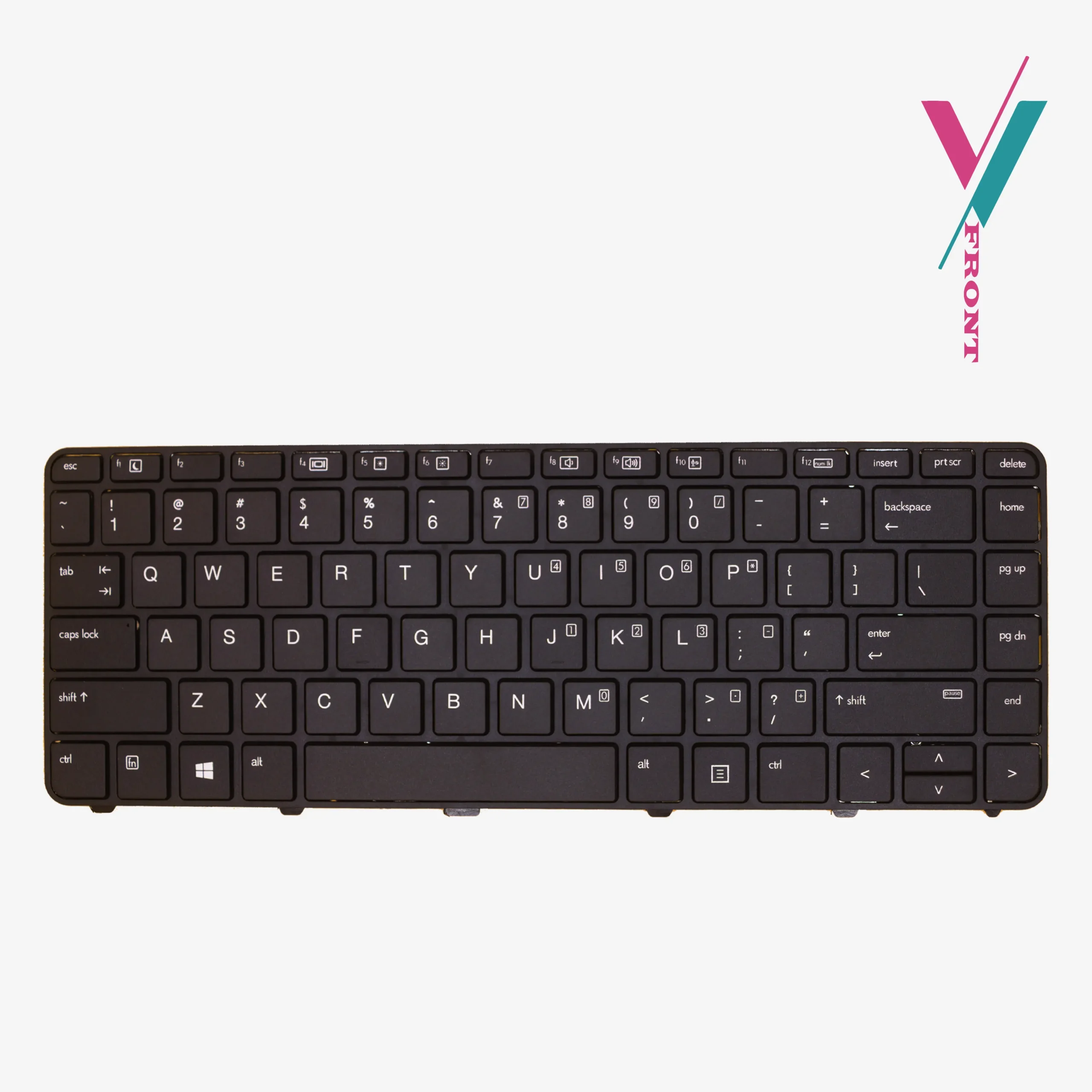
Important note: This list is a reference, and not entirely comprehensive. For keyboard replacements the ribbon cable connector is the key difference. Two X280 laptops, in rare cases, can have different connectors. The only way to be certain is to first verify compatibility with us before purchase.
Click the “verify Compatibility” button on this page before you order. Send us a photo of your current keyboard layout or the FRU number sticker printed on the underside. And if possible, the ribbon cable connector if you can access it. Our team will identify exactly which version you need and tell you whether this keyboard is the correct match.
Installation
Replacing a keyboard on an X280 or X390 is more involved than on older ThinkPads. These ultrabooks have keyboards that are held in place by multiple small screws and sometimes adhesive. You will need to remove the bottom cover, disconnect the battery (critical step), and carefully release the ribbon cable.
The most common mistake is not fully seating the ribbon cable. If you install this keyboard and some keys do not work, disconnect it and push the cable in again firmly, until it stops. Then lock the flap. Test again. This solves the problem in most cases.
If you are not comfortable doing this yourself, any Qualified laptop technician can handle it in about 15–20 minutes, if you do not know any, we will recommend a few to you.
Your ThinkPad X280 or X390 still has years of productive life ahead. A fresh keyboard with a responsive TrackPoint makes it feel like the day you first bought it. Verify compatibility with us first, then order with proper guidance.

Reviews
There are no reviews yet.