


When keys only work when you hit them at a specific angle. The spacebar that feels mushy compared to the rest. The TrackPoint that used to glide smoothly but now feels like it is dragging through sand.
You might have gotten used to it, it is not a disaster. But it is a slow drain on your productivity. The good news is you do not need a new laptop. You just need a new keyboard; this replacement keyboard serves as a direct replacement to solve this issue for you.
What you are getting.
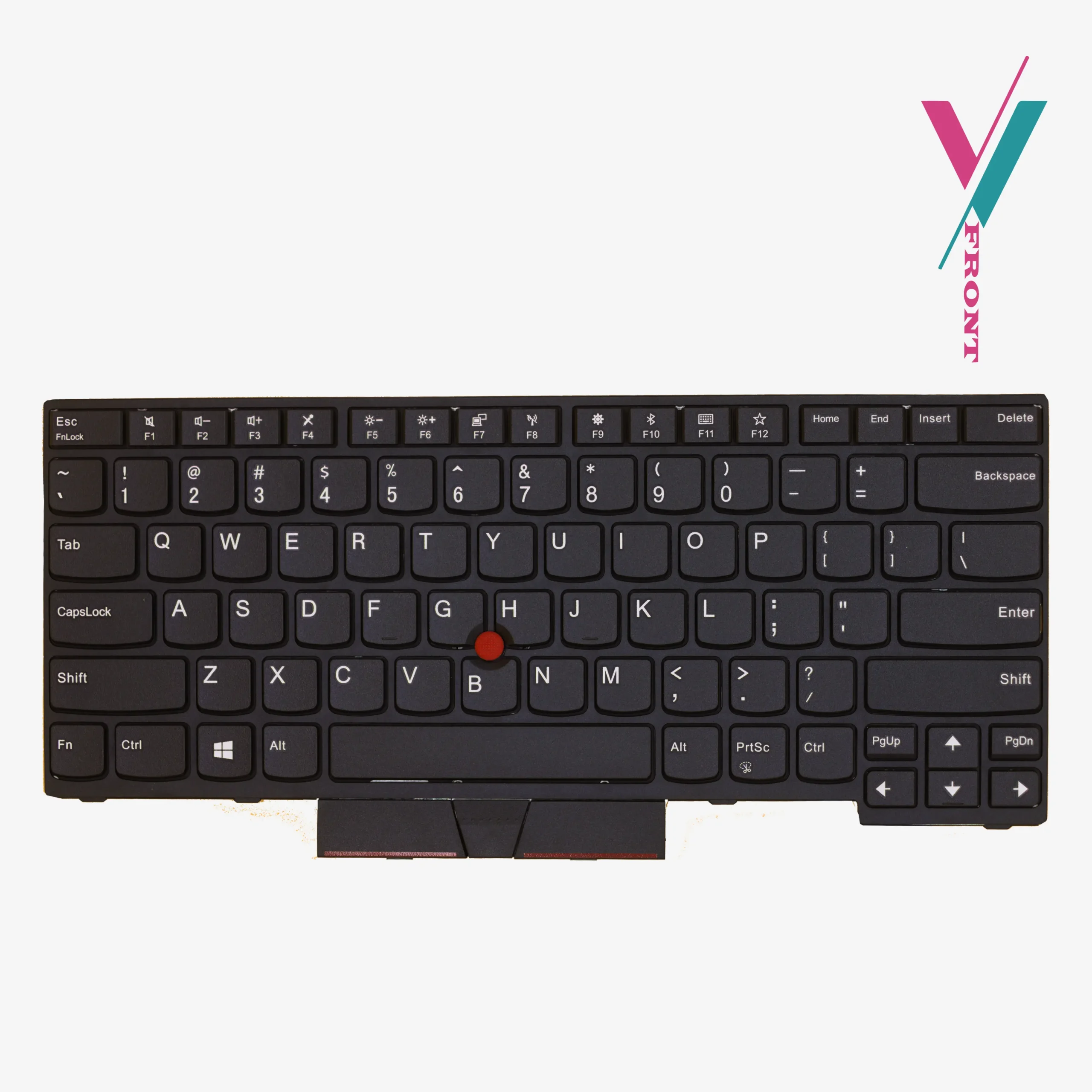
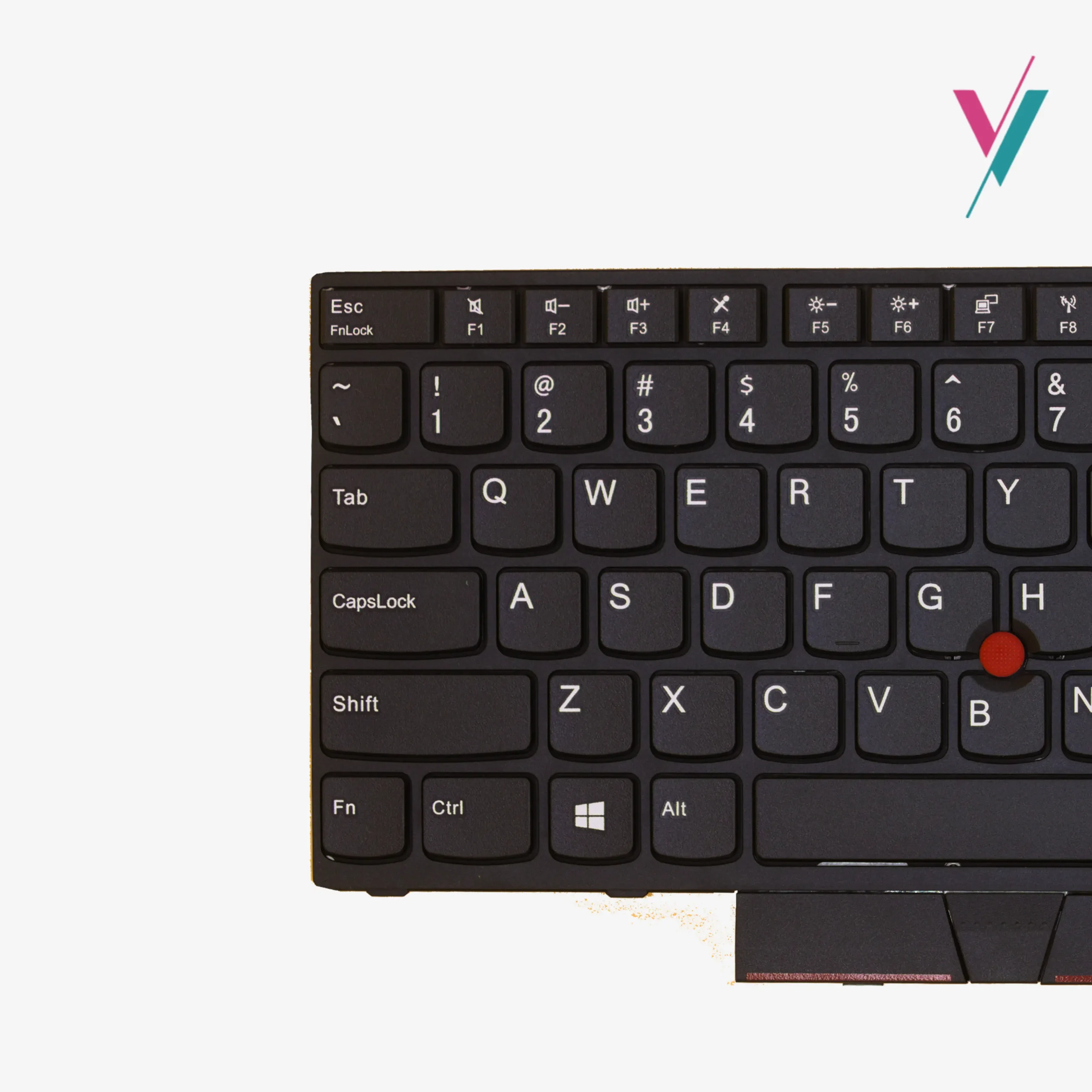
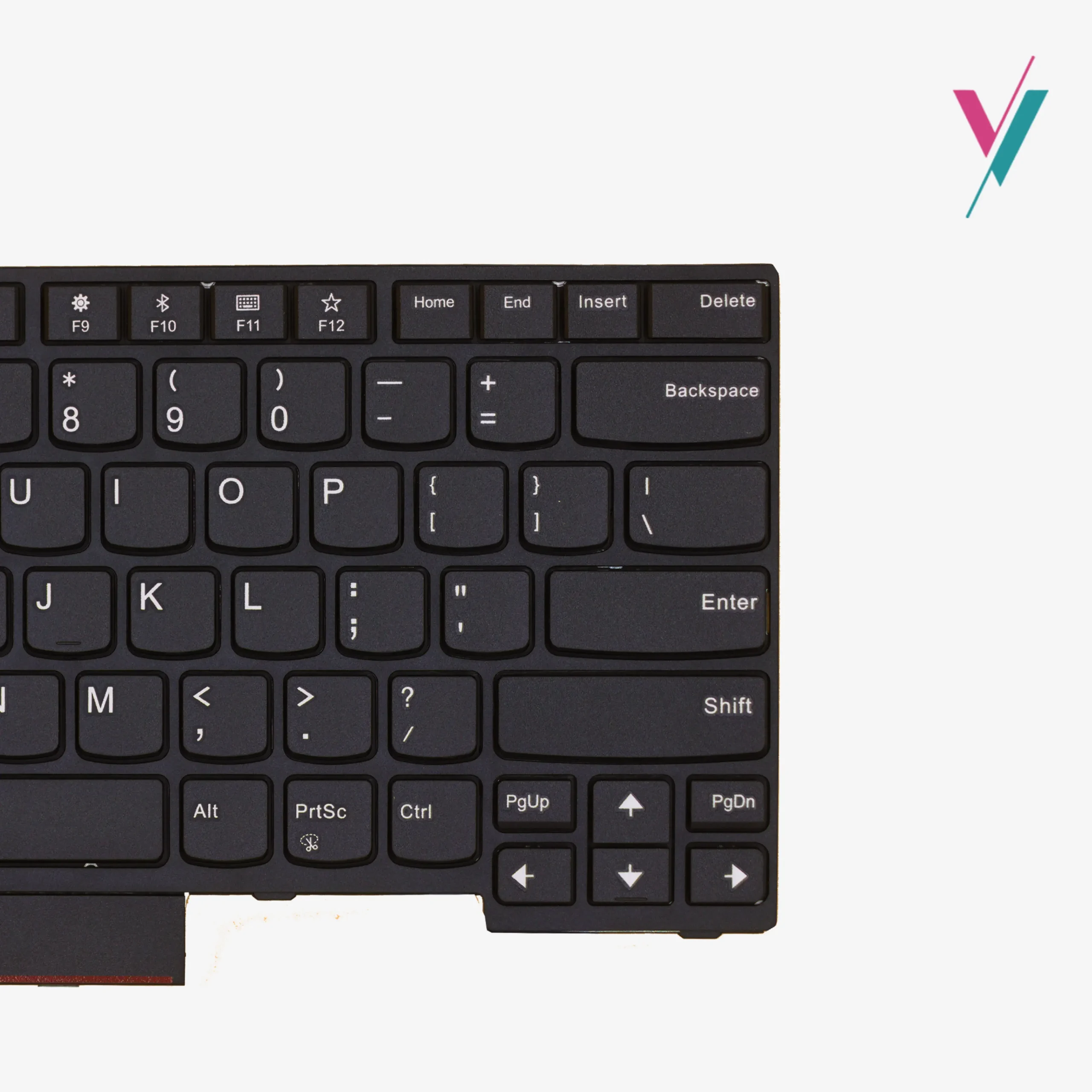
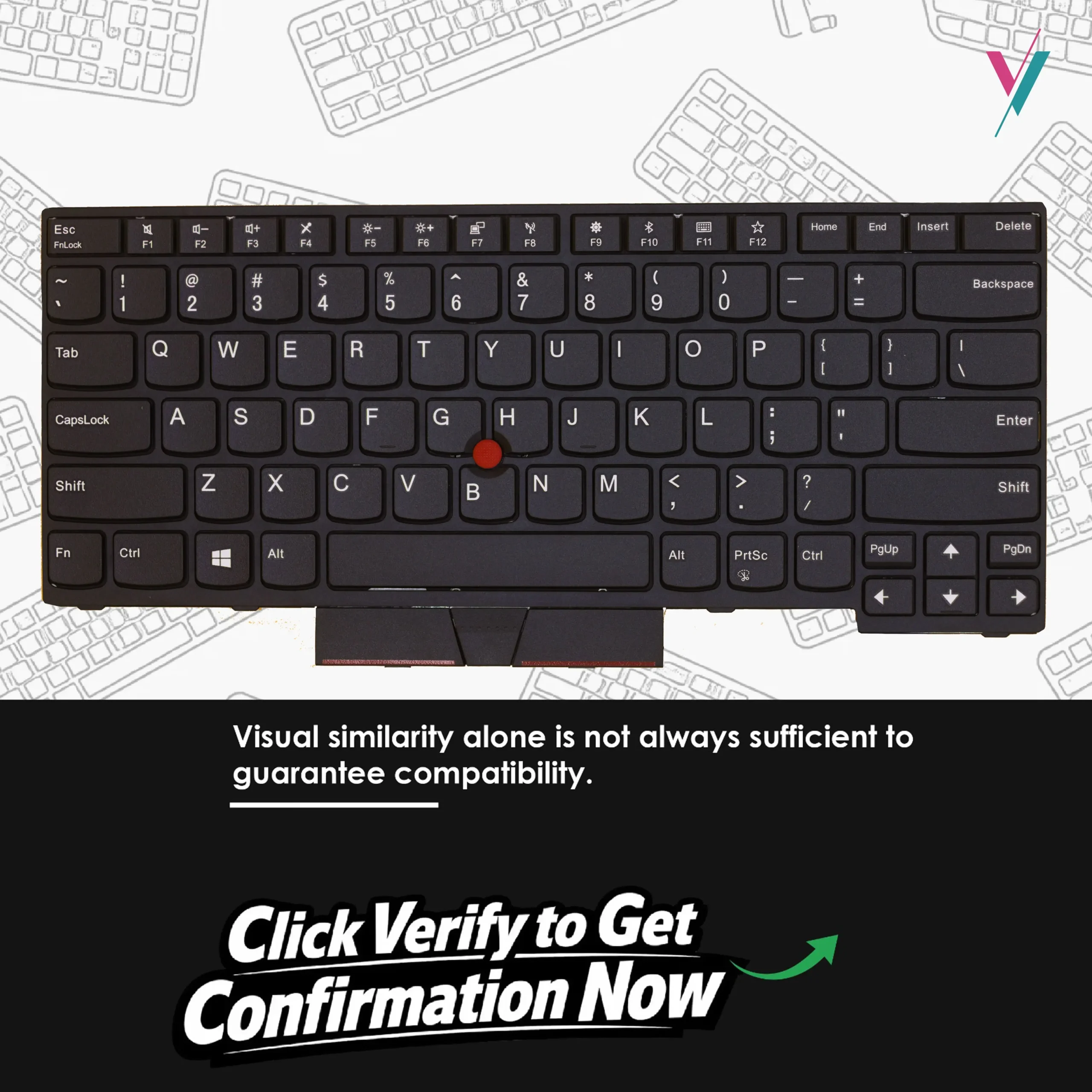
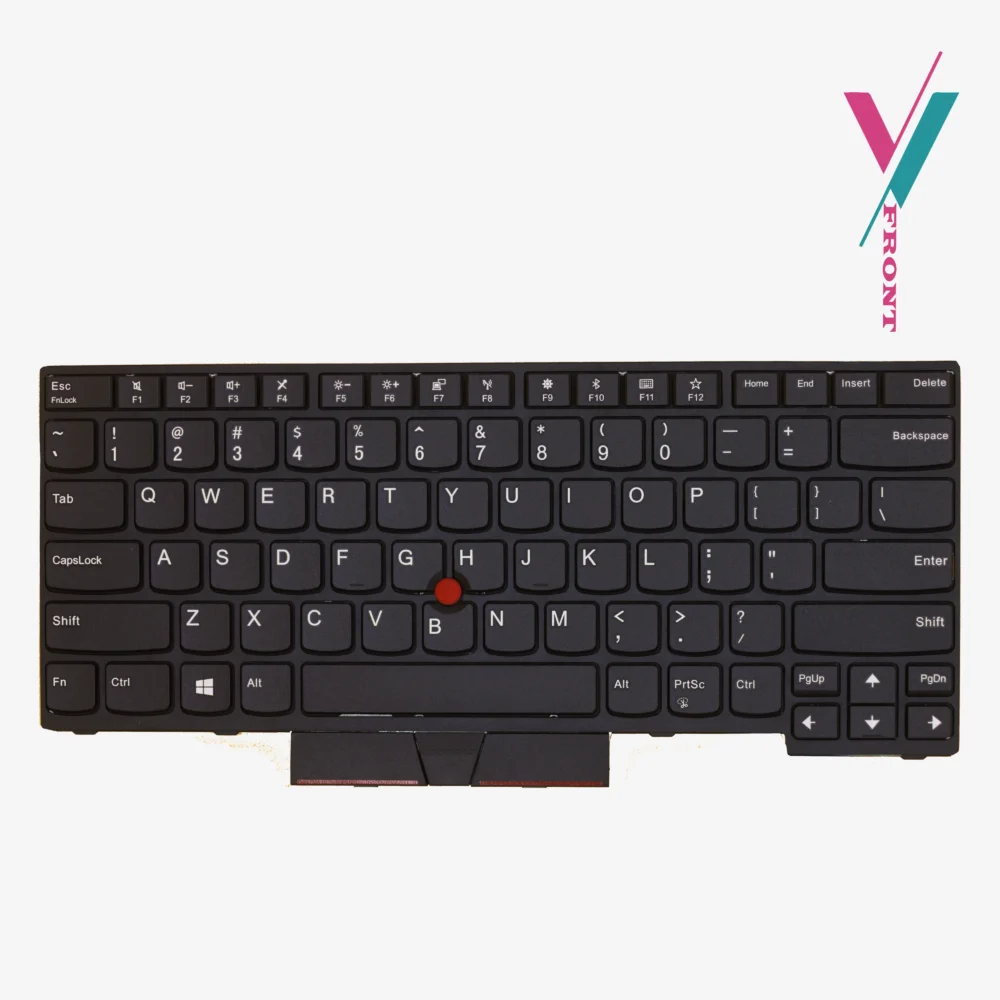
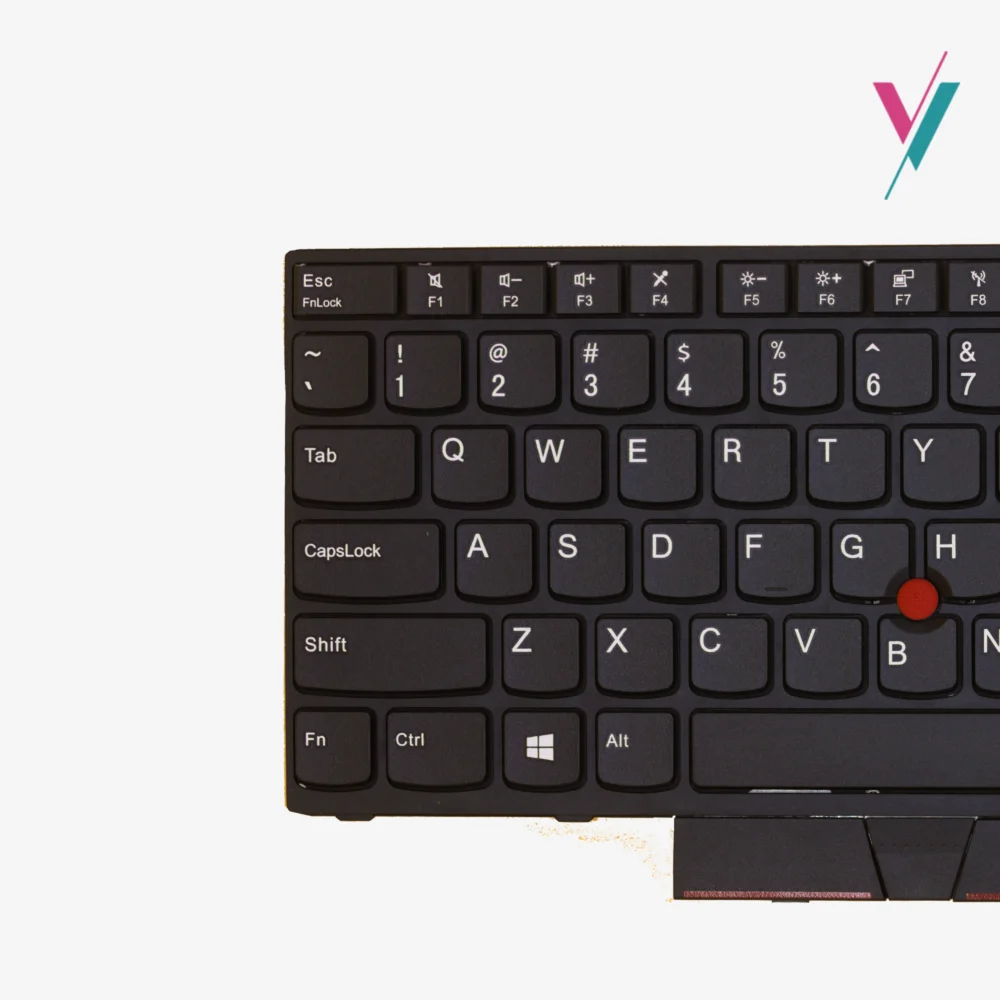
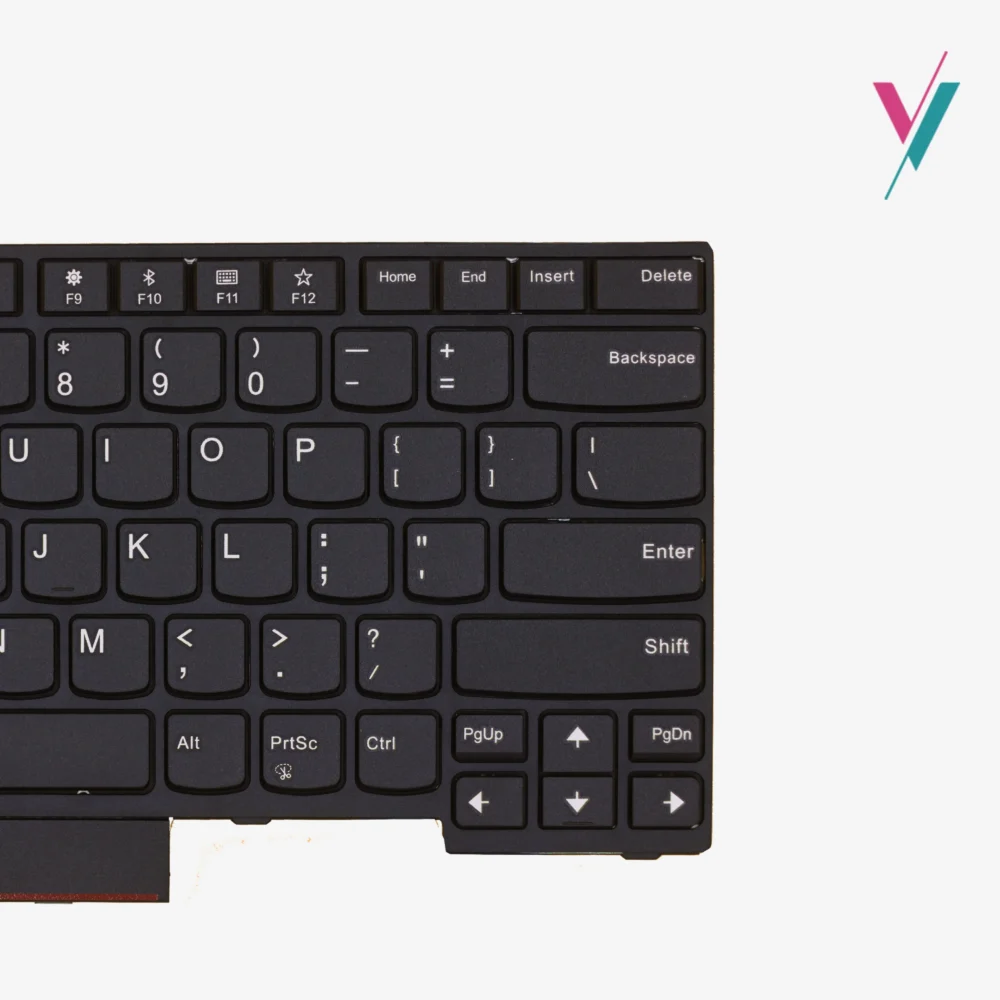
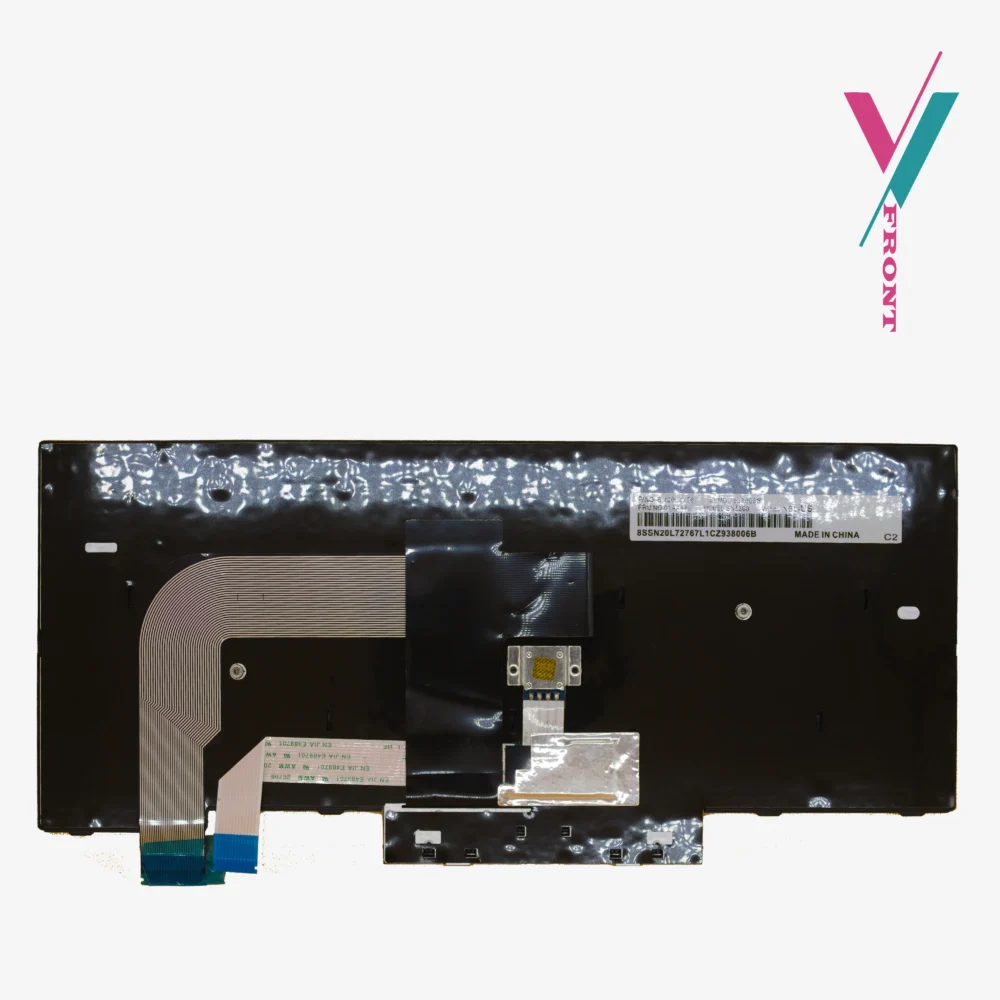
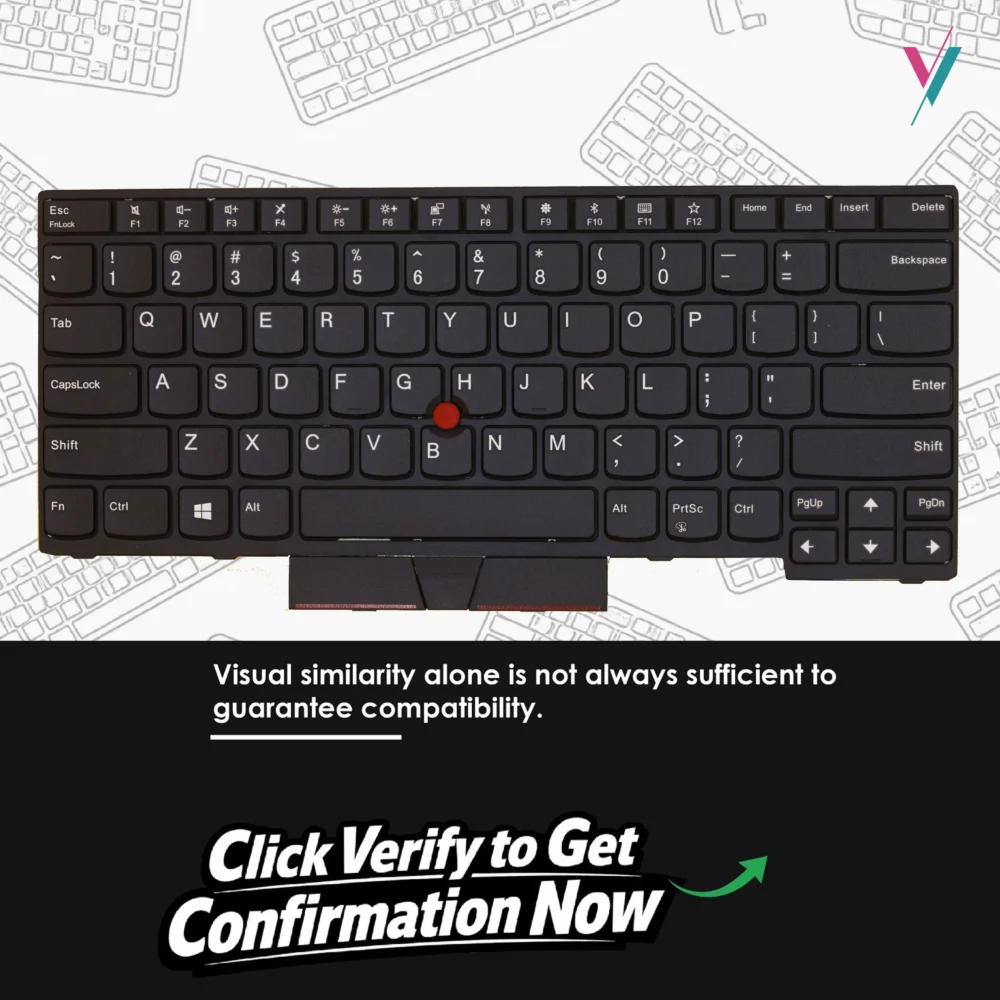
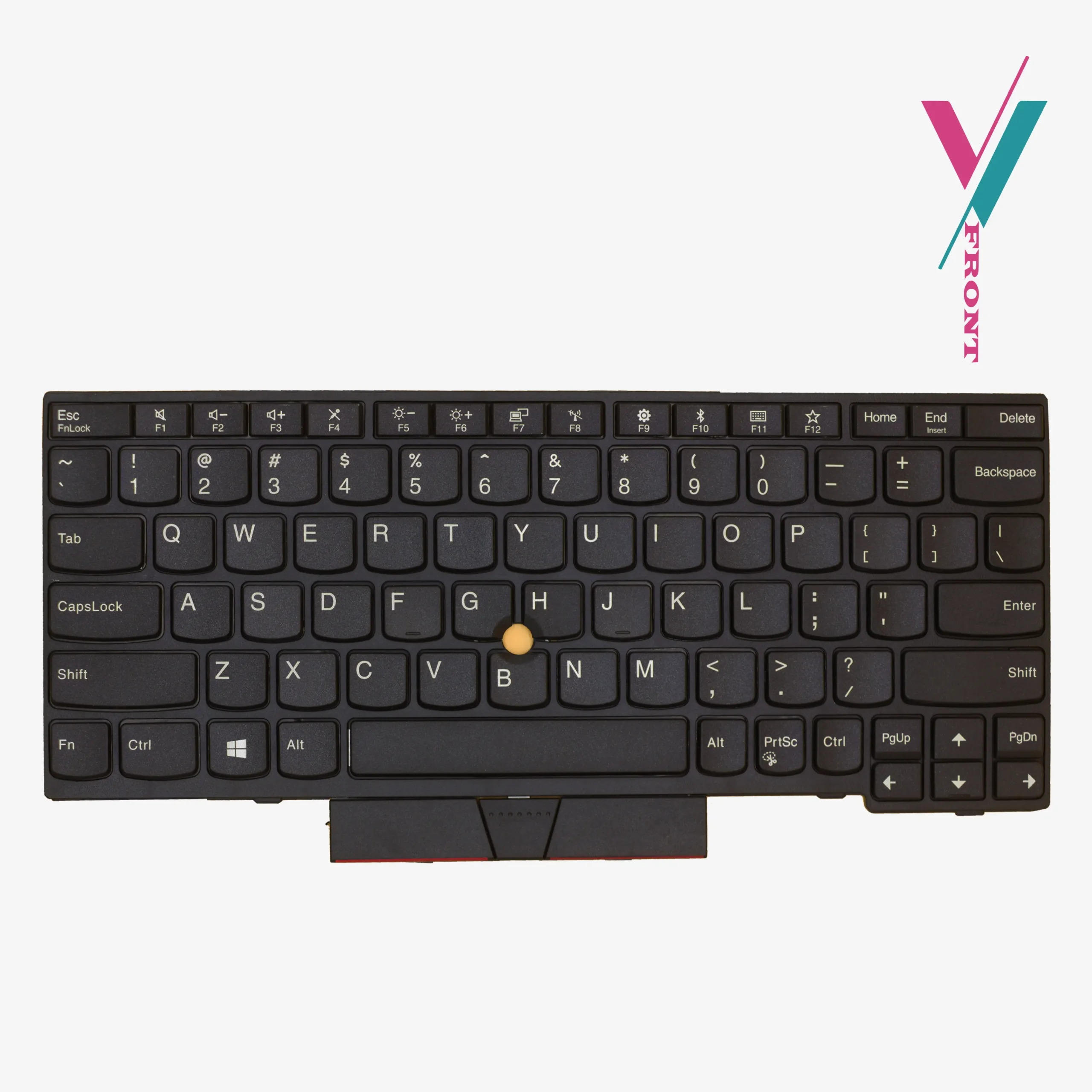
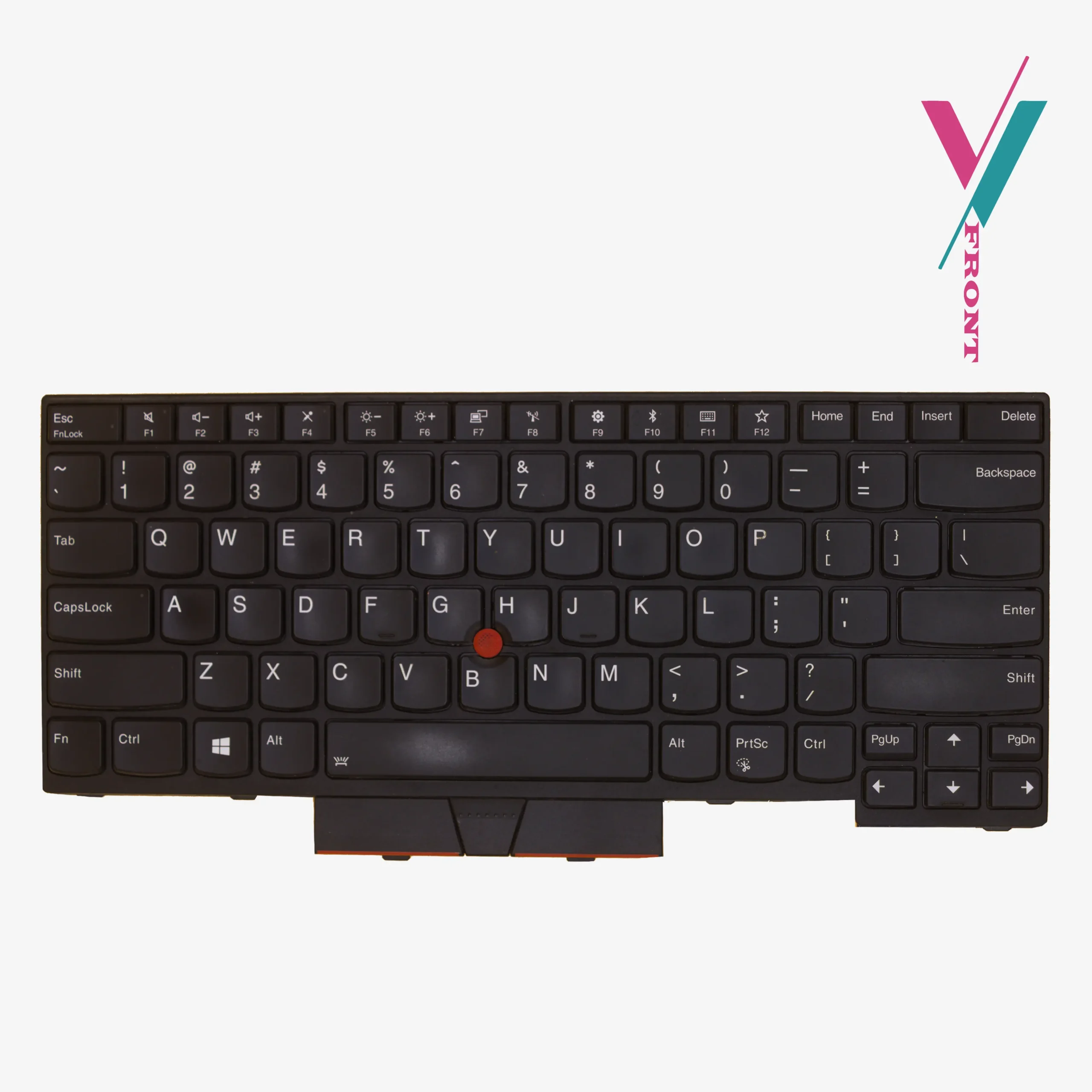
This is a replacement keyboard for the Lenovo ThinkPad T490 and T480s series. It also fits the T495, E480, E490, E495, L380, L390, L480, and L490 series. Has US English layout and Black keys. TrackPoint (red pointing stick) included. Spill-resistant design with internal drainage channels to protect against accidental liquid exposure.
The keys are UV-processed, which means the symbols stay clear even after many keystrokes. Each keyboard is tested before shipping to ensure every key works properly.
Which part numbers to look for (reference only).
This keyboard is associated with the following part numbers:
01YP520, 01YP280, 01YP360, 01YP440, SN20P33310, PK131668200, 5N20V43760
Important: This list is a reference, and not exhaustive. In rare cases the ribbon cable connector can have critical difference within the same series. The only way to be certain is to verify compatibility with us before purchase.
Which machine types are compatible?
The following machine types are supported:
20KE, 20KF, 20MW, 20MX, 20NL, 20NM, 20Q0, 20Q1, 20R3, 20R4, 20R5, 20R6, 20SD
If your laptop has one of these machine type numbers (usually found on a sticker on the bottom cover), this keyboard is likely compatible.
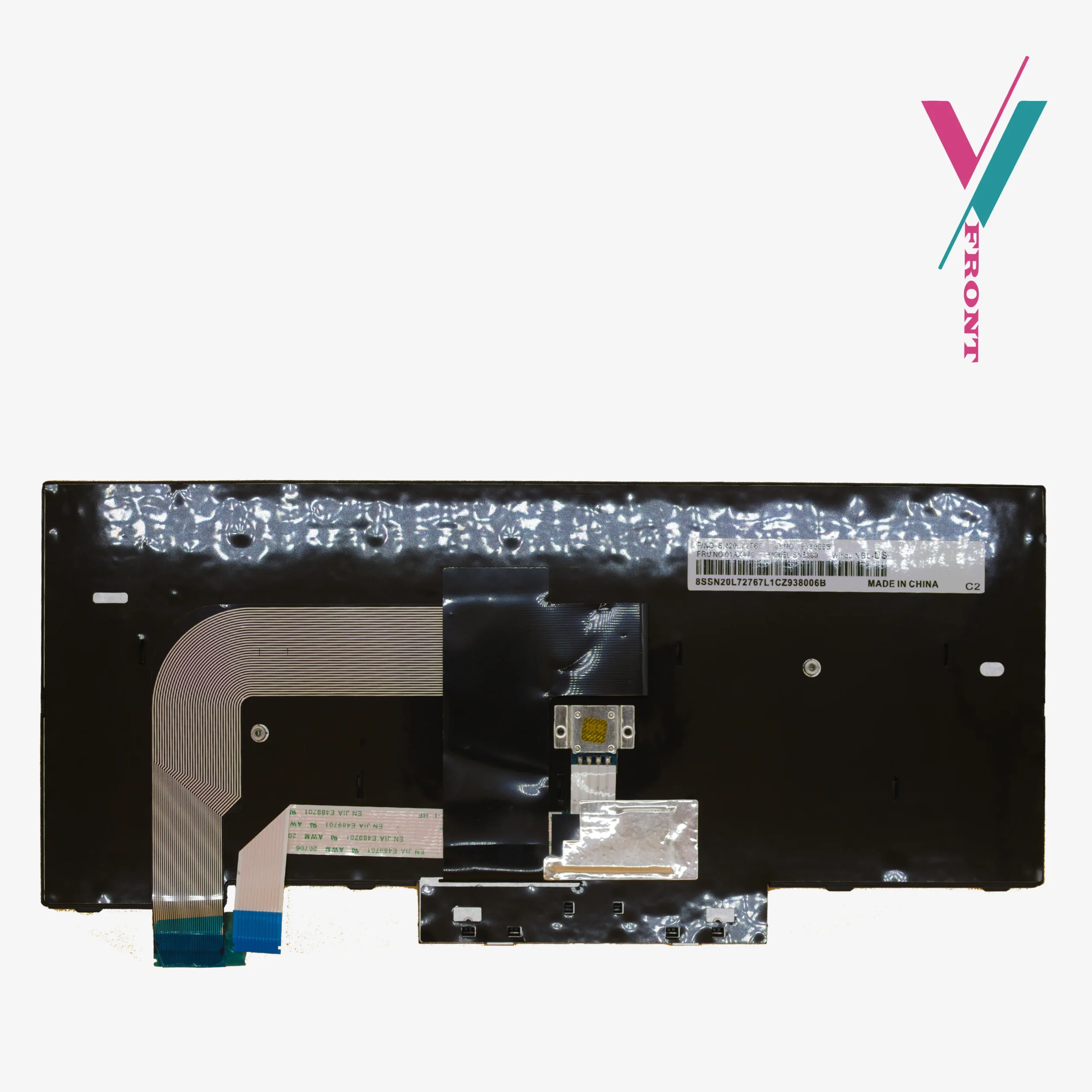
Click the “Verify Compatibility” button on this page before you order. Send us a photo of your current keyboard layout or the FRU number printed on the underside, and if possible the ribbon cable connector if you can access it. Our team will identify exactly which version you need and tell you whether this keyboard is the correct match. No guesswork and avoids returns.
In case of any compatibility issues, a 7-day return is available to you (subject to policy), making sure you are not stuck with an incompatible part.
Installation
The keyboard is held in place by multiple small screws and sometimes adhesive.
Here is the basic direction:
Power down. Disconnect the battery (do not skip this). Remove the bottom cover. Locate the ribbon cable connector. Gently lift the locking flap. Slide the old cable out. Slide the new cable in. Push the locking flap down. Reassemble.
If you install this keyboard and some keys do not work, do not panic. The ribbon cable is probably not fully seated. Disconnect it. Push the cable in again and firmly, until it stops. You might feel a small click. Lock the flap. Test again. This solves the problem in most cases.
If you are not comfortable doing this yourself, we recommend seeking a qualified technician for assistance, and if you do not have access to any we will personally recommend a few.

Reviews
There are no reviews yet.