
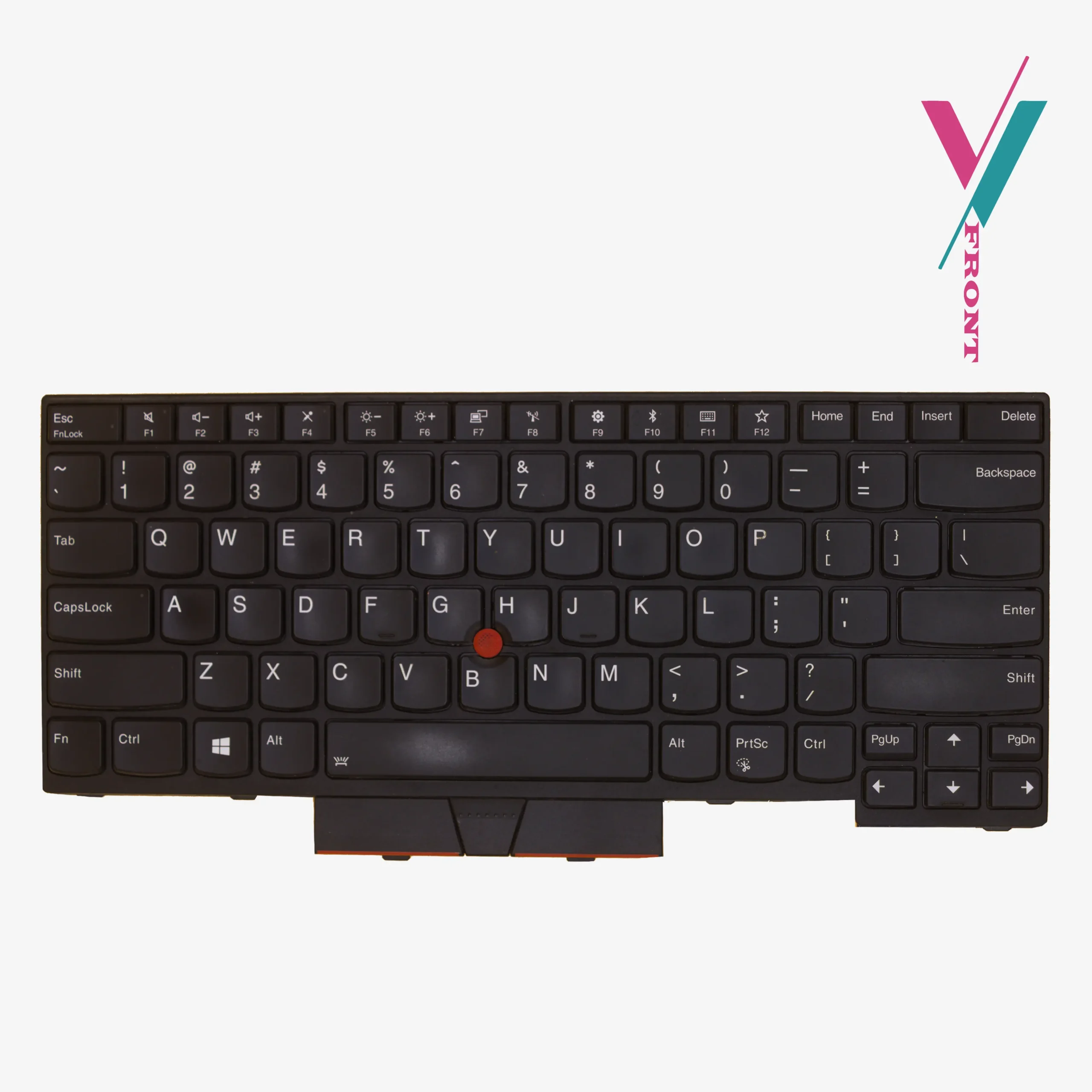
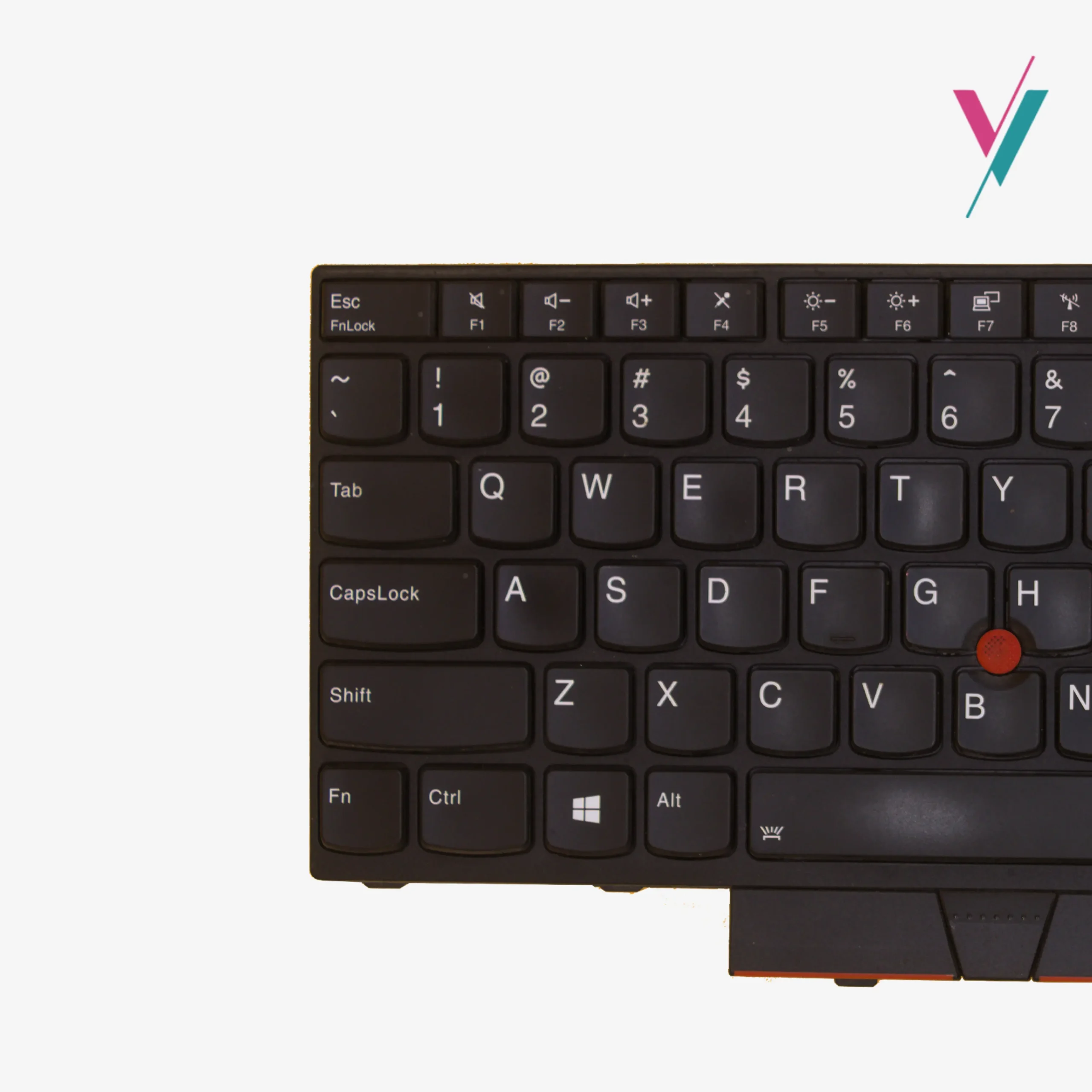
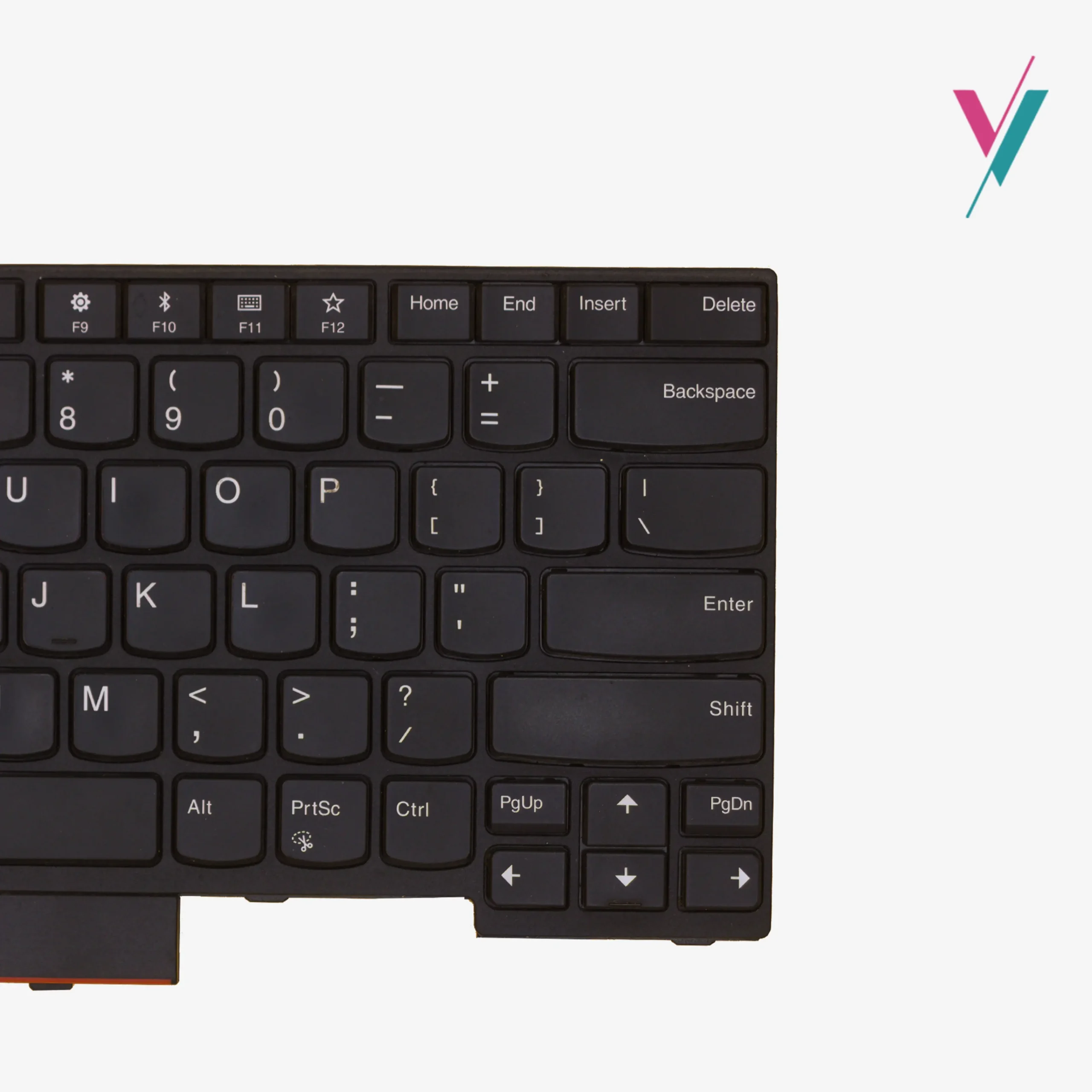
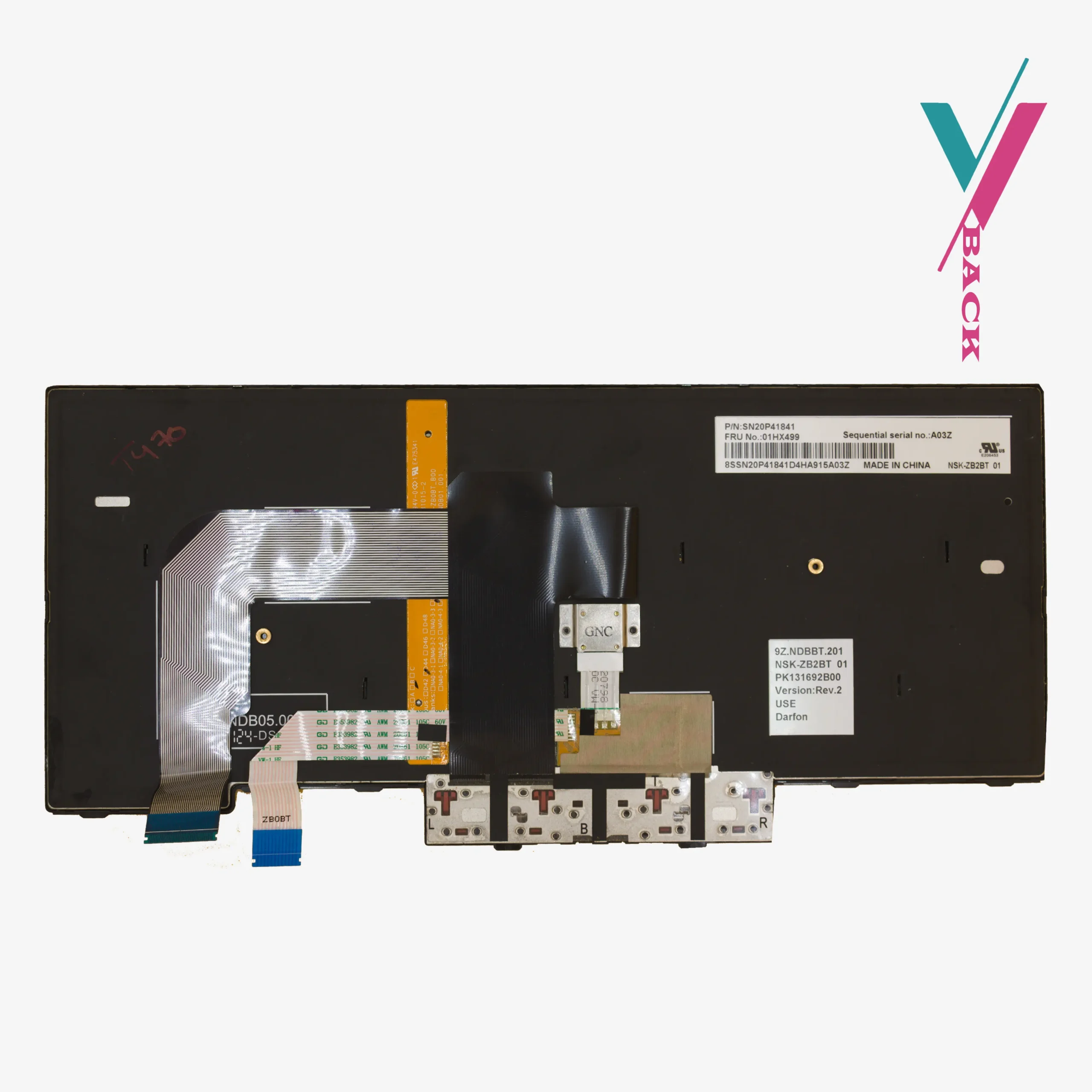




Hardware and component Specifications
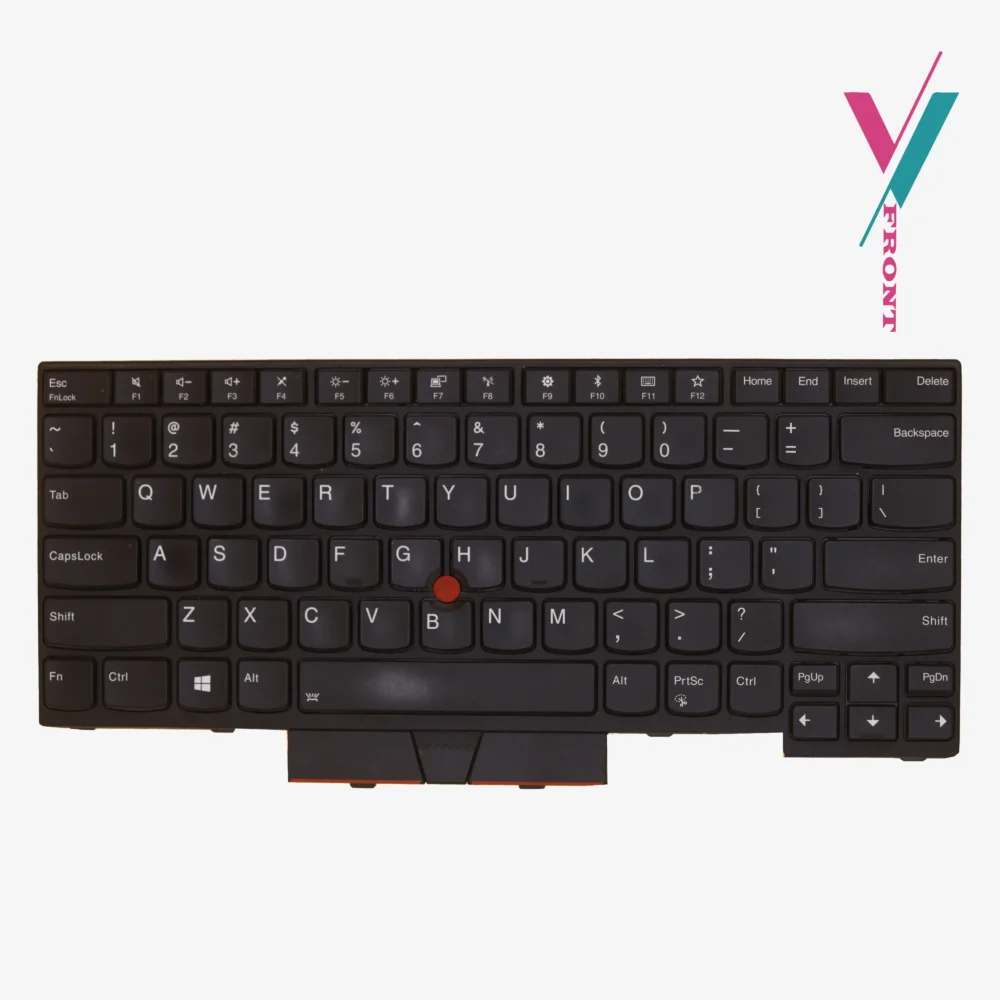
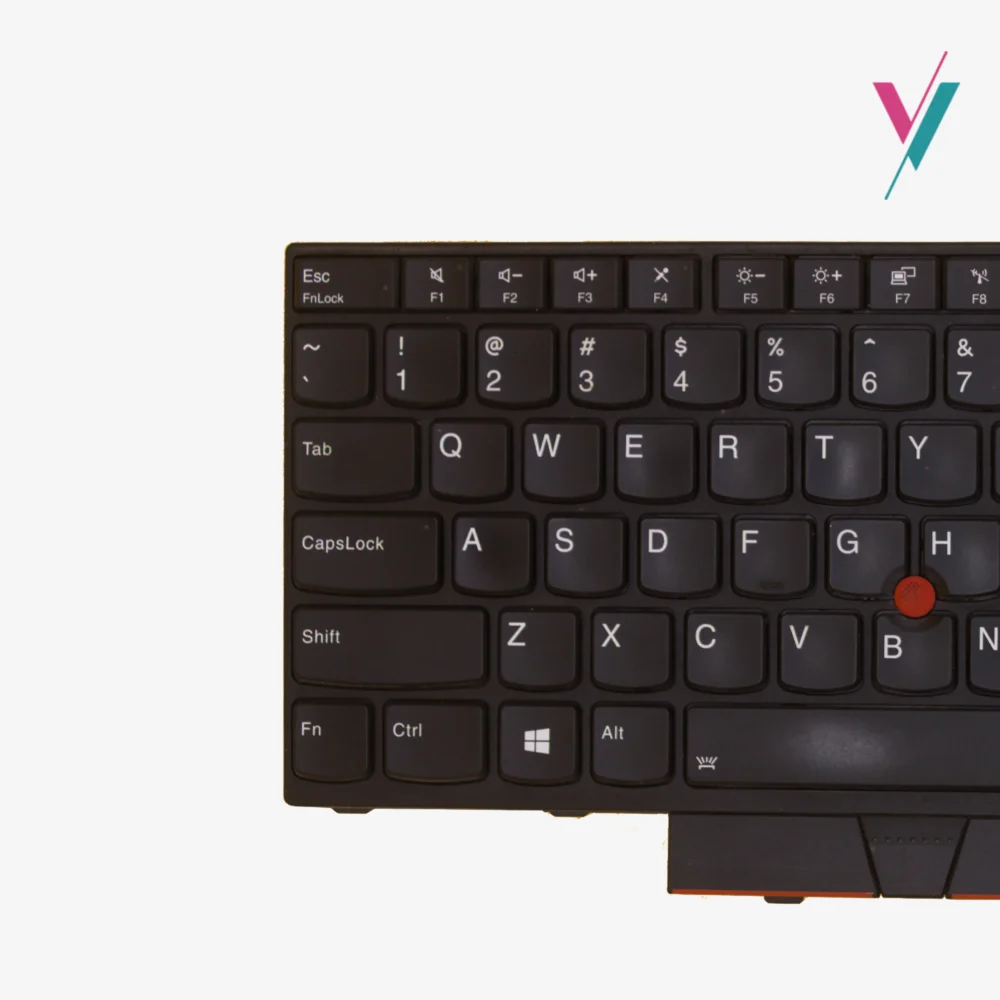
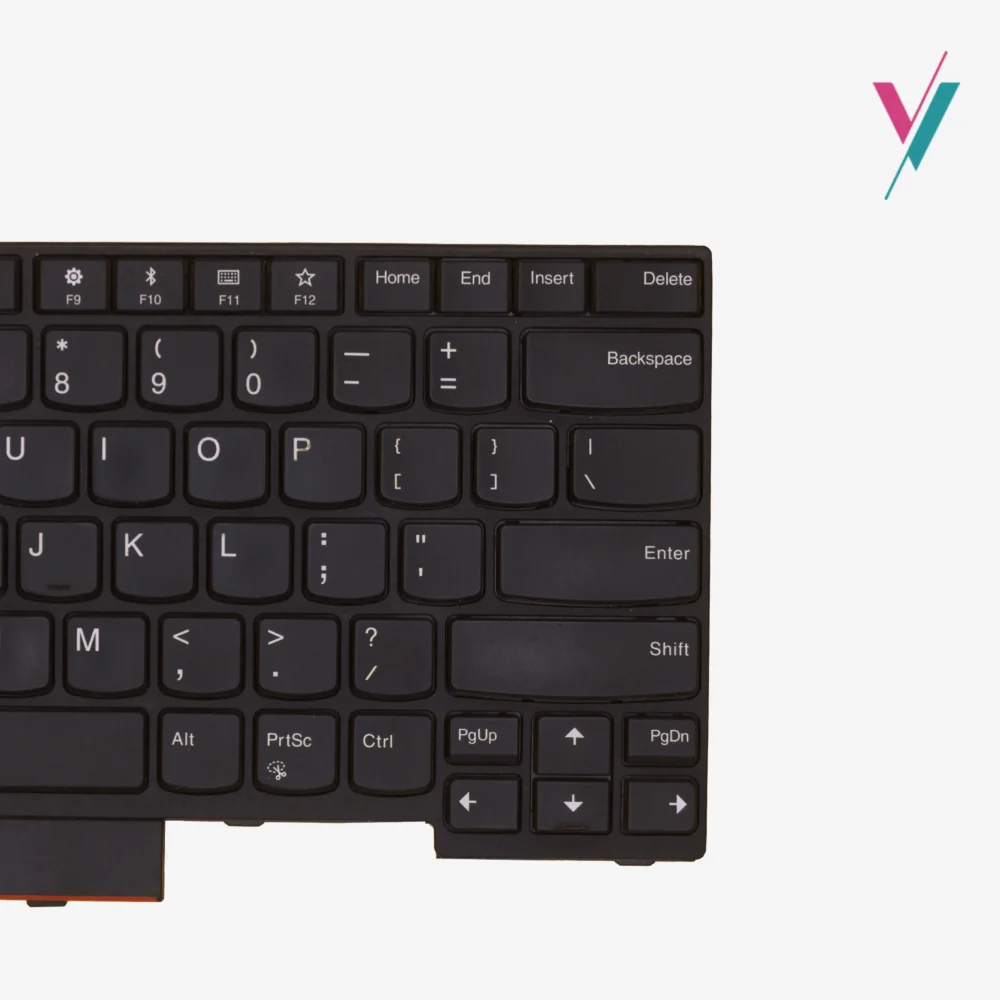
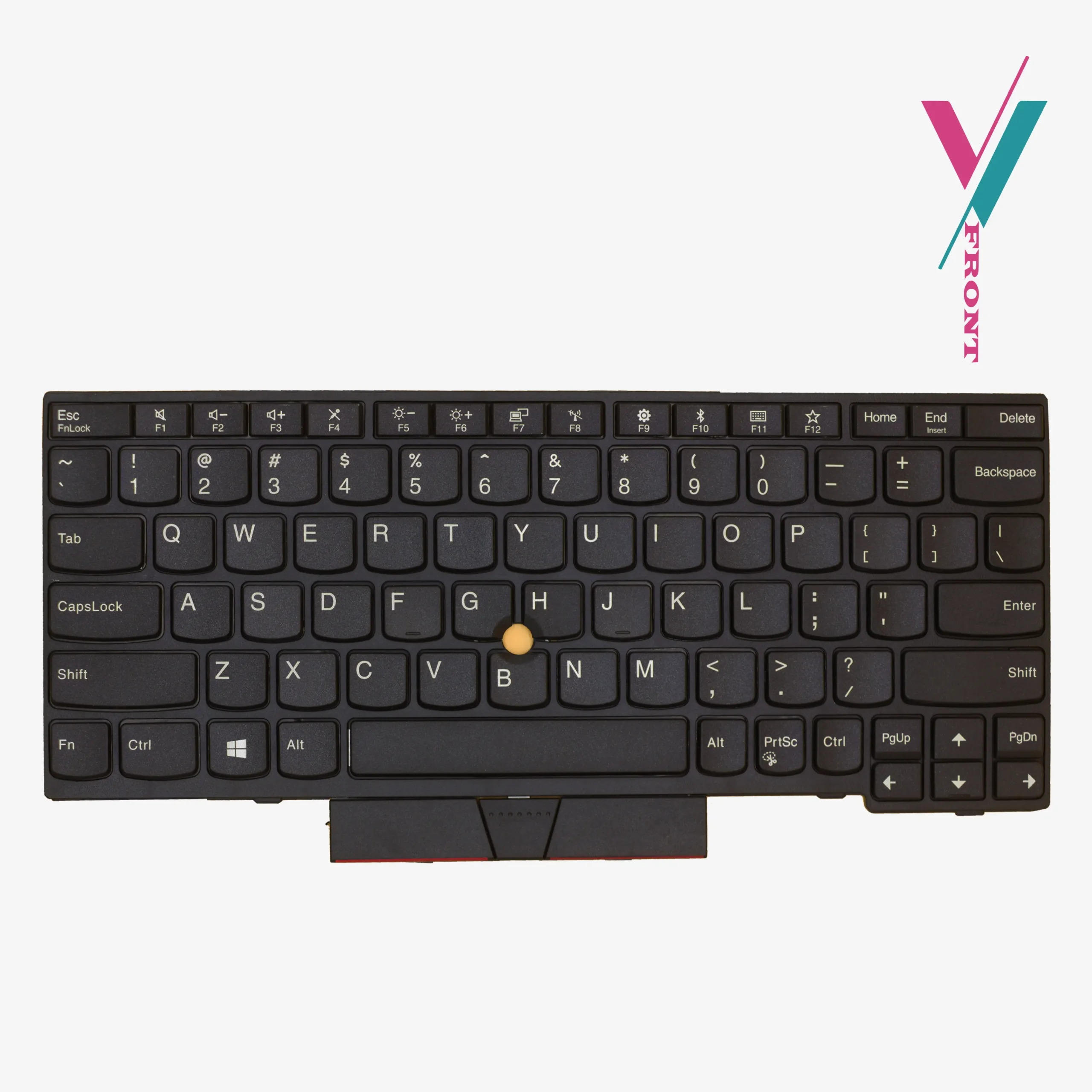
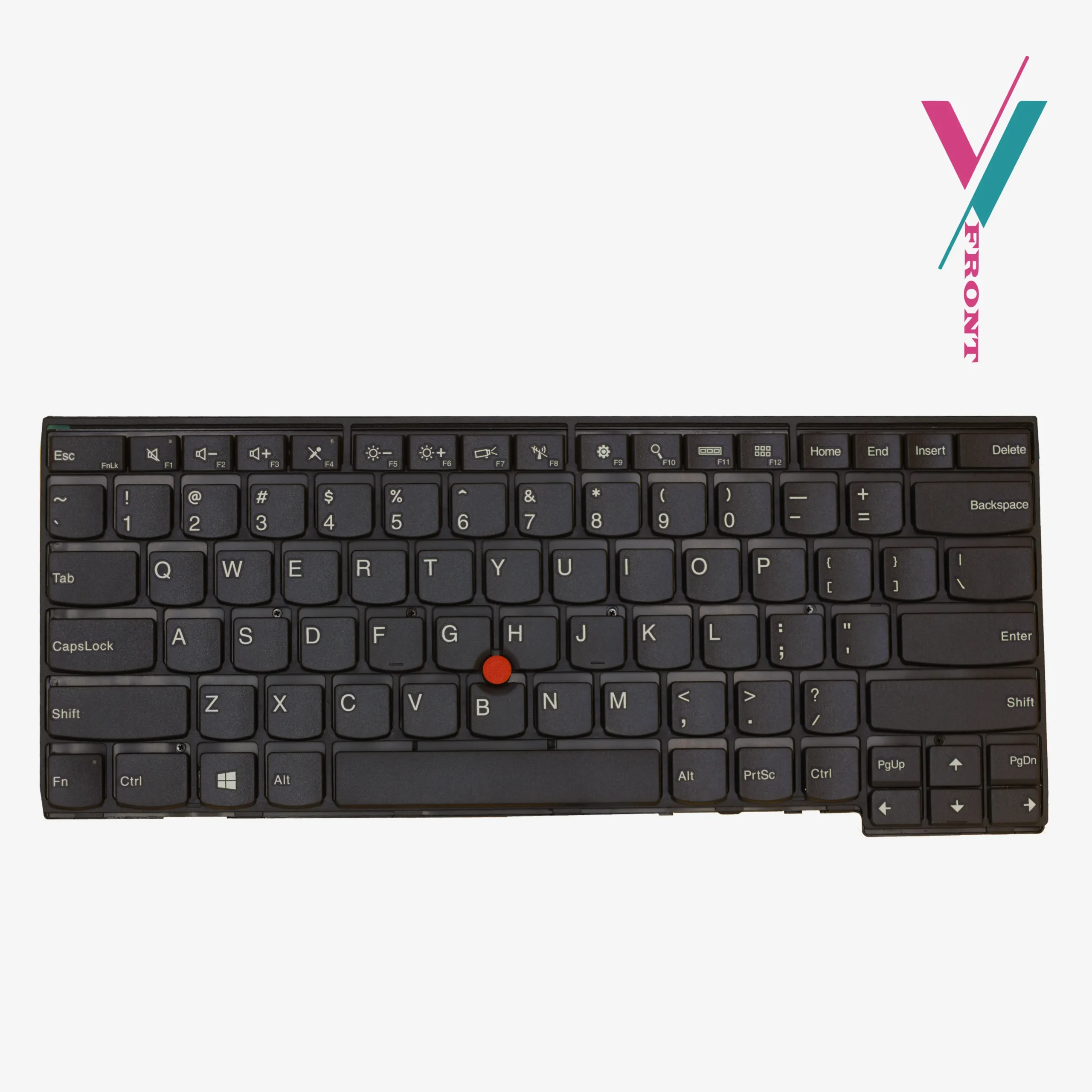
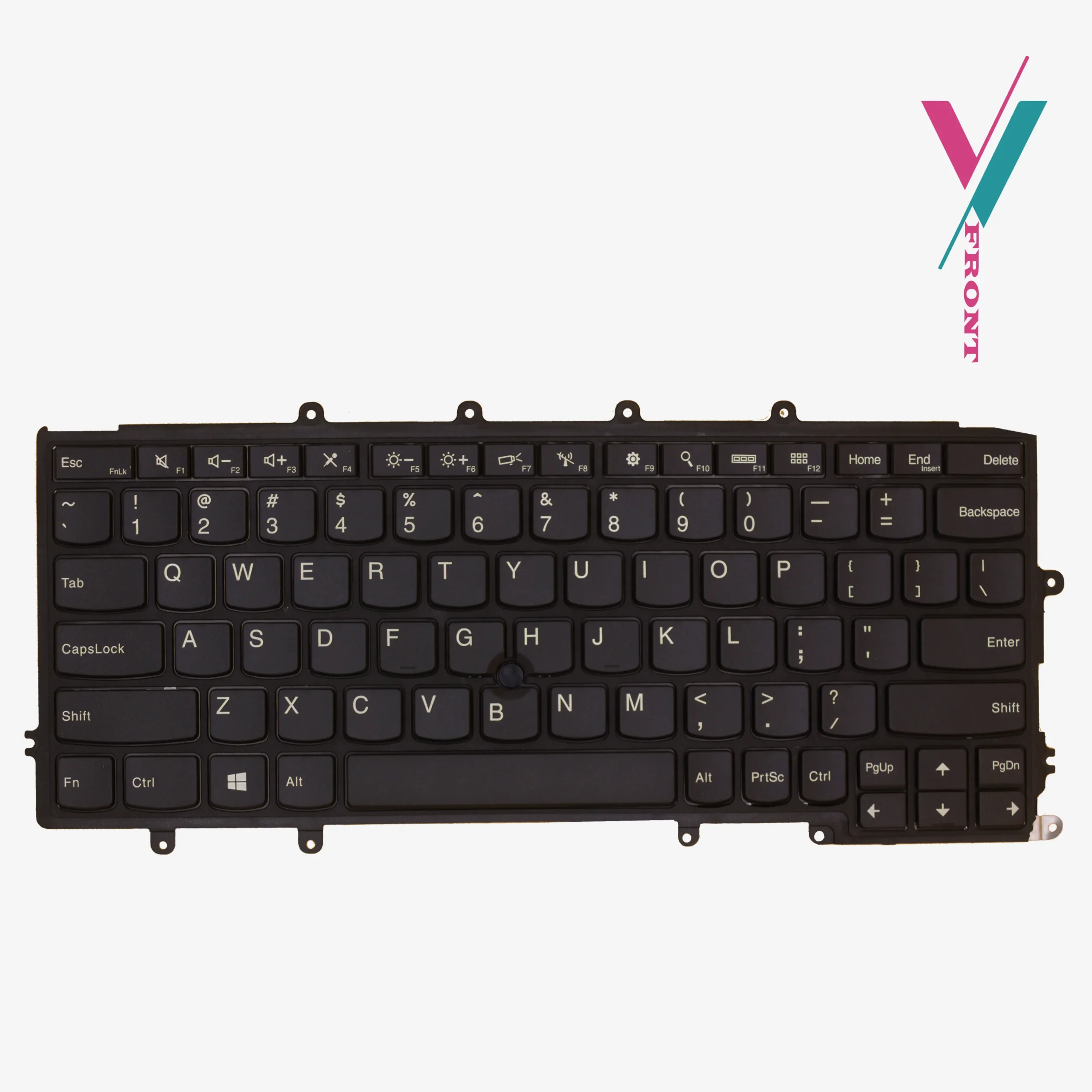
- Architecture: Traditional ThinkPad “Island Style” chiclet layout with high-durability scissor switches.
- Navigation: Integrated central TrackPoint (red pointing stick) with high-sensitivity sensors.
- Layout: US English QWERTY (Standard 6-row configuration).
- Keycap: High-density ABS with a matte “Raven Black” finish to prevent finger-oil build-up.
- Mechanical Feedback: Optimized actuation force for reduced typing fatigue during long-form writing.
- Illumination: Available in both backlit and non-backlit
- Environmental Protection: Spill-resistant design with integrated liquid drainage channels.
Compatibility & FRU Numbers
This keyboard serves as a universal input solution for several generations of the ThinkPad and A-series line-ups.
While the physical appearance is identical across these models, motherboard connectors may vary by region. Please treat the following list only as a technical reference; for a 100% verified match, our technical support team is available to cross-reference your specific FRU (Field Replacement Unit) number with what we have, simply click the “verify compatibility” button to reach out.
Primary Supported Models:
- ThinkPad T-Series: T470, T480.
- ThinkPad A-Series: A475, A485.
- ThinkPad L-Series: L380, L390, L480.
- ThinkPad E-Series: E480, E485, E490.
Searchable Part Numbers (P/N) & FRU Index:
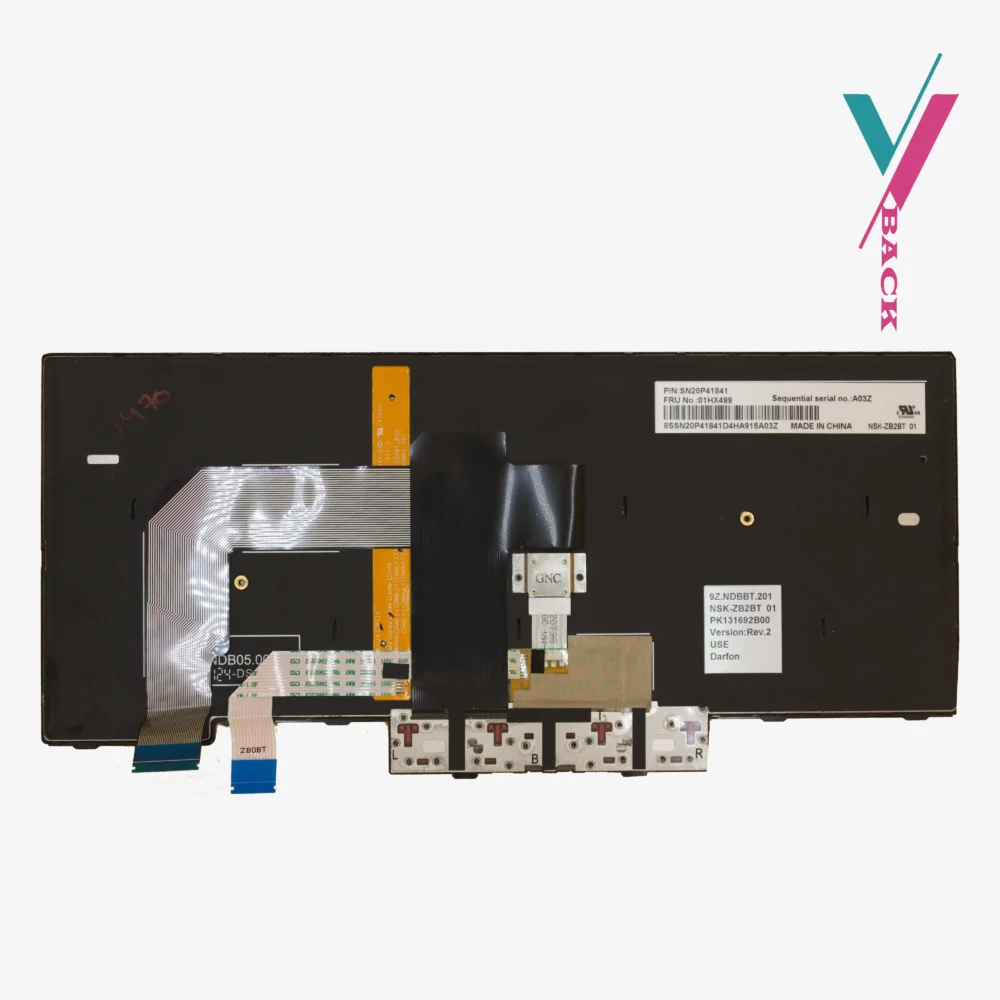
01HX459, 01AX364, 01HX339, 01YN340, 01YN420, SN20L72890, 01AX487, 01HX499, 01AX447.
Mismatched Hardware
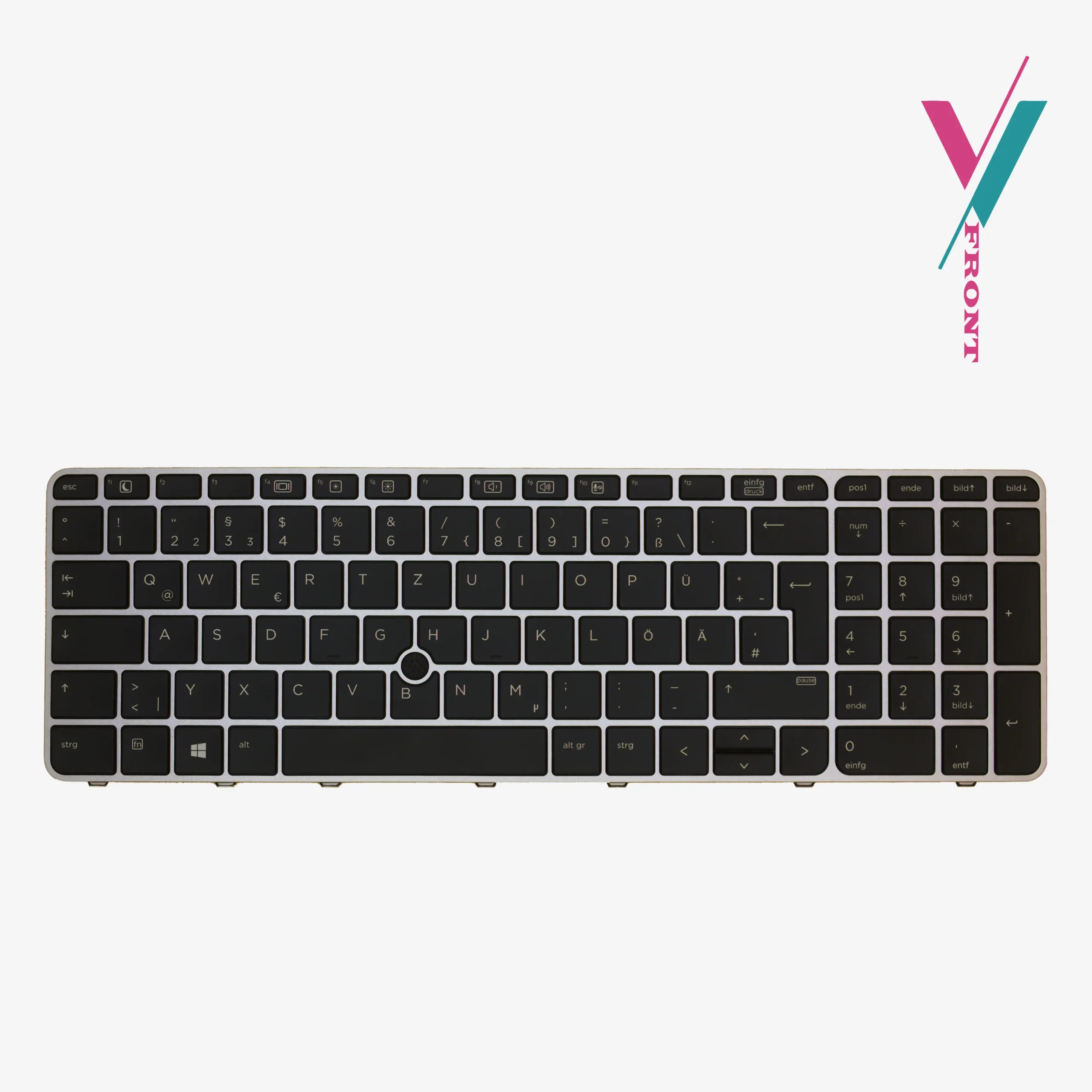
The most significant pain point for DIY laptop repair is the “near-miss, receiving a part that looks correct but features a ribbon cable that is angled differently or a frame that doesn’t quite sit flush. We proactively address this through our Pre-Purchase Validation Service. By consulting with us before you check out, you allow our technicians to verify the exact replacement your laptop requires. This dramatically reduces the likelihood of a return and ensures your t470 keyboard arrives ready for immediate installation.
If you find that the keyboard does not interface perfectly with your chassis or the connector ribbon differs from your original unit, a 7-day return is available to you (subject to policy). Our goal is to facilitate a smooth repair process, and this protection window ensures you aren’t stuck with an unusable part.
Technical Installation & Maintenance Tips
Is the T470 keyboard difficult to replace?
Unlike “bottom-access” models that require total disassembly, the lenovo t470 keyboard is a “top-loader.” It is held in place by a sliding frame mechanism. By carefully shifting the frame toward the screen, you reveal the mounting screws. This makes it one of the most user-friendly repairs in the ThinkPad line-up, typically taking less than 15 minutes with a standard Phillips-head screwdriver.
If you are uncomfortable carrying out this replacement, seek a qualified technician to handle it for you. If you do not know any, we will recommend a few to you.
Maintenance Tip:
To preserve the matte texture of your new keys, we recommend using a dry microfiber cloth for daily cleaning. If deep cleaning is required, use a 70% Isopropyl alcohol solution on the cloth, never spray directly onto the keys. This prevents liquid from seeping into the scissor mechanisms and maintains the integrity of the UV-printed characters.

Reviews
There are no reviews yet.