




LONG DESCRIPTION:
Technical Specifications & Performance Data
| Feature | Specification |
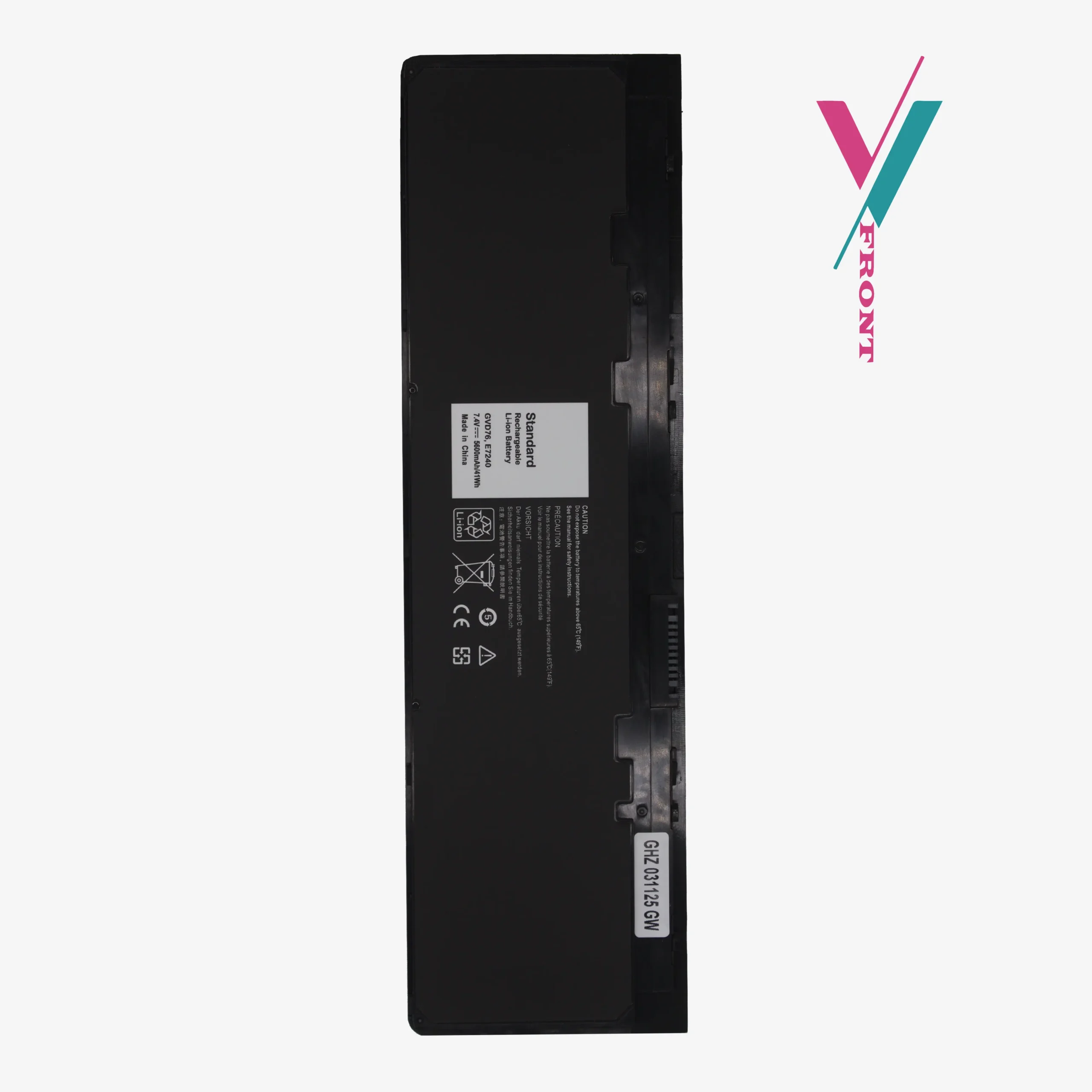
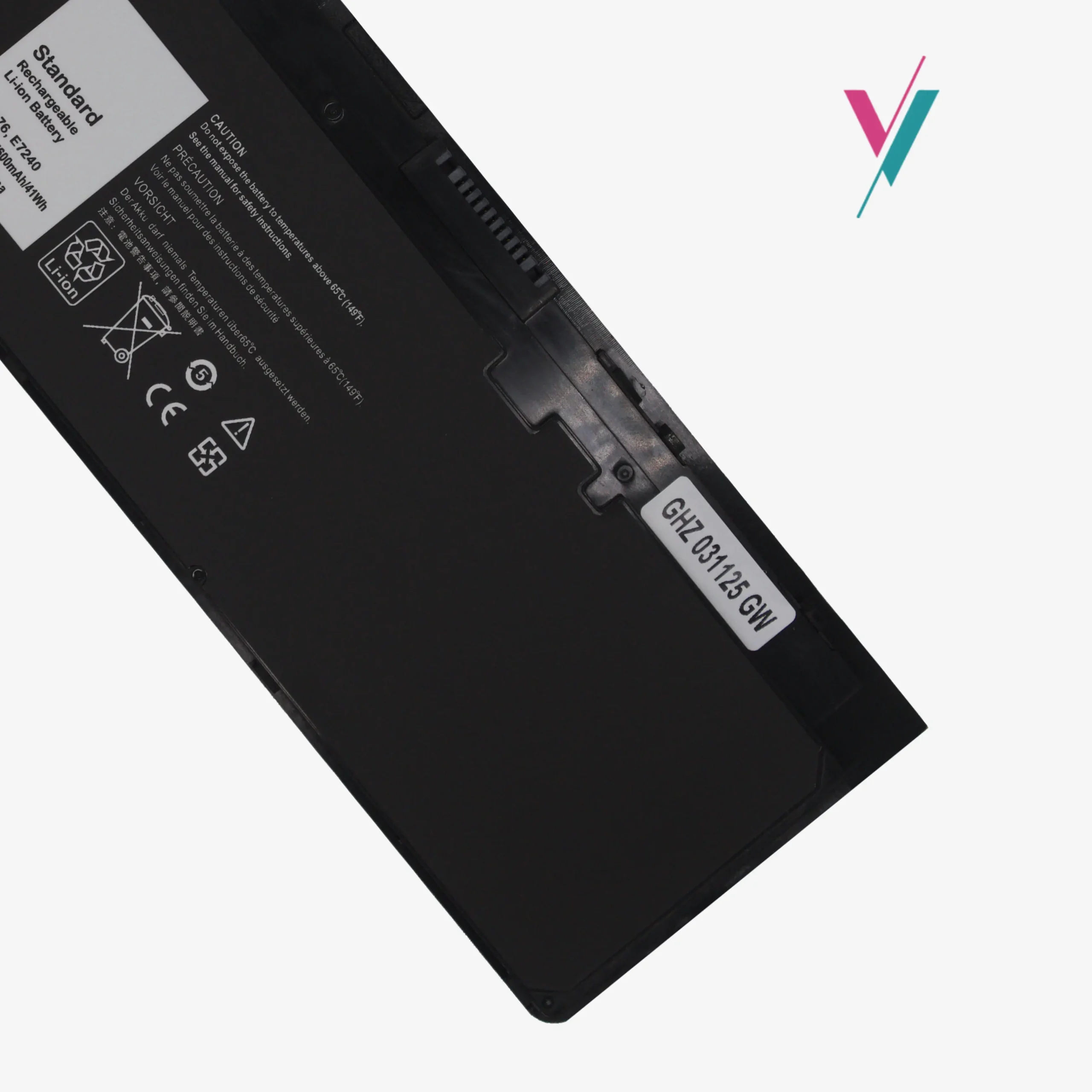
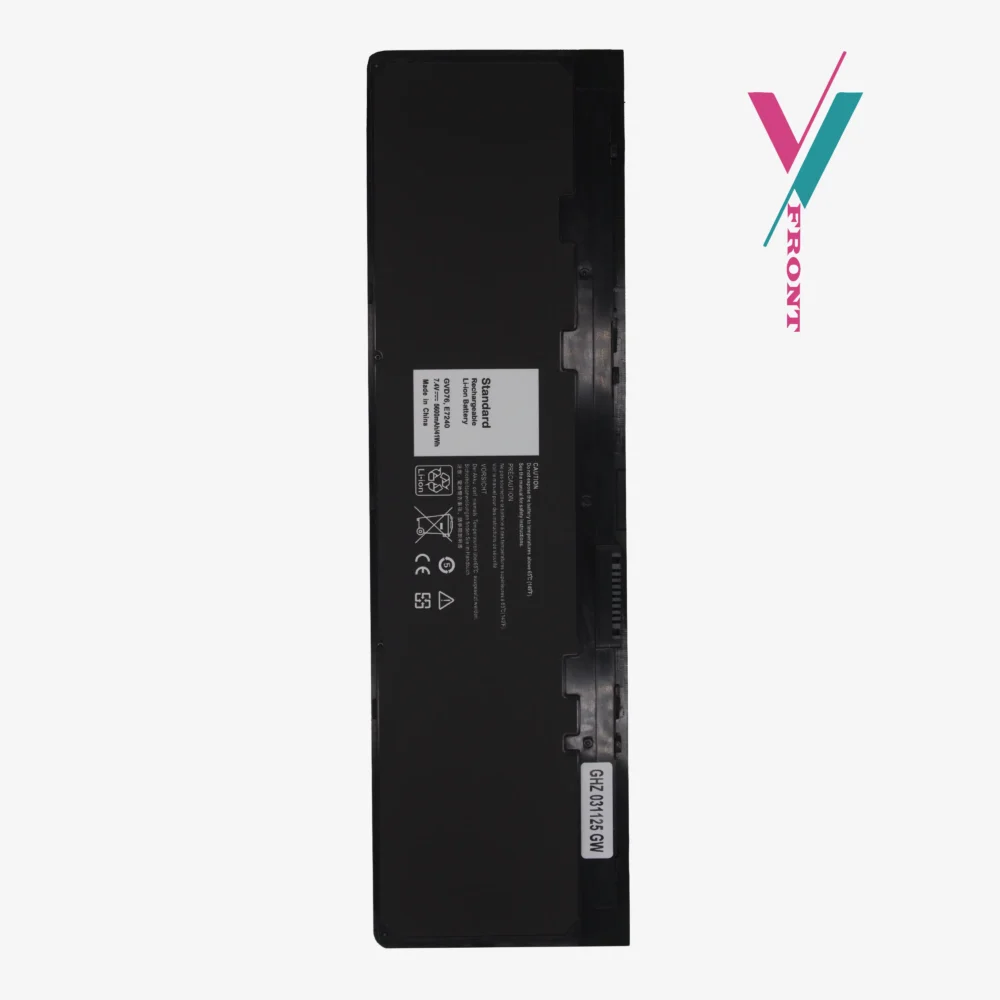
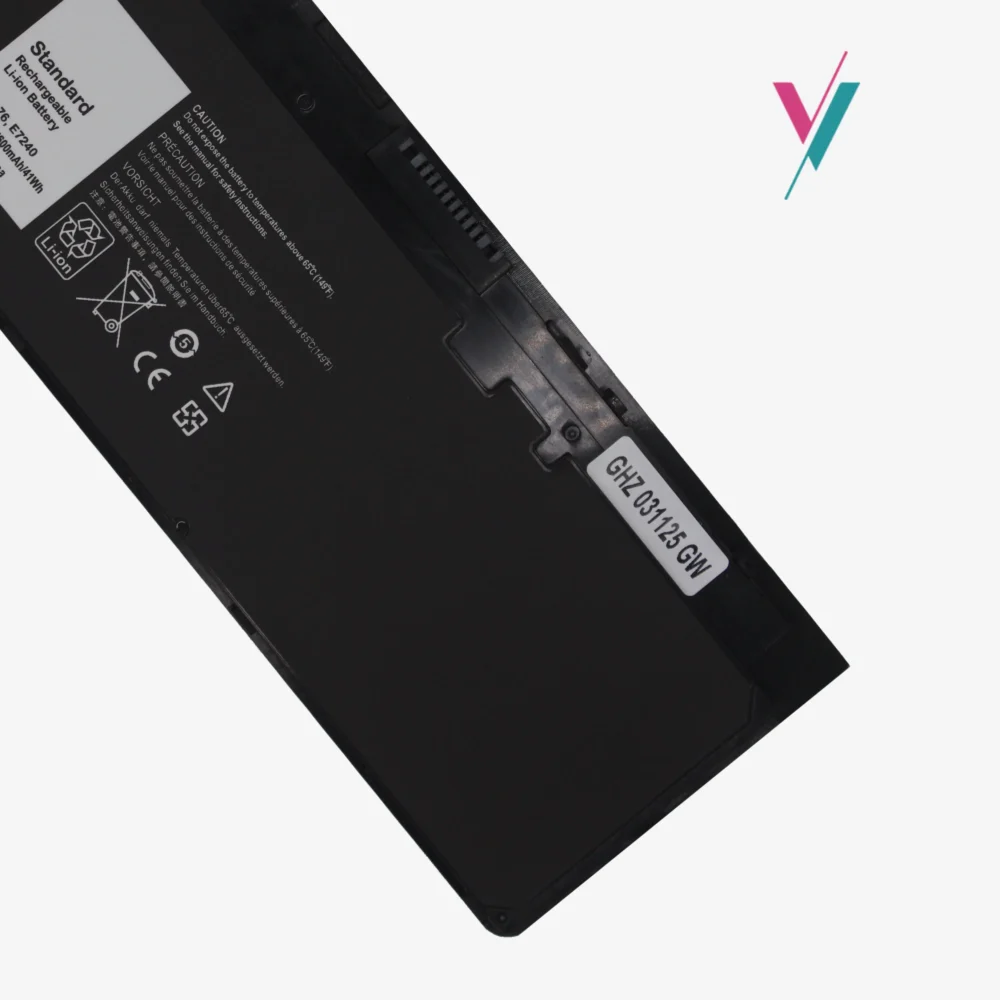
| Model Designation | WD52H / GVD76 |
| Cell Chemistry | High-Density Lithium-ion (Li-ion) |
| Voltage Output | 7.4V (System Certified) |
| Capacity | 41Wh / 5600mAh |
| Configuration | 4-Cell Internal |
| Condition | Brand New, Grade A Performance Cells |
Engineered for the Latitude 7000 Ultrabook Series
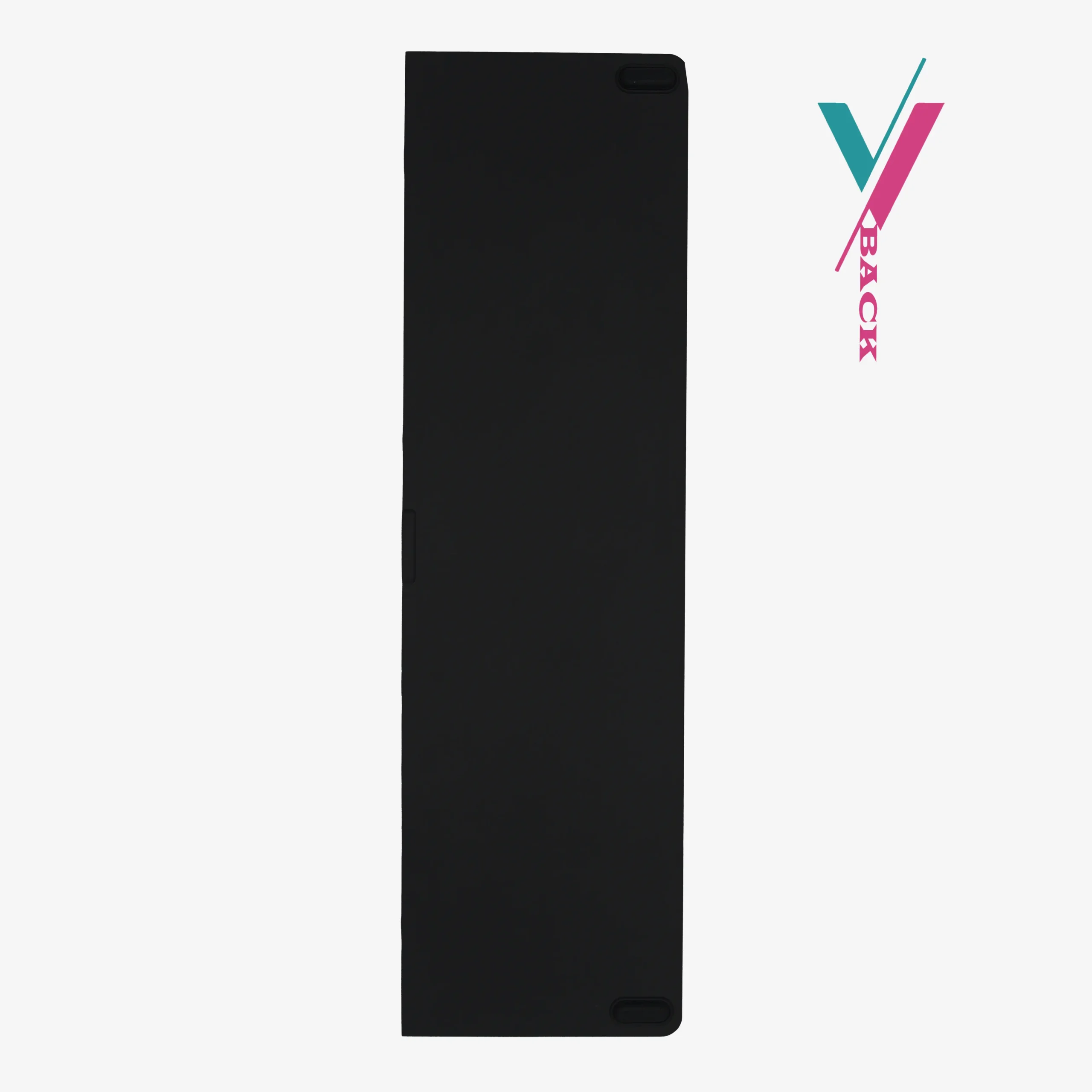
This dell latitude e7240 battery is designed for high-cycle environments where reliability is non-negotiable. Unlike standard aftermarket units, this replacement is built with intelligent power management circuitry that communicates directly with your Dell BIOS. This ensures accurate percentage reporting and prevents the “Battery Not Recognized” warnings common with lower-tier replacements.
Comprehensive Hardware Compatibility List
The following list serves as a technical cross-reference for IT inventory and search purposes.
Reminder: Because Dell often utilizes varied battery footprints within the same sub-model series, these lists are for reference only. The best way to eliminate the risk of an incorrect order is through direct verification with our team.
Compatible Laptop Models:
- Dell Latitude Series: E7240, E7250, Latitude 12 7000 Series.
- Specific Sub-Models: E7240-1725, E7240-8717, E7240-1403, E7240-9035, E7240-7708, E7240-6643, E7240-1763, E7250 Ultrabook.
Technical Part Number (P/N) Index:
WD52H, KWFFN, VFV59, J31N7, GVD76, HJ8KP, NCVF0, F3G33, 0KWFFN, KKHY1, 0KKHY1, 0VFV59, W57CV, WG6RP, 0WG6RP, DWJHM, YDN87, GD076, 451-BBFW, 451-BBFX, FW2NM, GHT4X.
Mitigating Hardware Incompatibility
We recognize that purchasing the wrong internal battery is a major risk to you. To provide a friction-less experience, we offer a 7-day Return. If you receive this unit and find that your specific sub-version of the E7240 requires a different connector or voltage, we allow for a swift return or exchange (subject to policy).
Accuracy First
You can significantly reduce the risk of downtime by chatting with us before you buy. By confirming your original part number (such as “WD52H”) or your Service Tag with us, you secure a 100% hardware match guarantee.
We take the guesswork out of your laptop upgrades so you can get back to work immediately.
Pro-Tips for Optimizing Li-ion Longevity
- Initial Calibration: Upon installation, charge the battery to 100% and allow it to discharge to 10% before recharging. Repeat this twice to calibrate the internal “fuel” gauge.
- Thermal Management: Avoid using your E7240 on soft surfaces (like beds) that block airflow, as heat is the primary cause of premature capacity loss.
- Storage: If you plan to store the laptop for more than a month, leave the battery at approximately 50% charge to maintain chemical health.

Reviews
There are no reviews yet.