


Technical Profile & Design Specs
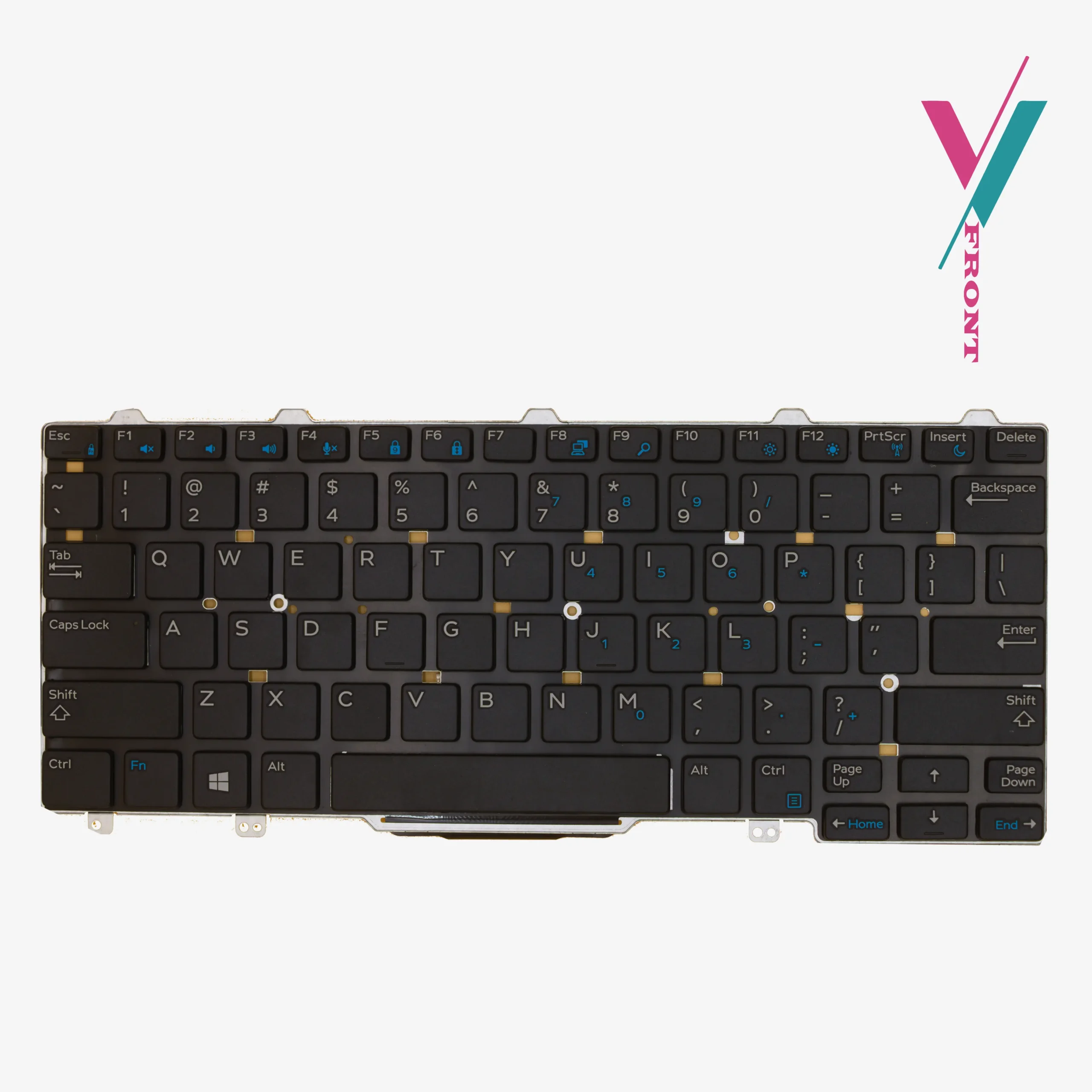
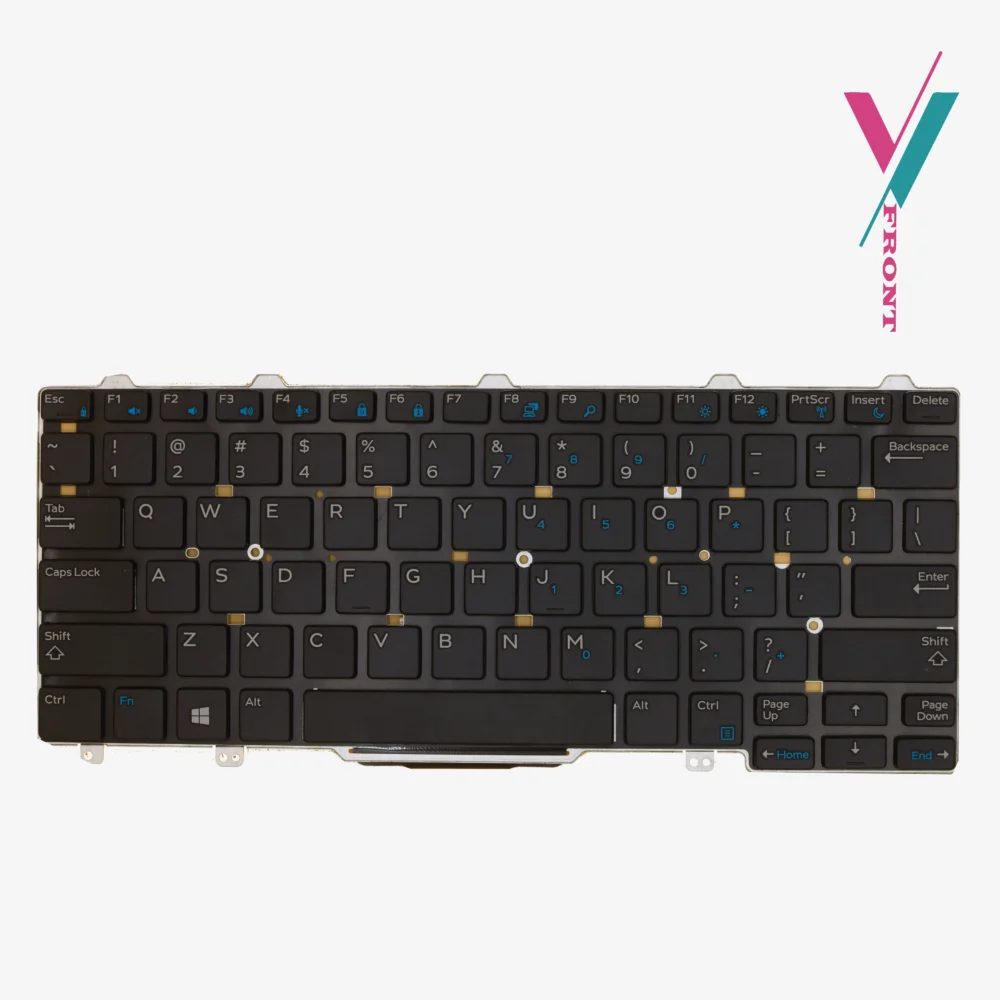
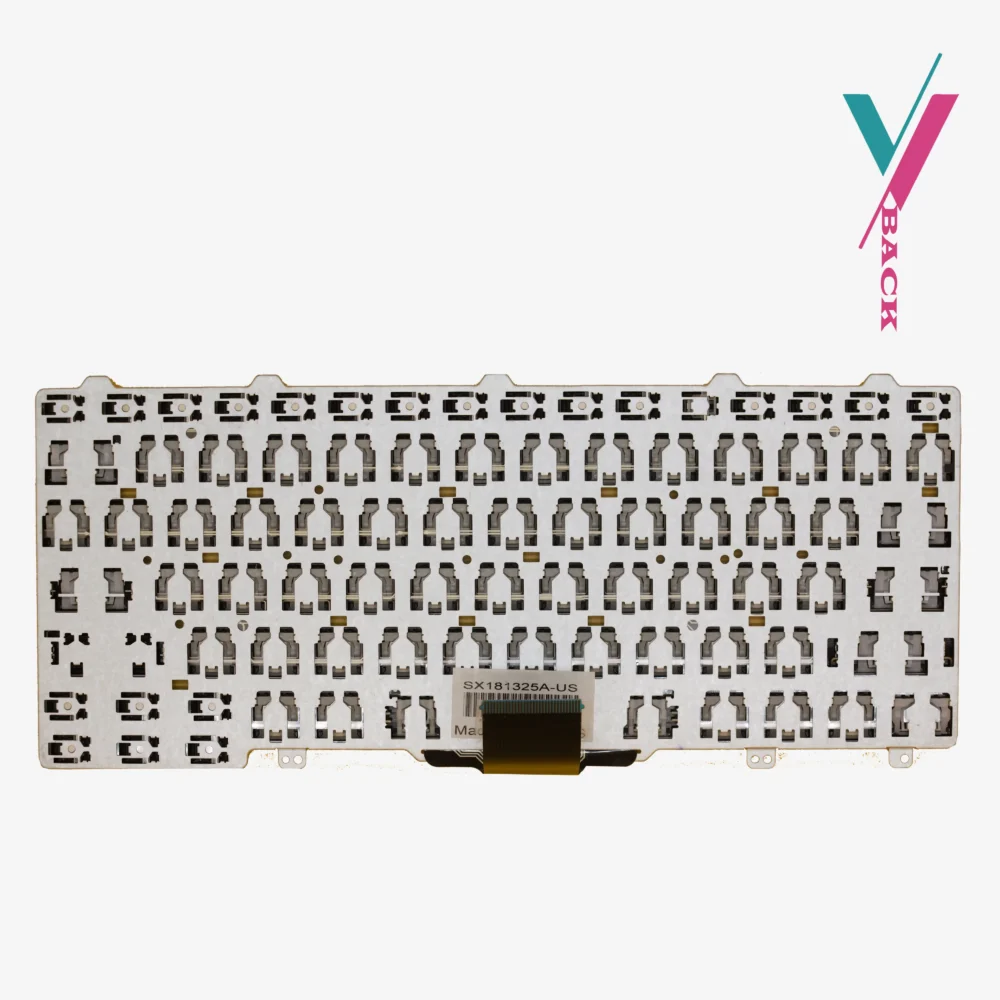
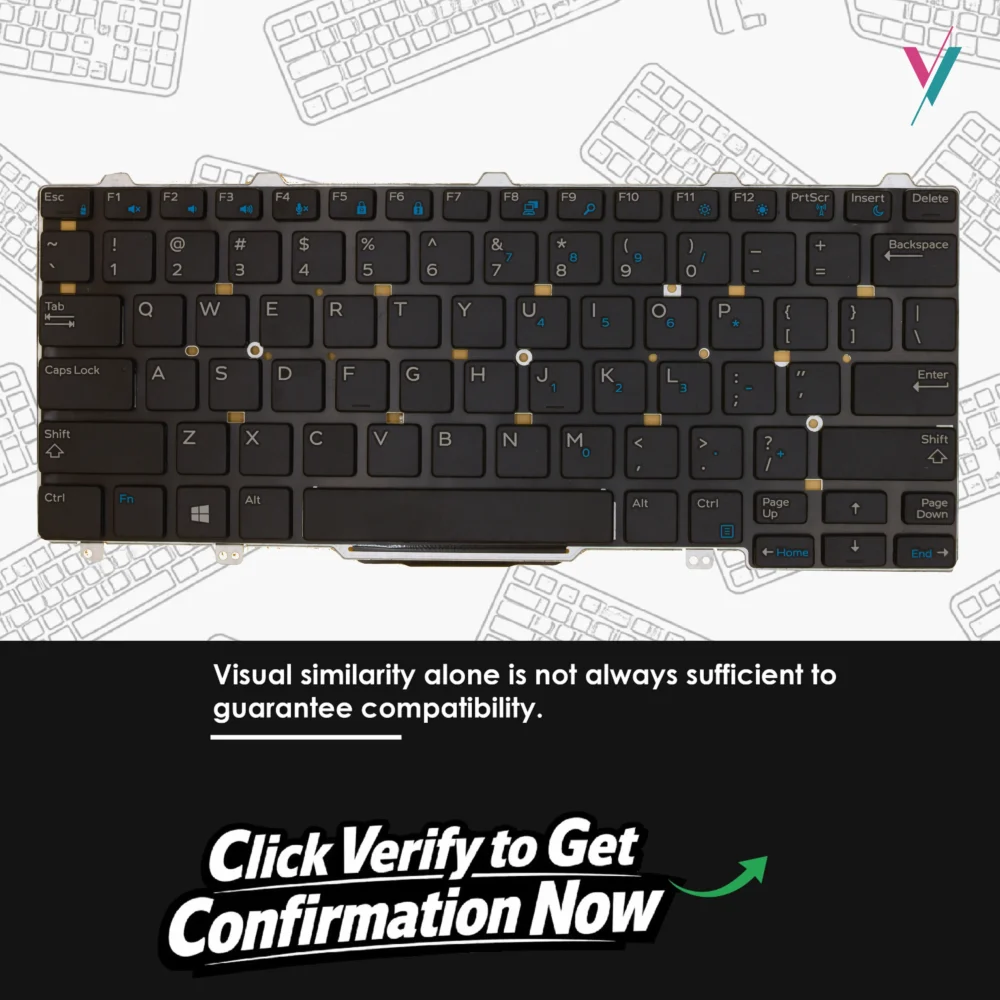
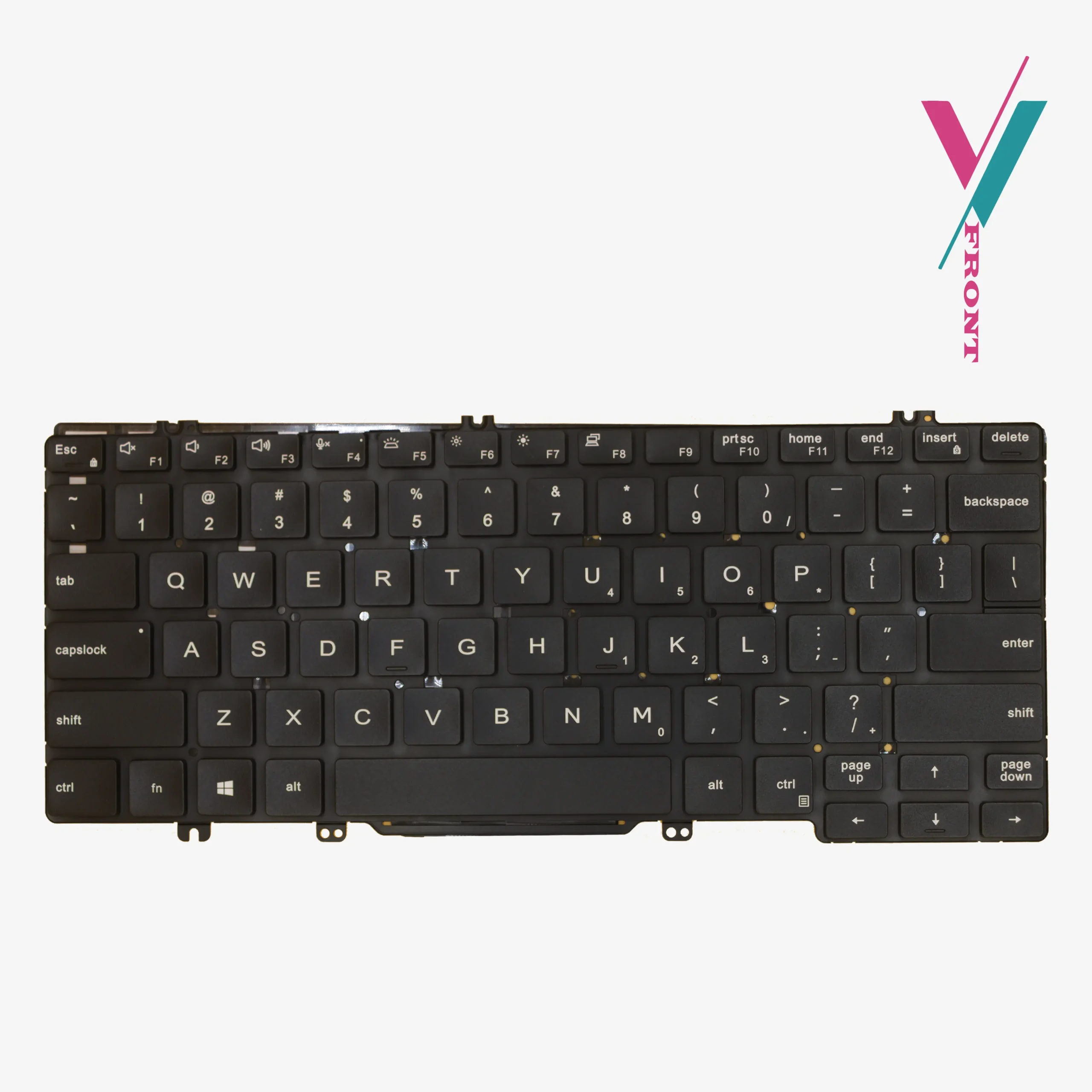
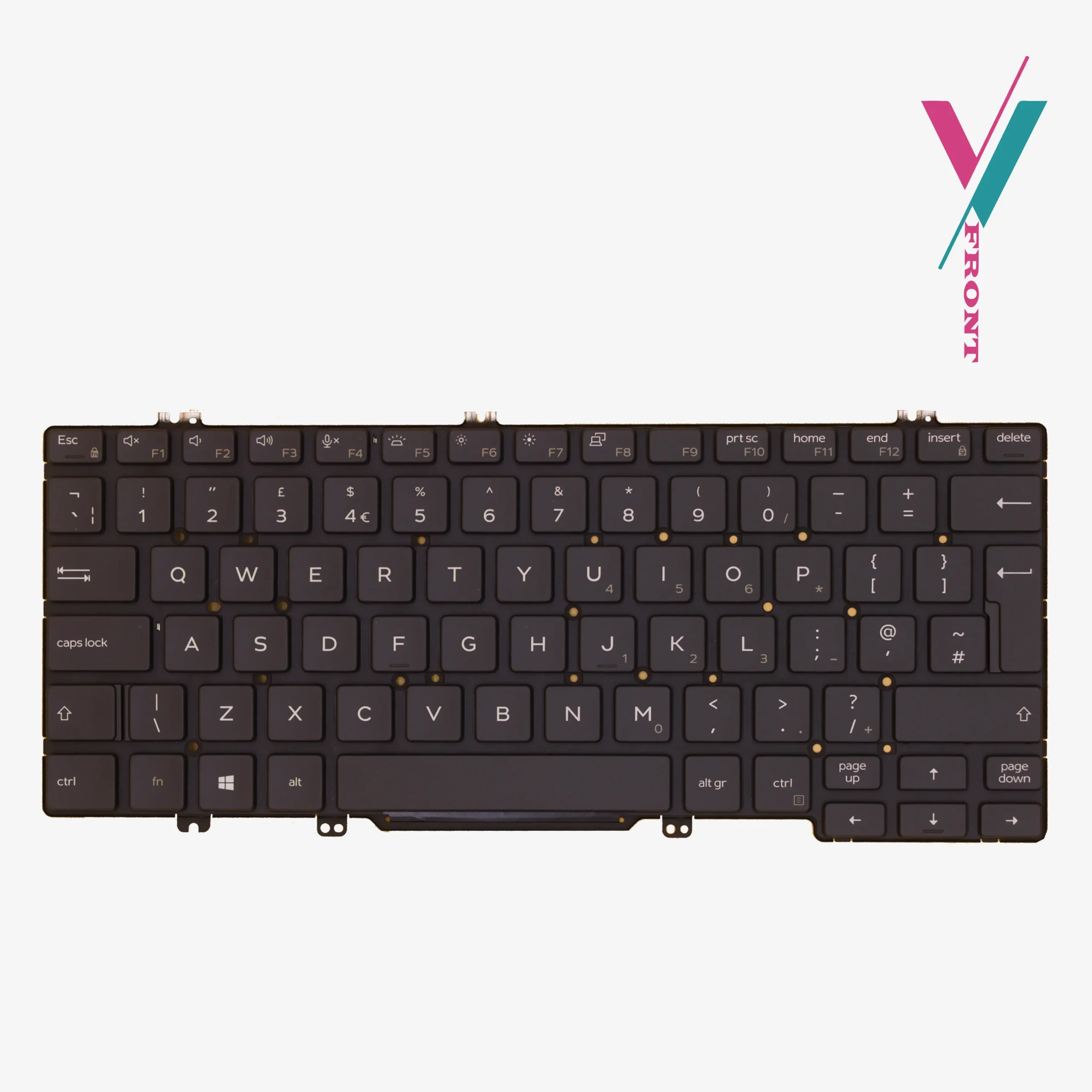
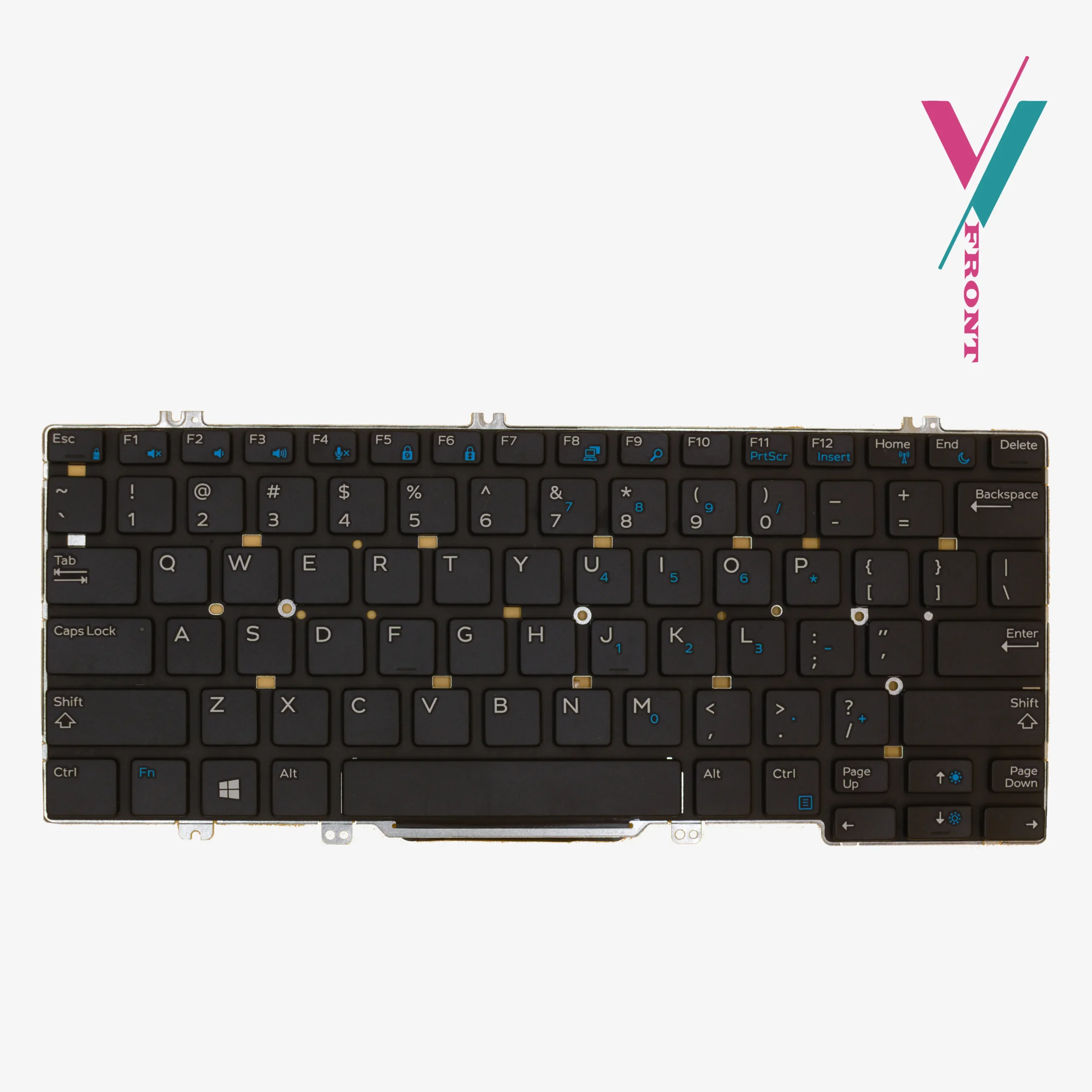
- Component Type: Internal Laptop Keyboard
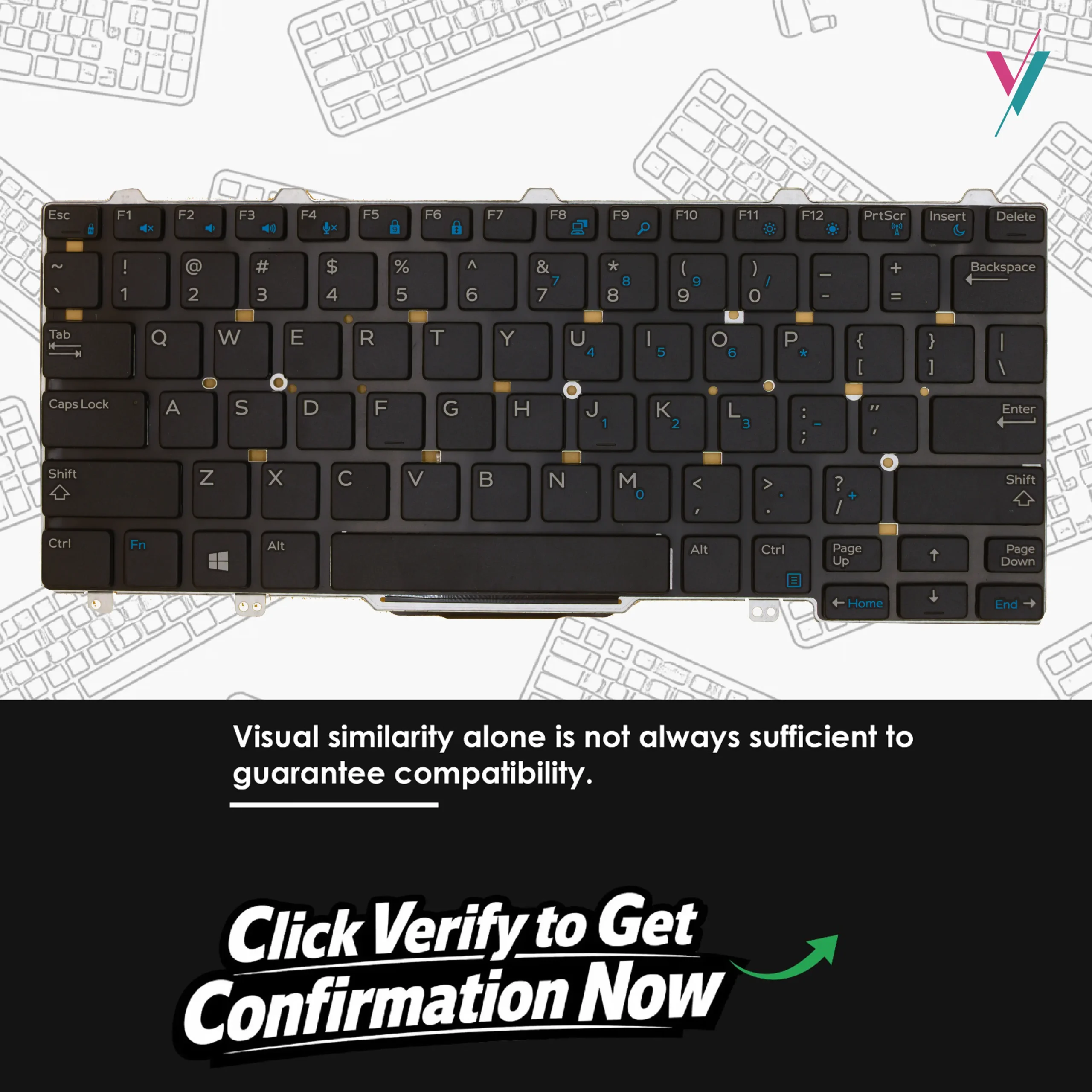
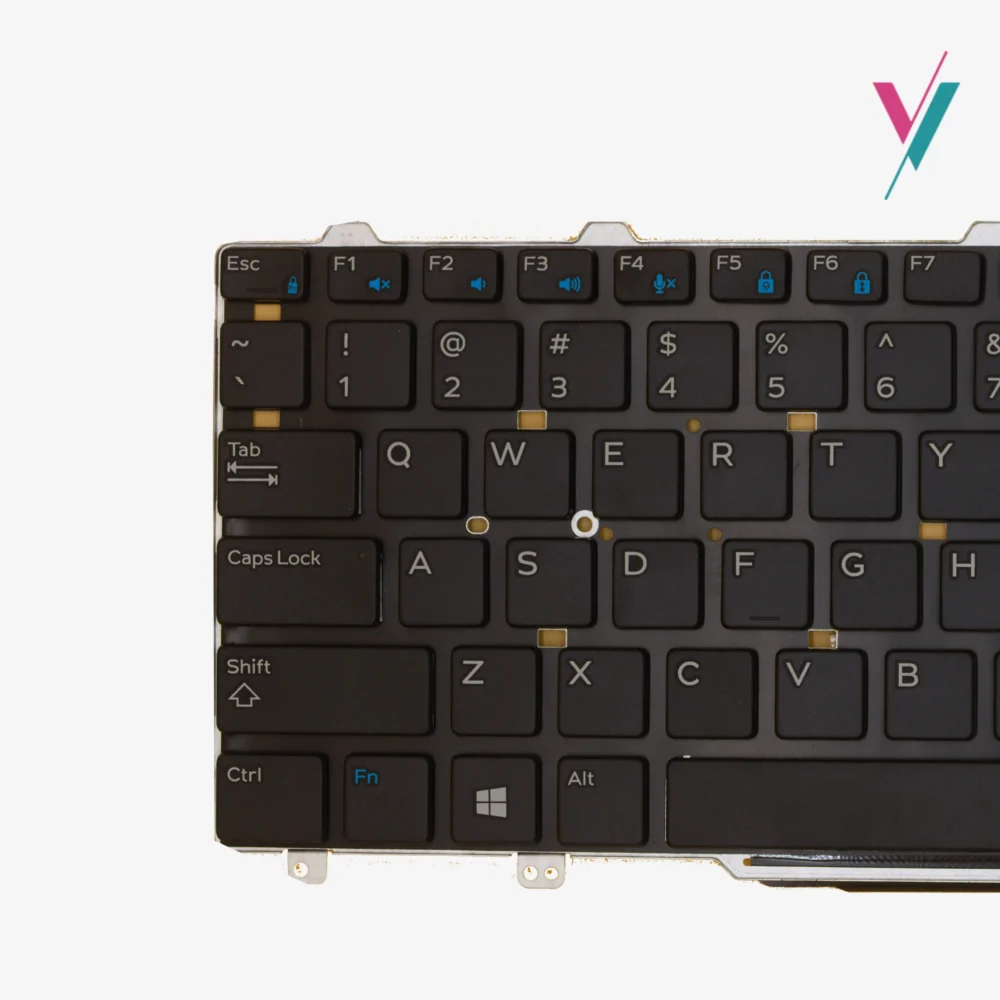
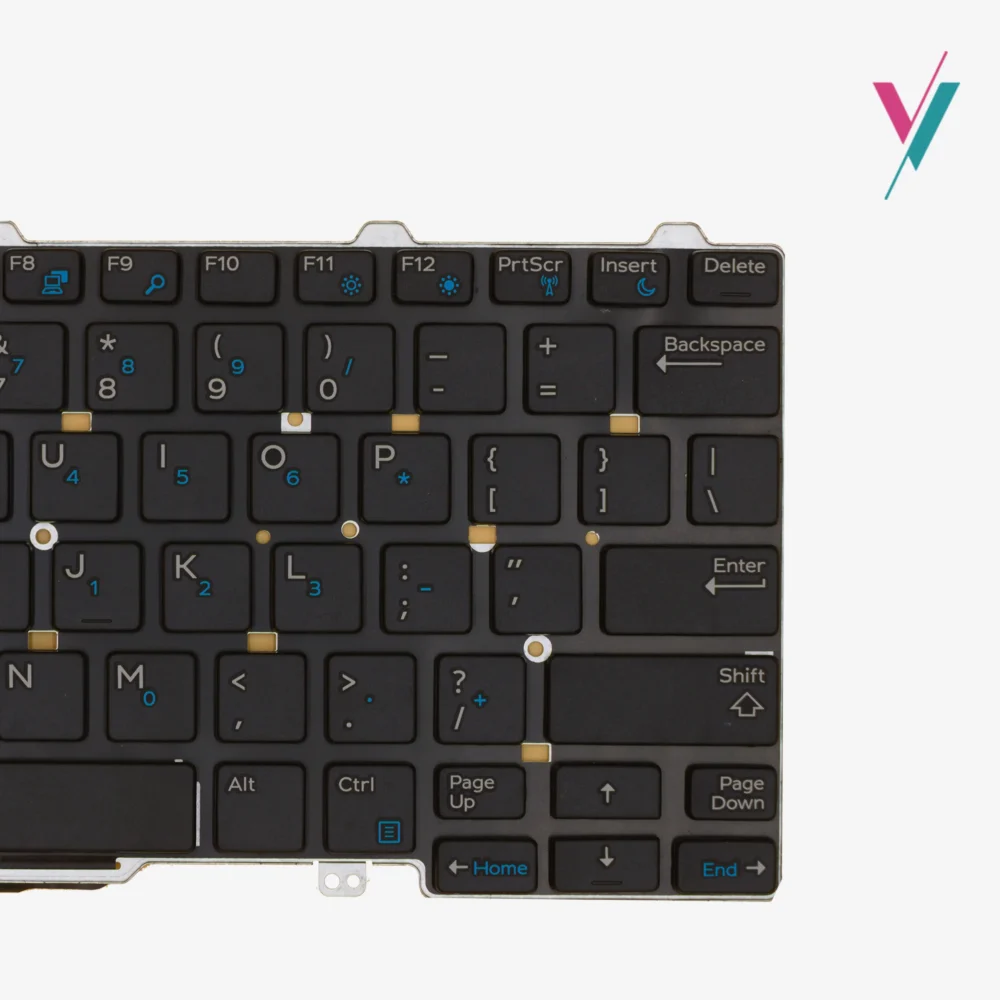
- Mechanical Design: Standard Dell E-Series chiclet layout
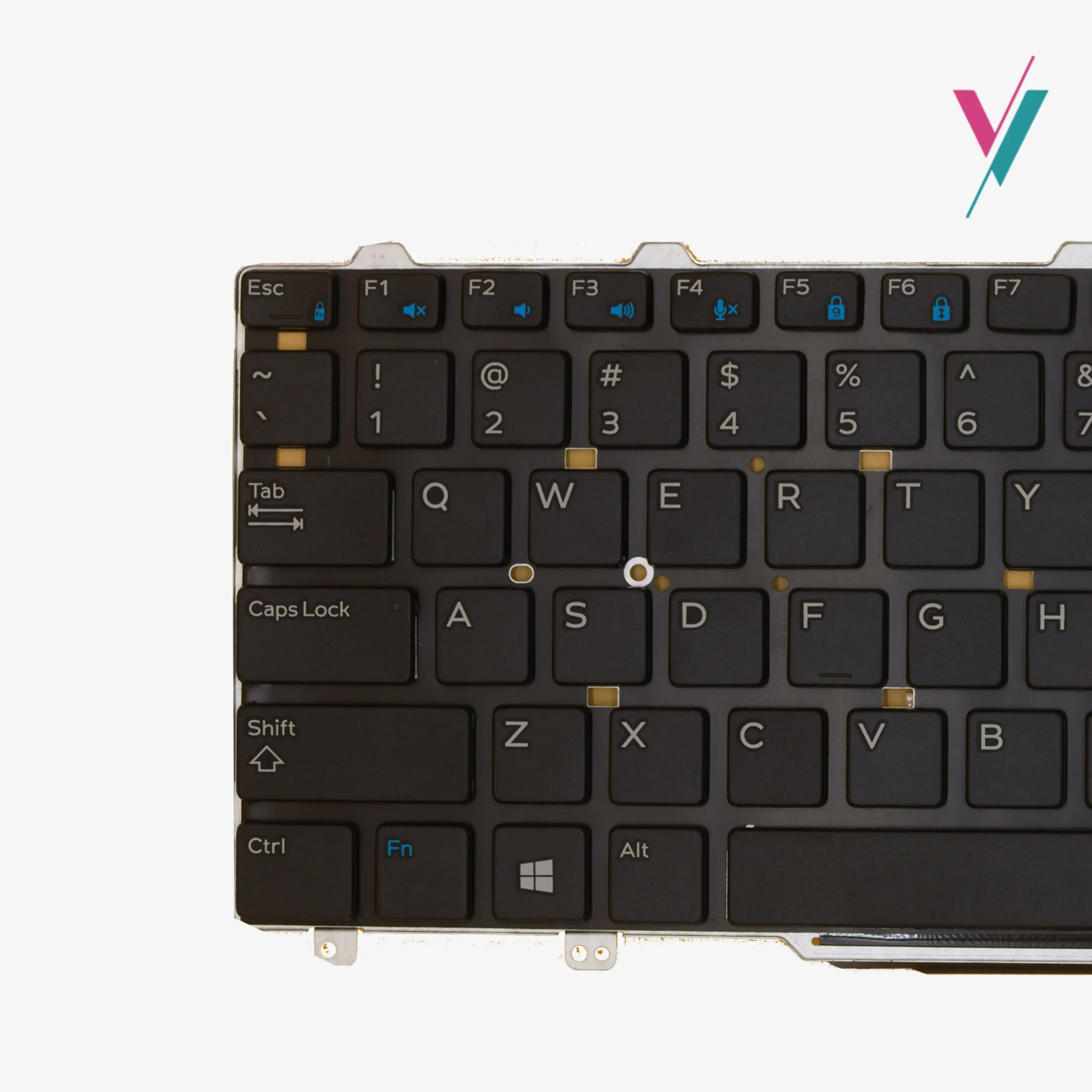
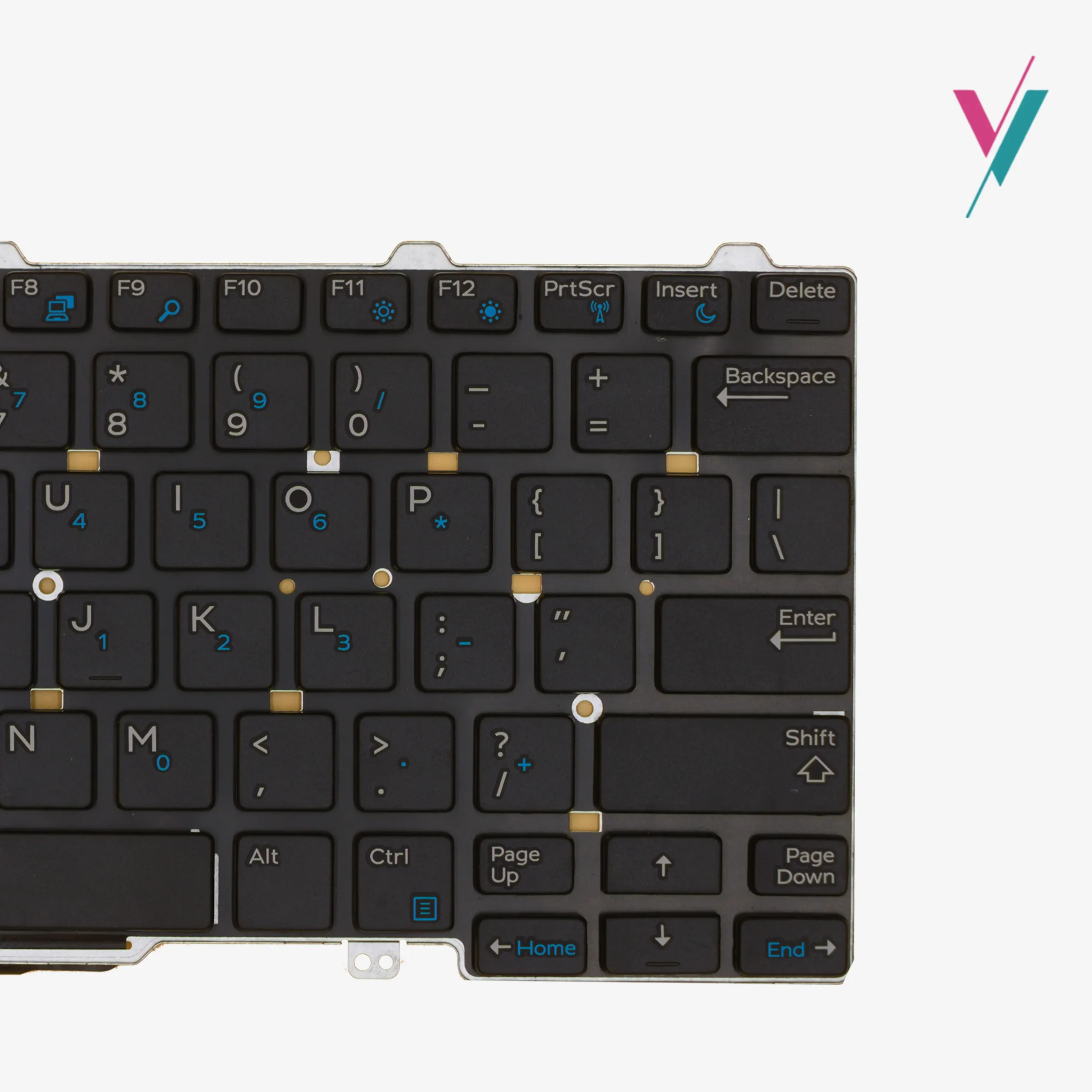
- Layout Standard: US / US-International QWERTY
- Keycap Finish: Matte black with wear-resistant UV-coated characters
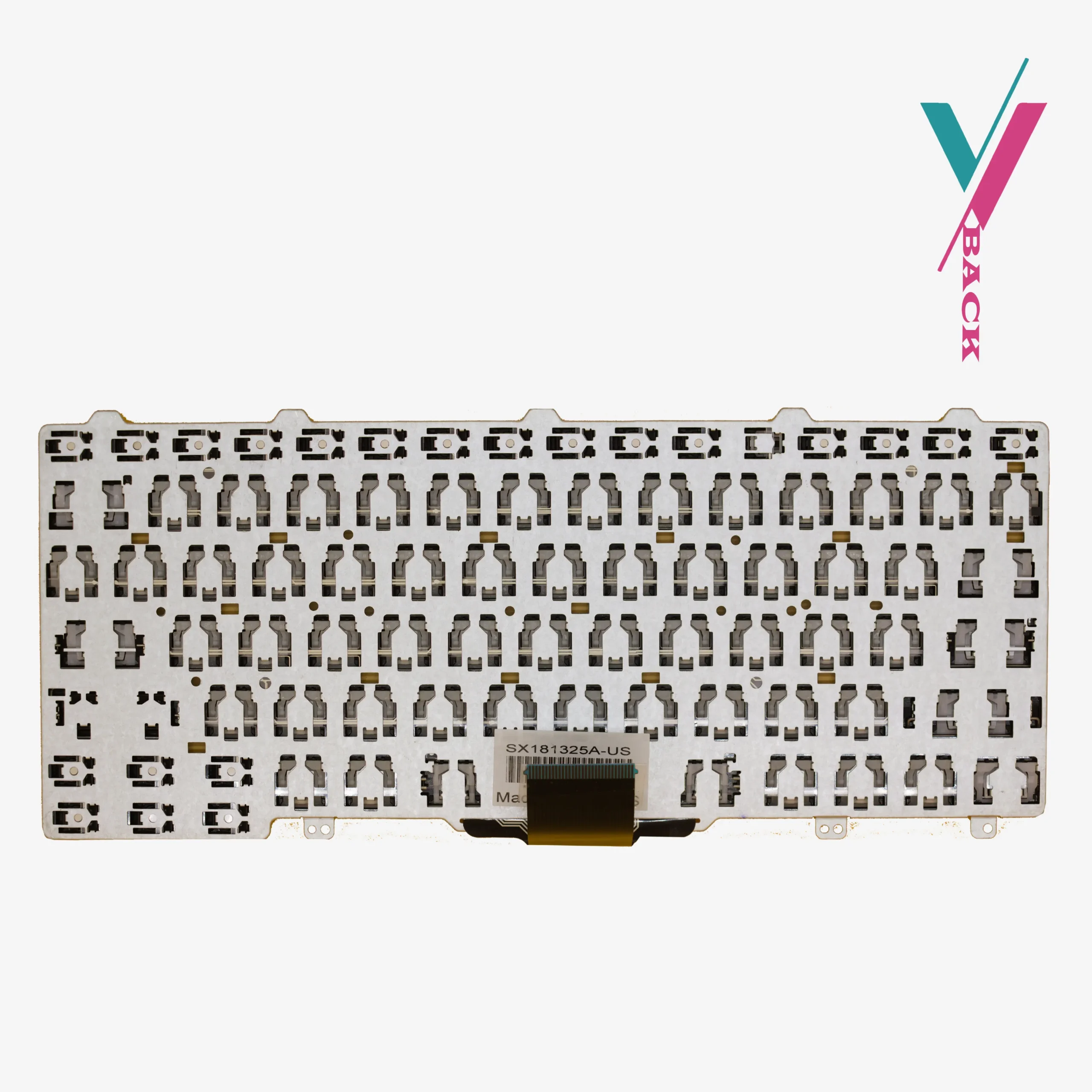
- Installation Style: Drop-in OEM replacement with integrated data ribbon
- Lighting: Non-Backlit
Cross-Series Compatibility Guide
This keyboard serves as a high-accuracy spare for several 11-inch and 12-inch Dell business machines. Important: The list below is provided as a reference only, since motherboard connectors can differ by specific region and production year, our “Verify Compatibility” service is the only way to get a 100% guarantee of fitment.
Verified Compatible Dell Models:
- Latitude Ultrabooks: Latitude E7250, Latitude E5250, Latitude 7250, Latitude 5250.
- Latitude Education Series: Latitude 11 (3150), Latitude 11 (3160).
- Additional Reference: Latitude E7270 (Check revision).
Associated Dell Part Numbers (P/N) & Search Codes:
62CM0, 062CM0, 03P2DR, 068TTC, NSK-LK0UC, PK1313O1A00.
Eliminating the Risk of Mismatched Hardware
We recognize that the most common frustration in laptop repair is receiving a part that looks correct but fails to connect internally. To mitigate this, if you the keyboard still fails to align with your motherboard’s ZIF connector, we provide a full 7-day return and exchange (subject to policy). This removes the risk from your shoulders and ensures your maintenance project happens with the right parts.
Expert Support for Your Installation
Don’t get stuck navigating confusing part numbers like “62CM0” on your own. Our technical support team can quickly cross-reference your specific laptop sub-model against our current stock. Verifying your layout isn’t just a precaution, it’s the fastest way to get your Dell back in operation. Just send over your current layout details for complete guidance. Click the “Verify Compatibility” button to initiate the process.
Installation & Maintenance Tips
Can this replace a backlit keyboard?
Yes It will seat into the same physical slot and all typing features will perform identically.
Is any specialized equipment required for the swap?
The Latitude E7250 is designed for easy serviceability. You will typically only need a small Phillips screwdriver and a thin plastic tool to release the bezel. No soldering or adhesive is required to complete the replacement. If you are unsure of the replacement procedure a qualified technician is recommended, if you do not have one, we will suggest a few to you.
How do I clean the keycaps properly?
To maintain the matte finish and prevent key-wear, use a slightly damp microfiber cloth. Avoid harsh chemicals or excessive moisture, which can seep into the membrane layer and cause circuit failure over time.

Reviews
There are no reviews yet.