


Technical Specifications
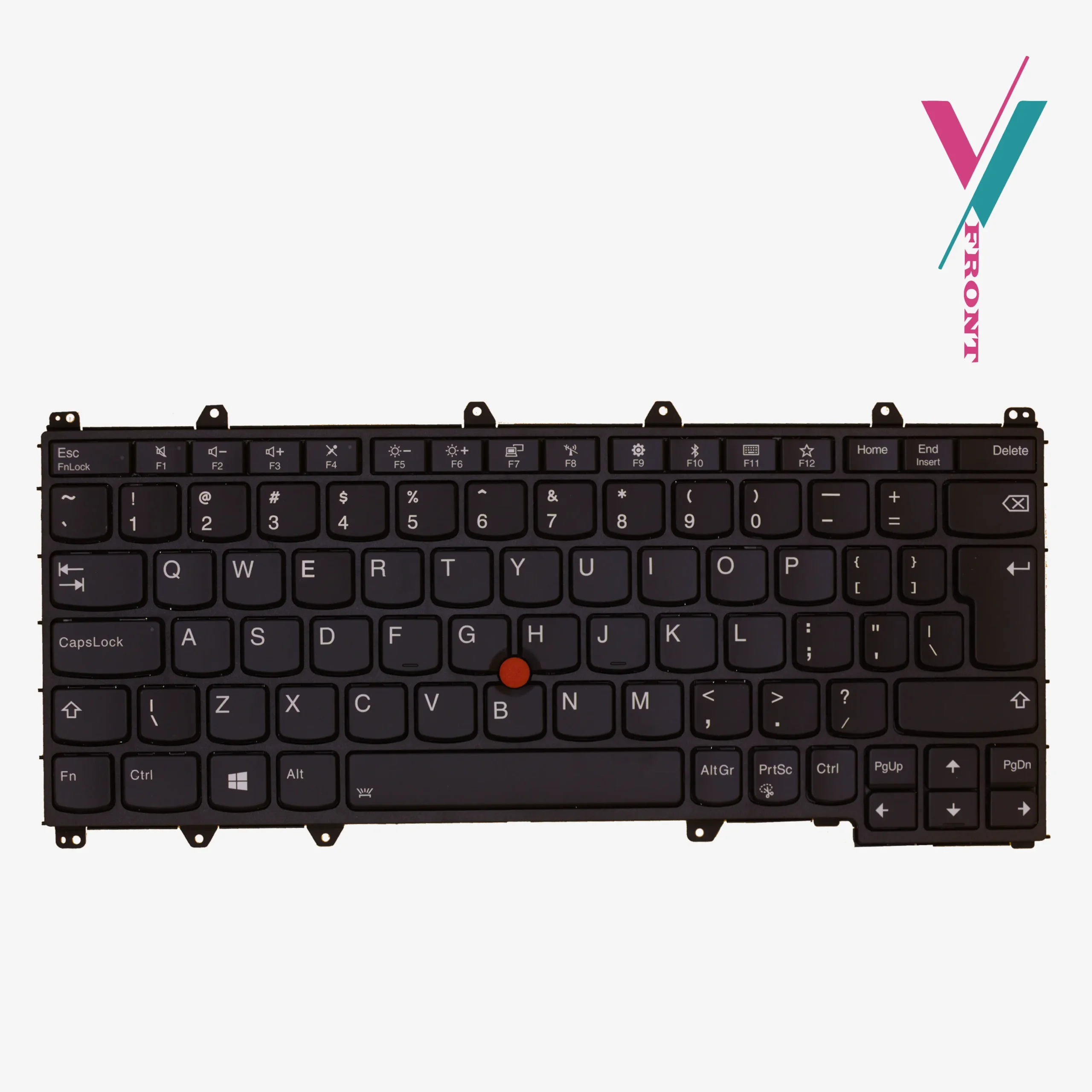
- Architecture: Internal spill-resistant design with a protective sub-layer membrane.
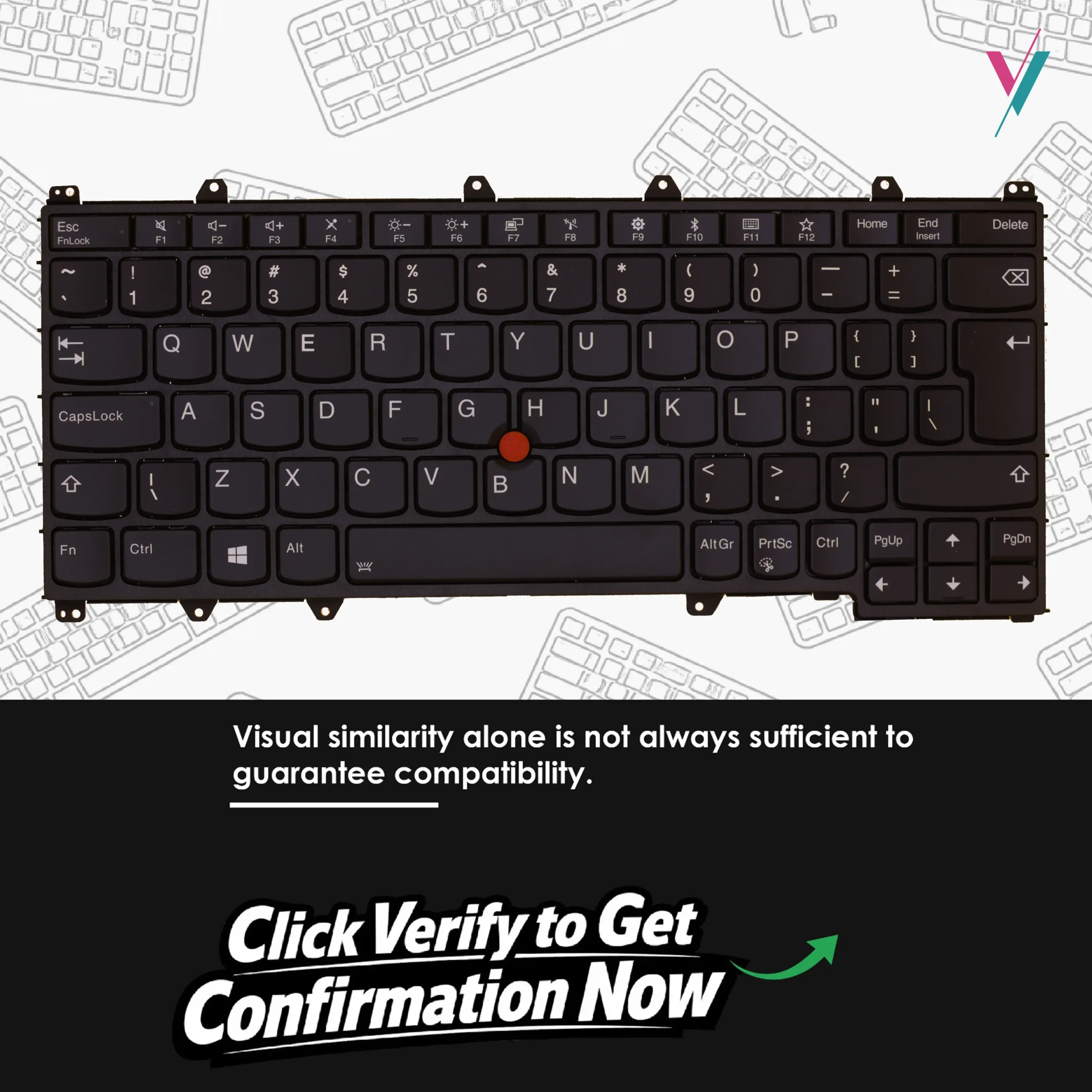
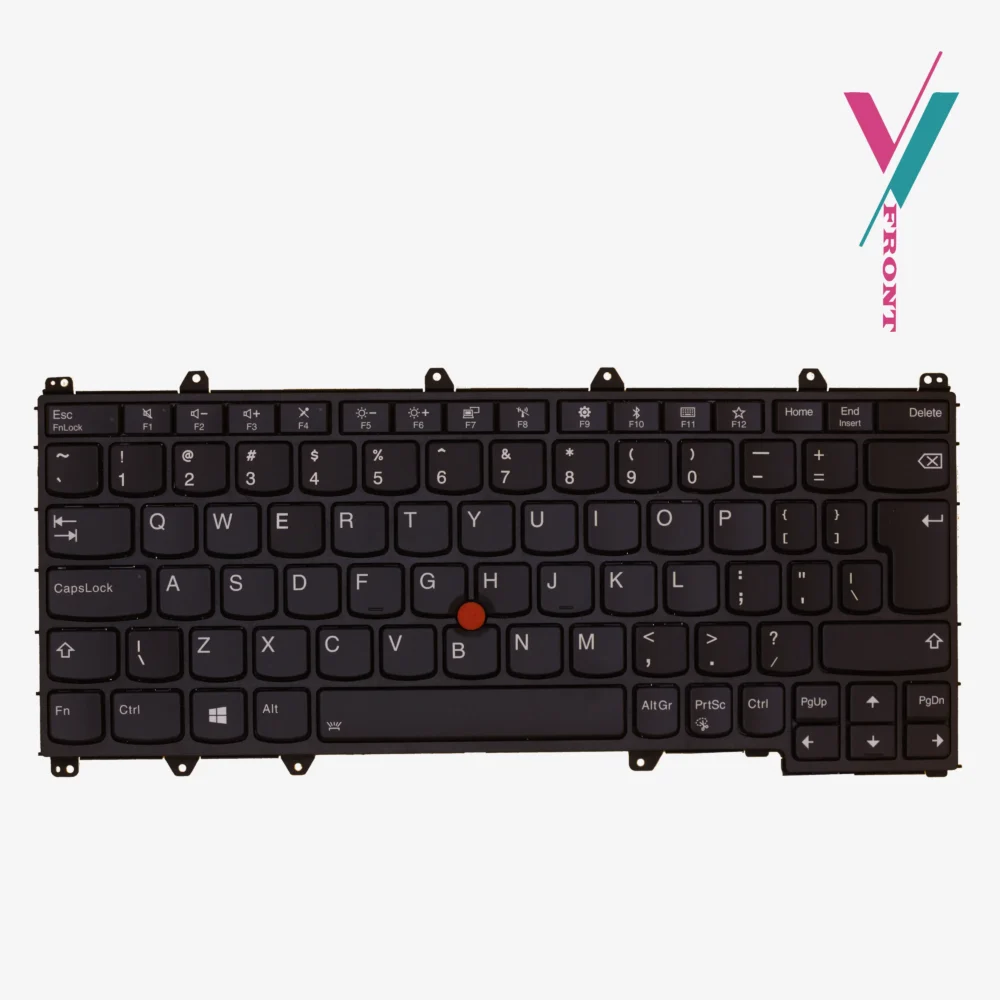
- Typing Feedback: Precision scissor-switch triggers with optimized 1.8mm key travel.
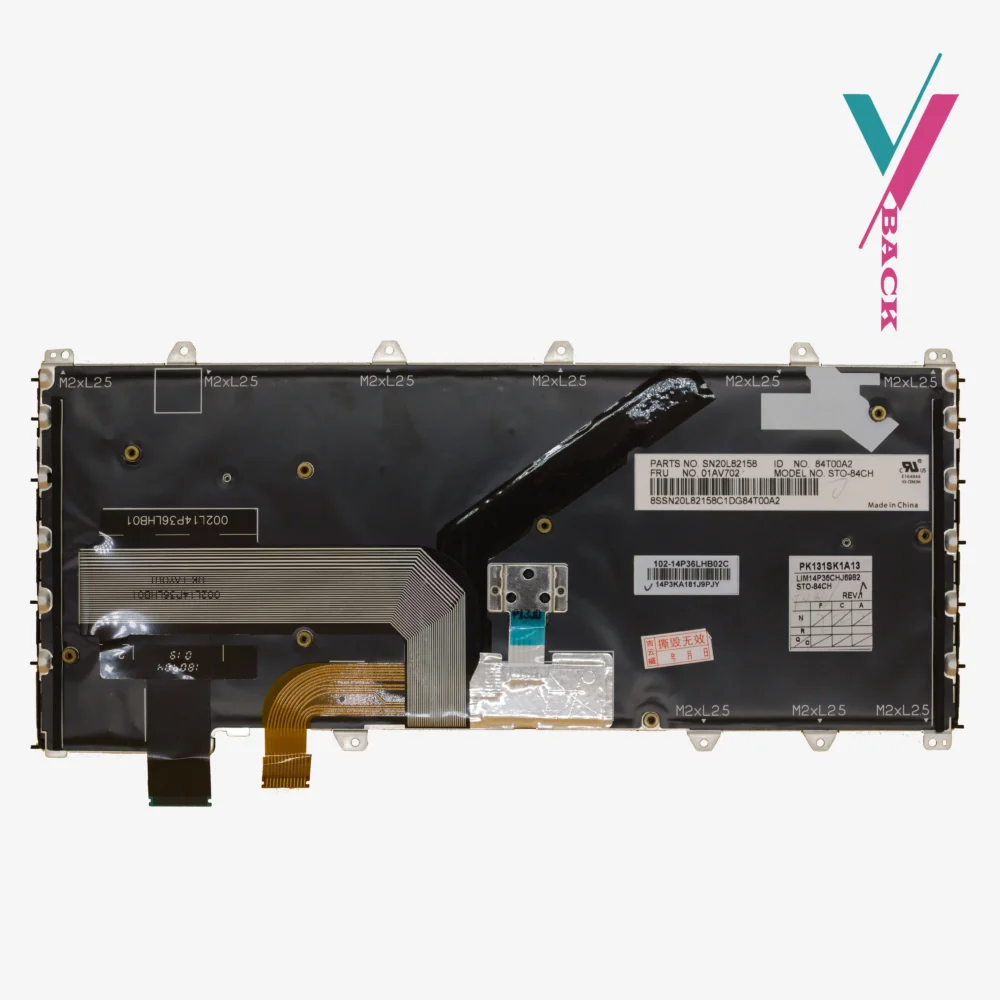
- Backlight Options: Available in both LED-illuminated and standard non-illuminated versions (connector dependent).
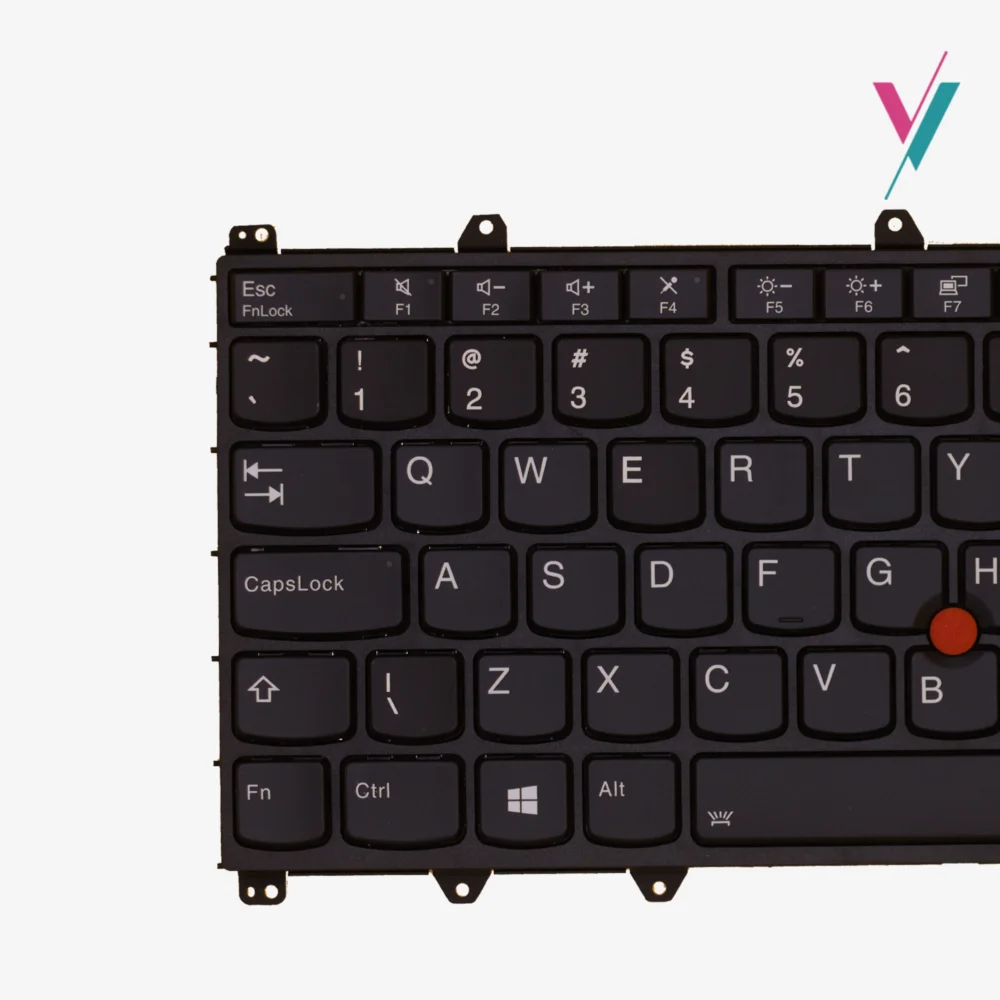
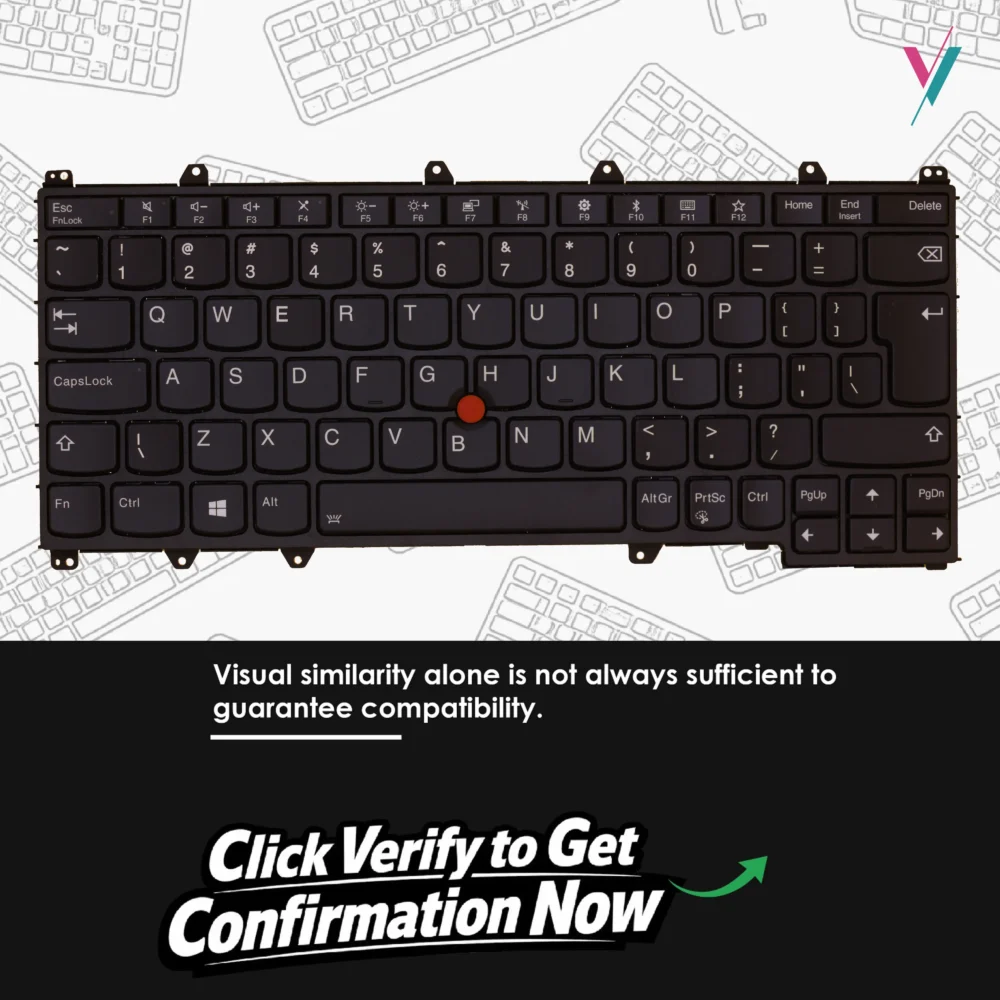
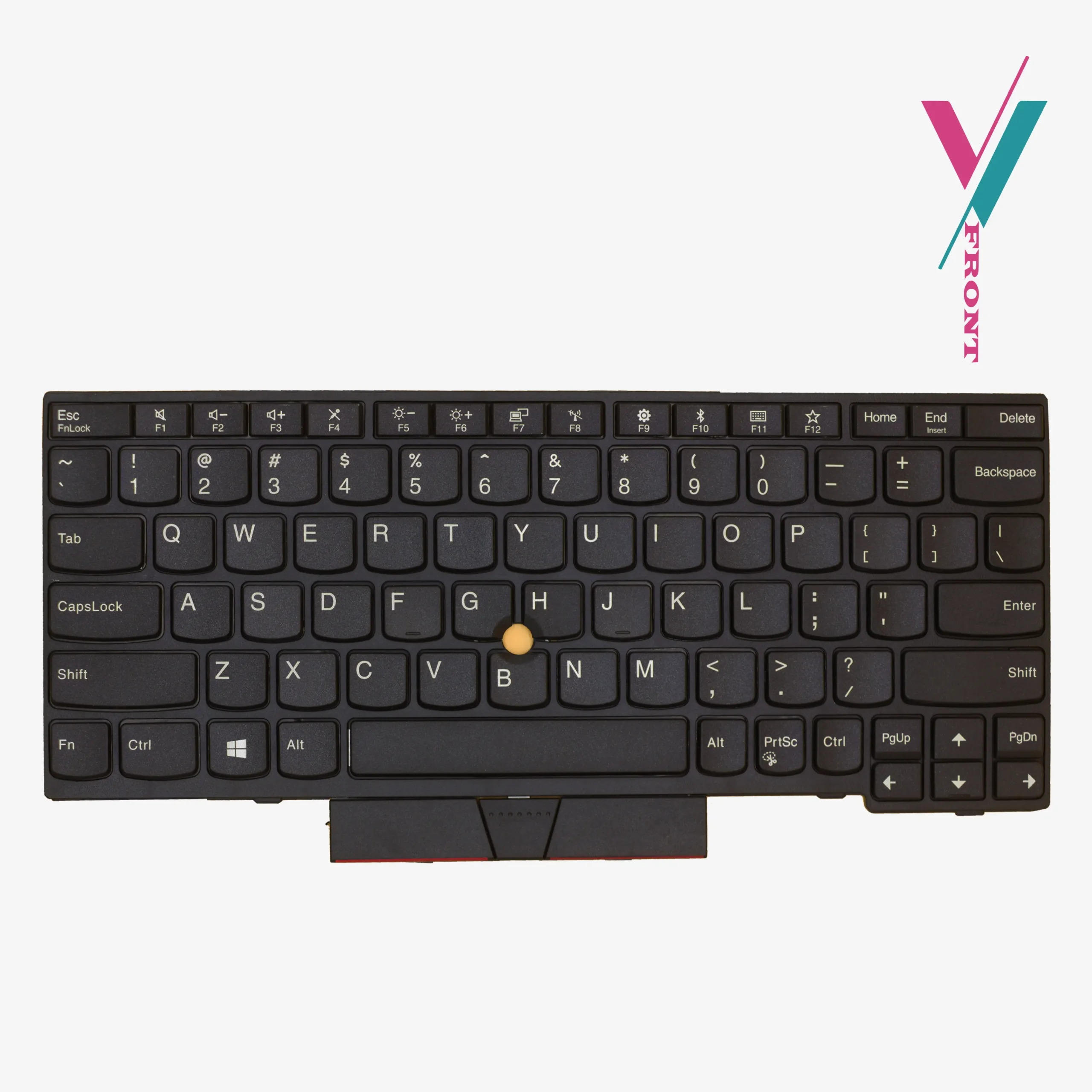
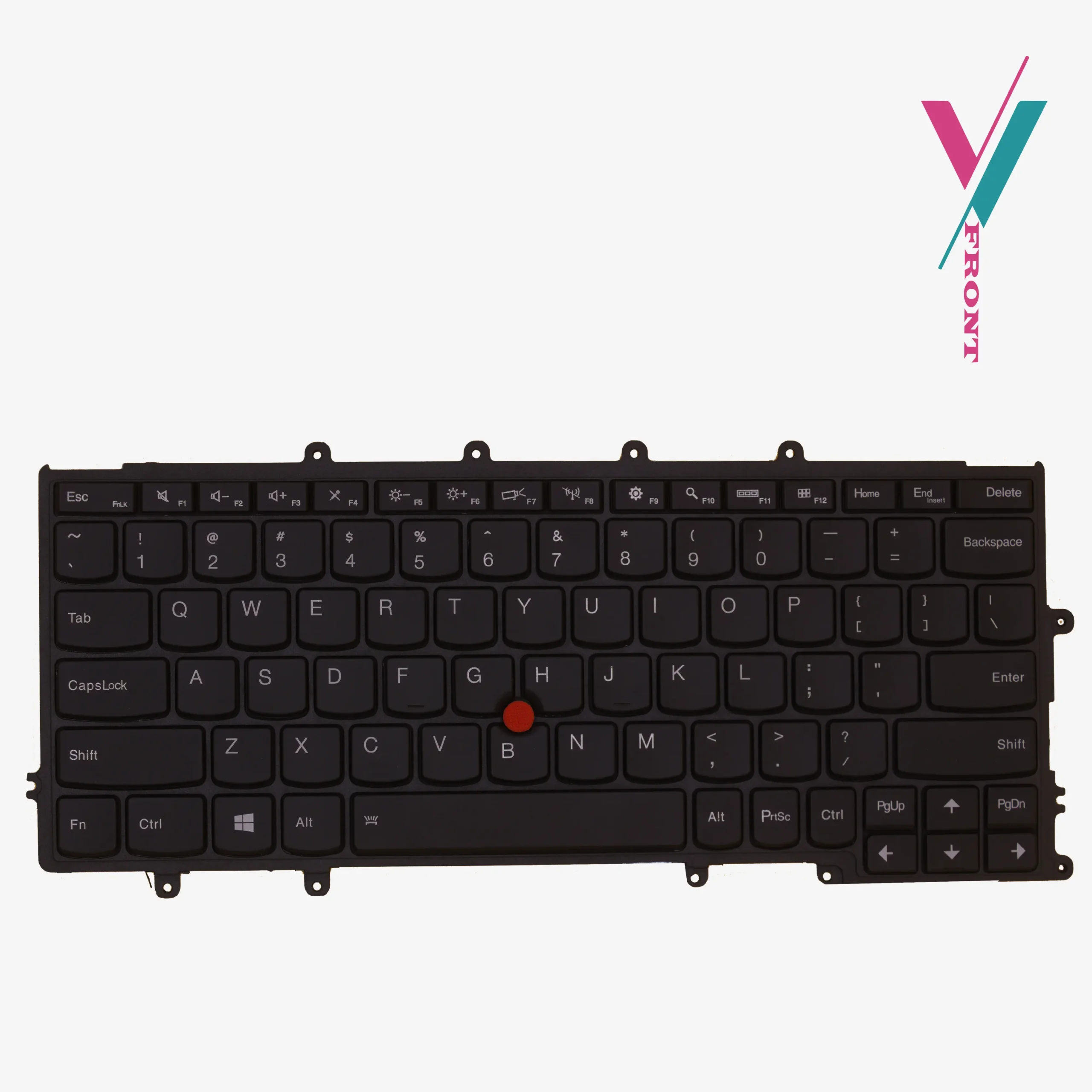
- Pointing System: Integrated central TrackPoint (Red pointing stick) for home-row navigation.
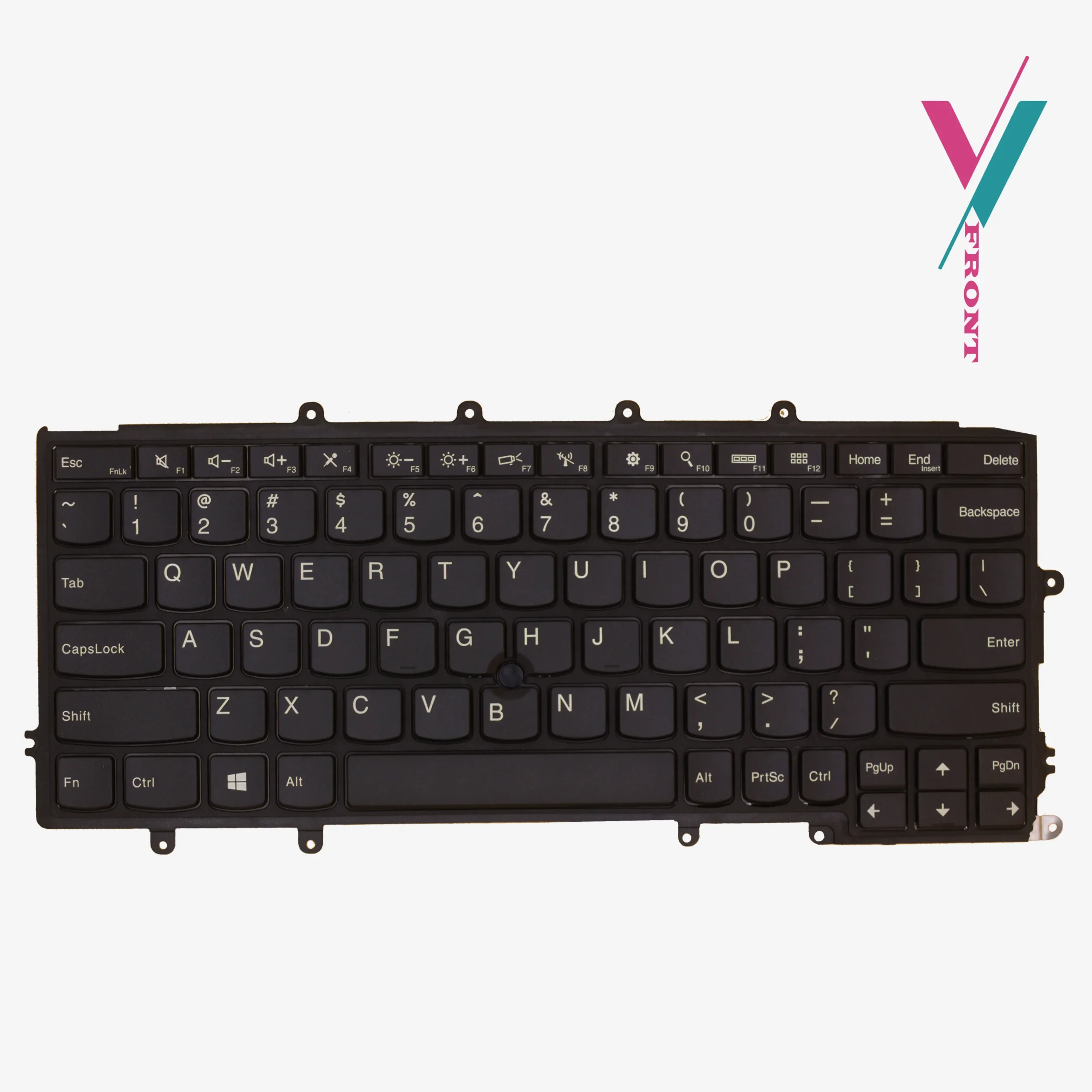
- Keycap Finish: High-density ABS with a matte “Storm Black” texture to resist finger-oil shine.
- Durability: tested against high-cycle keystroke to confirm endurance.
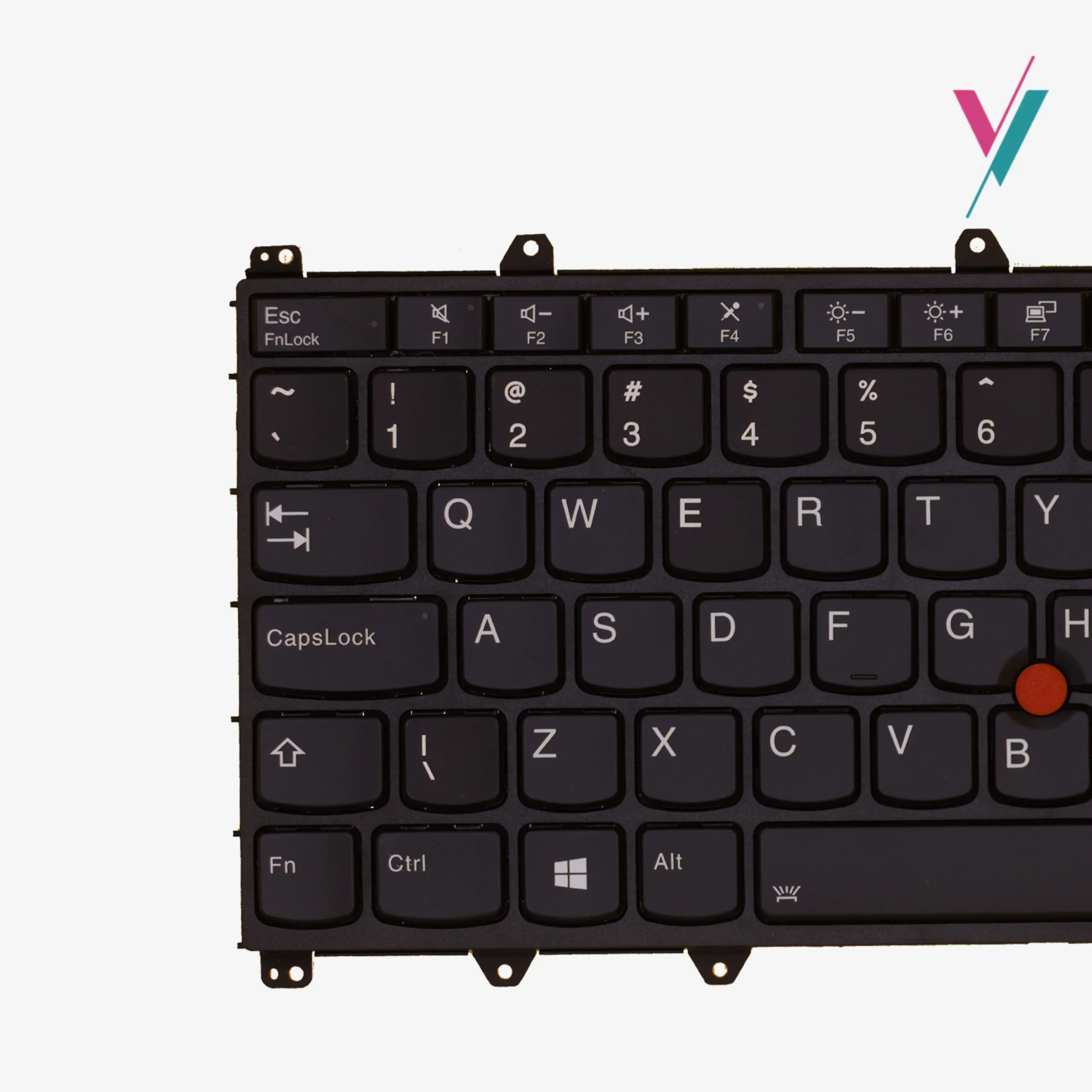
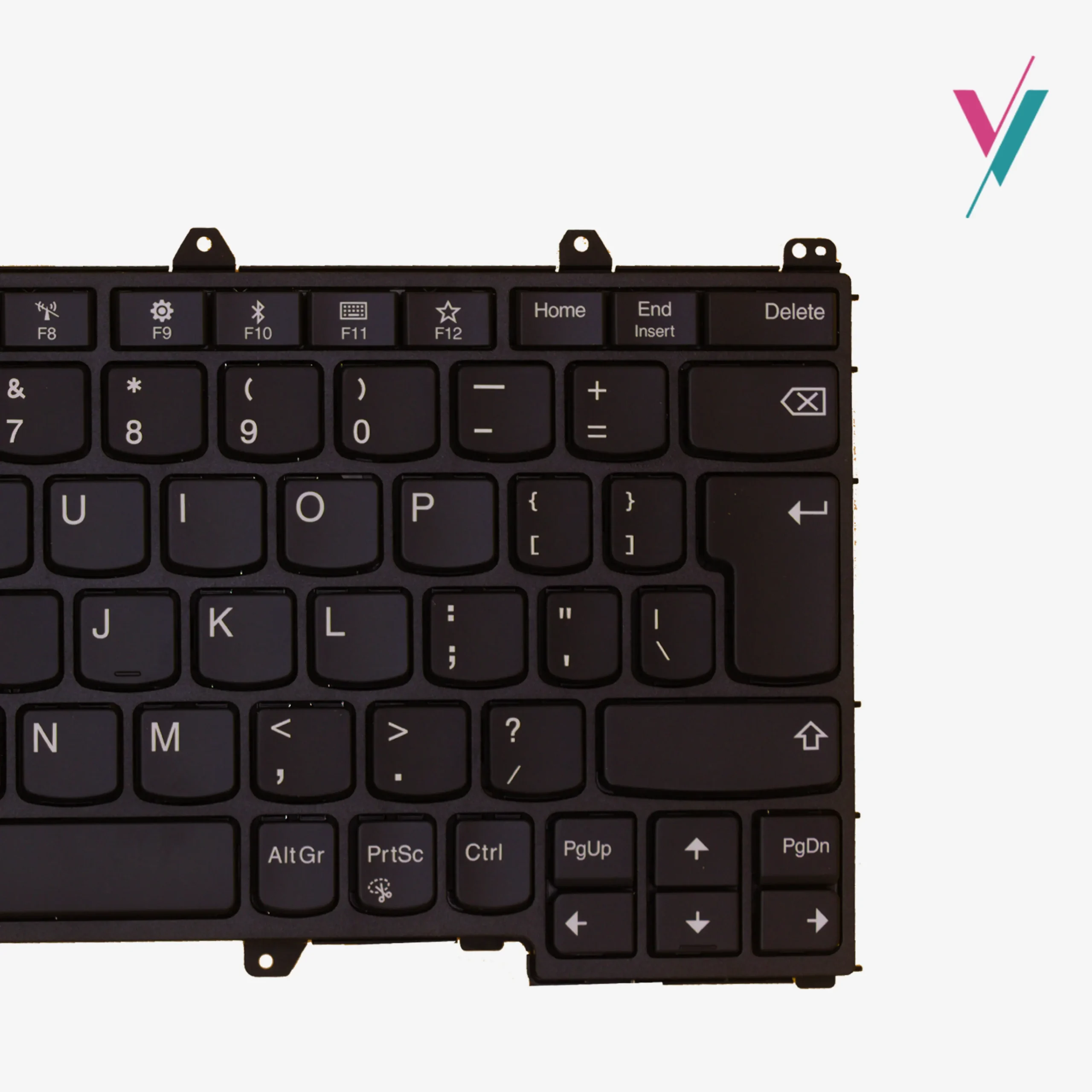
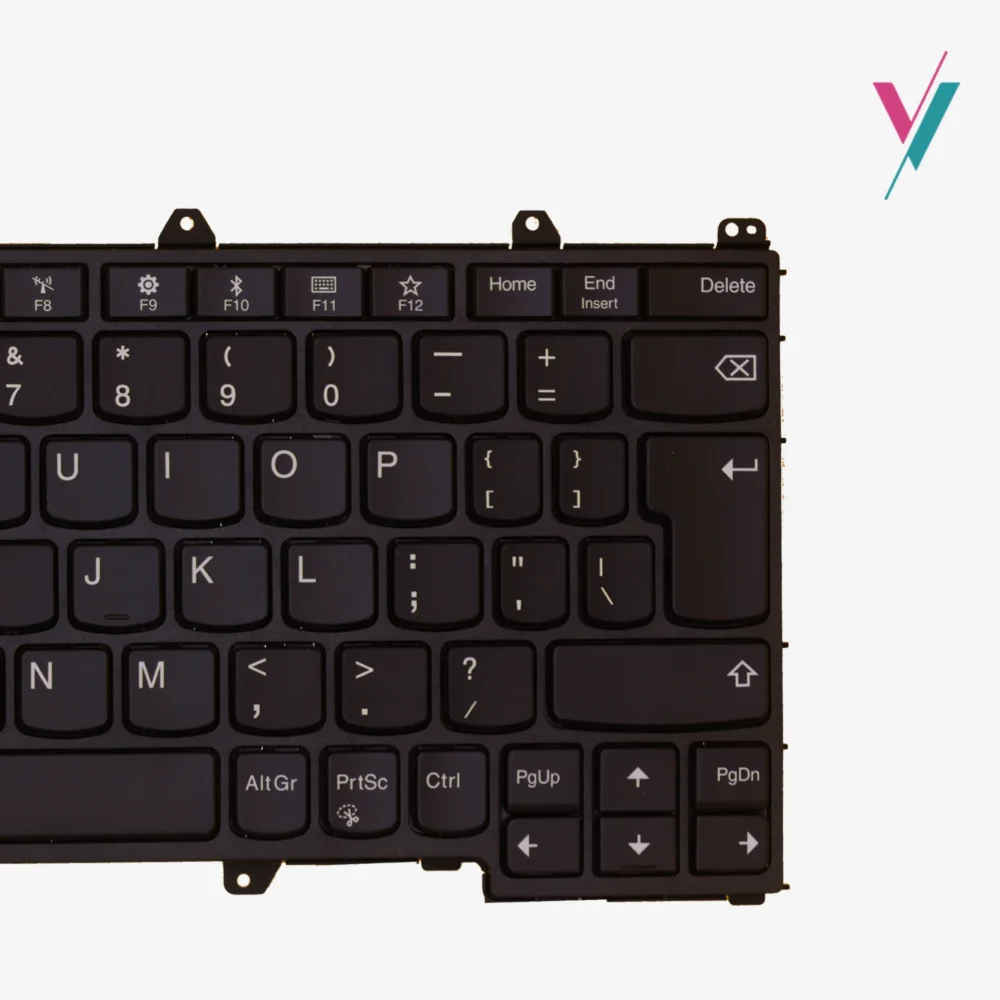
- Layout: Full US QWERTY with a dedicated function (Fn) row for system shortcuts.
Compatibility & FRU Reference
This hardware is a verified match for the ThinkPad Yoga “Multi-Mode” series.
While the list below is a good tool for identification, please remember that internal revisions can occasionally result in subtle cable variations. For a complete assurance, we recommend a final verification with our technical team prior to checkout.
Primary Supported Models:
- ThinkPad X380 Yoga: (Machine Types 20LH, 20LJ)
- ThinkPad Yoga 370: (Direct cross-compatibility for select sub-models)
- ThinkPad Yoga 260: (Compatible frame footprint for specific revisions)
Manufacturer Part Number (MPN) & FRU Registry:
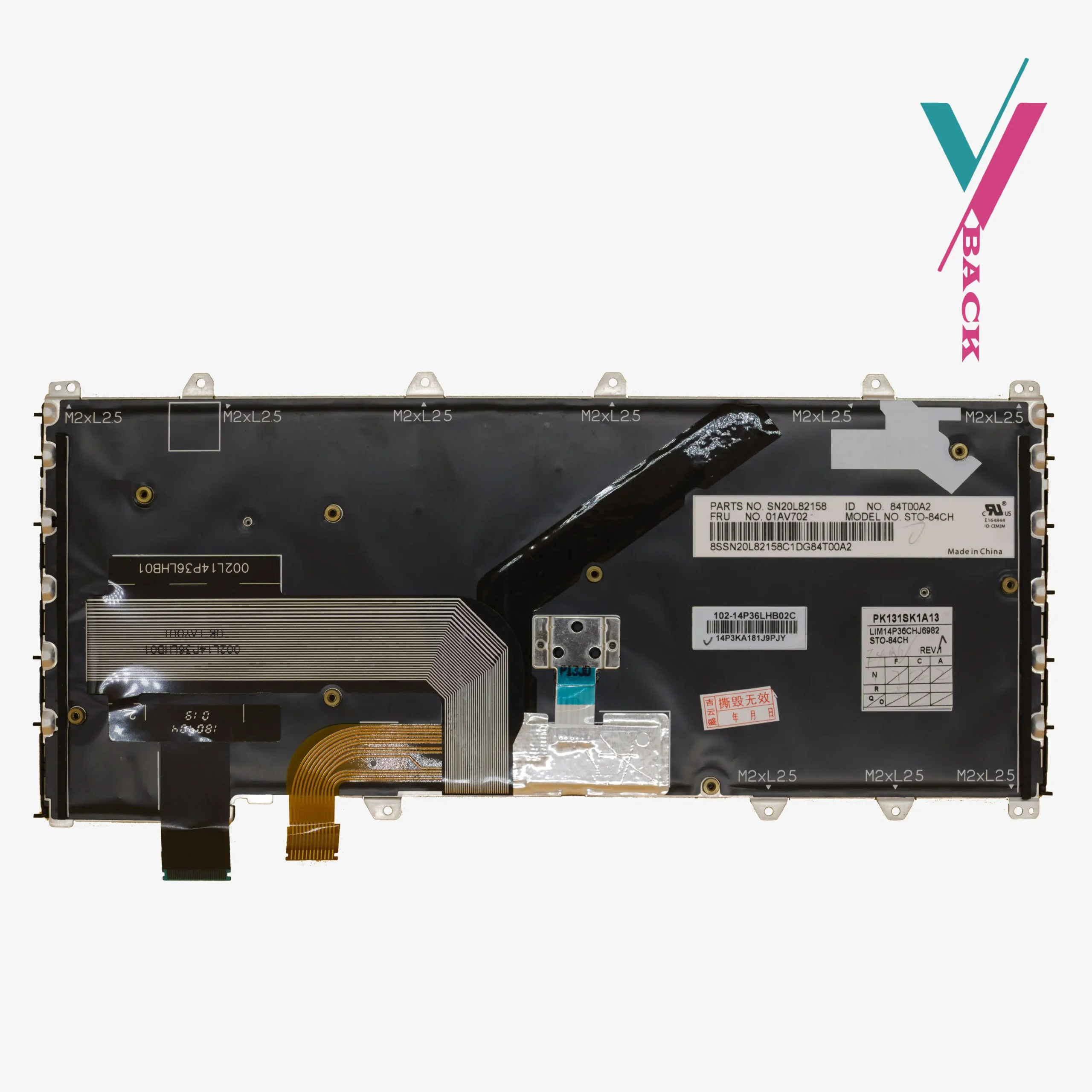
01HW639, 01HW599, 01HW651, 01HW611, 01HW642, 01HW602, SN20P41801.
Mismatched Internal Connectors
We understand that the most significant barrier to DIY laptop repair is the “mechanical mismatch”, the fear that the part arriving in the might look right but won’t fit the internal clips or have a ribbon cable that is a few millimetres out of alignment.
We proactively solve this uncertainty through having a 7-Day return if there are any compatibility issues (subject to policy). This makes sure you aren’t left with a non-functional part.
By clicking the “verify Compatibility” button, our technicians will cross-reference your specific sub-model against factory schematics to know what you need. This reduces the risk of returns, saves you time, and ensures that your hardware refresh is completed as soon as possible.
Installation Insights
How complex is the X380 Yoga keyboard swap?
The X380 Yoga features an “internal-access” design. Unlike older ThinkPads where the keyboard could be popped out from the top, this model typically requires removing the base cover and potentially moving the internal battery to reach the secondary mounting screws. We recommend a careful approach with the correct Phillips-head tools and a plastic prying kit to avoid scratching the chassis.
If you are unsure of the installation process we recommend having a professional technician handle it for you, in case you do not have access to any we will suggest a few to you.
Can I upgrade a non-backlit laptop with the backlit version?
In most instances, yes. The X380 Yoga motherboards usually feature a unified ZIF connector that supports both data and backlight power. However, to be absolutely certain your specific board has the necessary voltage pins, we suggest verifying your serial number with our team before making the upgrade.

Reviews
There are no reviews yet.