


Bring Back Your EliteBook to Good working Condition
Your HP EliteBook 820 G3 was designed for professionals who demand reliability, portability, and a responsive typing experience. But after years of daily use, the keyboard, the component you interact with most, often shows the first signs of wear. Sticky keys, a dim or dead backlight, or a pointing stick that no longer responds precisely can turn a trusted workstation into a daily frustration.
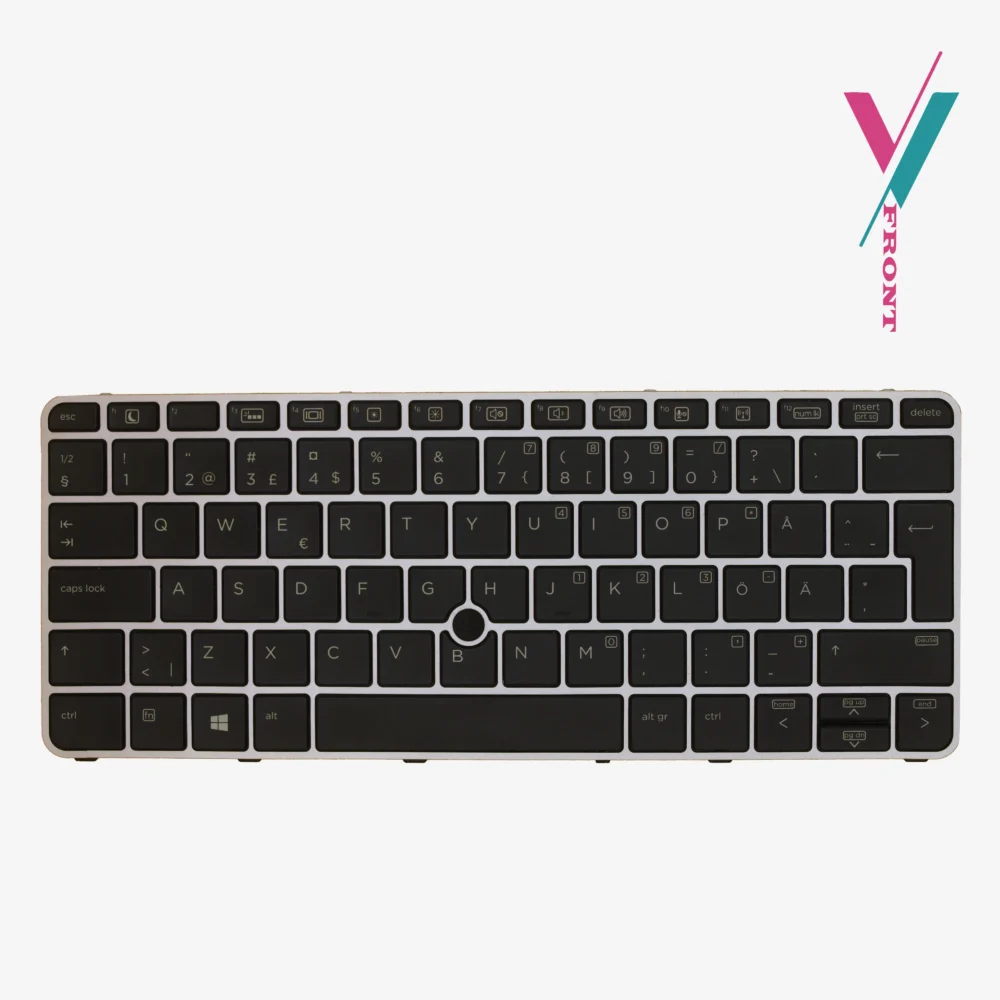
The solution isn’t a new laptop. It’s a quality replacement keyboard that restores that original, satisfying feel and functionality. This backlit replacement keyboard is built specifically for the EliteBook 820 G3 and compatible models, offering a direct fit that brings your device back to peak condition.
Key Features
- Backlight: Integrated backlight for low-light visibility
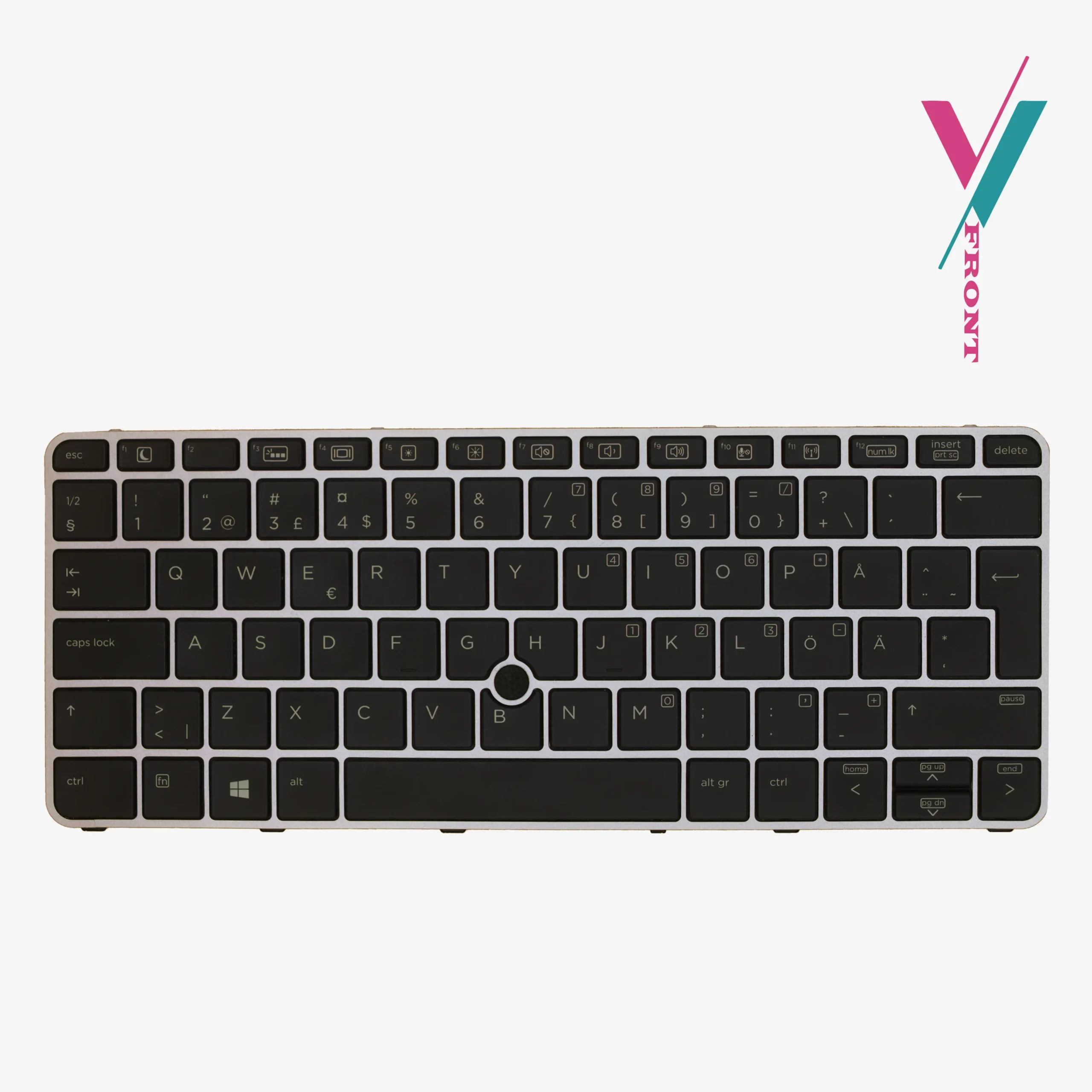
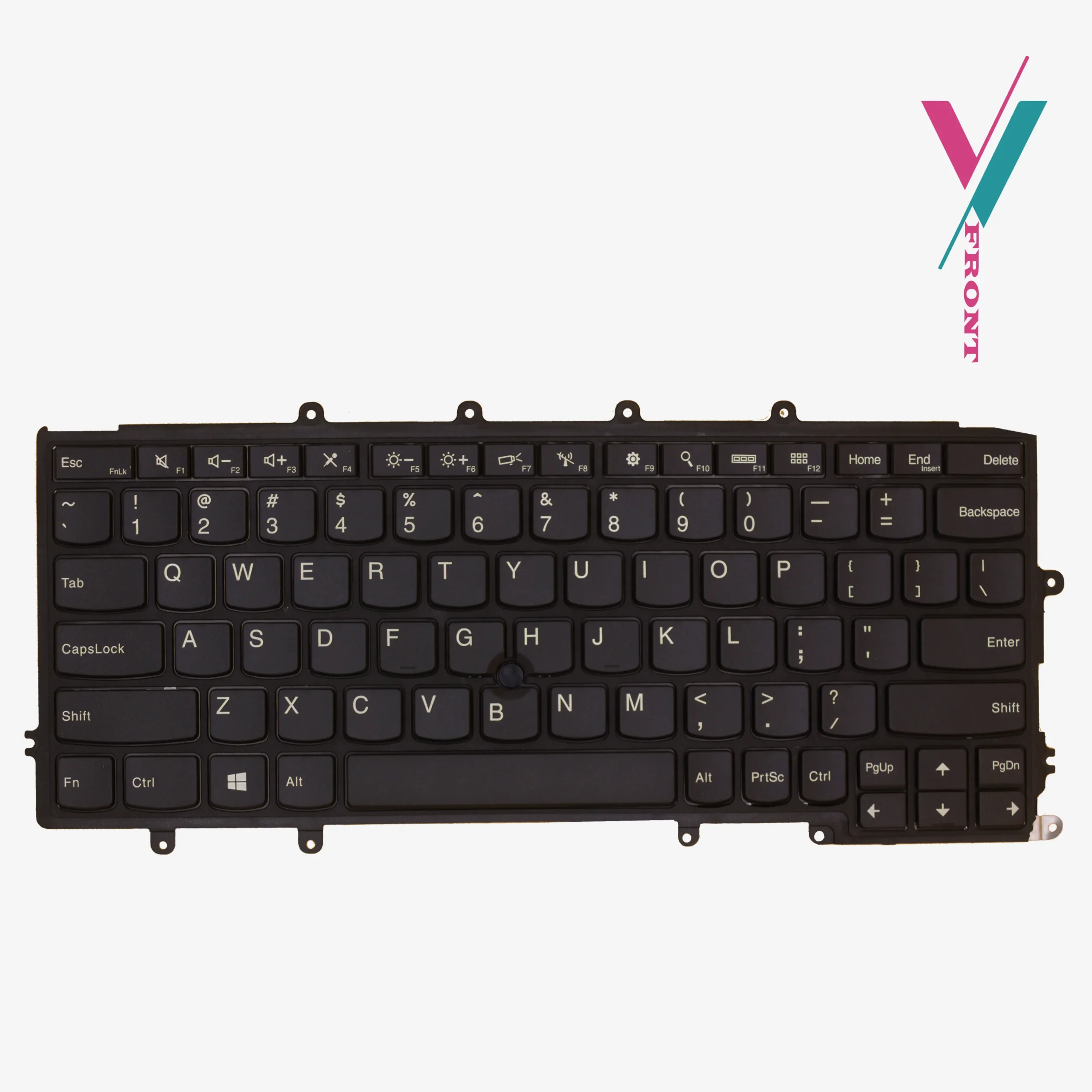
- Pointing Stick: Built-in mouse pointer for efficient navigation
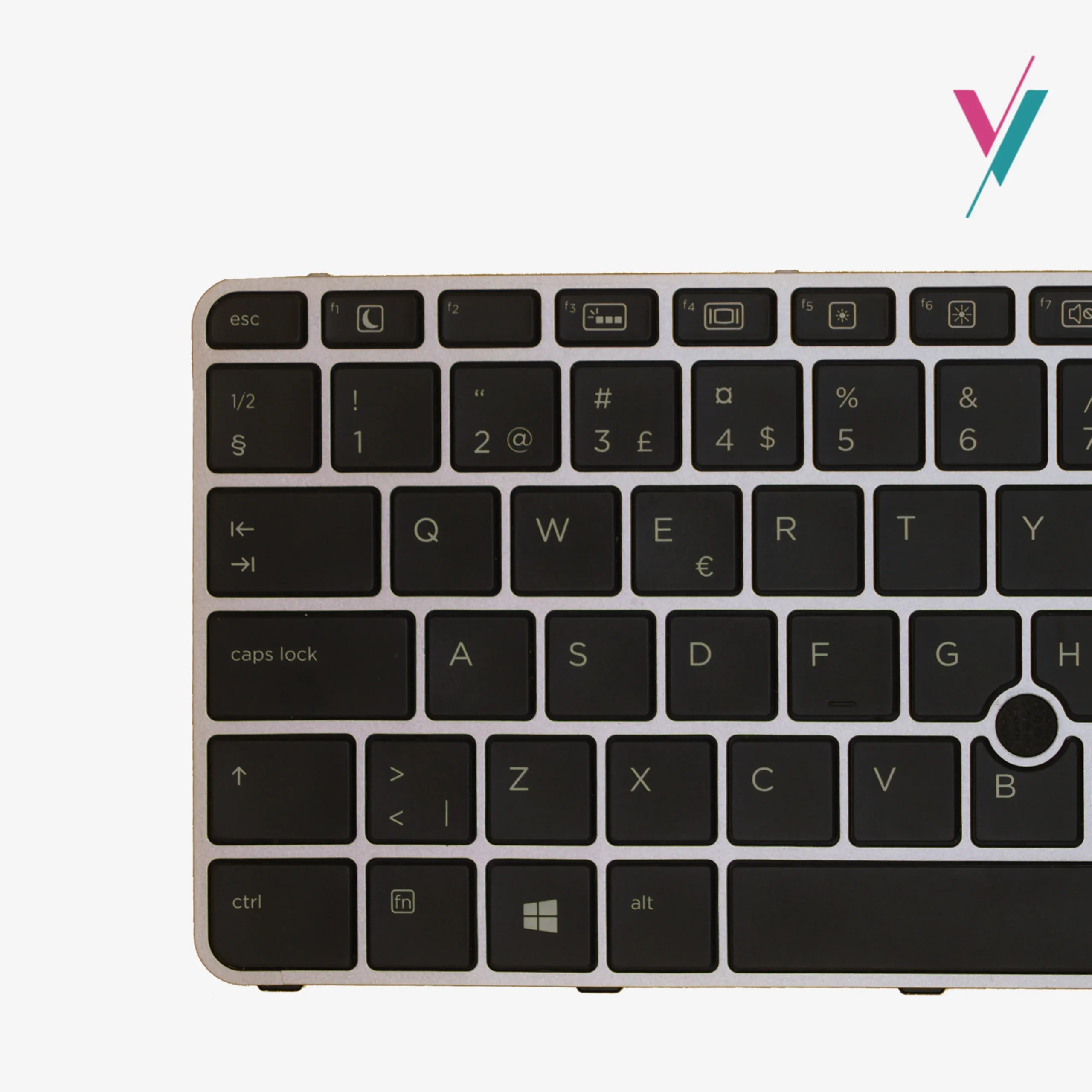
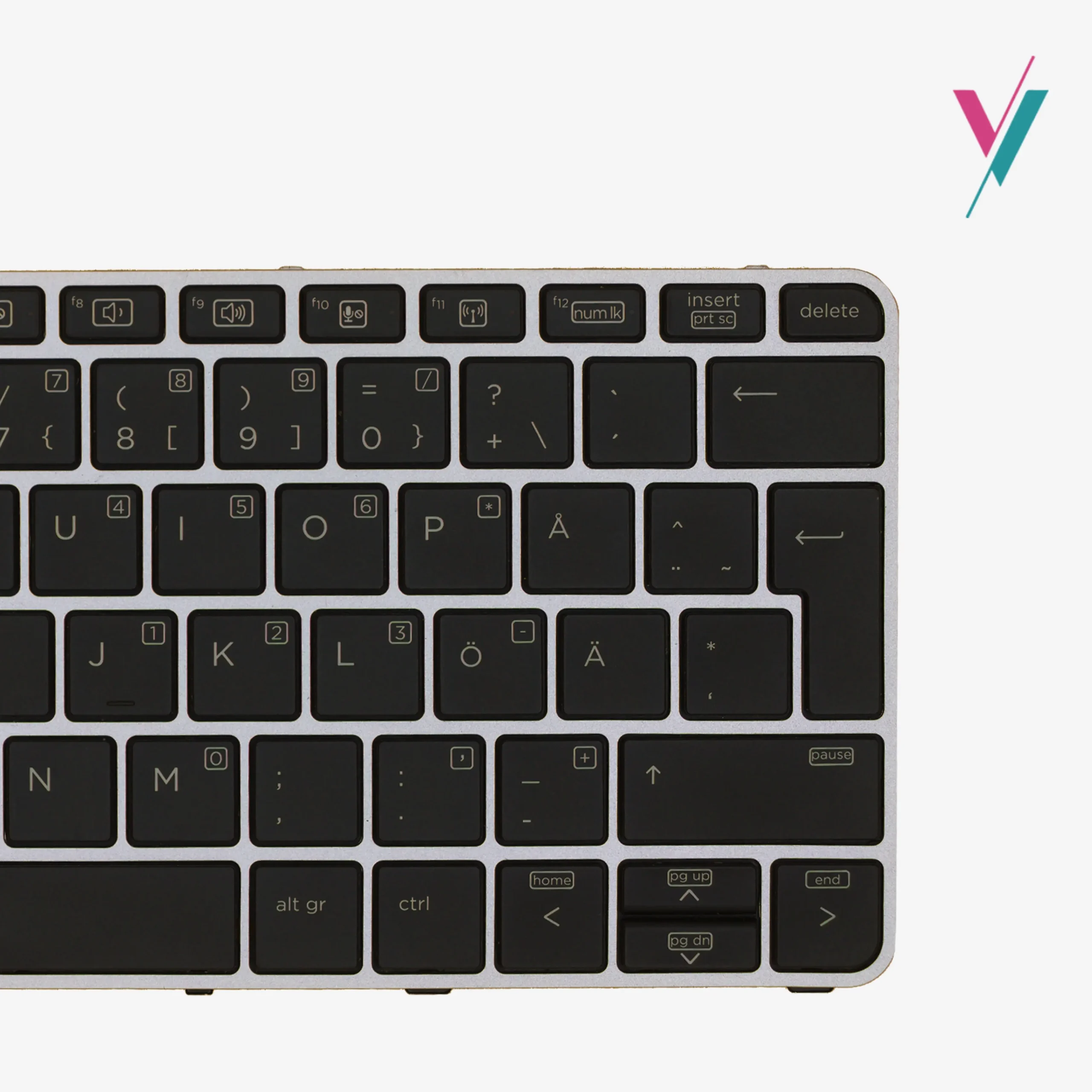
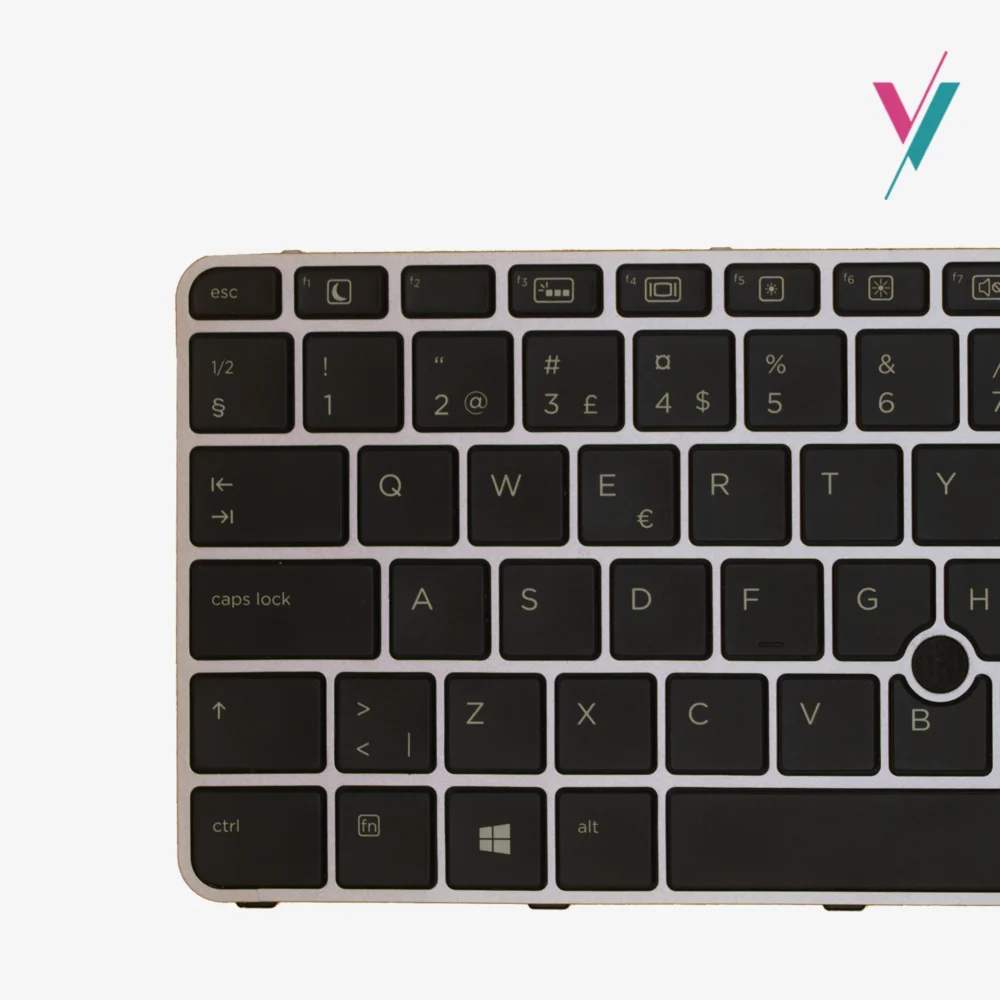
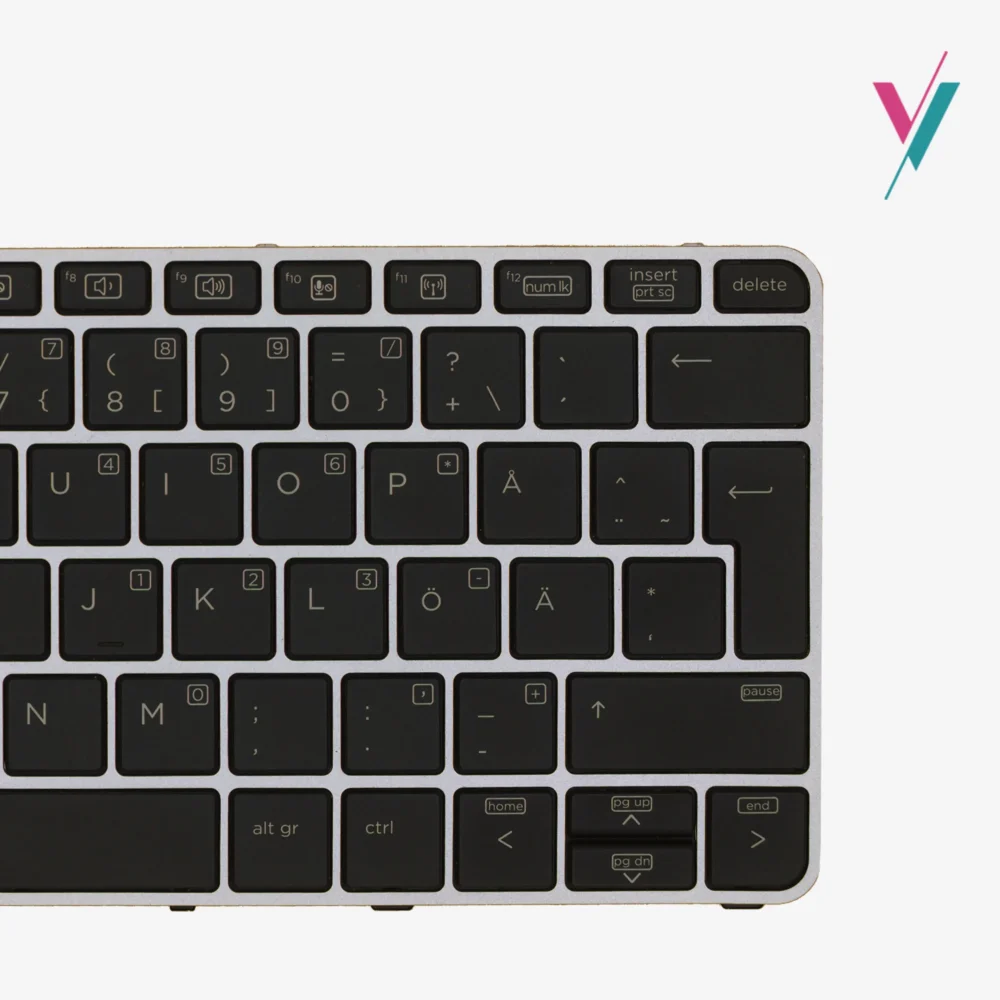
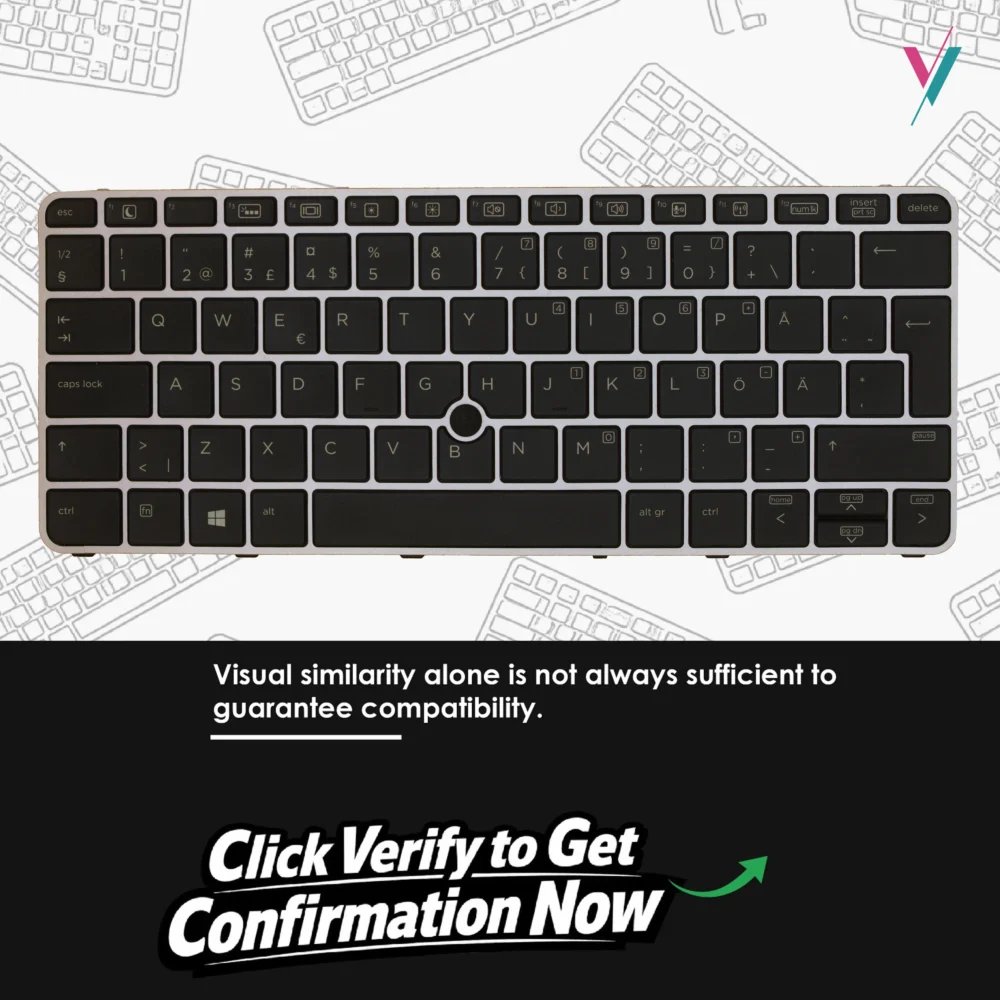
- Frame Design: Black keys with silver trim between keys
- Material: ABS synthetics for durability
- Installation: No soldering required, easy to fit
Extensive Compatibility
This keyboard is designed to work with multiple HP EliteBook models. Based on manufacturer specifications, compatibility includes:
Compatible Laptop Models:
- HP EliteBook 820 G3
- HP EliteBook 828 G3
- HP EliteBook 725 G3
- HP EliteBook 820 G4
- HP EliteBook 725 G4
Reference Part Numbers (for guidance):
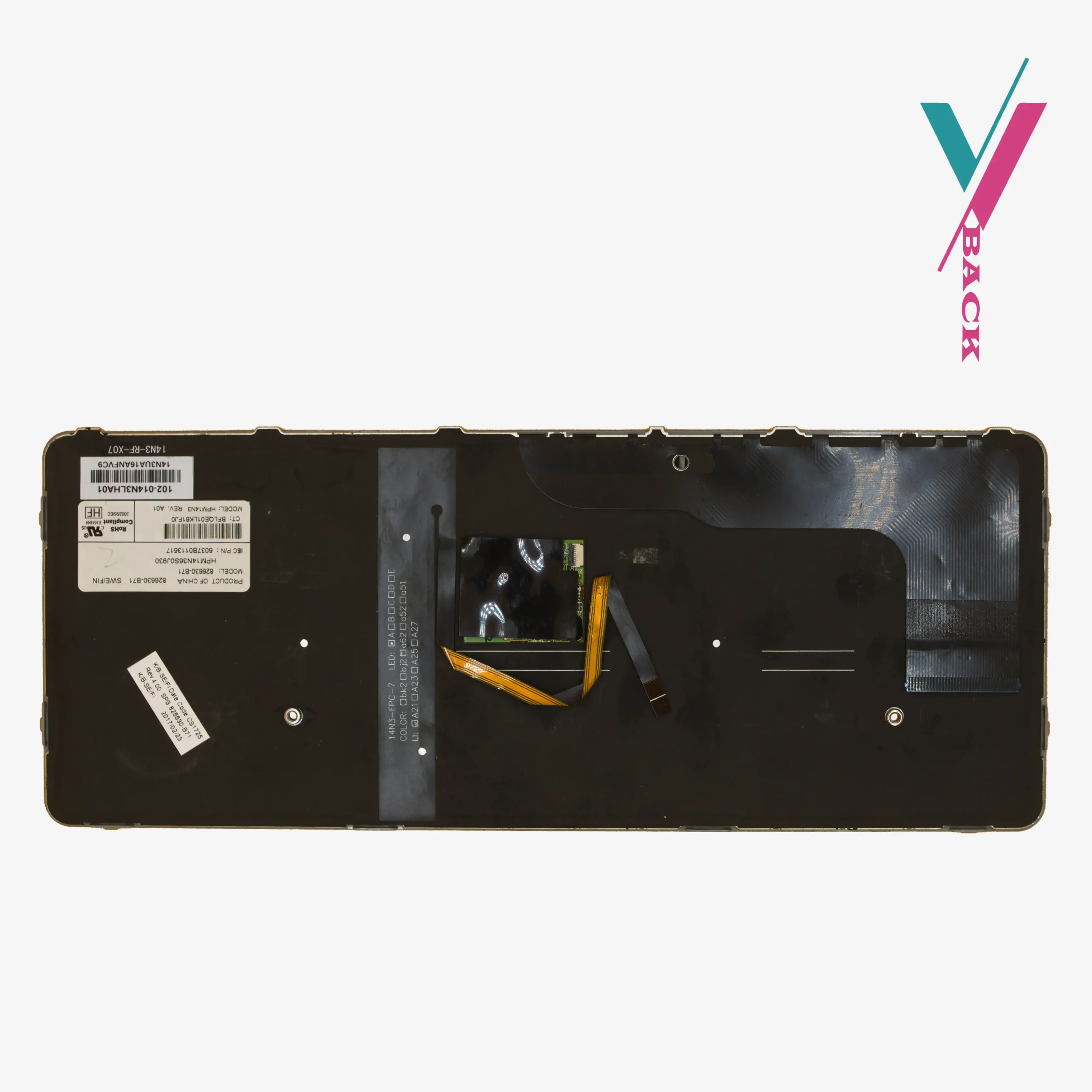
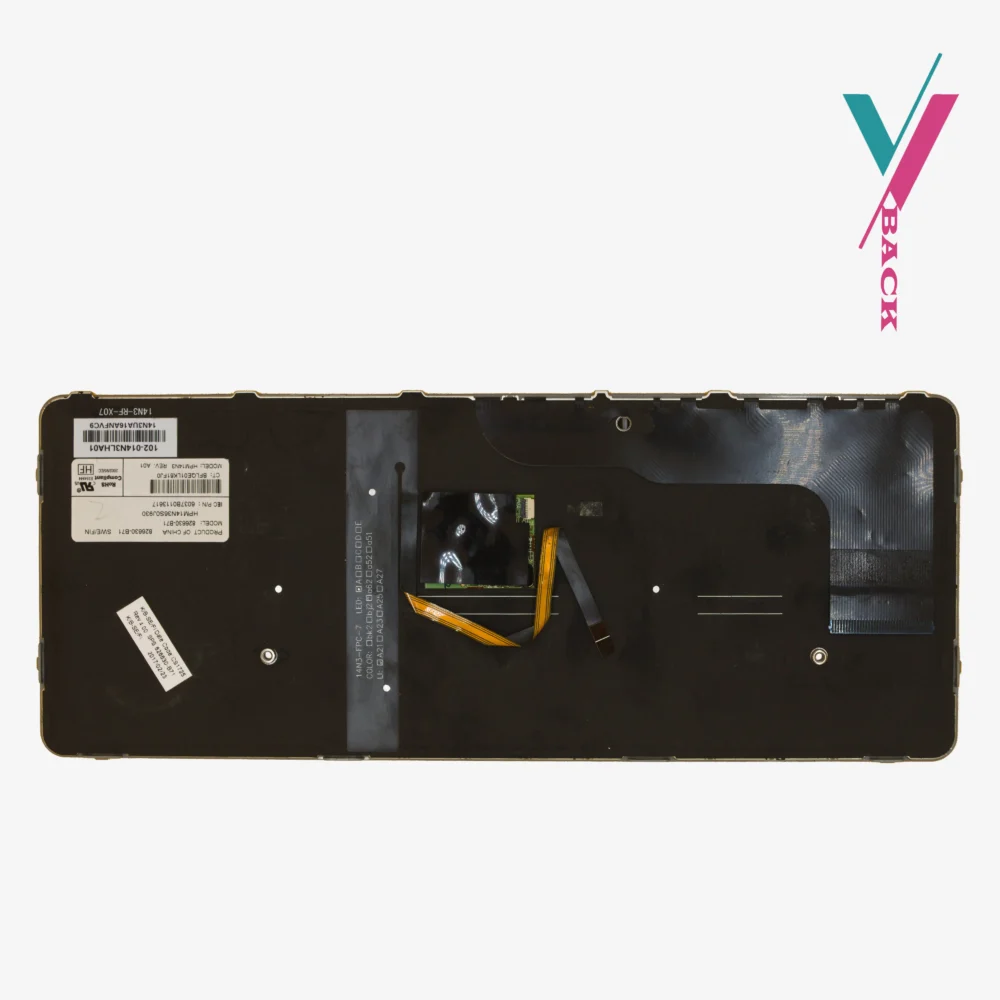
826630-B71, 826631-001, 813302-001, 826631-B31, 826630-B31, 826630-001, 826630-D61, 6037B0113637, FX437D, HPM14N3
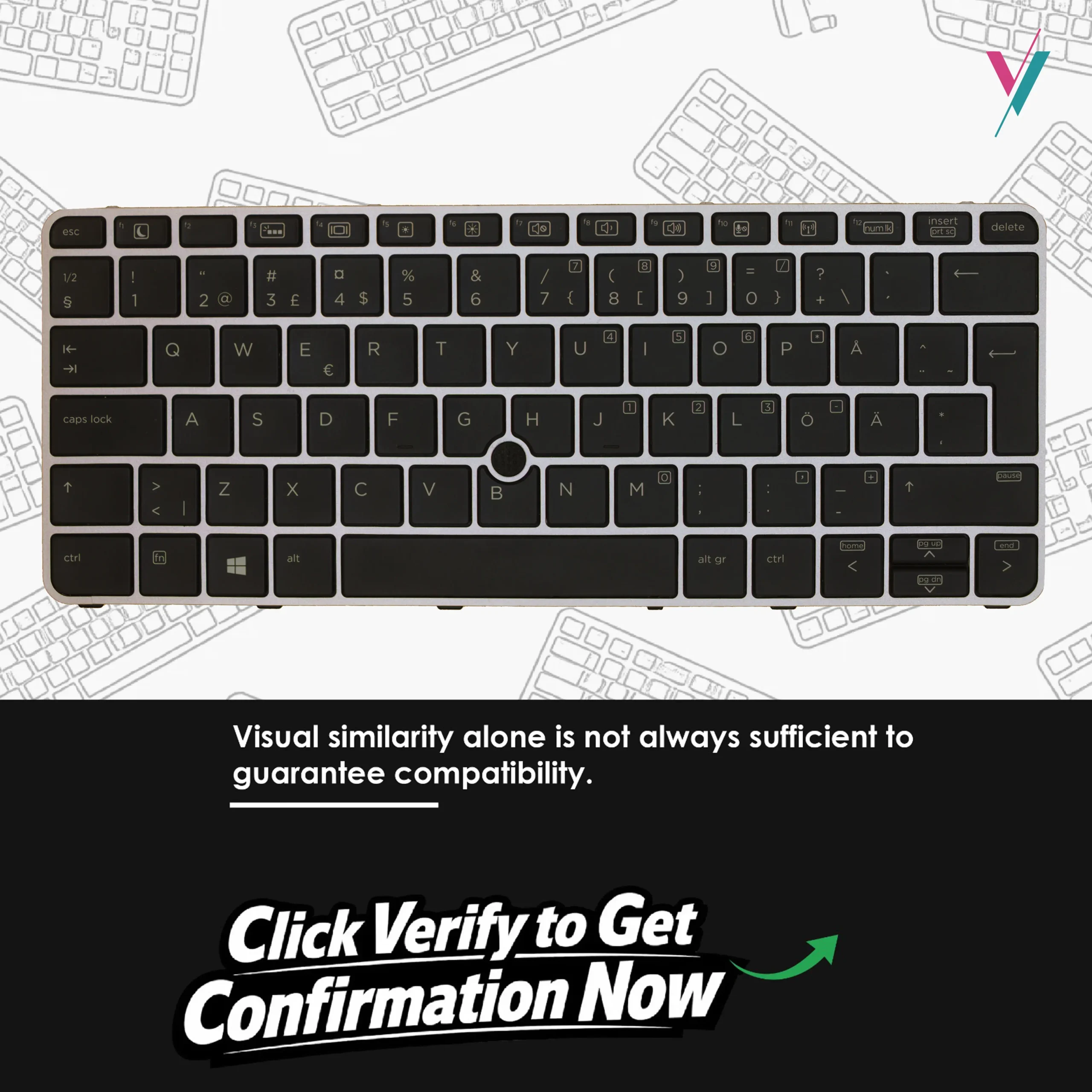
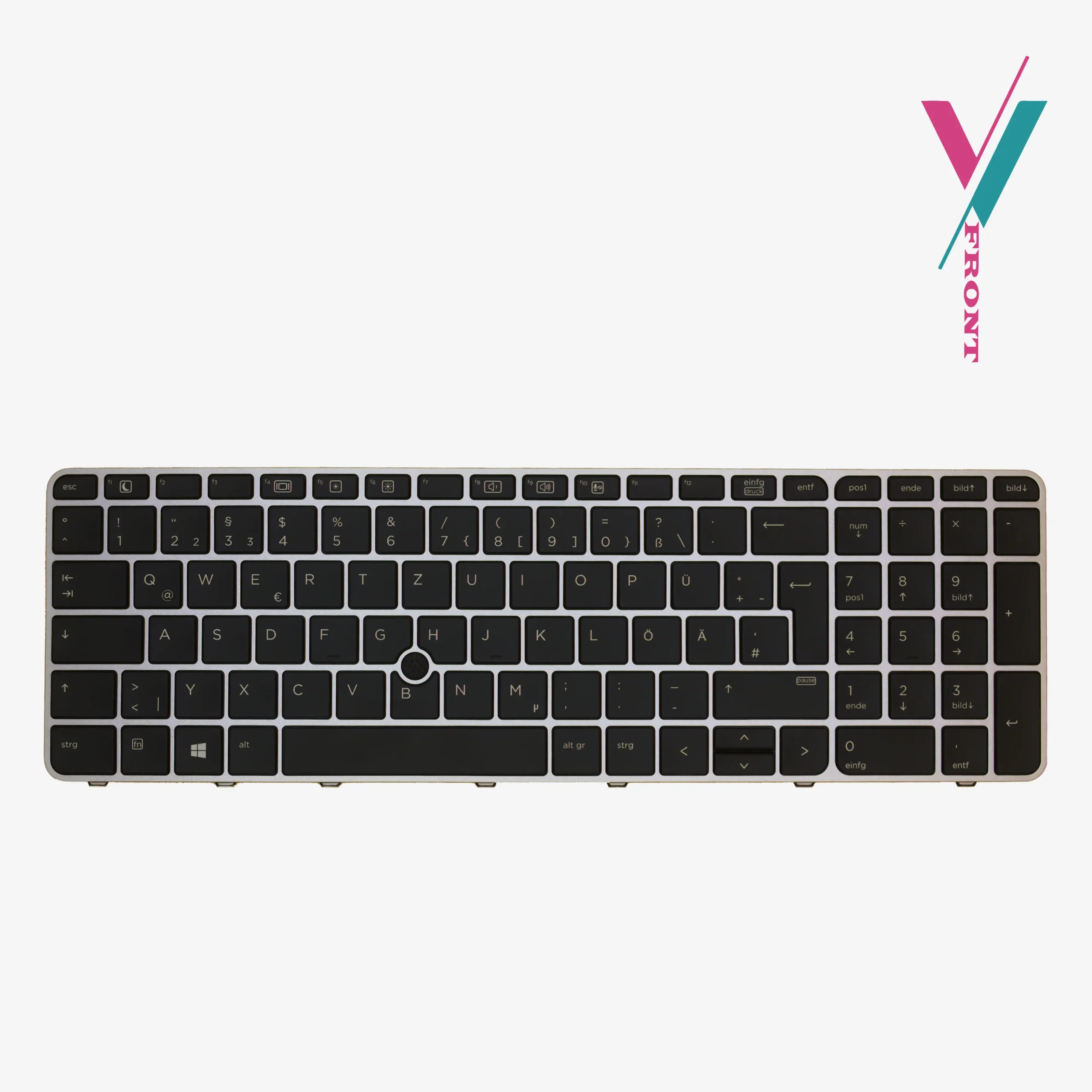
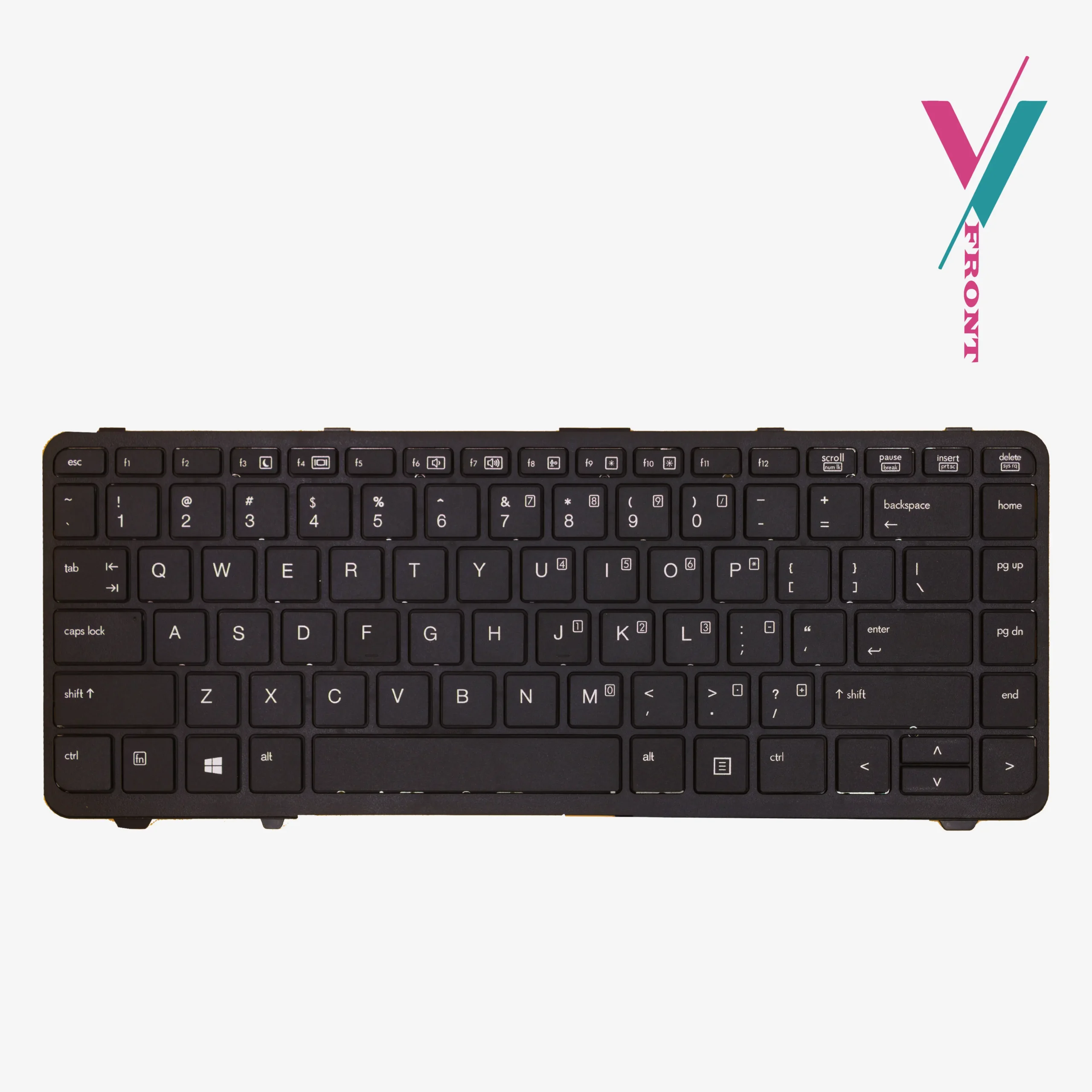
Important Note: This compatibility list is provided as a reference guide only. While these models share keyboard compatibility, there can be regional variations, layout differences, and subtle design changes between manufacturing batches. The most reliable way to ensure a perfect match is to verify compatibility with us first before you place your order.
Design That Complements Your EliteBook
Unlike generic replacement keyboards that can look mismatched, this keyboard maintains the premium design of the EliteBook series. The black keys with silver trim between them create a clean, professional appearance that blends directly with your laptop’s chassis and palm rest.
Pointing Stick for Efficient Navigation
For power users who prefer keeping their hands on the keyboard rather than reaching for a mouse or trackpad, the built-in pointing stick is an invaluable feature. It allows for precise cursor control without leaving the home row, ideal for spreadsheets, document editing, and any workflow where efficiency matters.
Installation Made Simple
This keyboard is designed for straightforward installation. Key points to know:
- No soldering required — the keyboard connects via a ribbon cable
- Easy to fit — designed as a direct replacement for the original
- Professional installation recommended if you’re not comfortable with laptop disassembly. (we can personally recommend qualified technicians to assist you)
Basic Installation Guidance:
- Power down your laptop completely and disconnect from any power source
- Remove the battery if your model has a removable one
- Carefully remove the screws securing your old keyboard
- Gently disconnect the ribbon cable from the motherboard
- Connect the new keyboard’s ribbon cable, ensuring it’s fully seated
- Secure the new keyboard with the screws from your old one
Troubleshooting Tip: If keys don’t work after installation, the ribbon cable may not be fully connected. Gently reconnect it, ensuring a firm and complete insertion.
If you’re uncertain about any step of the replacement process, we recommend having the installation done by a qualified technician.
Quality You Can Trust
This keyboard is made from ABS synthetics, a durable material that resists wear and maintains its appearance over time. Every keyboard is tested before shipping to ensure all keys function correctly and the backlight operates as intended.
Your Purchase, Protected
We understand the hesitation that comes with ordering a replacement keyboard online. Not knowing if the layout will match your specific language requirements or if the backlight work etc, you shouldn’t have to guess.
That’s why we offer a 7-day return/exchange (subject to policy). If this keyboard doesn’t fit your laptop or match your requirements, simply contact us, and we’ll arrange a return or exchange promptly.
The Surest Way to Get the Right Keyboard
Part numbers and model lists are helpful, but they can’t always be enough to determine what is completely compatible.
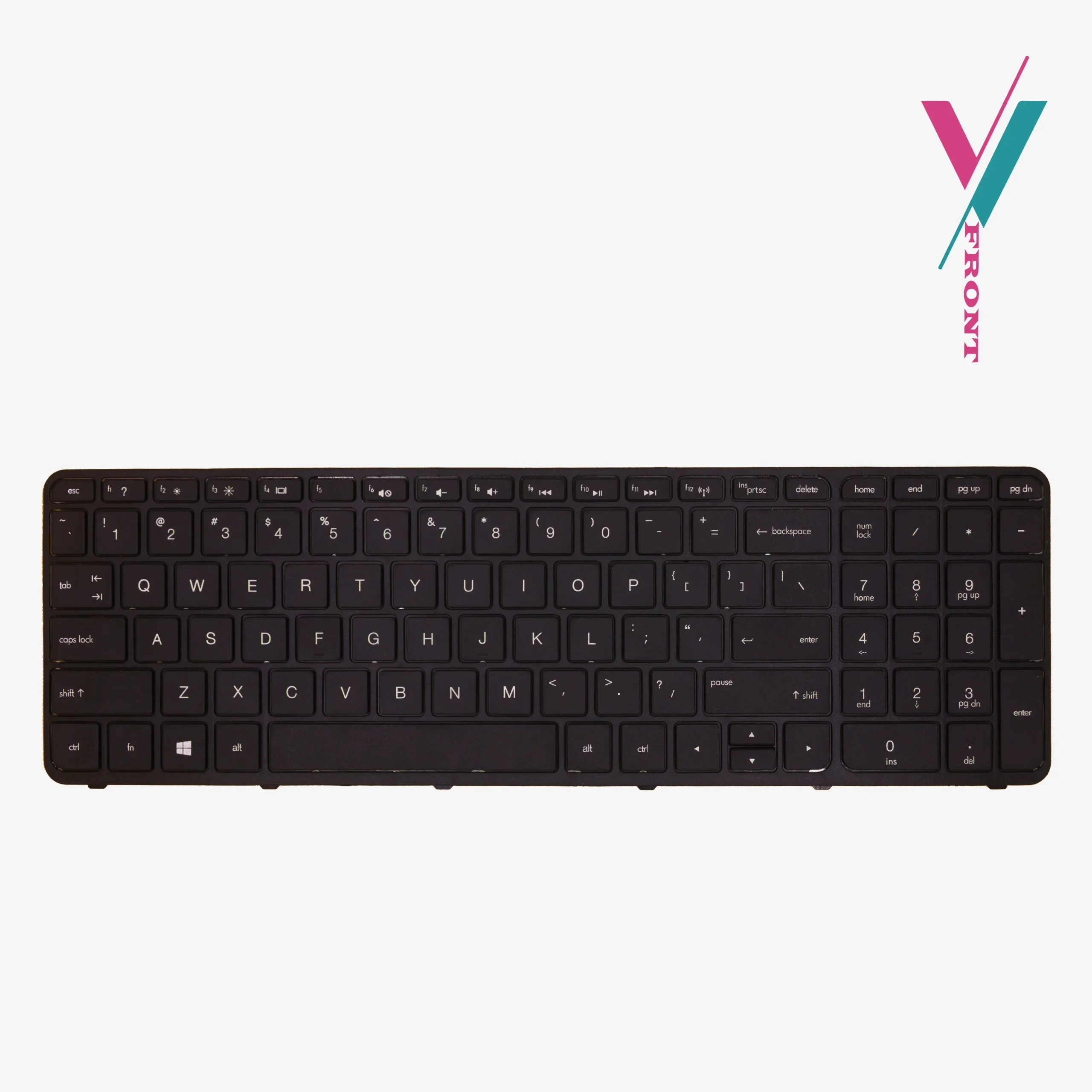
Eliminate the guesswork entirely. Click the “Verify Compatibility” button to connect with our team. Send us a clear photo of your current keyboard layout, and if possible, the part number on the underside. We’ll personally confirm which keyboard is the right fit for your EliteBook, giving you complete confidence before you place your order.

Reviews
There are no reviews yet.