


Restore Comfortable Typing to Your ProBook
The component you use more than any other, the keyboard, often shows wear first. Keys may feel mushy or stick. Lettering can fade until you’re guessing which key is which. Some keys might stop responding entirely.
The good news is a quality replacement keyboard restores that original, comfortable typing feel and keeps your ProBook productive for years to come.
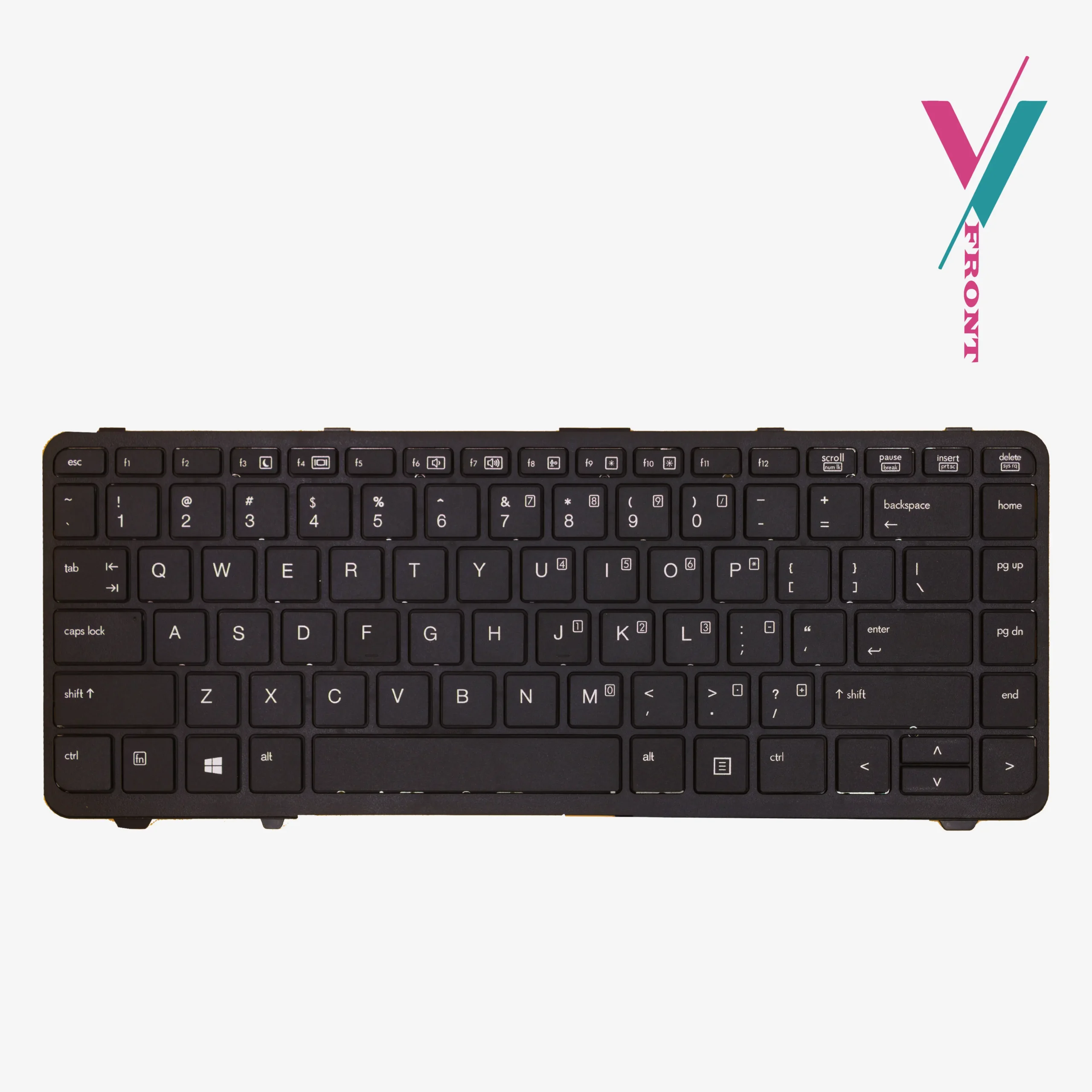
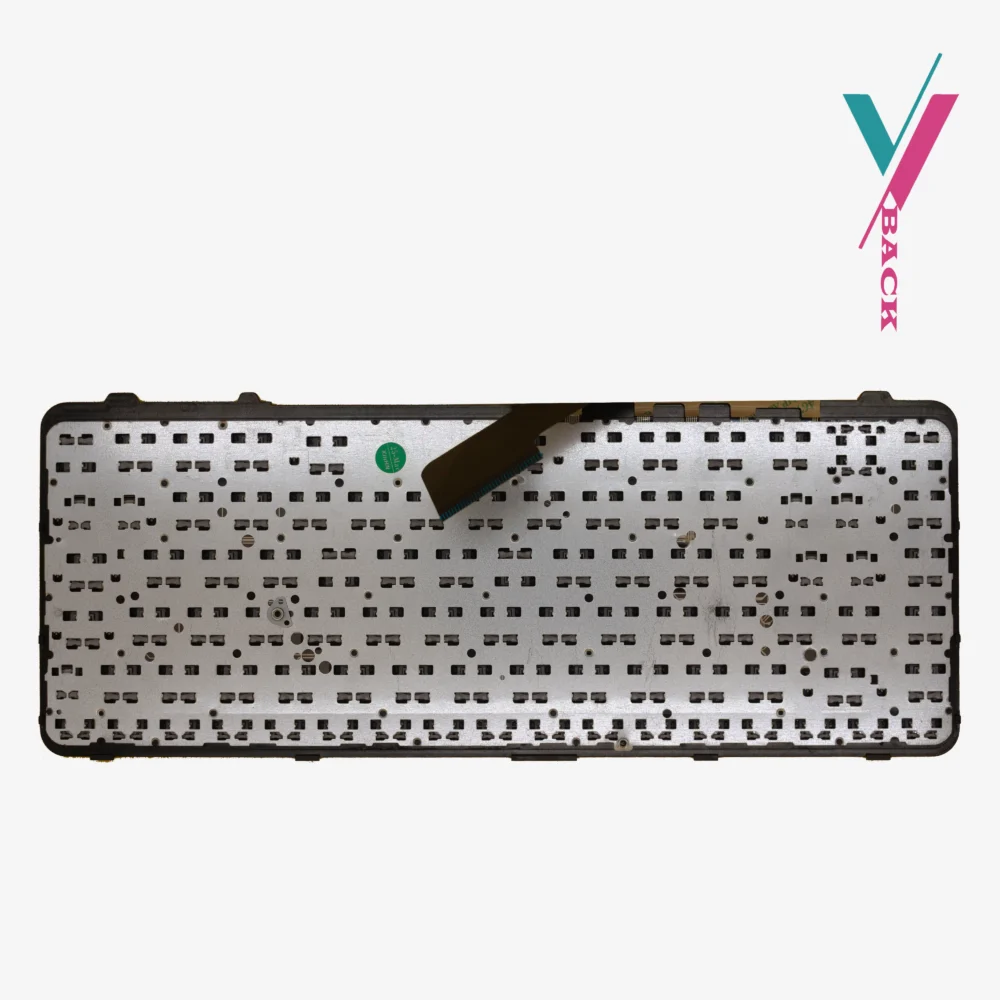
This replacement keyboard is built specifically for the ProBook 640 G1 and 645 G1 series, offering a direct fit that brings your laptop back to its original functionality.
Key Features at a Glance
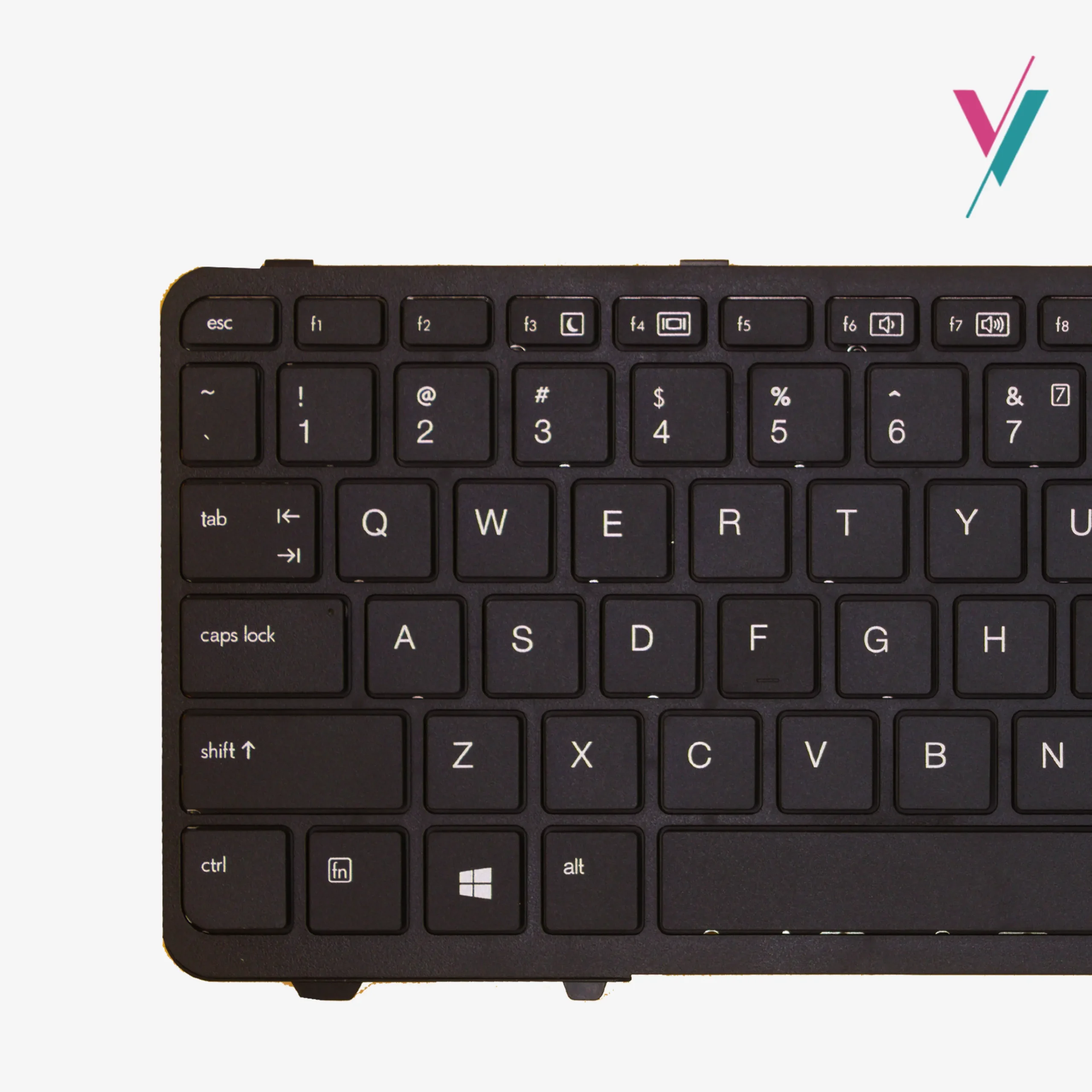
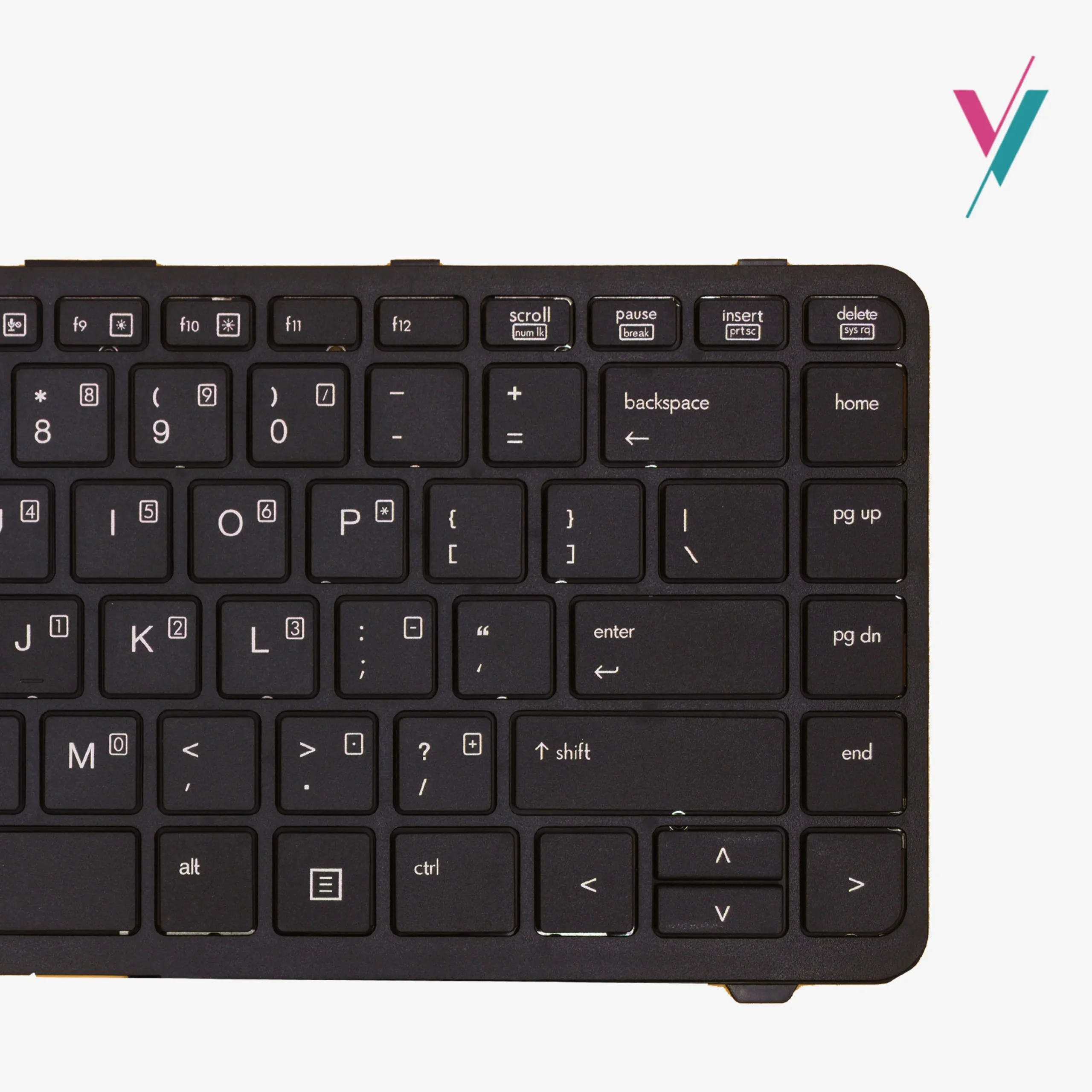
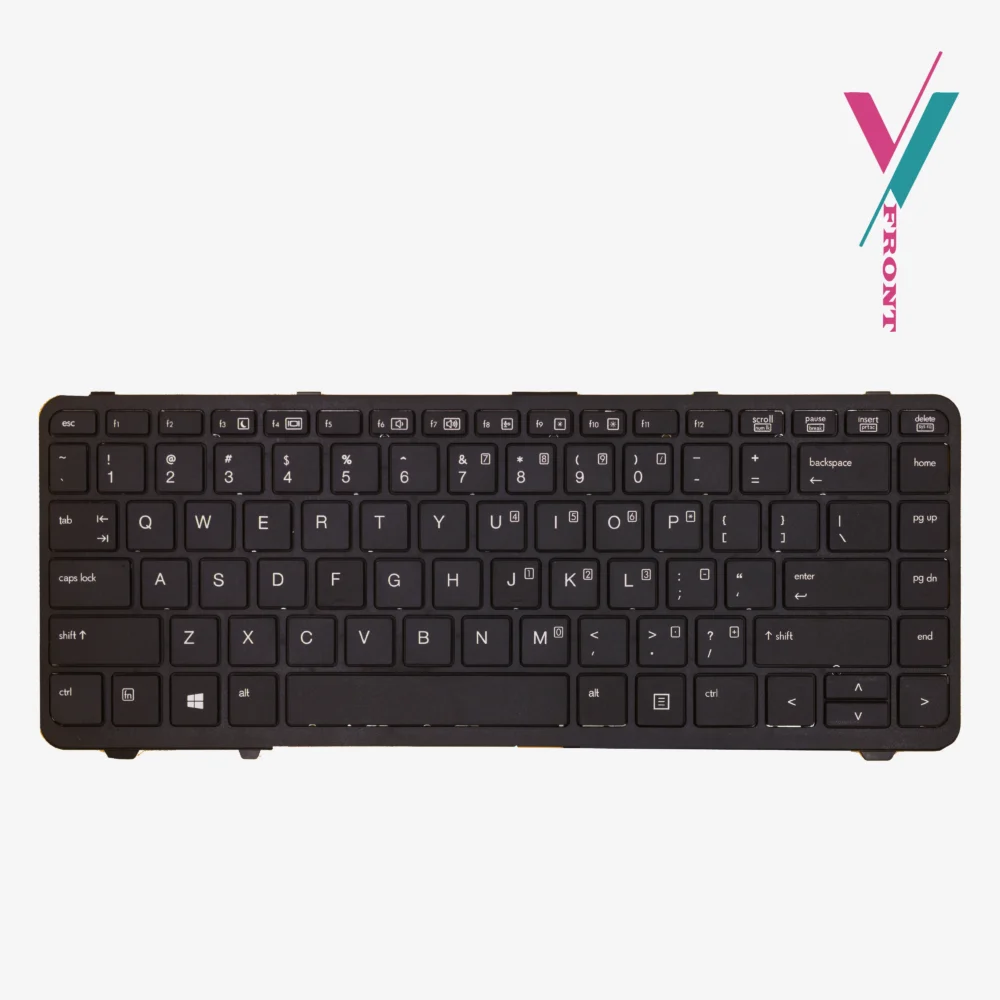
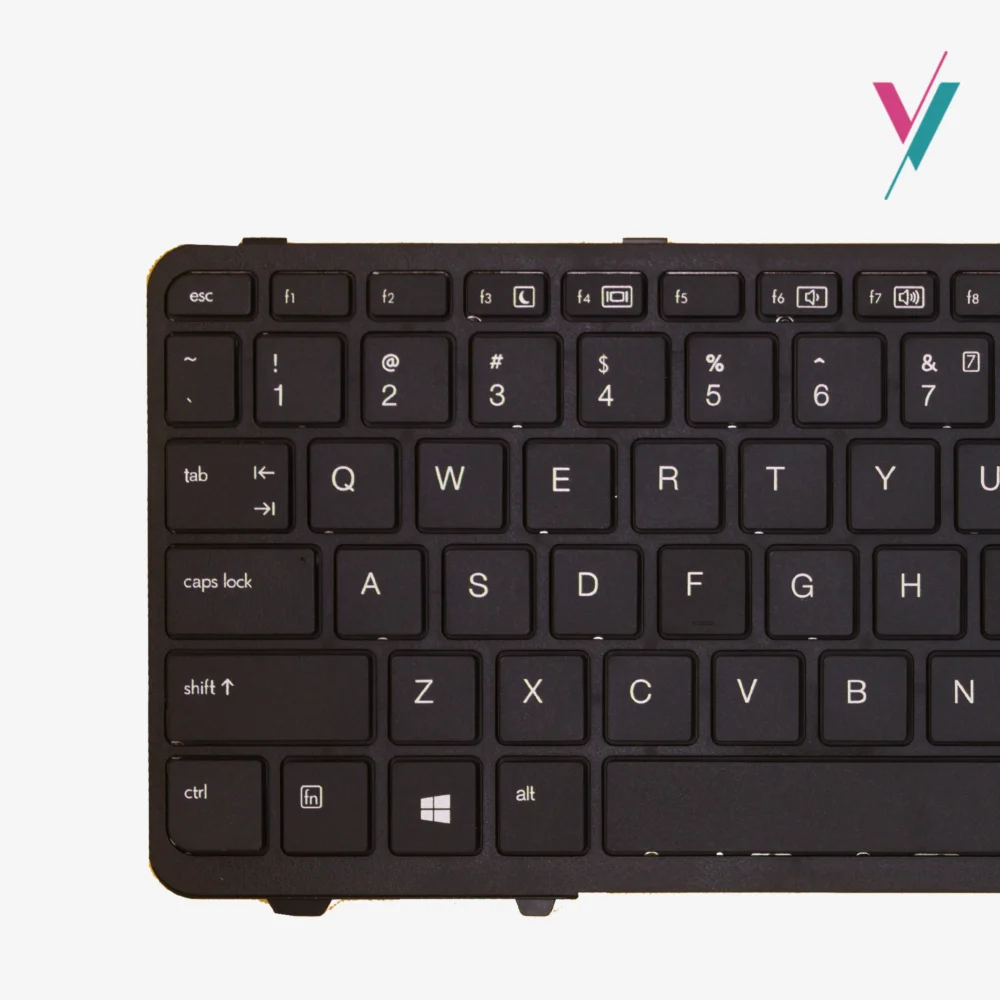
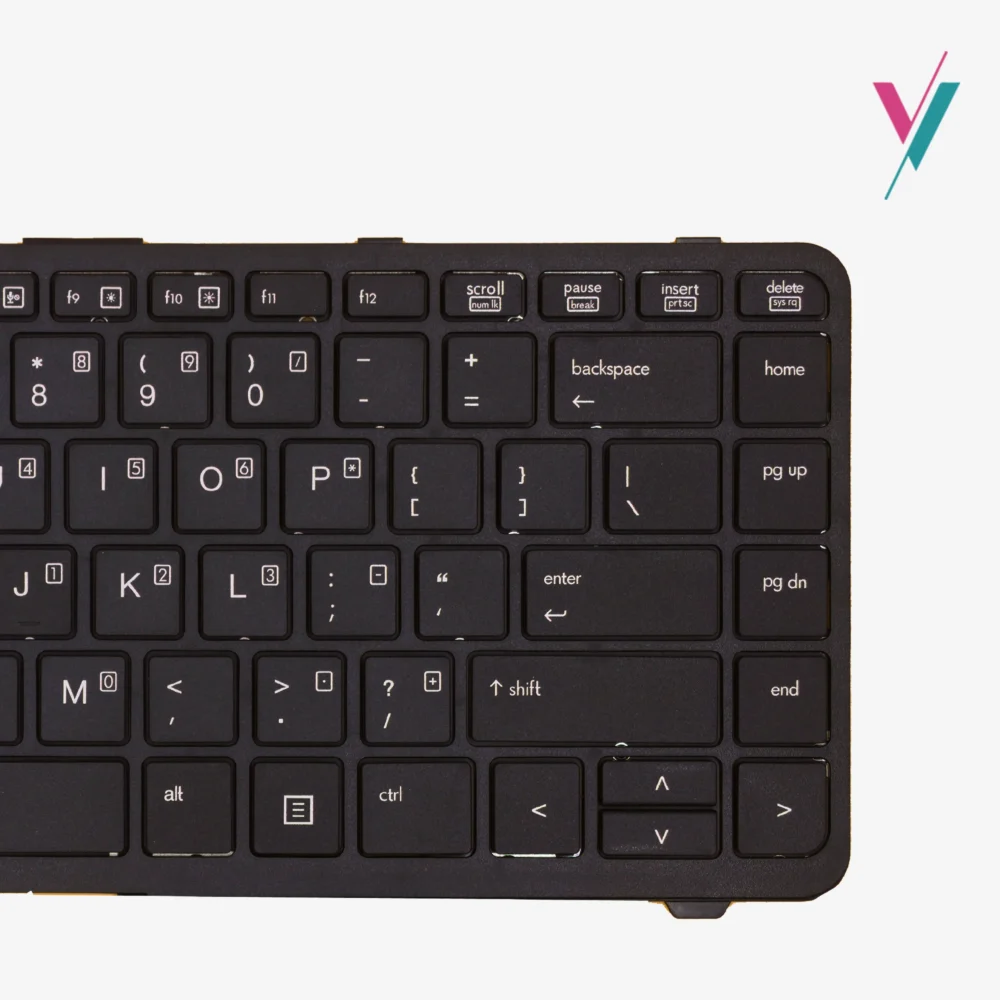
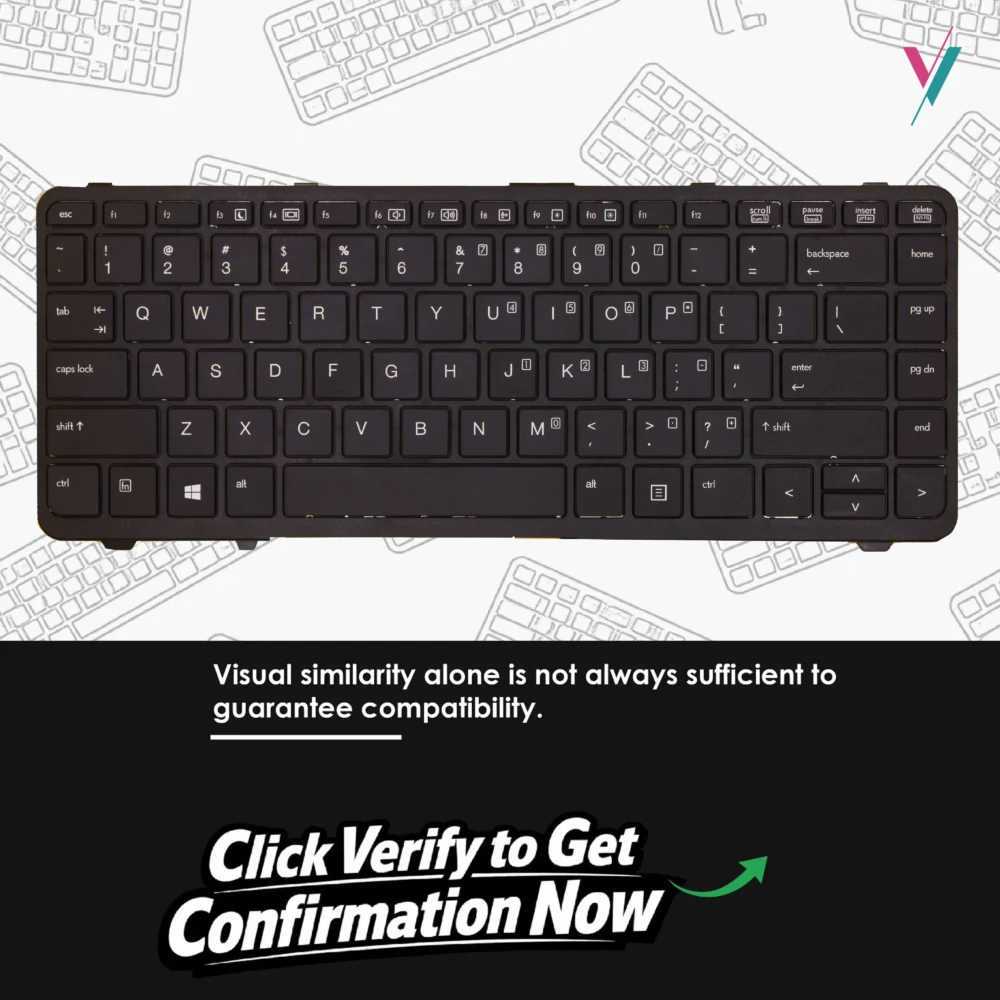
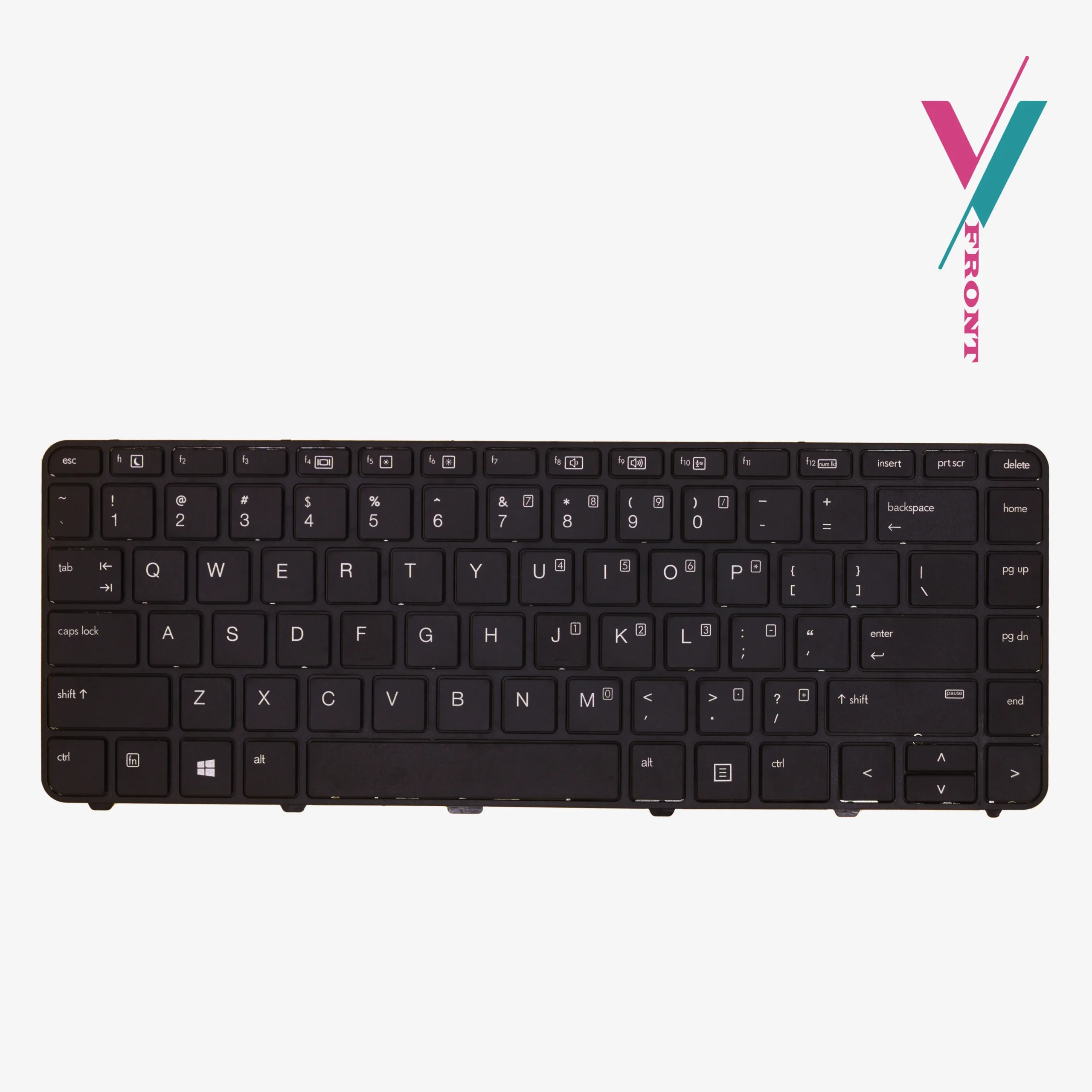
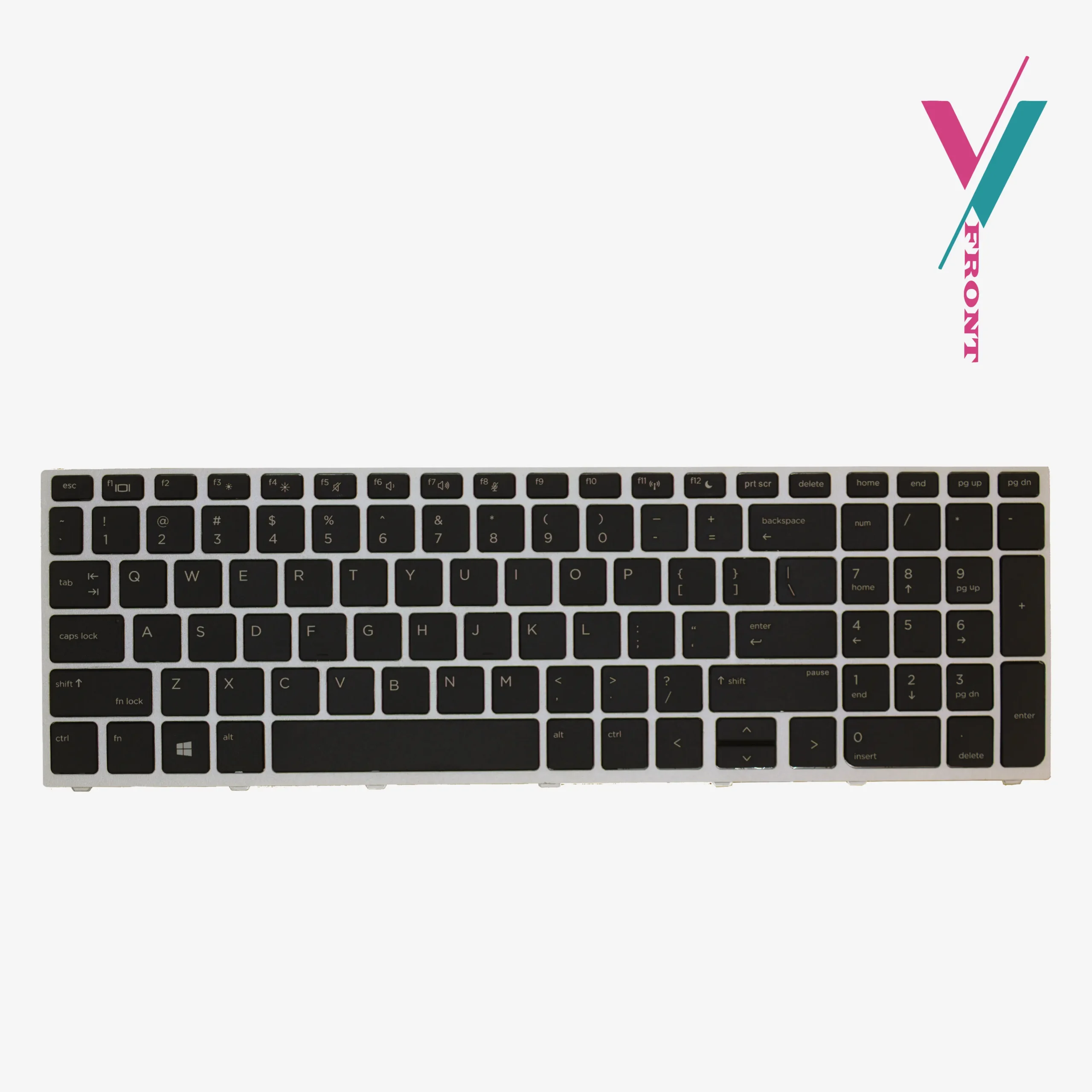
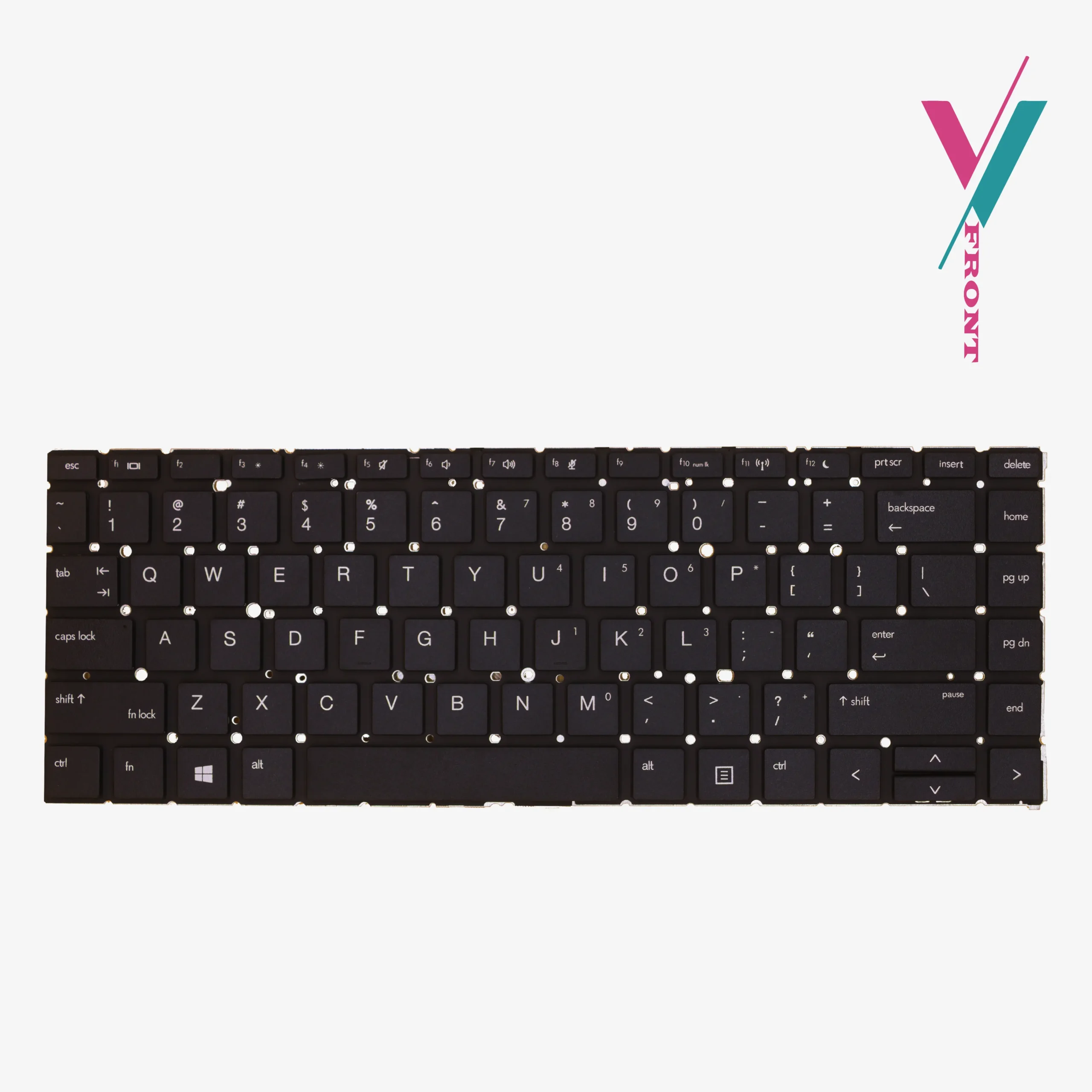
- Layout: US English layout
- Color: Black
- Compatible Models: HP ProBook 640 G1, HP ProBook 645 G1
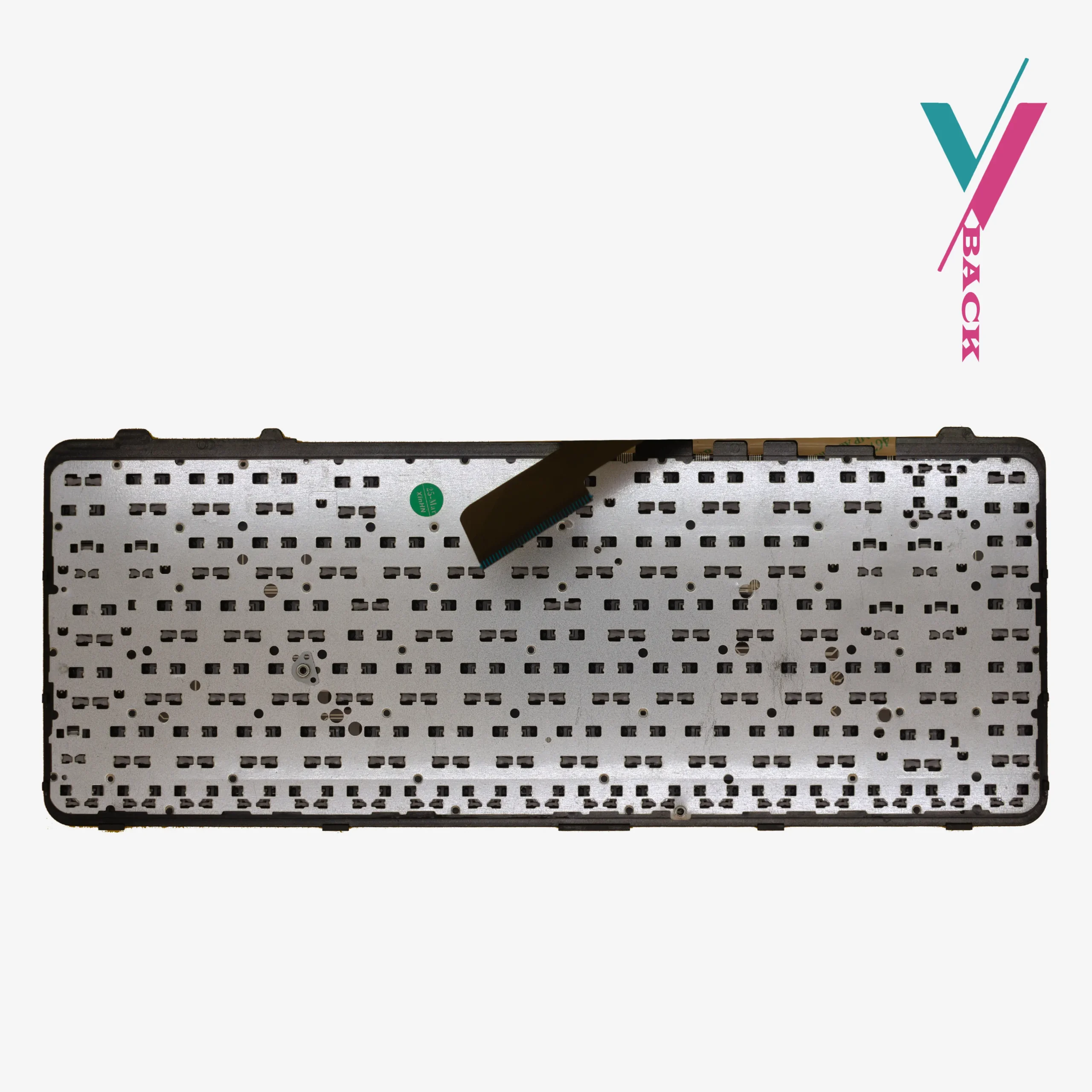
- Installation: Ribbon cable included; screws not included (easily use existing ones)
- Backlight: non-backlit model
Designed for long term daily use
This keyboard is built for the demands of daily professional work. The familiar US layout ensures efficient, accurate typing without needing to learn a new layout. The black finish matches your ProBook’s original design aesthetic, maintaining a clean, professional appearance.
Whether you’re drafting lengthy reports, responding to emails, or entering data into spreadsheets, this keyboard provides the dependable input solution your work requires.
Compatibility Reference
This keyboard is designed to work with the following HP ProBook models and part numbers:
Compatible Laptop Models:
- HP ProBook 640 G1 series
- HP ProBook 645 G1 series
Reference Part Numbers (for guidance):
738687-001, 736652-001, SG-61200-XUA, SN9122, 738688-001
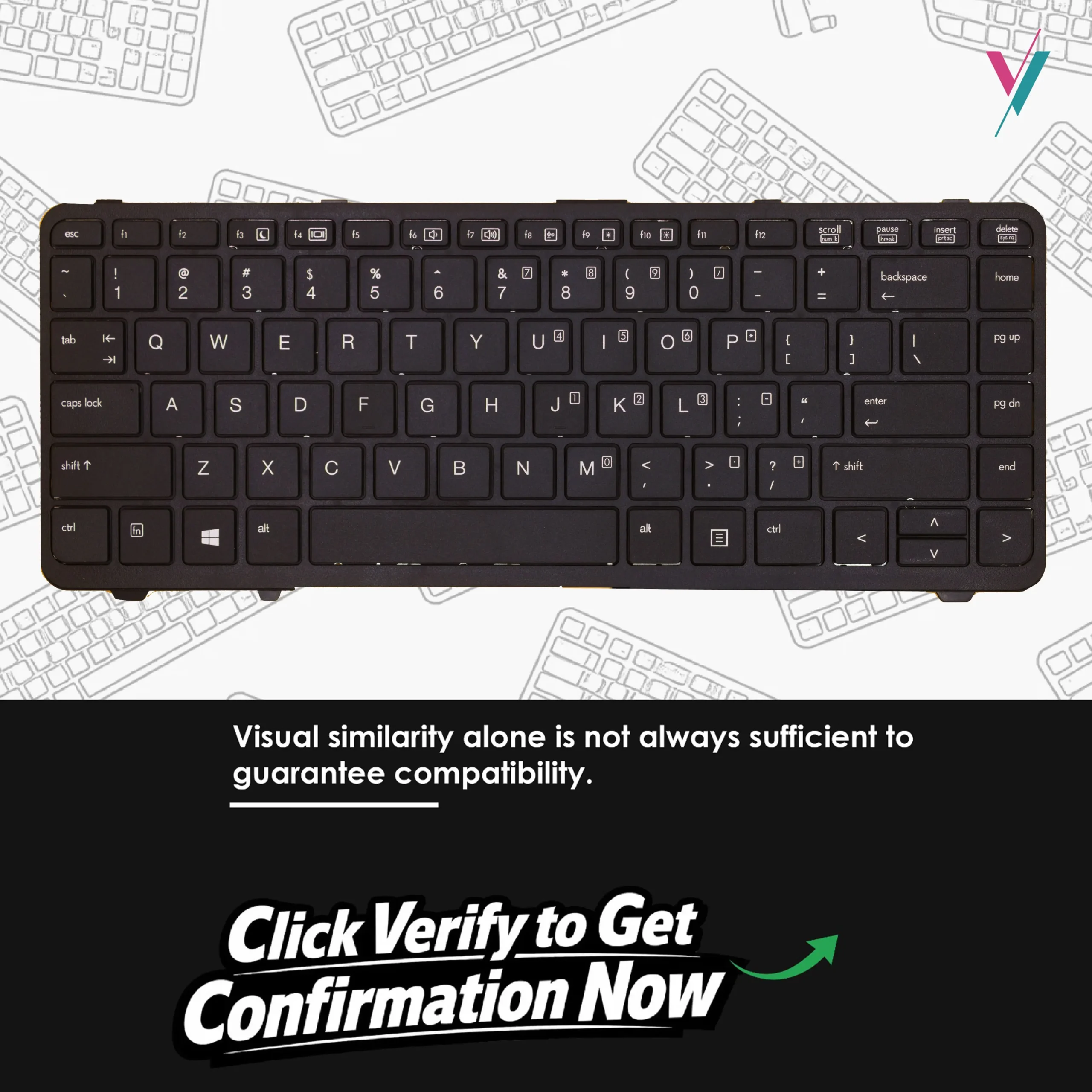
Important Note: This compatibility list is provided as a reference guide only. While these models share keyboard compatibility, there can be regional variations, layout differences, and subtle design changes between manufacturing batches. The most reliable way to ensure a perfect match is to verify compatibility from us before placing your order.
What’s Included
- 1 x Non-backlit keyboard for HP ProBook 640 G1/645 G1
- Ribbon cable (pre-attached)
Not Included: Mounting screws — please reuse the screws from your existing keyboard.
Installation Guidance
This keyboard is designed as a direct replacement for your original. Key points to know:
- No soldering required — connects via ribbon cable
- Screws not included — you will need to reuse the screws from your current keyboard
- Professional installation recommended if you’re not comfortable with laptop disassembly, we can recommend qualified technicians to you.
Basic Installation Steps:
- Power down your laptop completely and disconnect from any power source
- Remove the battery
- Carefully remove the screws securing your old keyboard (keep these screws for reuse)
- Gently disconnect the ribbon cable from the motherboard
- Connect the new keyboard’s ribbon cable, ensuring it’s fully seated
- Secure the new keyboard using the screws from your old keyboard
Troubleshooting Tip: If keys don’t work after installation, the ribbon cable may not be fully connected. Gently reconnect it, ensuring a firm and complete insertion.
If you’re uncertain about any step of the replacement process, we recommend having the installation done by a qualified technician.
Quality You Can Trust
Every keyboard we offer is tested before shipping to ensure all keys function correctly, making sure it provides a reliable replacement that will serve you through years of daily use.
Your Purchase, Protected
We understand that ordering a replacement keyboard online can feel uncertain. You shouldn’t have to gamble on something so essential to your daily work.
That’s why we offer a 7-day return/exchange (subject to policy). If this keyboard doesn’t fit your laptop or match your requirements, simply contact us, and we’ll arrange a return or exchange promptly.
The Surest Way to Get the Right Keyboard
Part numbers and model lists are helpful, but compatibility ultimately comes down to layout, cable positioning, and mounting points, details that can sometimes vary even within the same model series.
Eliminate the guesswork entirely. Click the “verify Compatibility” button to connect with our team. Send us a clear photo of your current keyboard layout. We’ll personally verify which keyboard is the right fit for your ProBook.

Reviews
There are no reviews yet.