
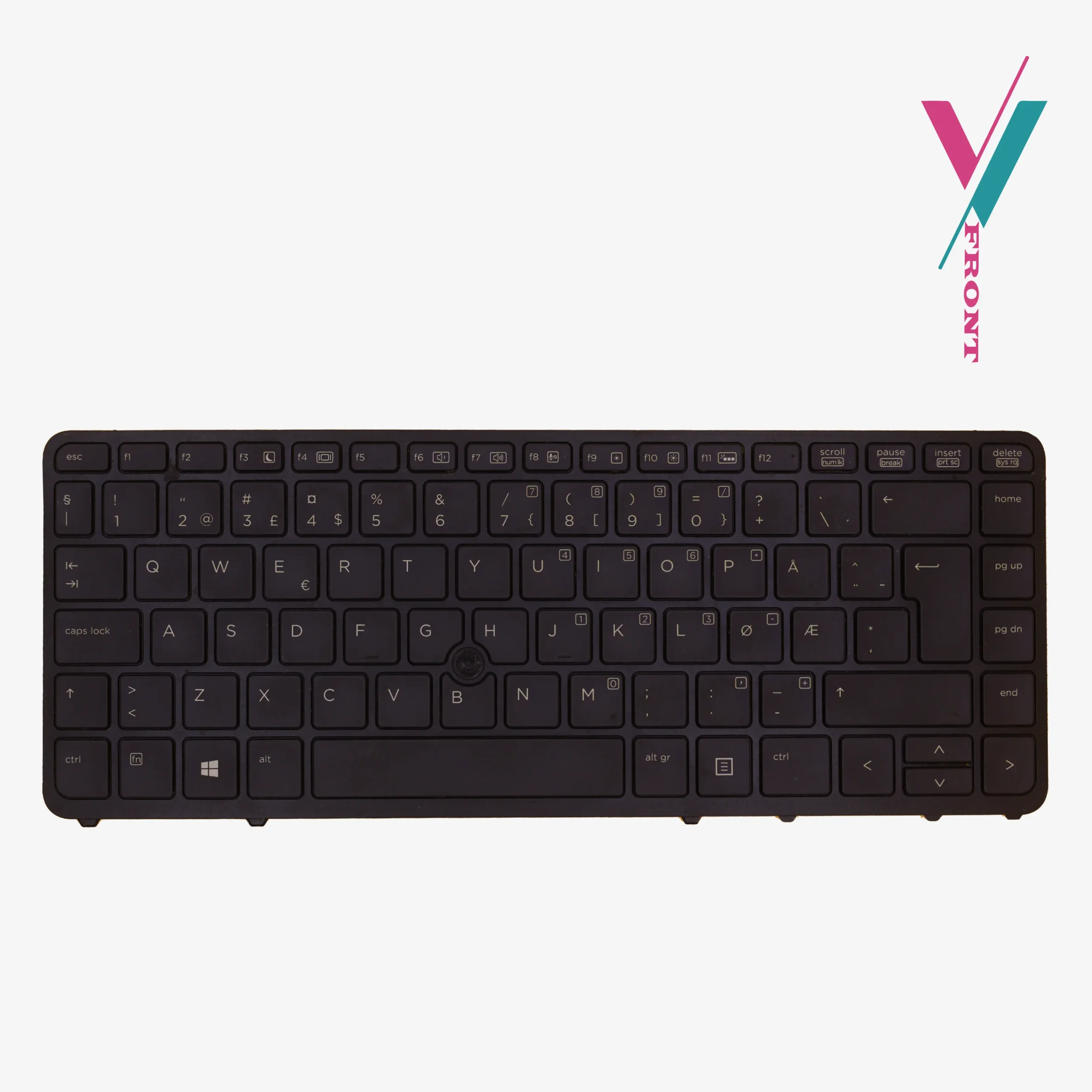
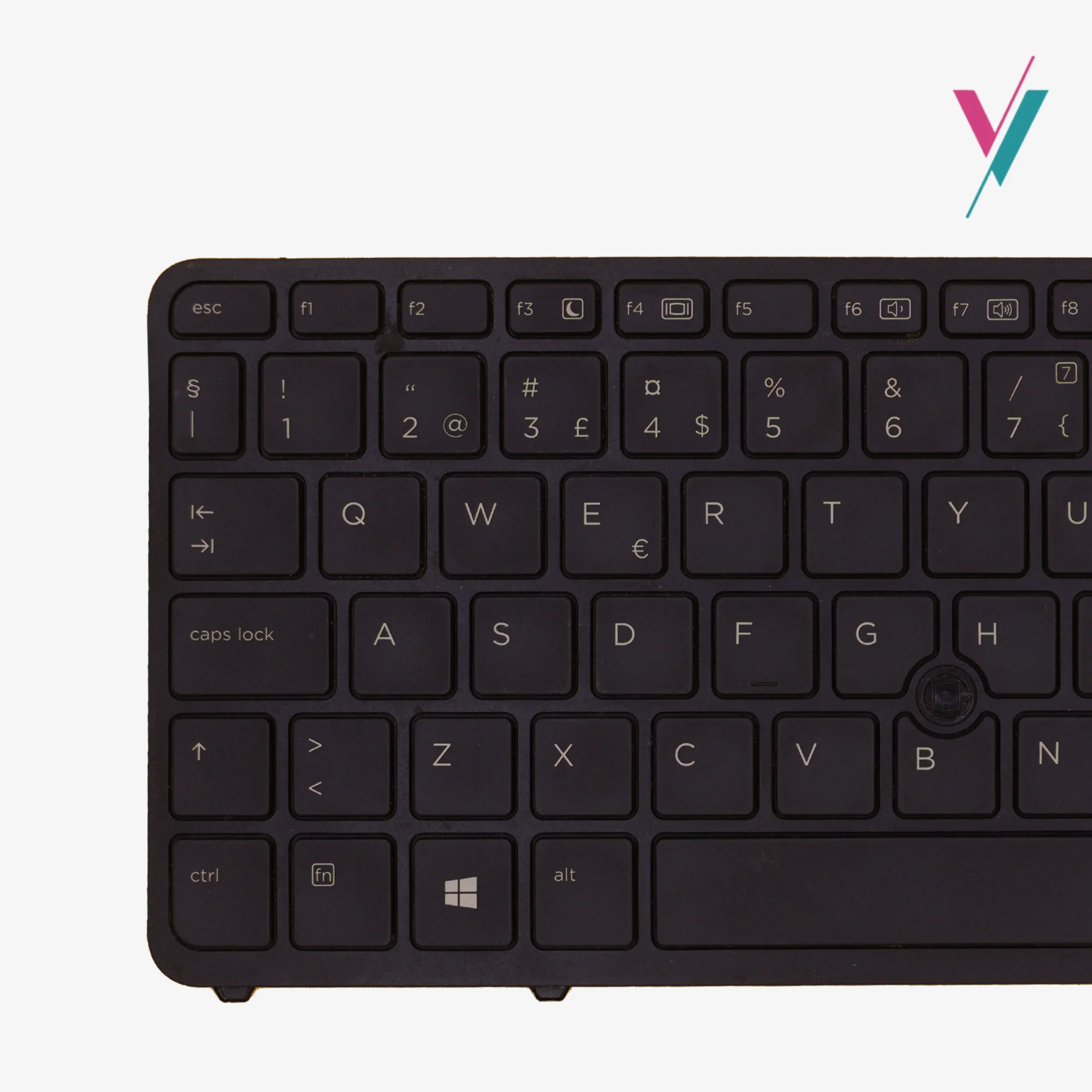
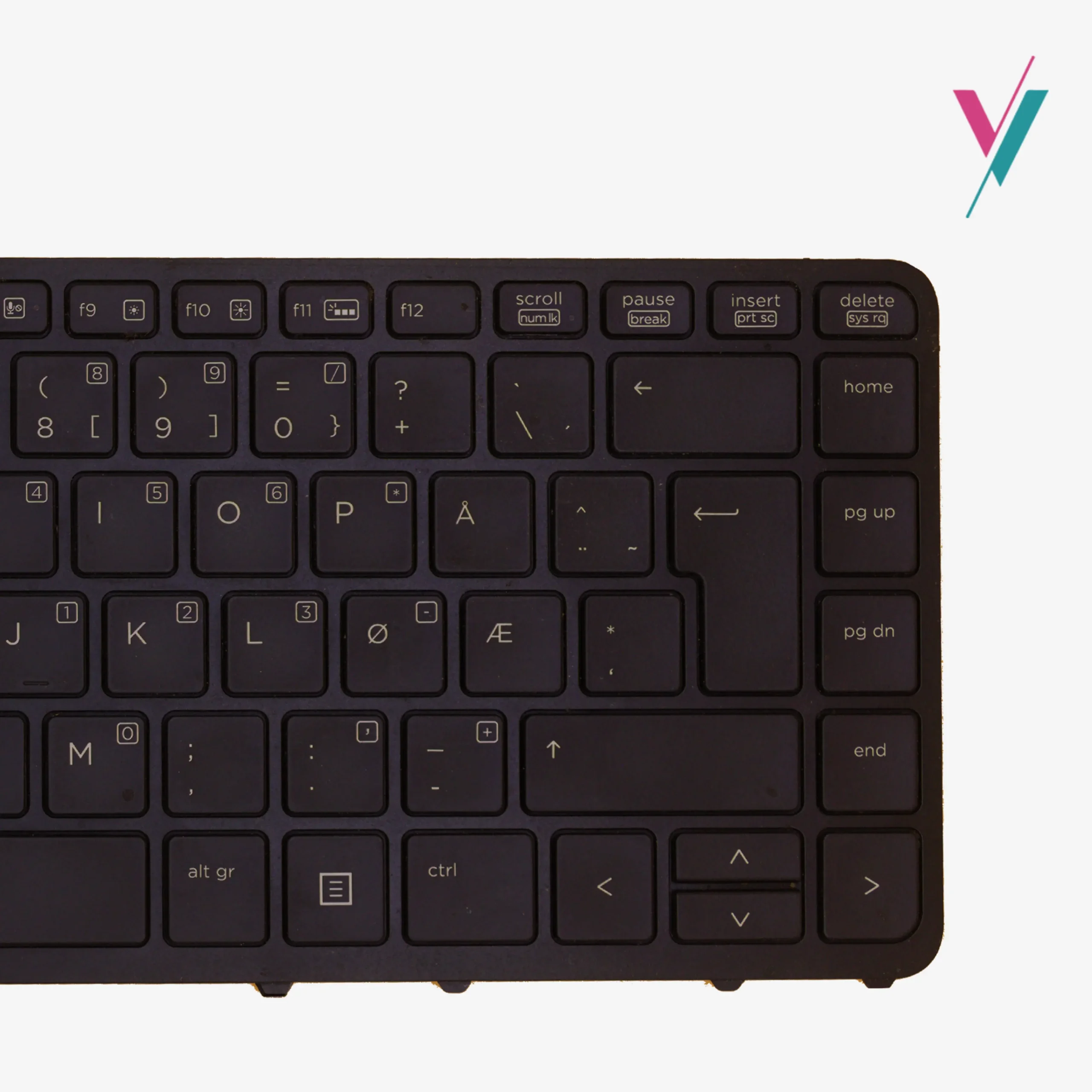
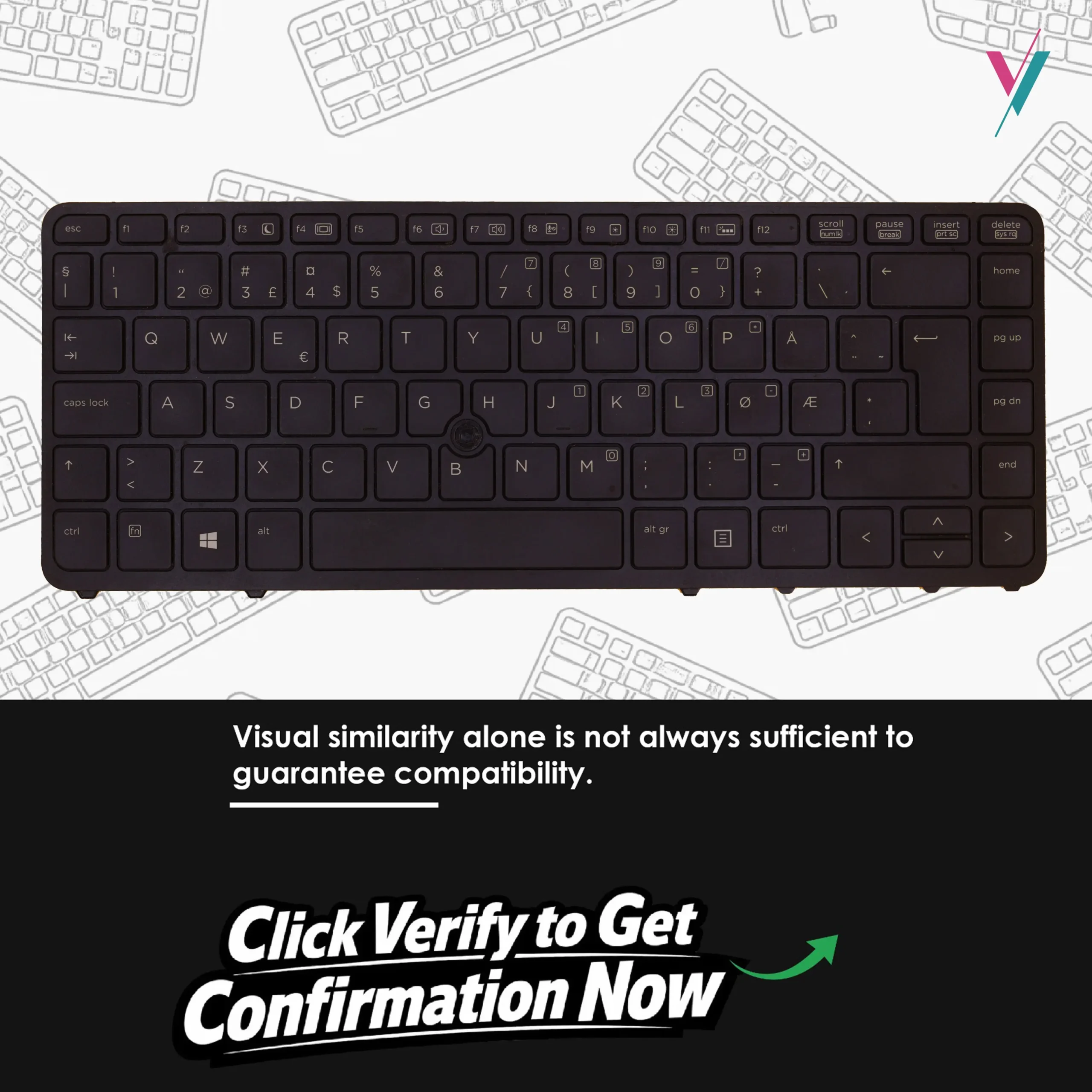
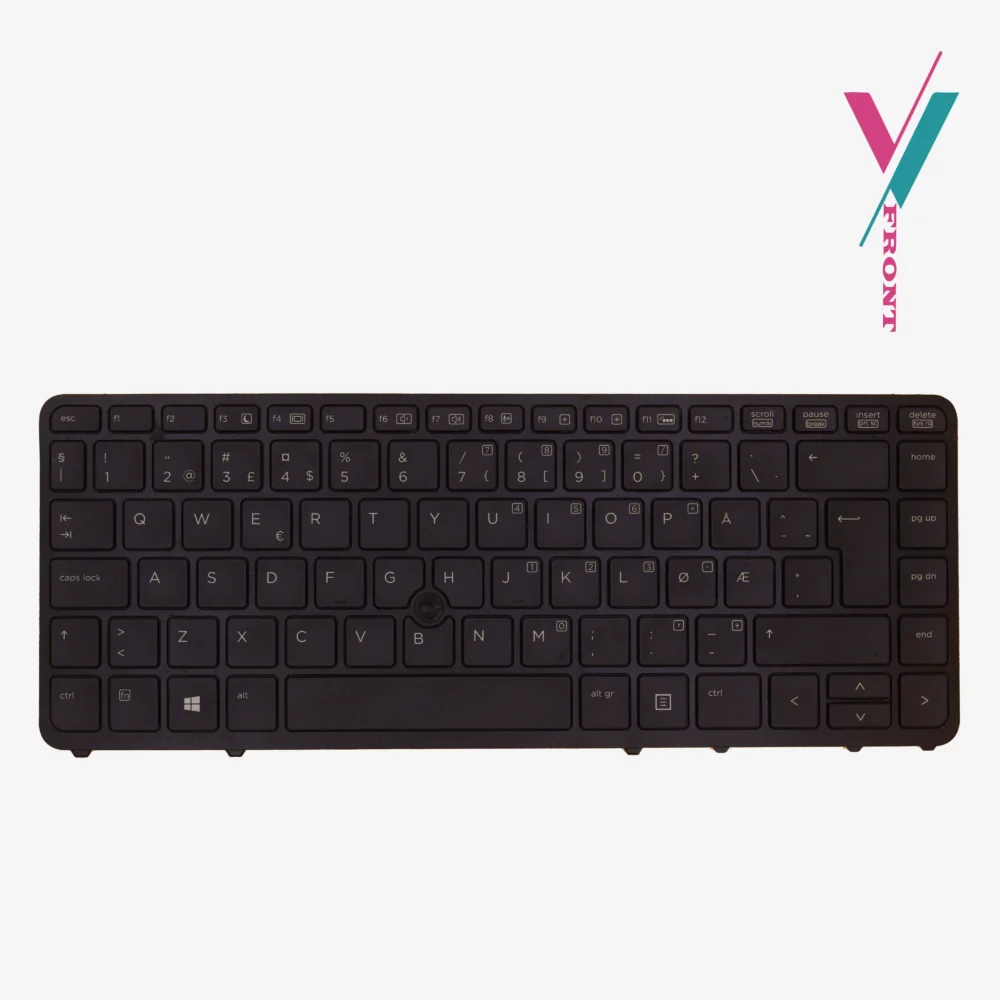


Replacement for Your EliteBook or ZBook
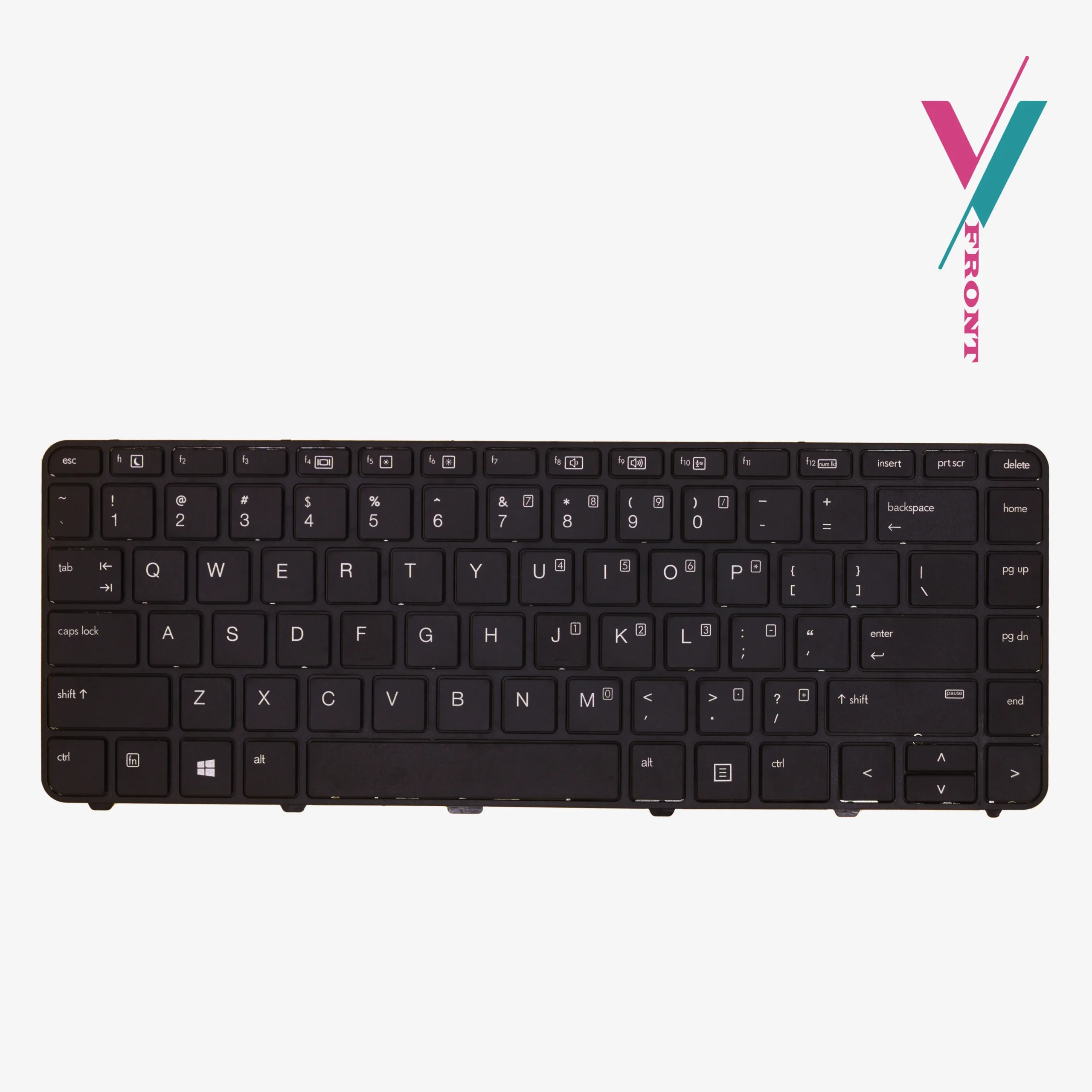
Your HP EliteBook 840 G1, 850 G1, or ZBook 14 was built for professional environments where reliability and durability matter. But over time, the keyboard shows signs of wear having faded key legends, a backlight that no longer illuminates evenly, or a pointing stick that feels loose or unresponsive. This quality replacement keyboard restores functionality and the original premium look.
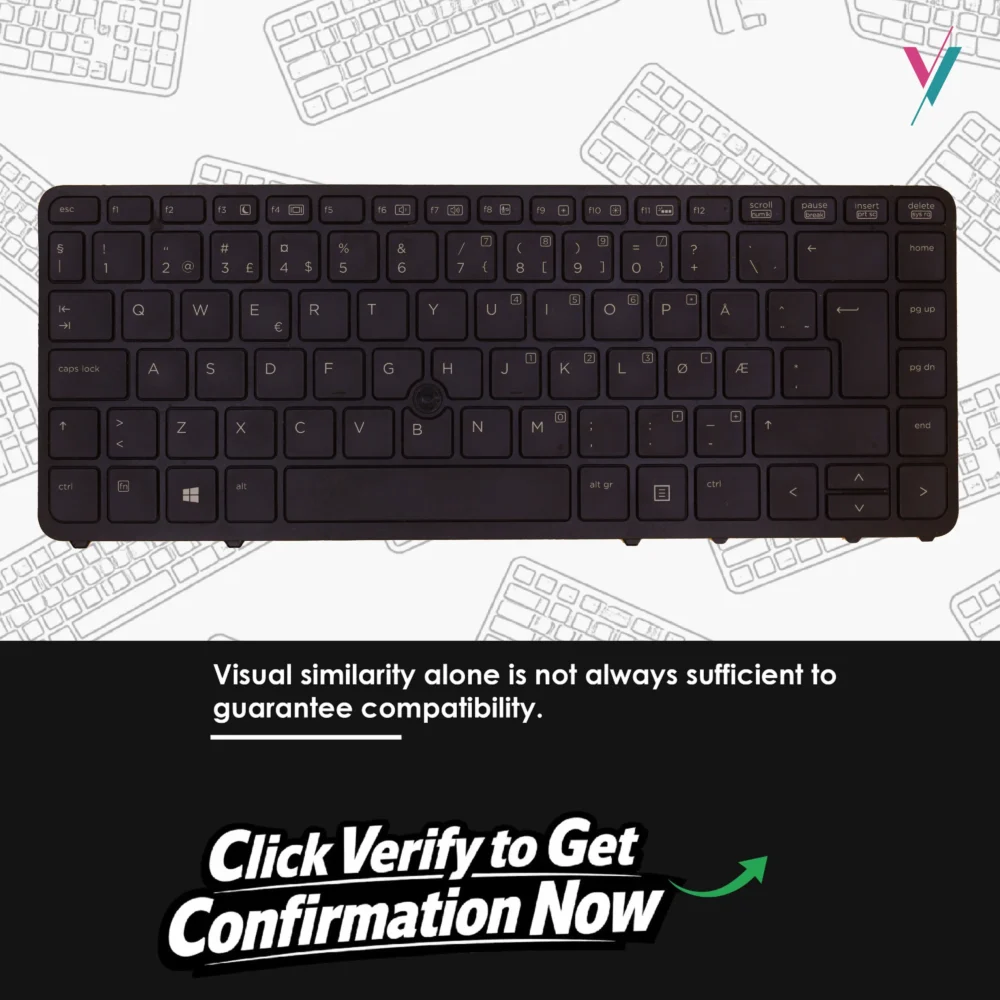
This backlit replacement keyboard is specifically for these HP business-class machines, offering a direct fit that brings your device back to peak condition. But unlike basic replacements, this keyboard includes several modern features that make it stand out.
Features You’ll Appreciate
- Backlight: Integrated backlight for comfortable typing in low-light environments
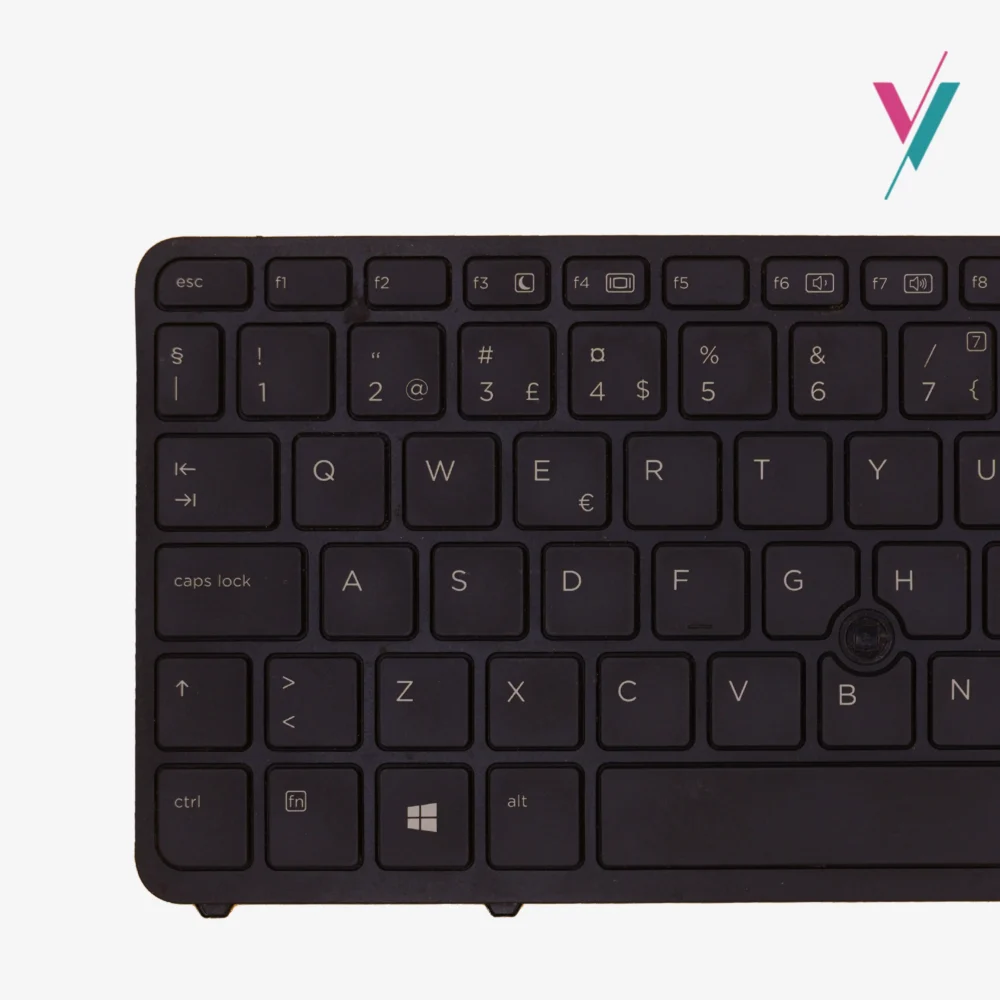
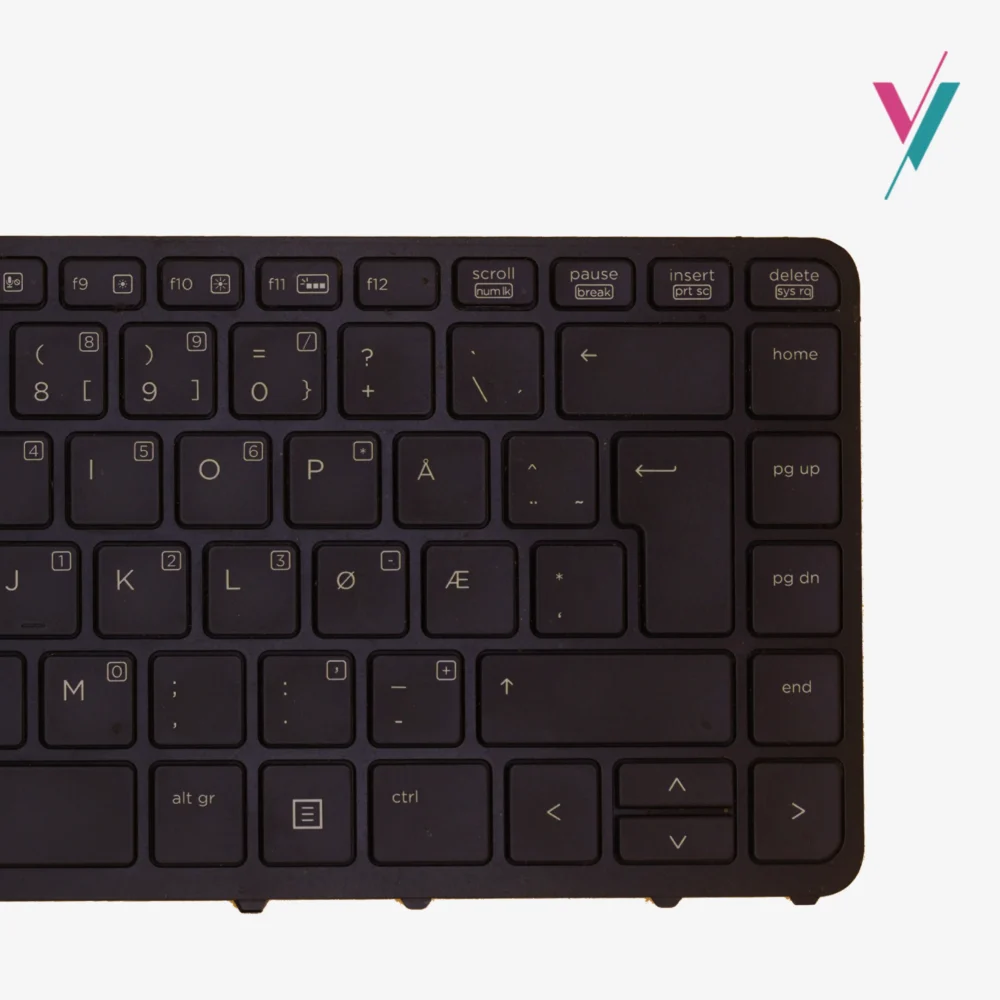
- DualPoint Pointing Stick: Two-button pointing stick system for precise cursor control without removing hands from keyboard
- Spill-Resistant Design: Built-in drain channels that direct liquids away from internal components
- DuraKeys: Enhanced key coating that resists wear and maintains legibility over time
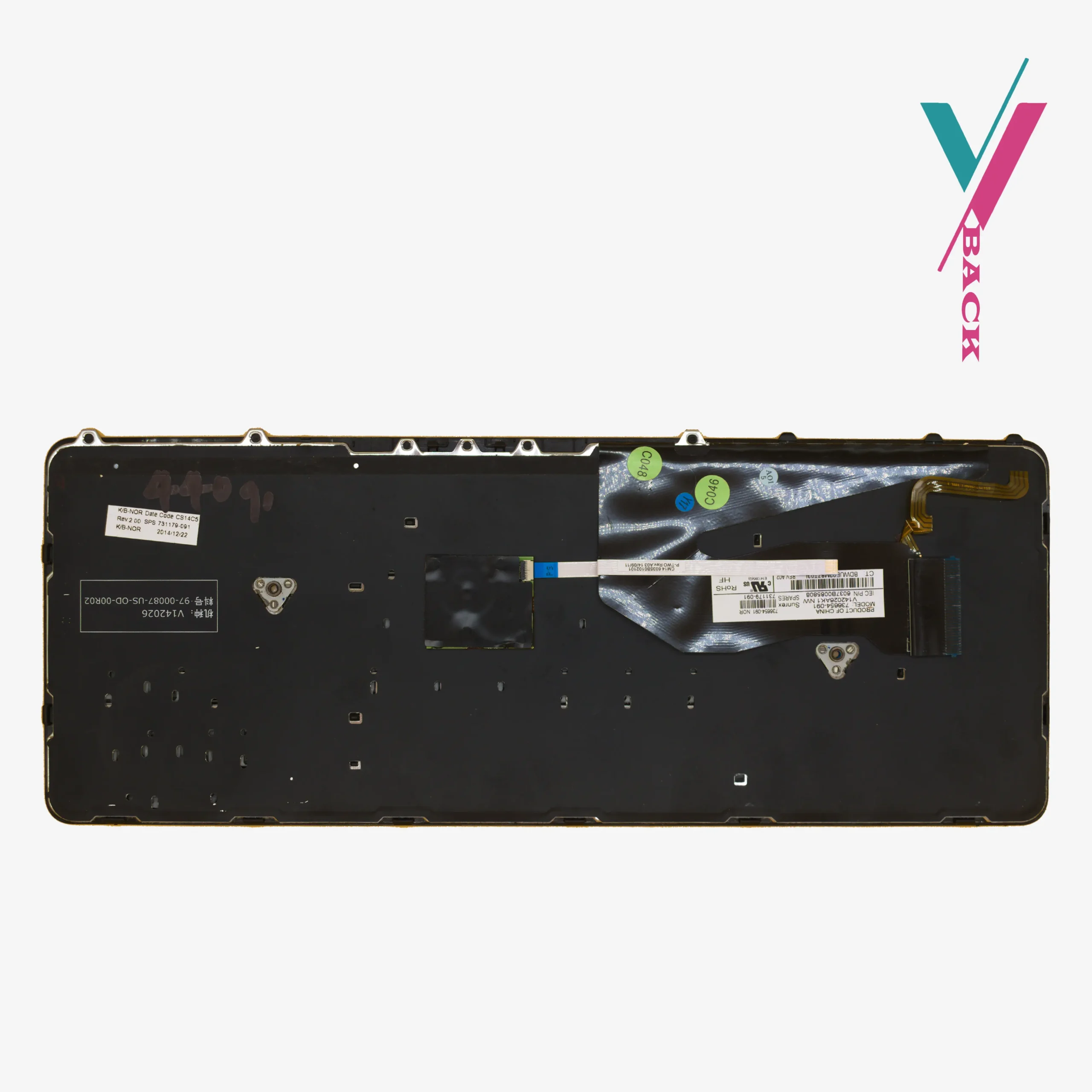
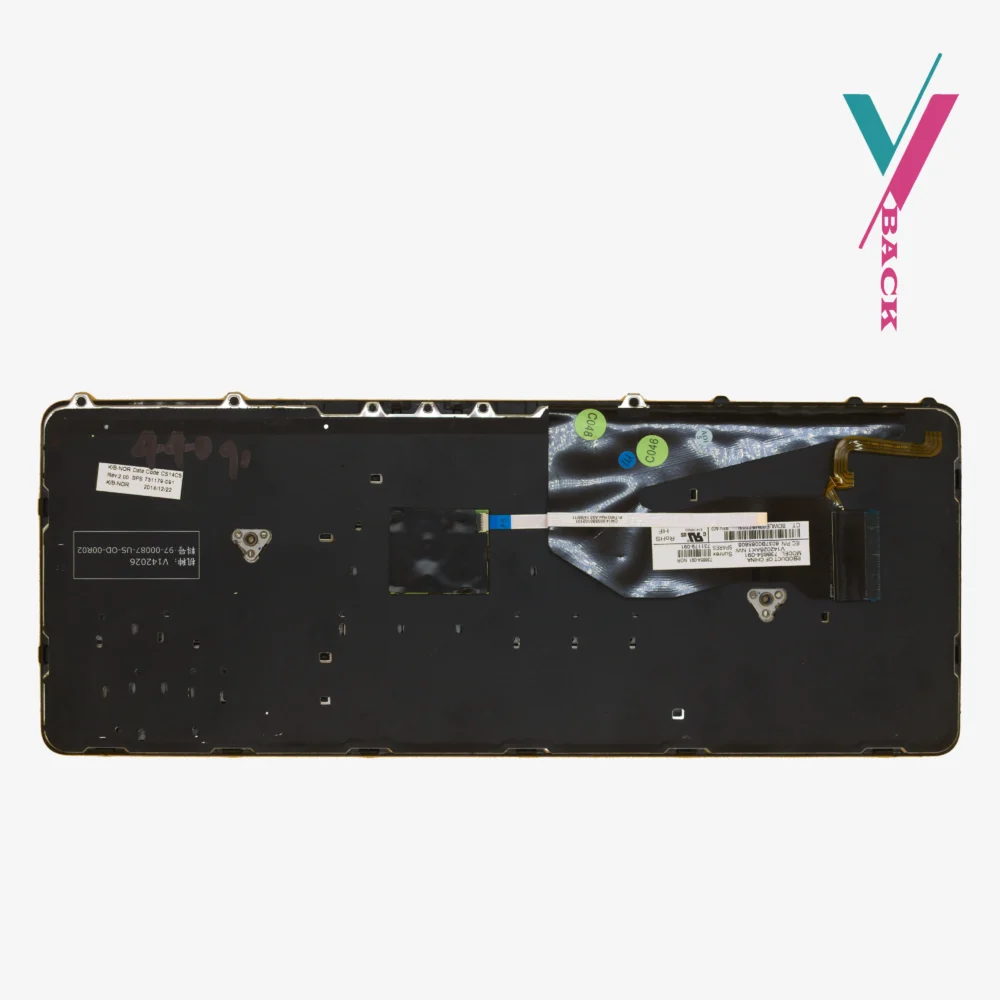
- Complete Cables: Both keyboard cable and pointing stick cable included
- Color: Black
Spill-Resistant Design:
Coffee spills happen. Water glasses get knocked over. In a busy professional environment, accidents are inevitable. This keyboard features a spill-resistant design with integrated drain channels, a feature originally developed for HP’s business-class machines. If liquid is spilled on the keyboard, the drains channel it away from sensitive internal components, reducing the risk of damage to your laptop’s motherboard and other critical parts.
DuraKeys: Built to Last
Key legends on standard keyboards can fade, wear off, or become difficult to read after months of heavy typing. DuraKeys is HP’s enhanced key coating technology that resists wear, keeping your keyboard looking professional and legible far longer than standard keyboards. It’s a small detail that makes a meaningful difference over the life of your laptop.
DualPoint Pointing Stick:
For professionals who prefer keeping their hands on the keyboard rather than reaching for a mouse or trackpad, the DualPoint pointing stick system is invaluable. It provides precise cursor control with two dedicated buttons, allowing for efficient navigation through spreadsheets, documents, and any workflow where speed matters.
Compatibility Reference
This keyboard is designed to work with the following HP models:
Compatible Laptop Models:
- HP EliteBook 840 G1
- HP EliteBook 850 G1
- HP ZBook 14
Reference Part Number:
731179-091
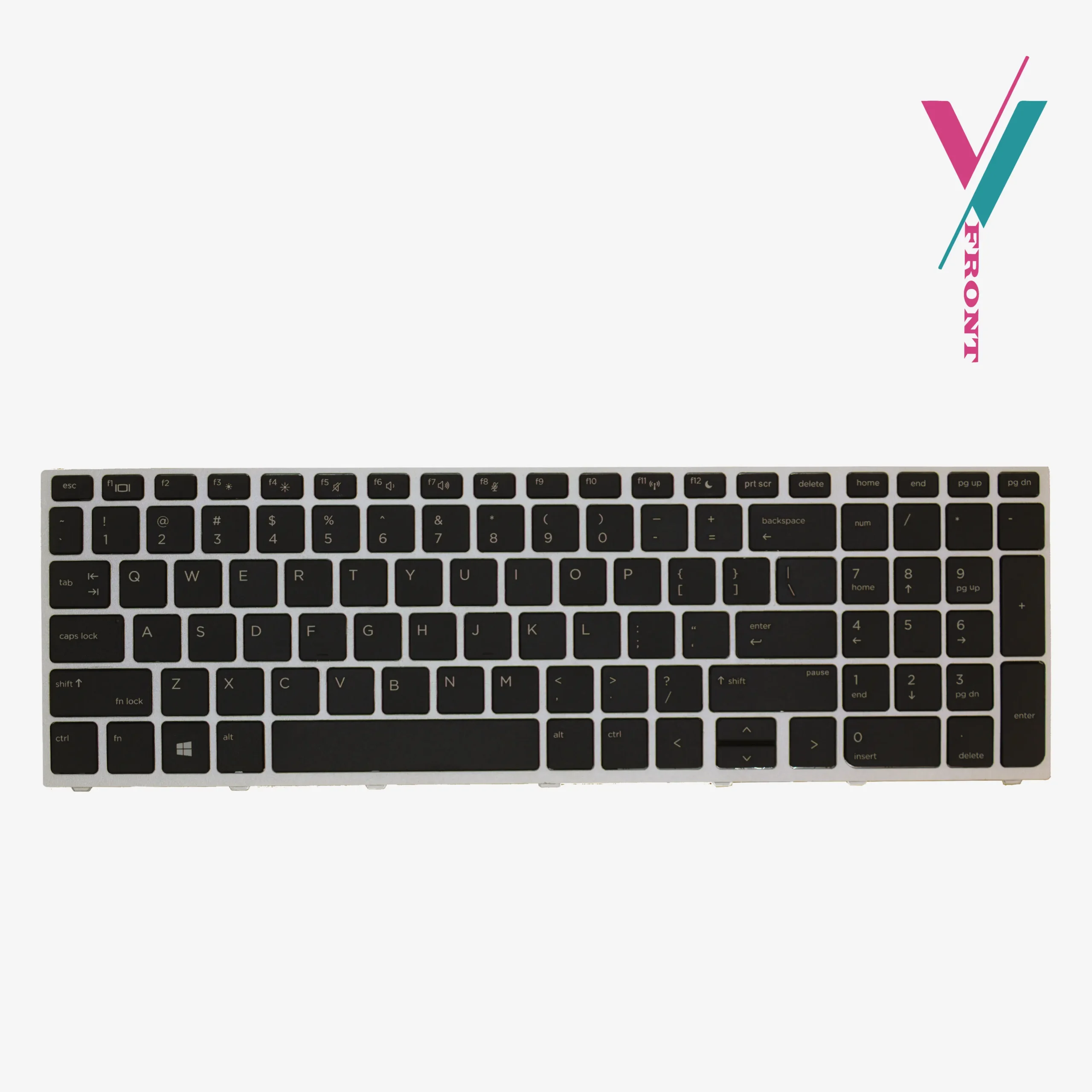
Important Note: This compatibility information is provided as a reference guide only. While these models are confirmed compatible, there can be regional variations, layout differences, and subtle design changes between manufacturing batches. The most reliable way to ensure a perfect match is to verify compatibility with us first before making purchase.
What’s Included in the Box
- 1 x Backlit Keyboard with DualPoint pointing stick
- Keyboard cable (pre-attached)
- Pointing stick cable (included)
Installation Guidance
This keyboard is designed as a direct replacement for your original. Key points to know:
- No soldering required — connects via ribbon cables
- Both cables included — keyboard cable and pointing stick cable
- Professional installation recommended if you’re not comfortable with laptop disassembly. (we can recommend a qualified technician for your assistance)
Basic Installation Steps:
- Power down your laptop completely and disconnect from any power source
- Remove the battery
- Carefully remove the screws and any components covering the keyboard
- Gently disconnect the existing keyboard and pointing stick cables from the motherboard
- Connect the new keyboard’s cables, ensuring they are fully seated
- Secure the new keyboard with the screws from your old one
Troubleshooting Tip: If the keyboard or pointing stick doesn’t function after installation, the ribbon cables may not be fully connected. Gently reconnect them, ensuring a firm and complete insertion.
If you’re uncertain about any step of the replacement process, we recommend having the installation done by a qualified technician.
Your Purchase, Protected
We understand that ordering a replacement keyboard online can be confusing and overwhelming at times.
You shouldn’t have to guess what works for you. A 7-day return/exchange is available (subject to policy). If it doesn’t fit your laptop or match your requirements, simply contact us, and we’ll arrange a return or exchange promptly.
The Smartest Way to Get the Right Keyboard
Part numbers and model lists are helpful, but alone they cannot always accurately paint the whole picture.
Eliminate the guesswork entirely. Click the “verify Compatibility” button to connect with our team. Send us a clear photo of your current keyboard layout. We’ll personally verify whether this is the right fit for your EliteBook or ZBook, giving you complete assurance before you place your order.

Reviews
There are no reviews yet.