


Lenovo ThinkPads.
They are built like tanks. The hinges are long lasting. The chassis survives drops that would kill other laptops. But the keyboard? The keyboard takes a beating every single day. Thousands of keystrokes. Spills. Crumbs. Dust. Over time, even a ThinkPad keyboard starts to fail.
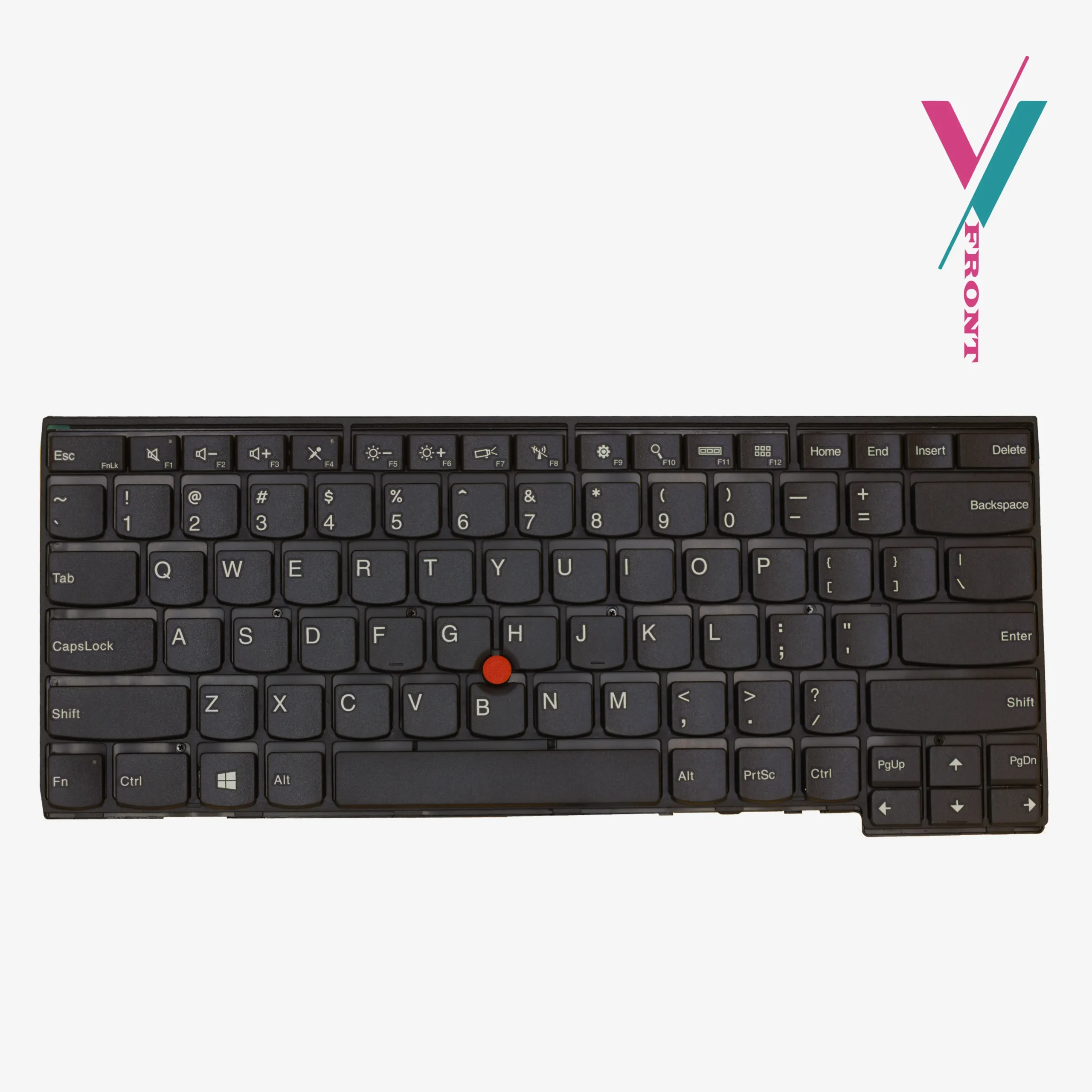
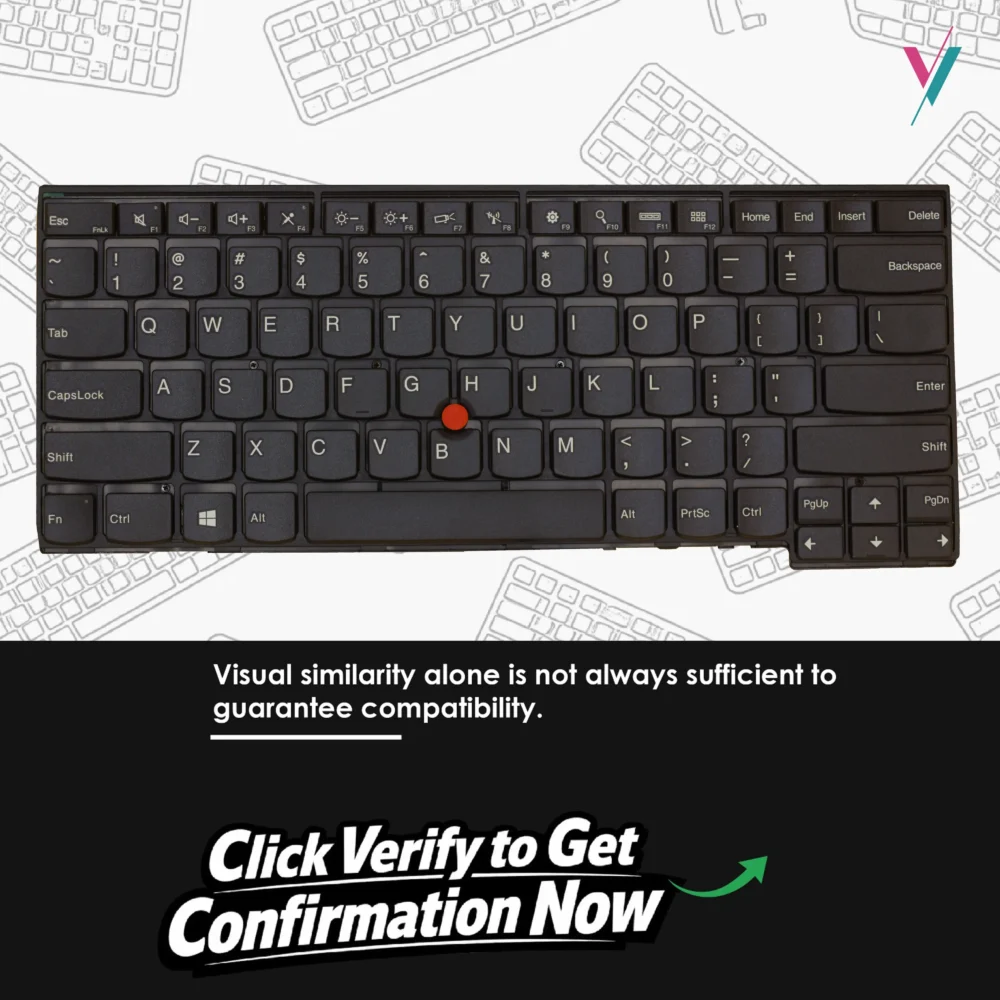
Maybe your spacebar only registers if you hit it dead centre. Maybe the left Shift key is mushy. Maybe the TrackPoint, that beautiful red nub between the G and H keys, no longer tracks smoothly. Or the backlight flickers on and off like a dying streetlamp.
You do not need a new laptop. You need a new keyboard.
What you are getting here
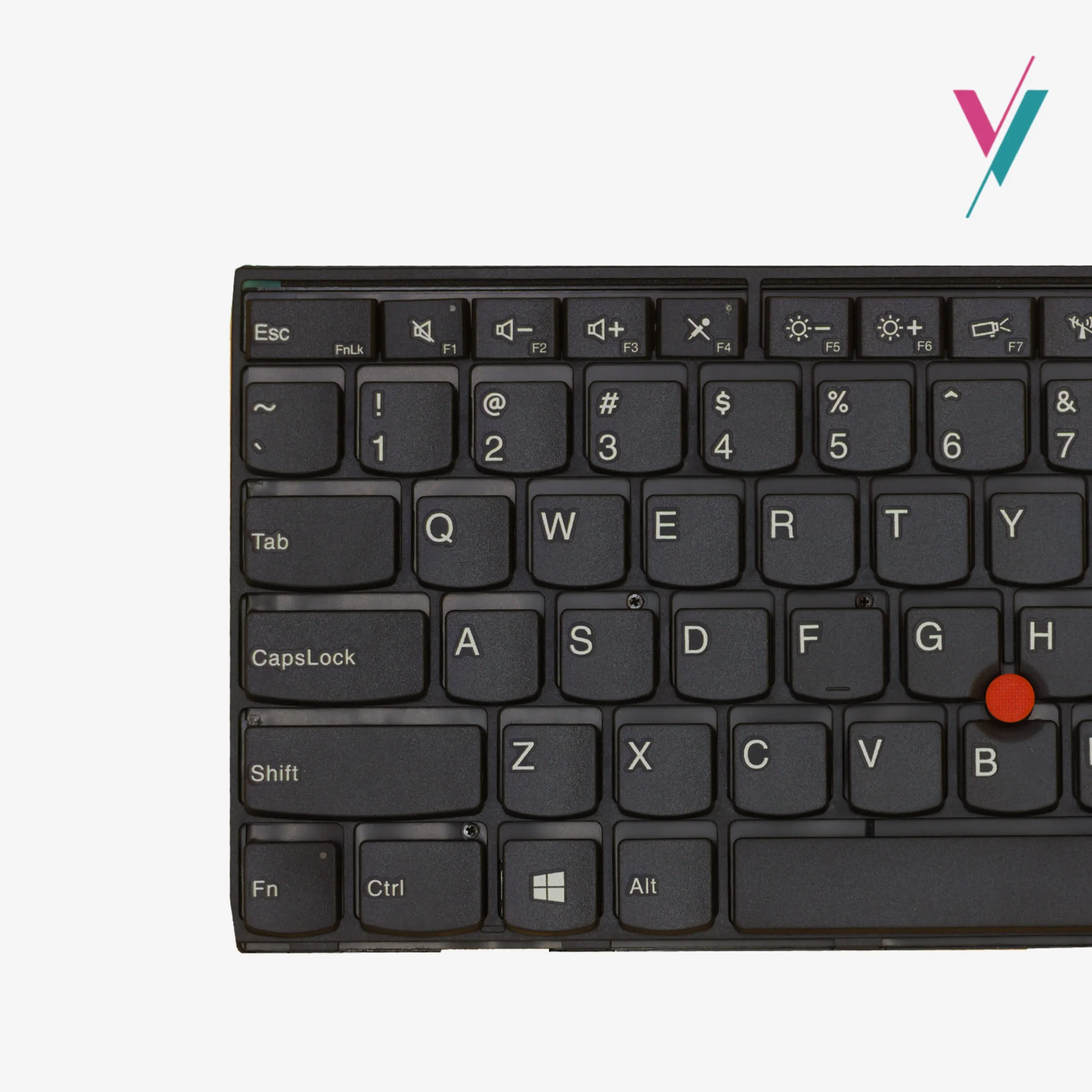
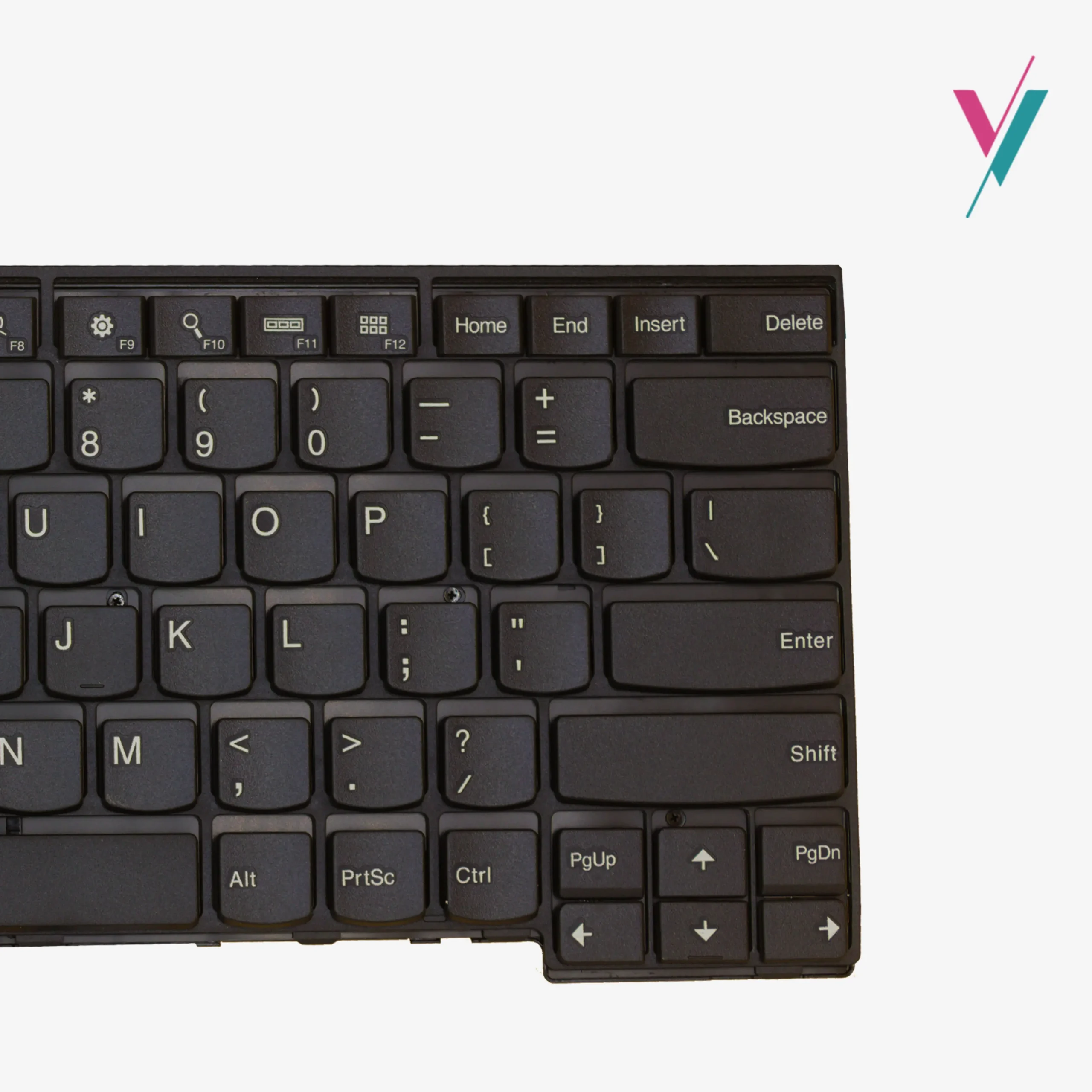
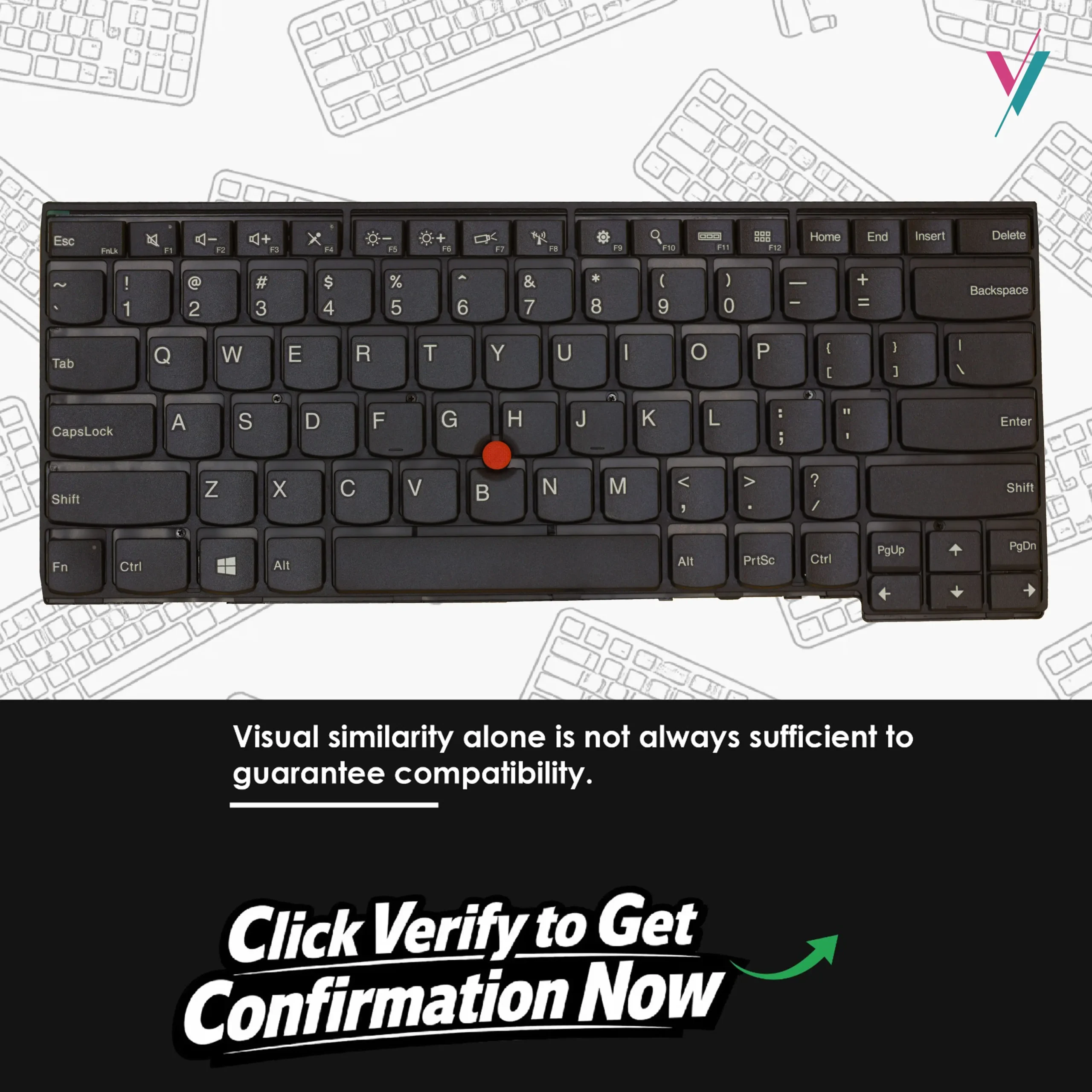
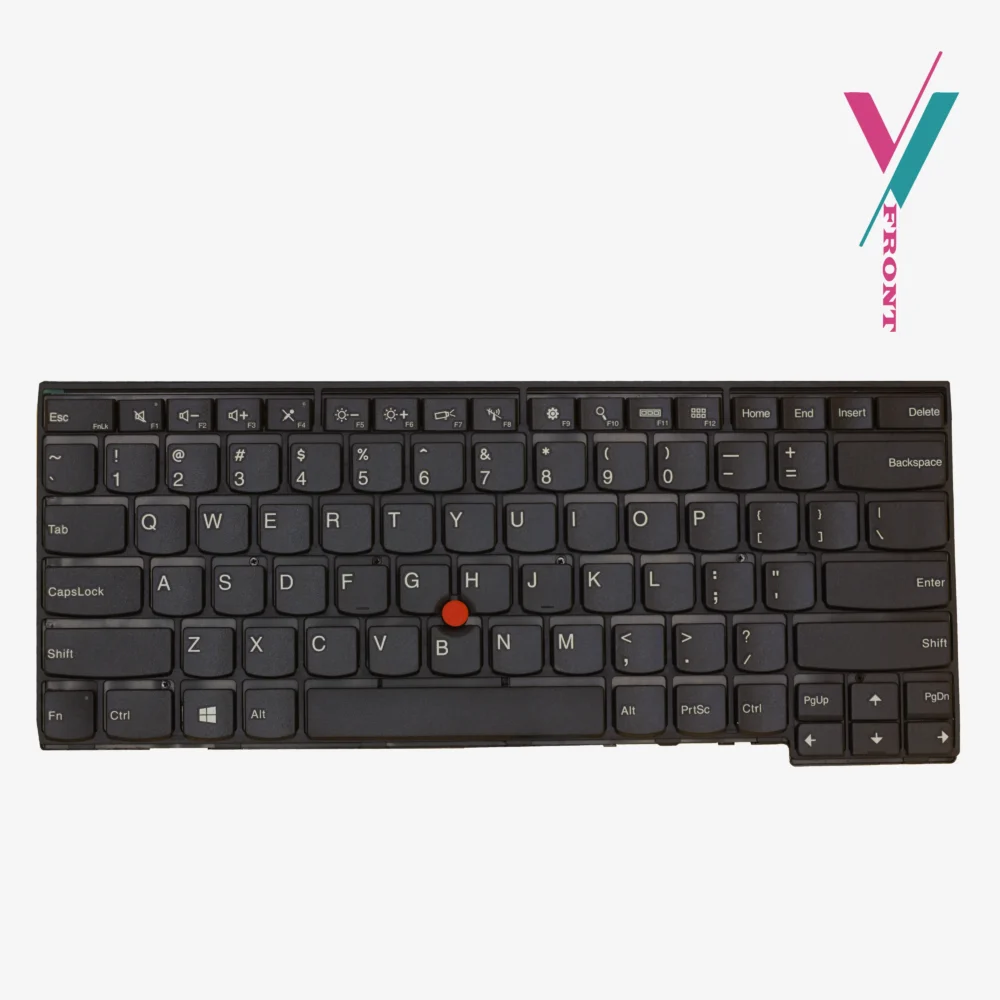
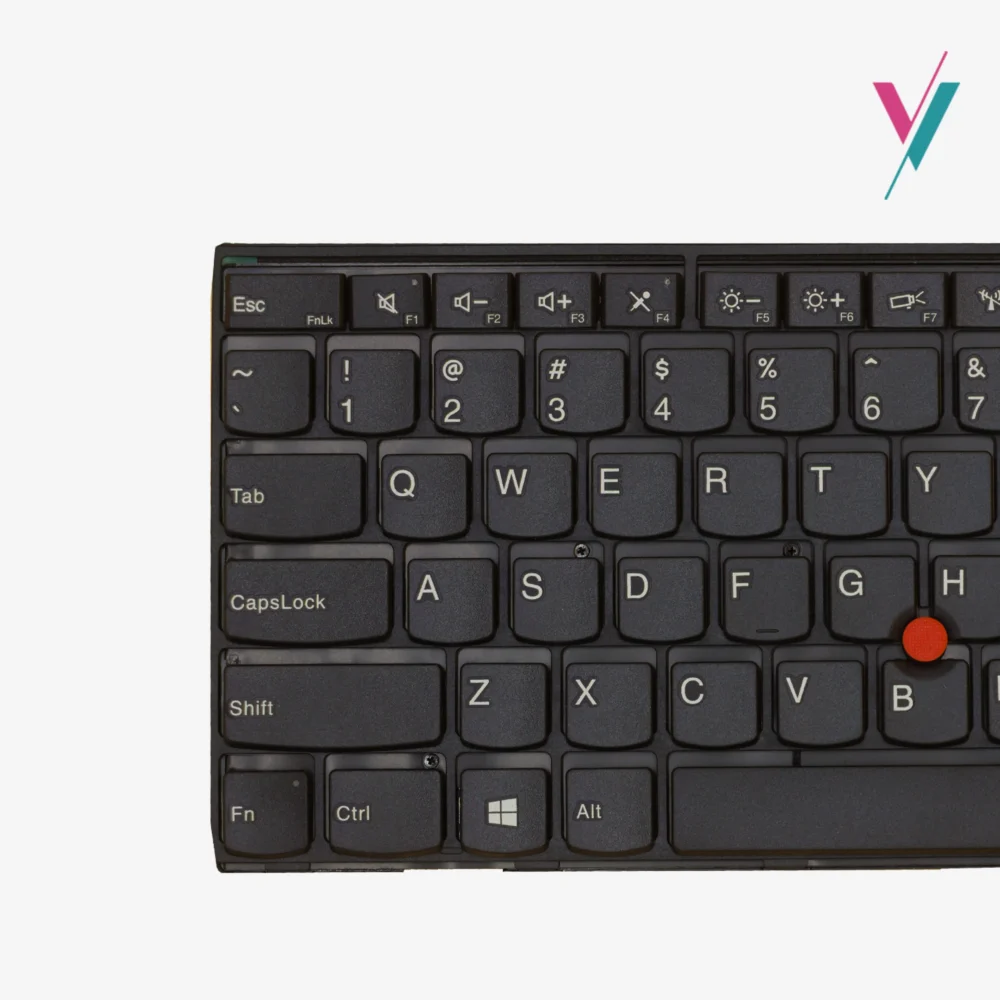
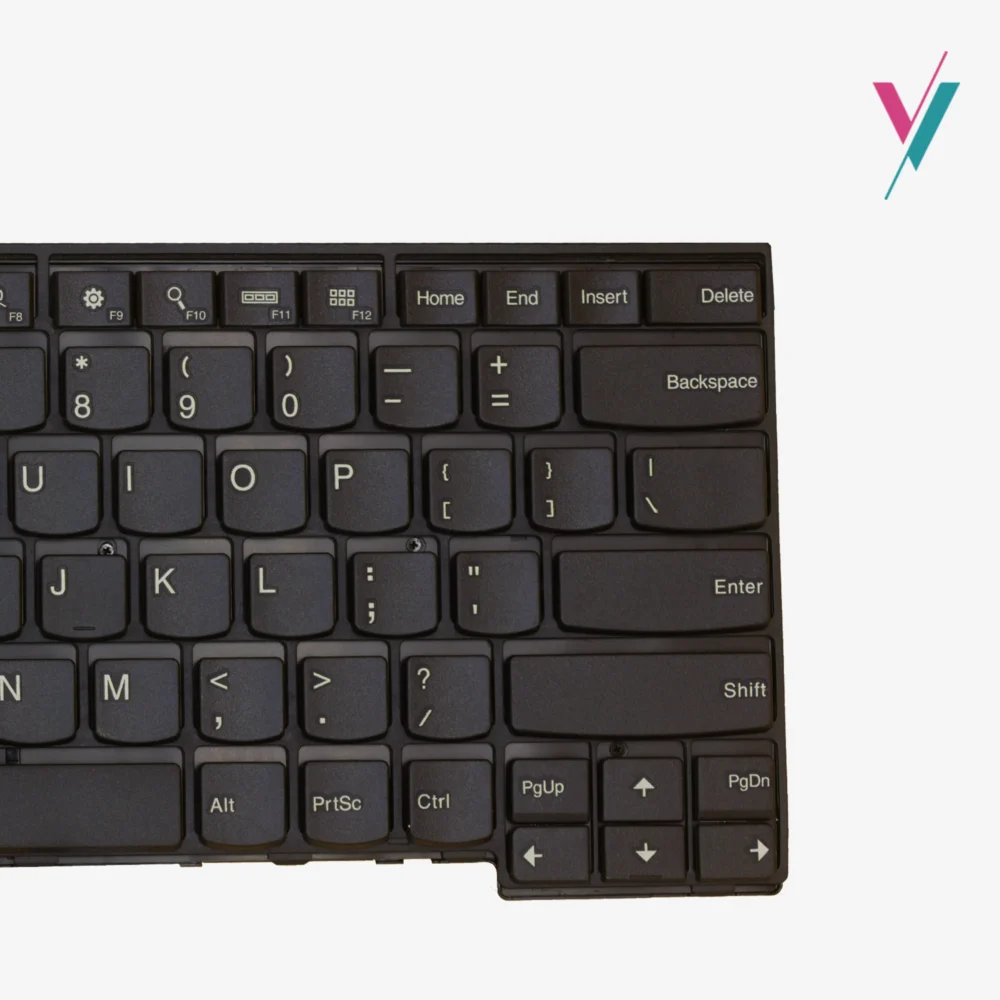
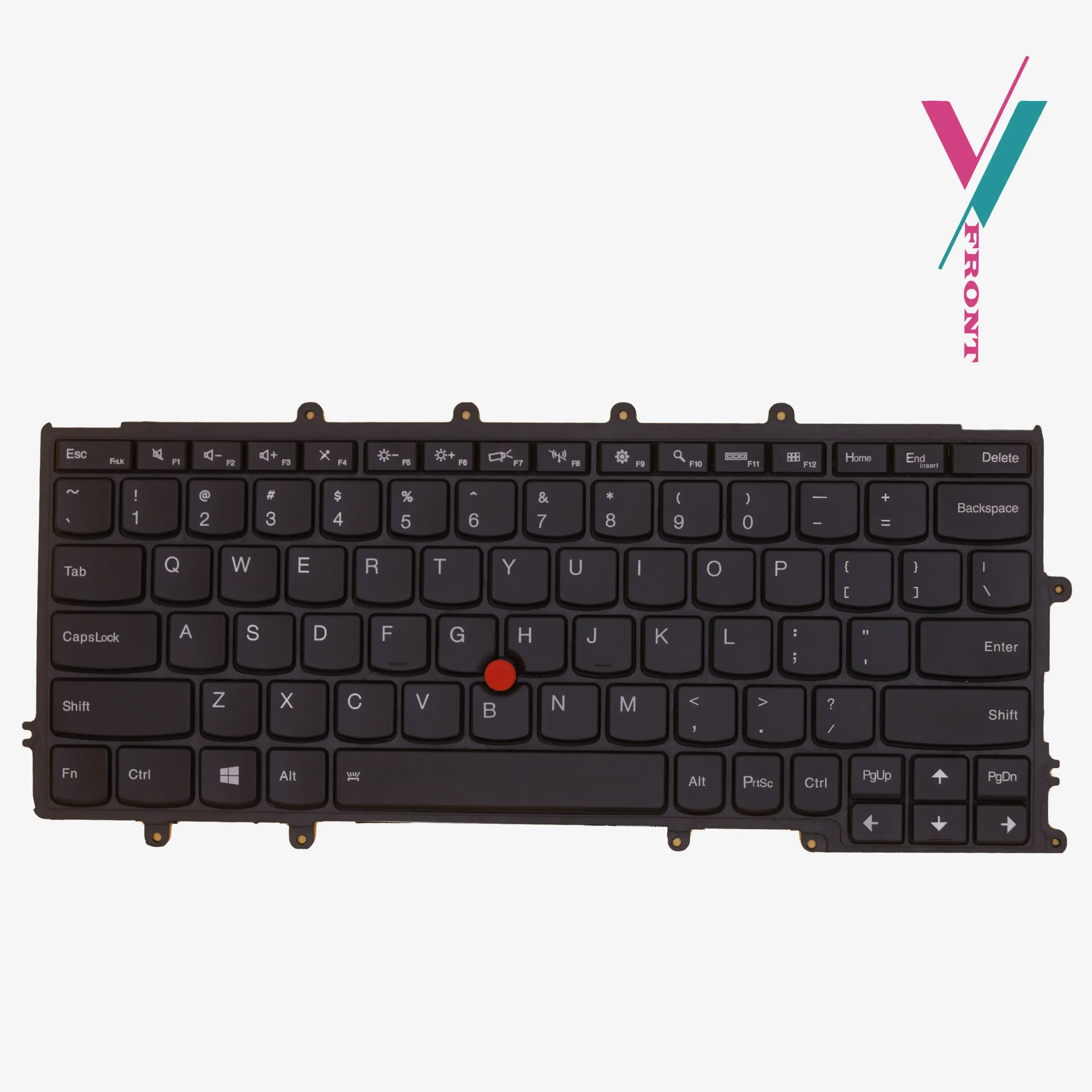
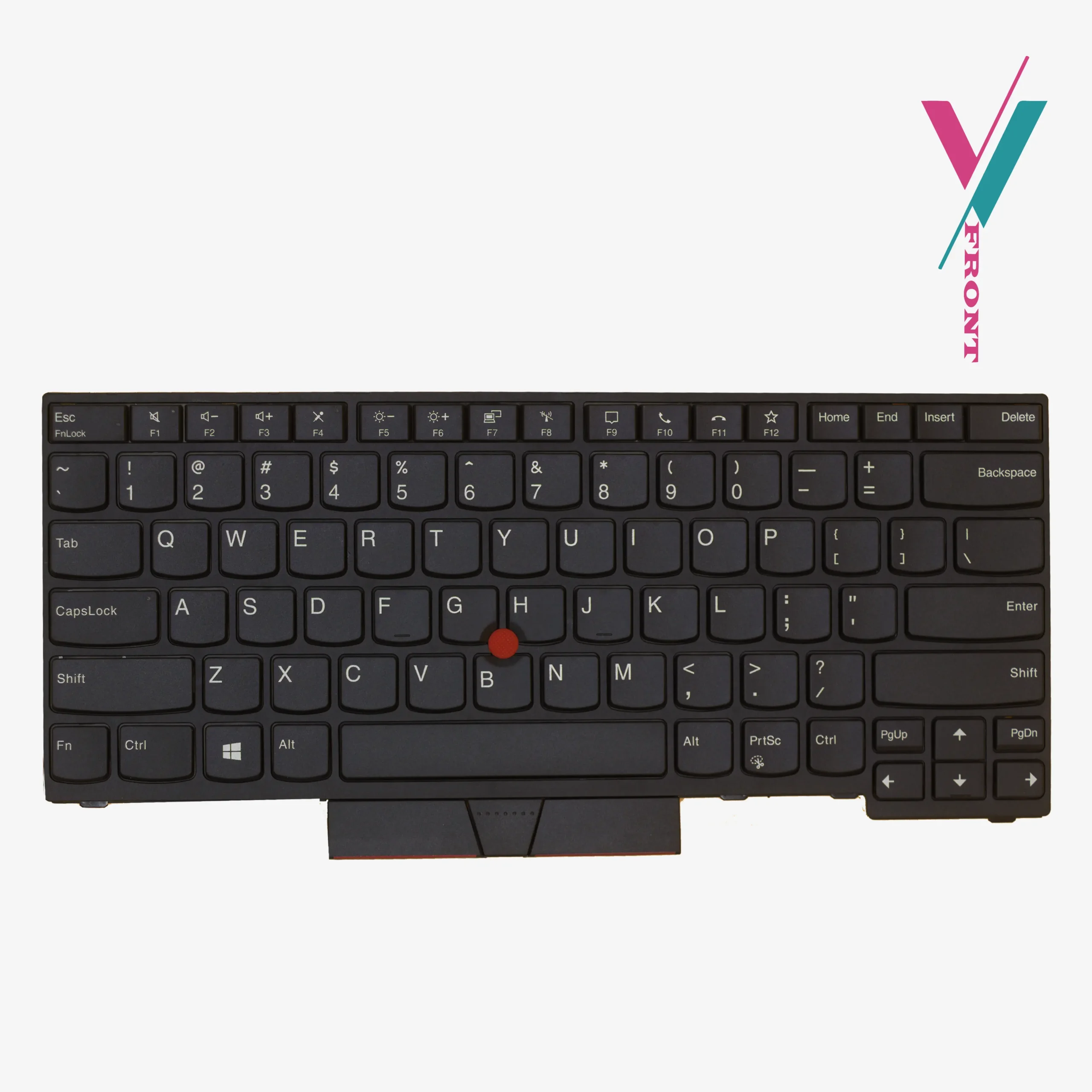
This is a replacement keyboard for the Lenovo ThinkPad T460 and T460s. It features the classic US English QWERTY layout, black island-style (chiclet) keys, a built-in TrackPoint (red pointing stick), and full backlighting.
It is spill-resistant. The keys are quiet and responsive. The connector is a precision ribbon cable with a locking clip, same as the original.
Which laptops does this fit?
This keyboard is compatible with the following models:
- ThinkPad T460, T460s, T460p
- ThinkPad T470s
- ThinkPad T450, T450s
- ThinkPad T440, T440p, T440s
- ThinkPad T431s
- ThinkPad L440, L450, L460, L470
- ThinkPad E431, E440
Compatible FRU / part numbers (for reference only):
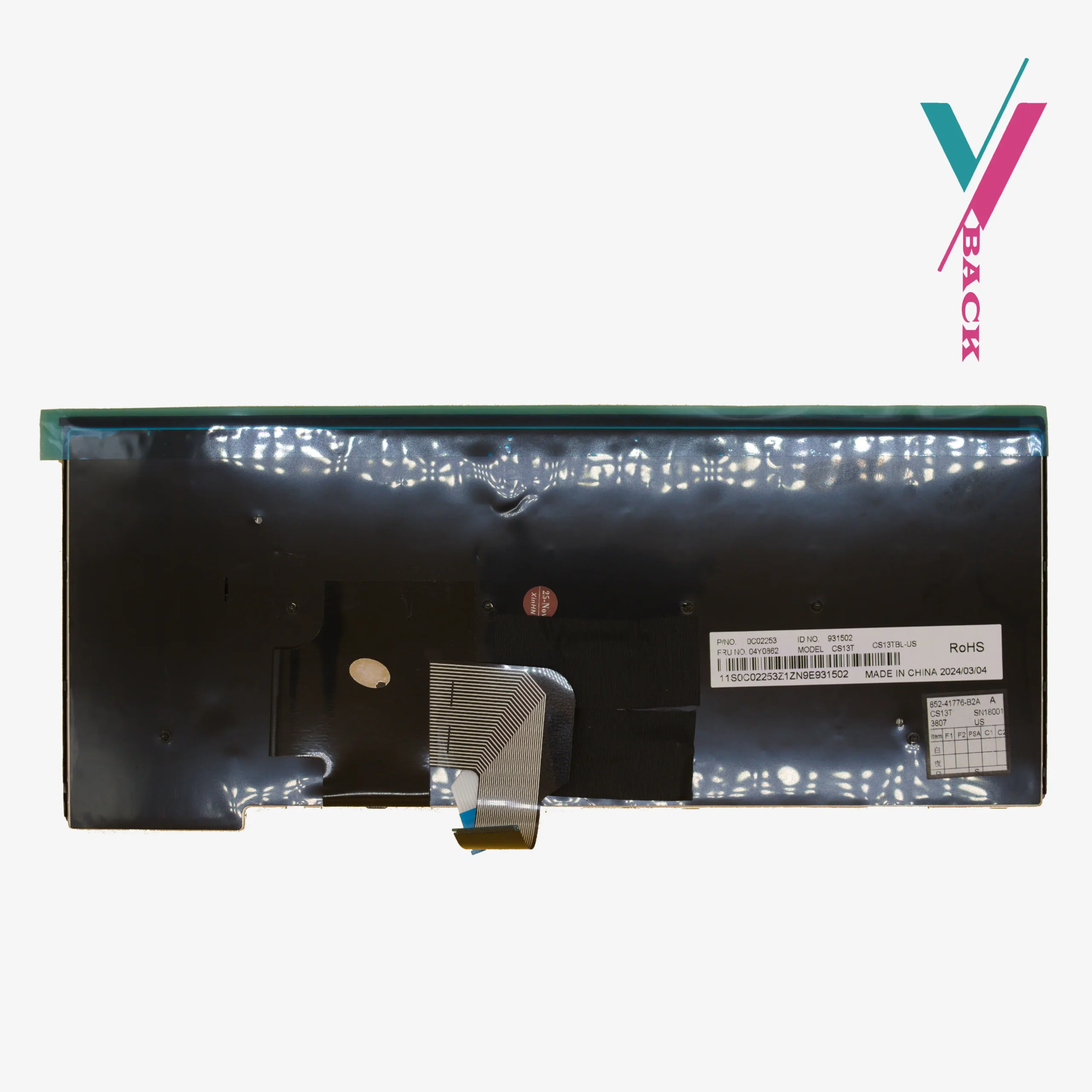
00PA452, 00PA482, SN20H42364, 00PA411, 00PA493, SN20H42323, SN20H42405, SN20L81965, 82N00LB, 01EN600, TH-84US, L1M14Q33US-9204, 04X0264, 04Y0824, 04Y0862, 04Y2726, 04Y2756, 04Y2763, 04Y2793, 04Y2874
Important: This list is a guide, not a guarantee. The cable connector and mounting points can vary. The only way to be sure is to verify compatibility with us prior to purchase by clicking the” verify compatibility” button.
Smooth Replacement process
Two T460 laptops sitting right next to each other can have different keyboards. They look almost identical, but the ribbon cable connectors are different. Order the wrong one and it simply will not fit.
That is why we do things differently.
What we need from you
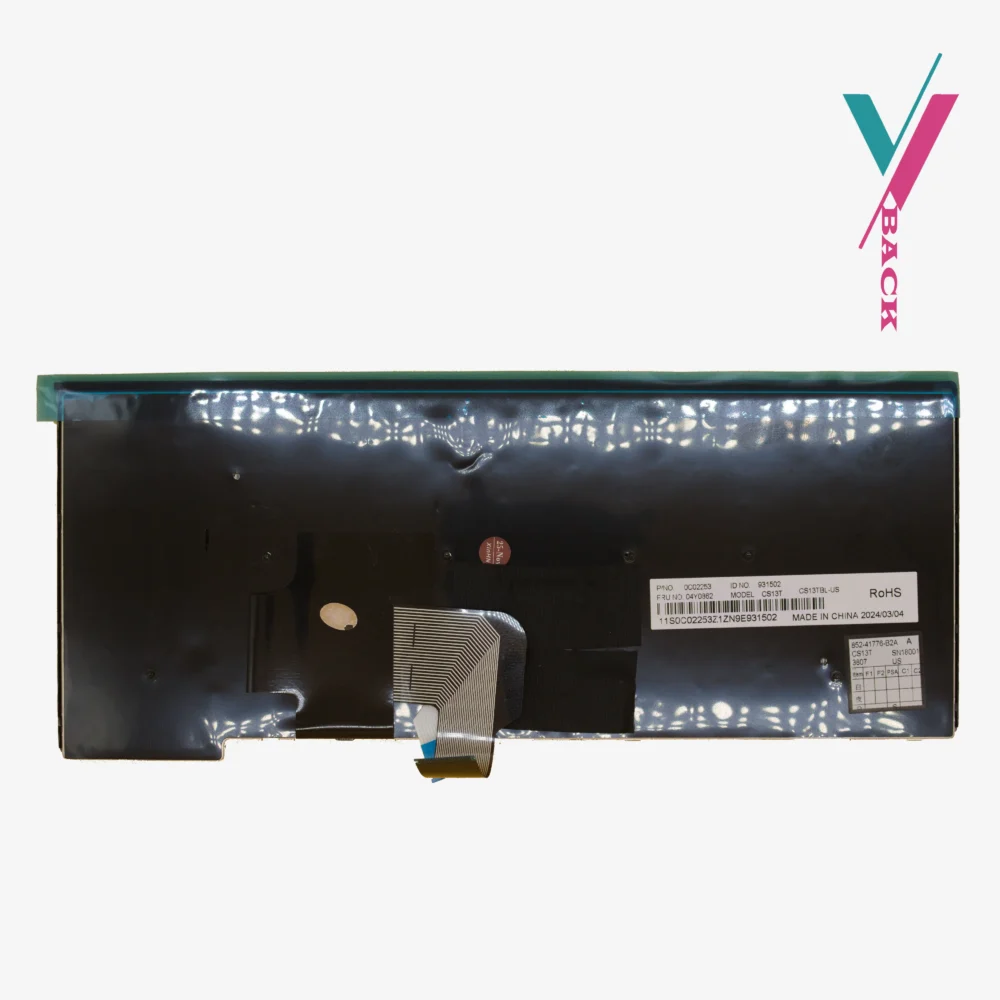
Skip the guesswork. Click the “Verify Compatibility” button on this page. Take a photo of your current keyboard layout, and if possible, the ribbon cable connector if you can access it, or at least the FRU (part number sticker) printed on the underside. Send it to us. Our team will identify exactly which version you need and confirm whether this keyboard is the correct match.
It takes a few minutes. It saves you from ordering the wrong part.
If any compatibility issues happen after delivery, a 7-days return is available (subject to policy). Just contact us and we will process it.
Installation
Replacing a keyboard on a T460 or T460s is easier than on many laptops, but you still need to be careful.
You will need to remove the bottom cover. Disconnect the internal battery (critical step—do not skip this). Locate the ribbon cable for the keyboard. Gently lift the locking flap on the connector. Slide the old cable out. Slide the new cable in. Push the locking flap back down. Reassemble.
The most common mistake
If you install this keyboard and some keys do not work, do not panic. The ribbon cable is probably not fully seated. ThinkPad connectors can be fussy. Disconnect it. Push the cable in again, firmly, until it stops. Lock the flap. Test again. Nine times out of ten, this fixes the problem.
If you are not comfortable doing this yourself, any qualified technician can handle it in 10–20 minutes, if you do not have access to any we will recommend some to you.
Quality assurance
Every keyboard we ship is tested before it leaves us. Keys are tested. TrackPoint is checked. Backlight is verified to be in good working condition.
Your ThinkPad T460 or T460s still has years of life left. A fresh keyboard with a working TrackPoint and backlight brings it back to its full functionality. verify compatibility with us first, then order with assurance.

Reviews
There are no reviews yet.