


Key Hardware Specifications
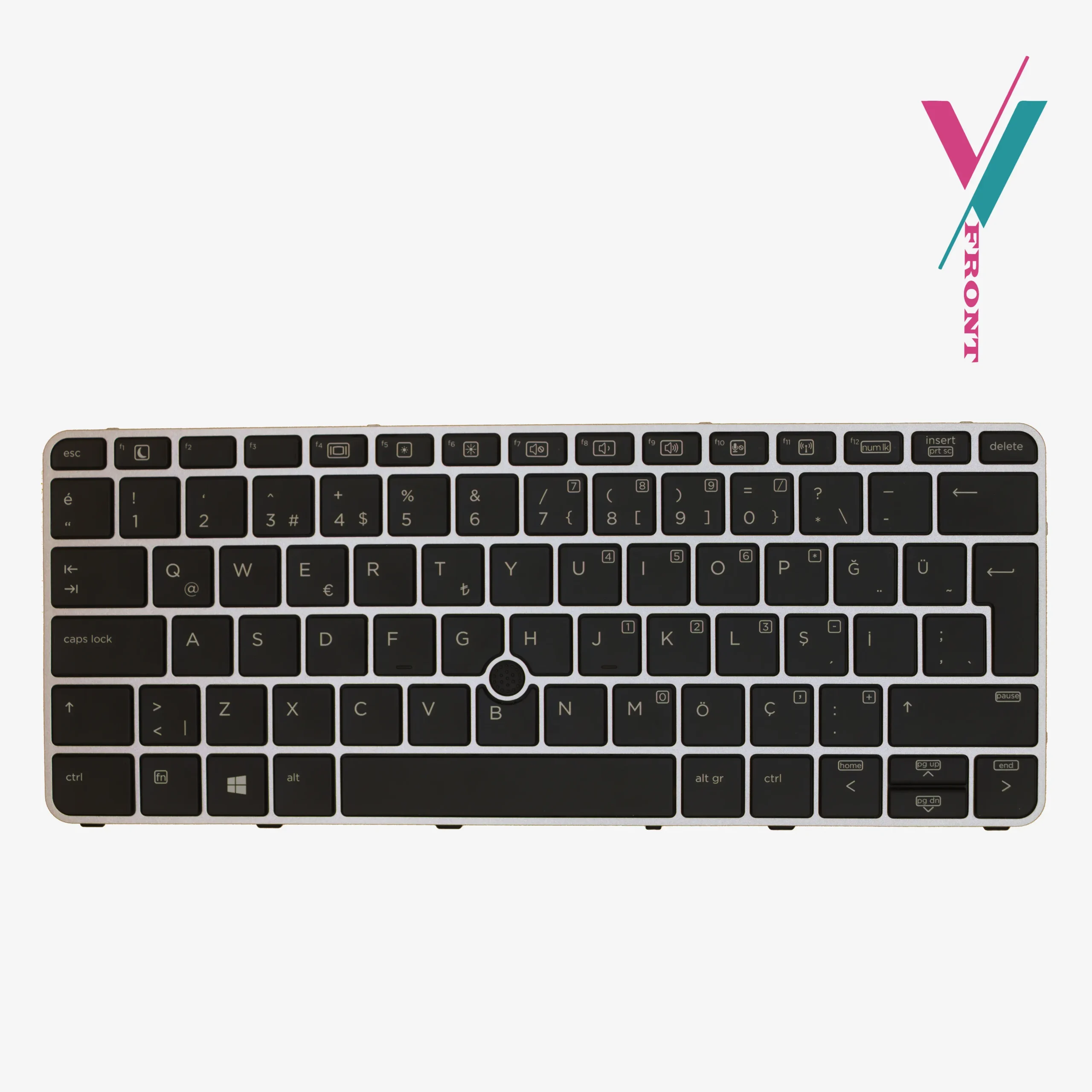
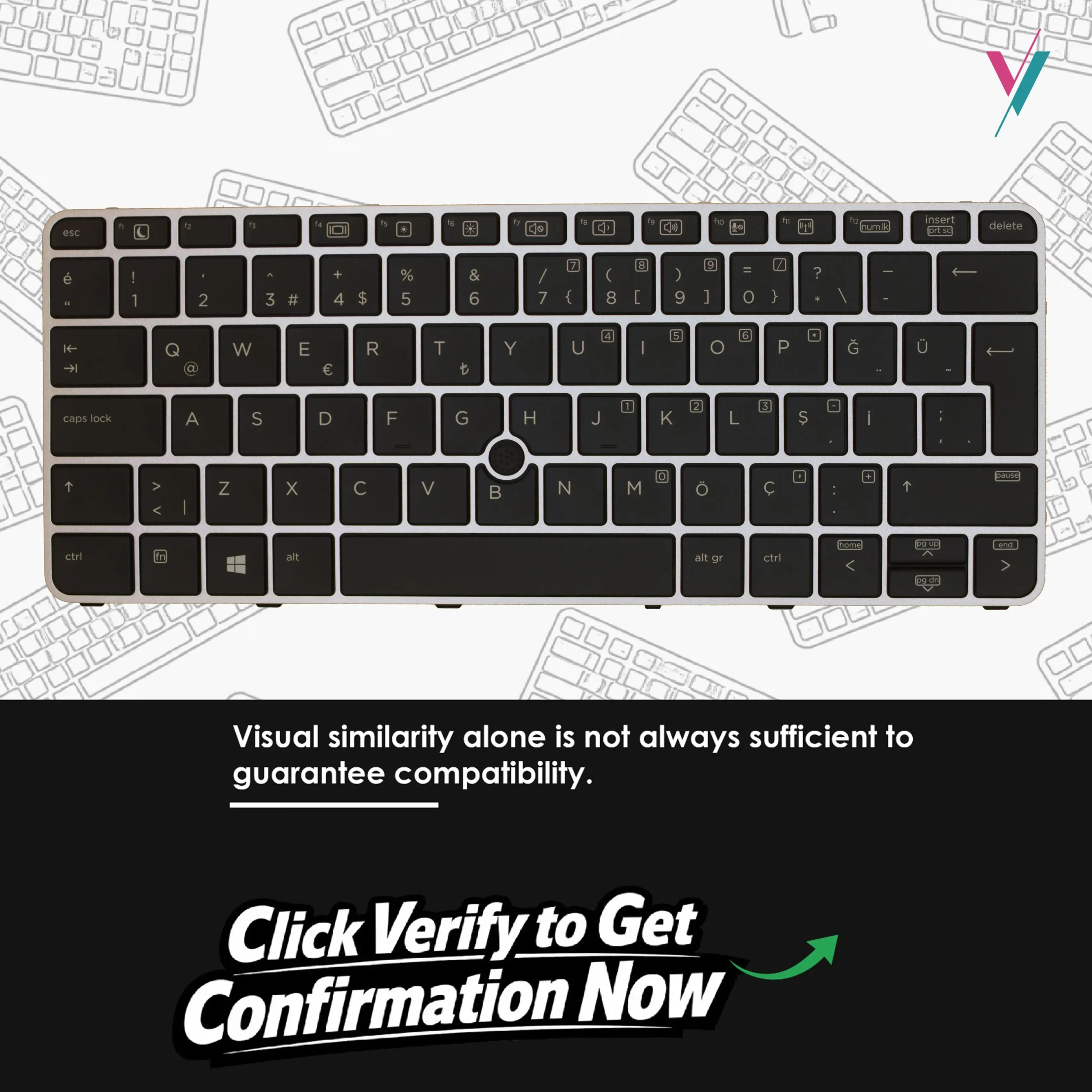
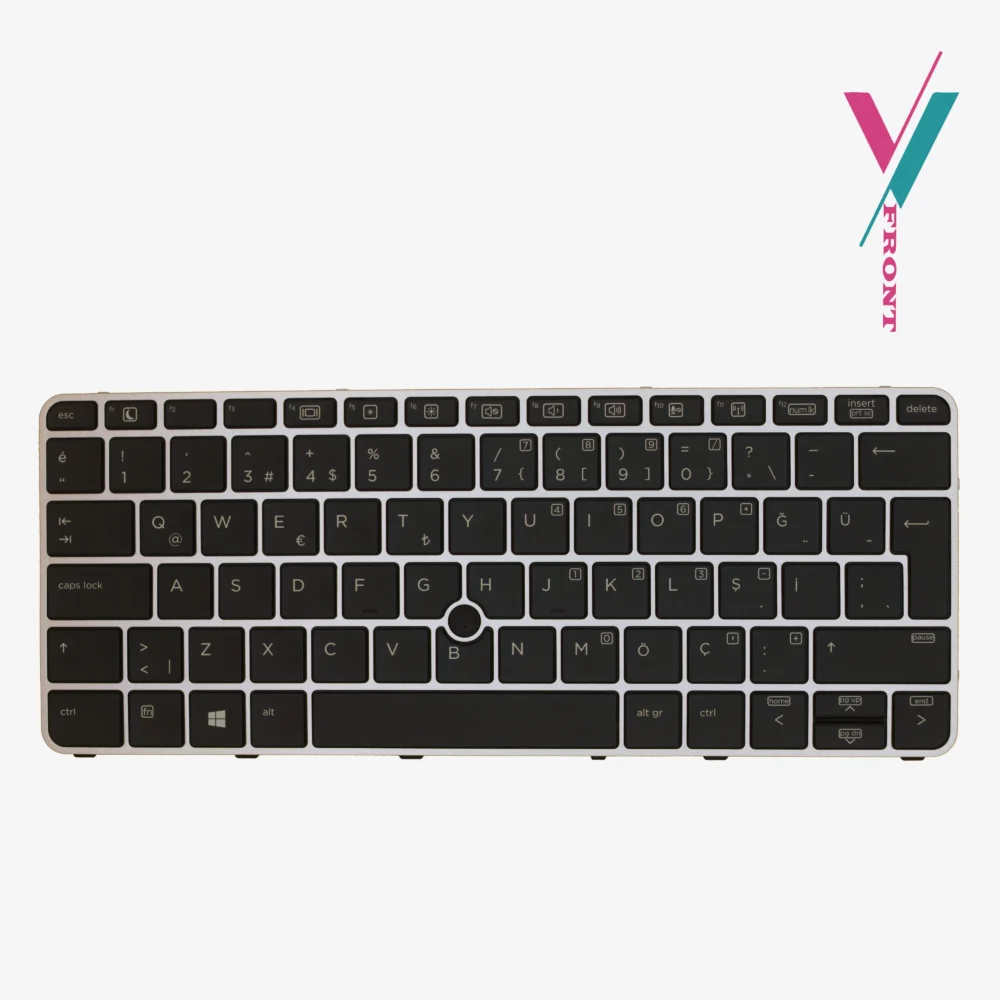
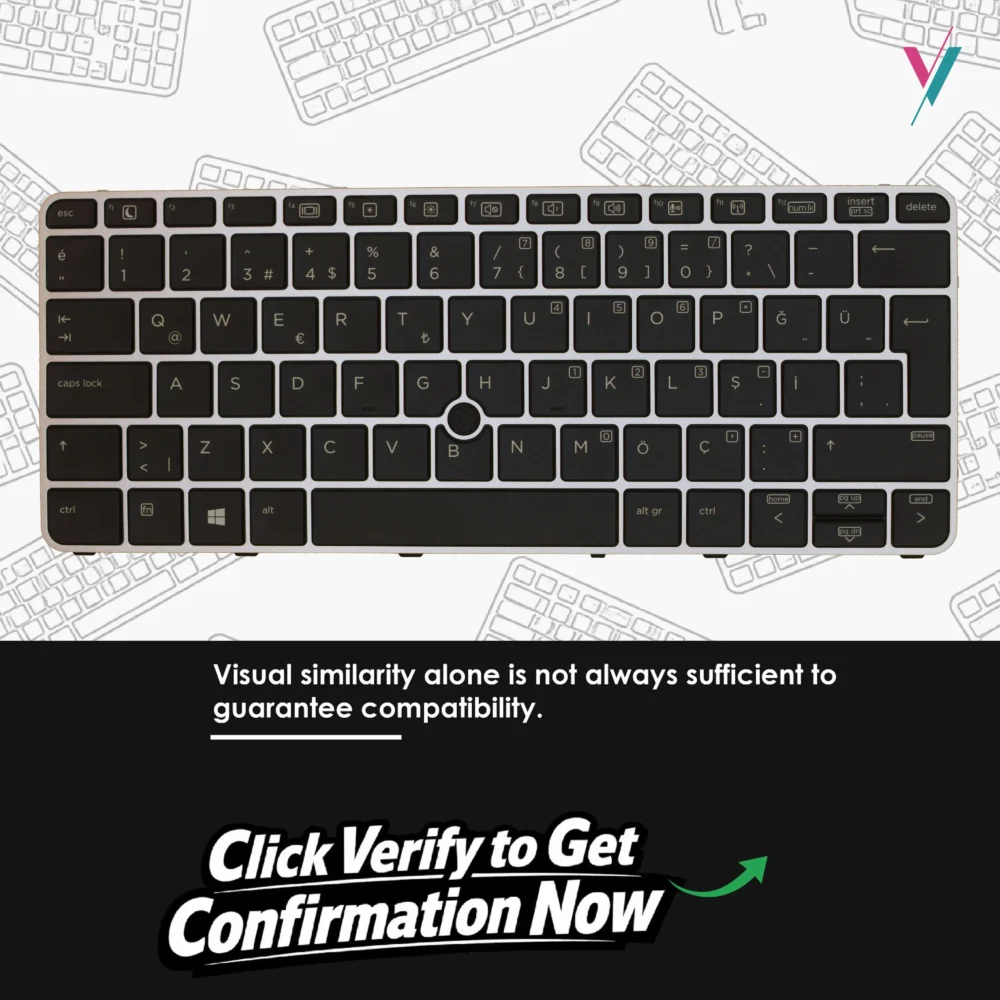
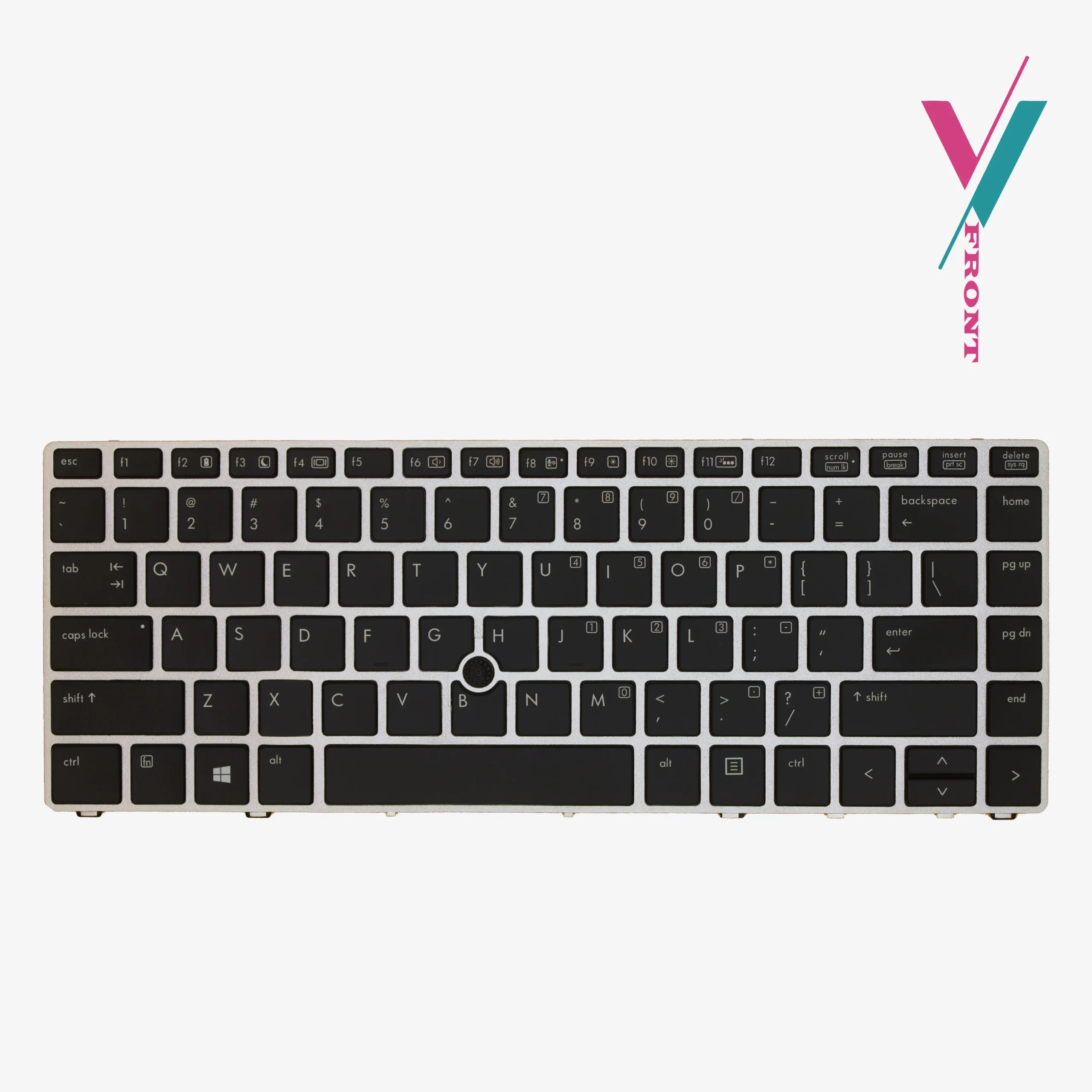
- Compatible Series: HP EliteBook 820 G3, 820 G4, 828 G3, 725 G3.
- Component Type: Internal Laptop Keyboard.
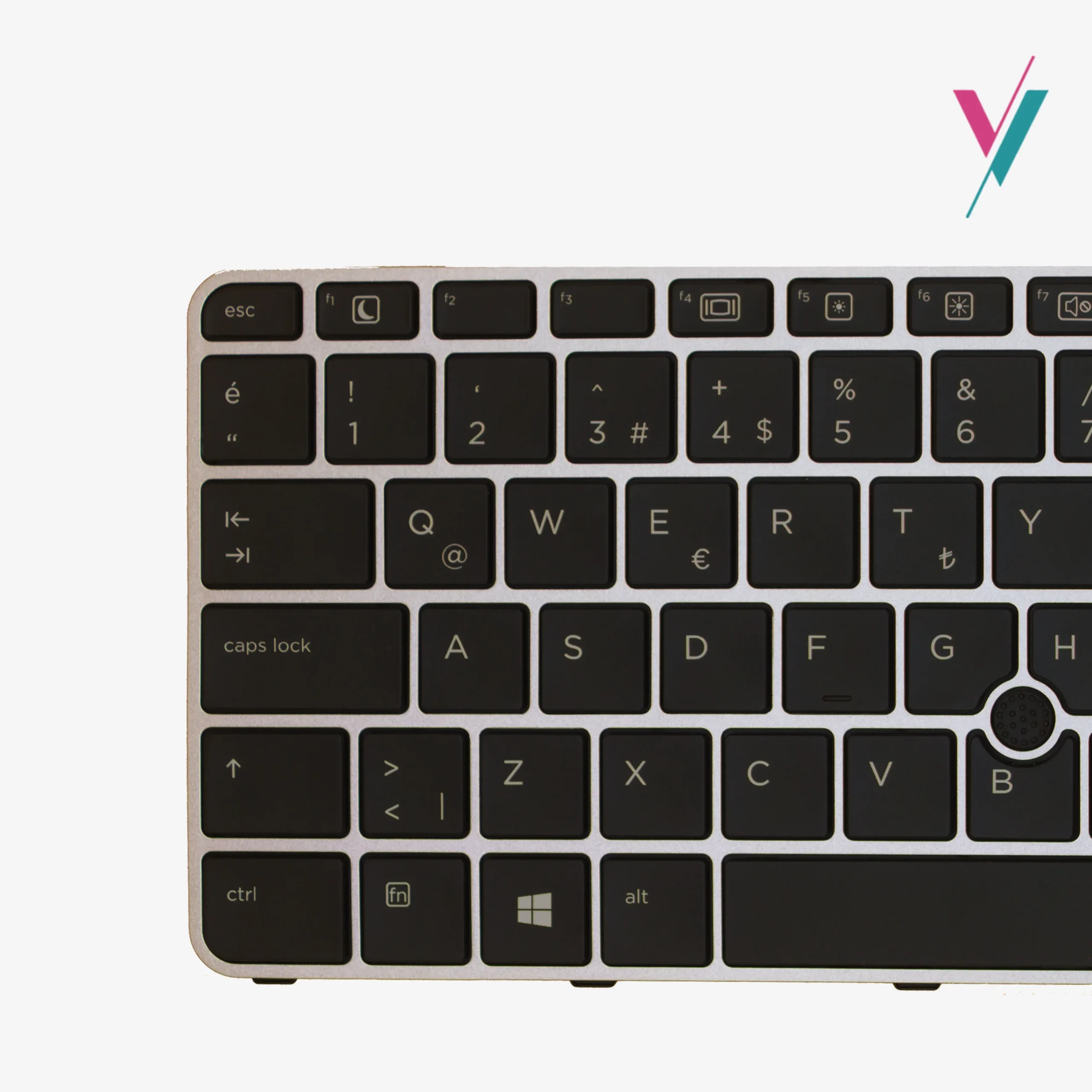
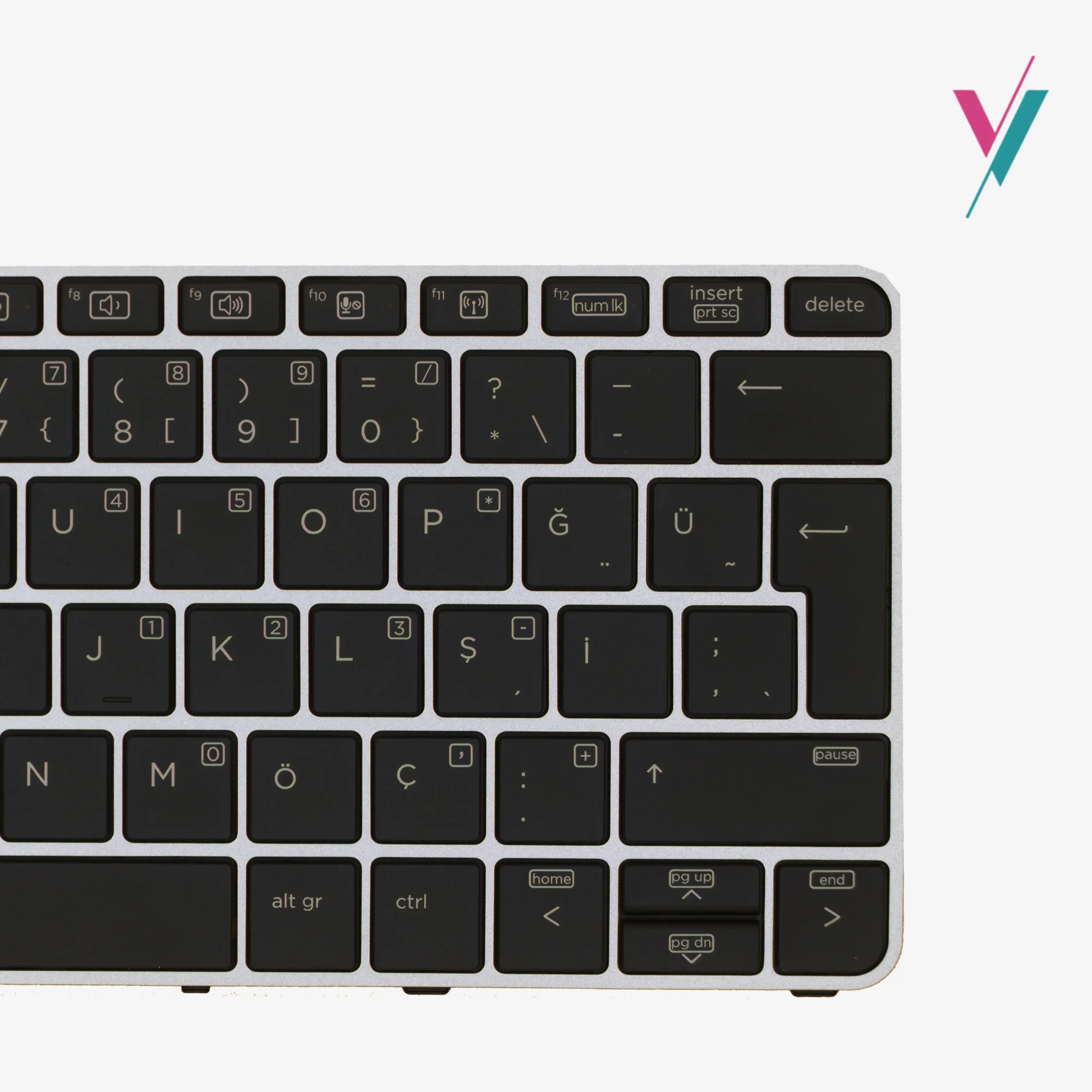
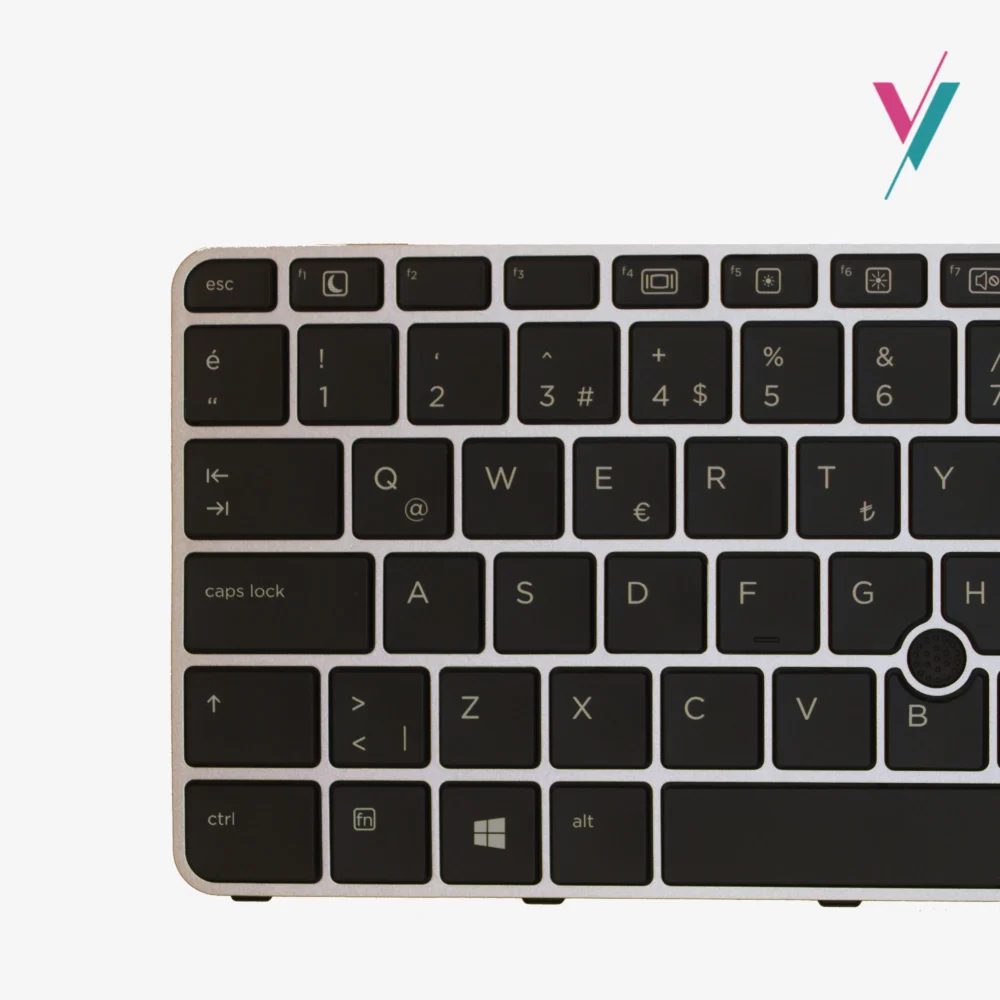
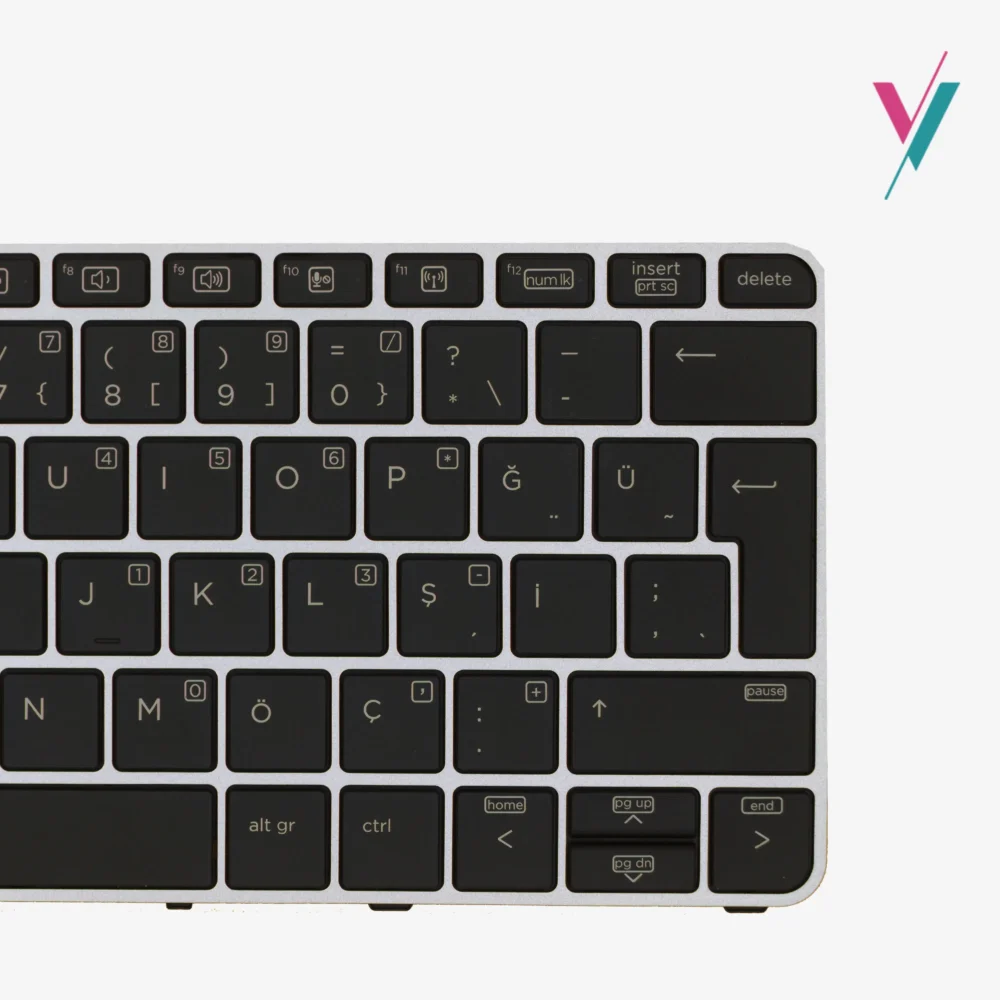
- Navigation Feature: Integrated Pointing Stick (Trackpoint) included.
- Illumination: Non-Backlit (Standard efficiency model).
- Color Scheme: Professional Black keys with a contrasting Grey frame.
- Material: High-grade ABS for wear-resistant keycaps.
Technical Compatibility & Installation
Designed for EliteBook Architecture
This keyboard is manufactured to match the exact tactile feedback from the keys as the original HP factory unit. It is a “frame-included” design, which simplifies the installation process and ensures that the keys sit perfectly flush with your laptop’s top cover.
Part Number Reference Index
This unit is compatible with several HP spare part numbers. If your current keyboard matches any of the following, this is the correct replacement for your device:
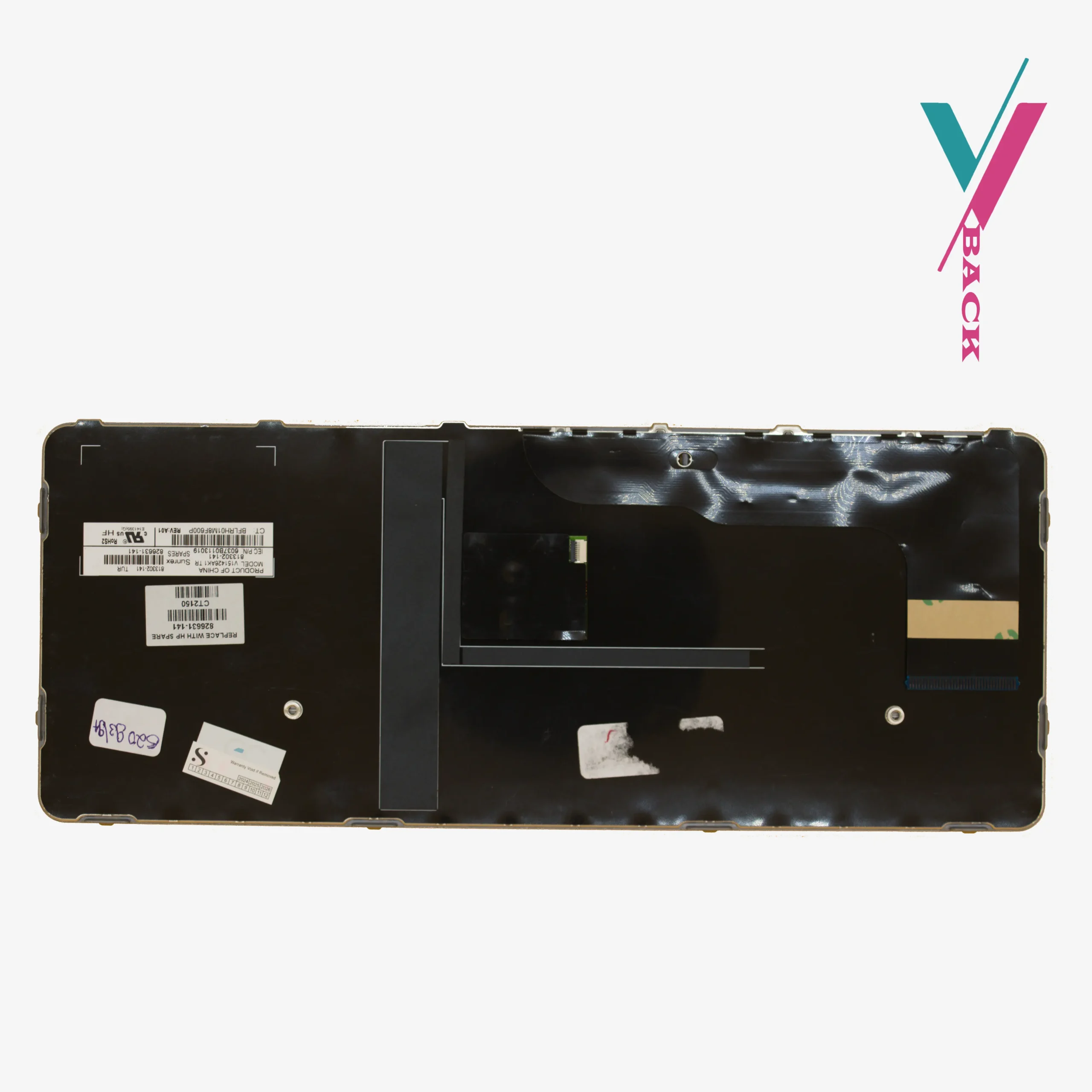
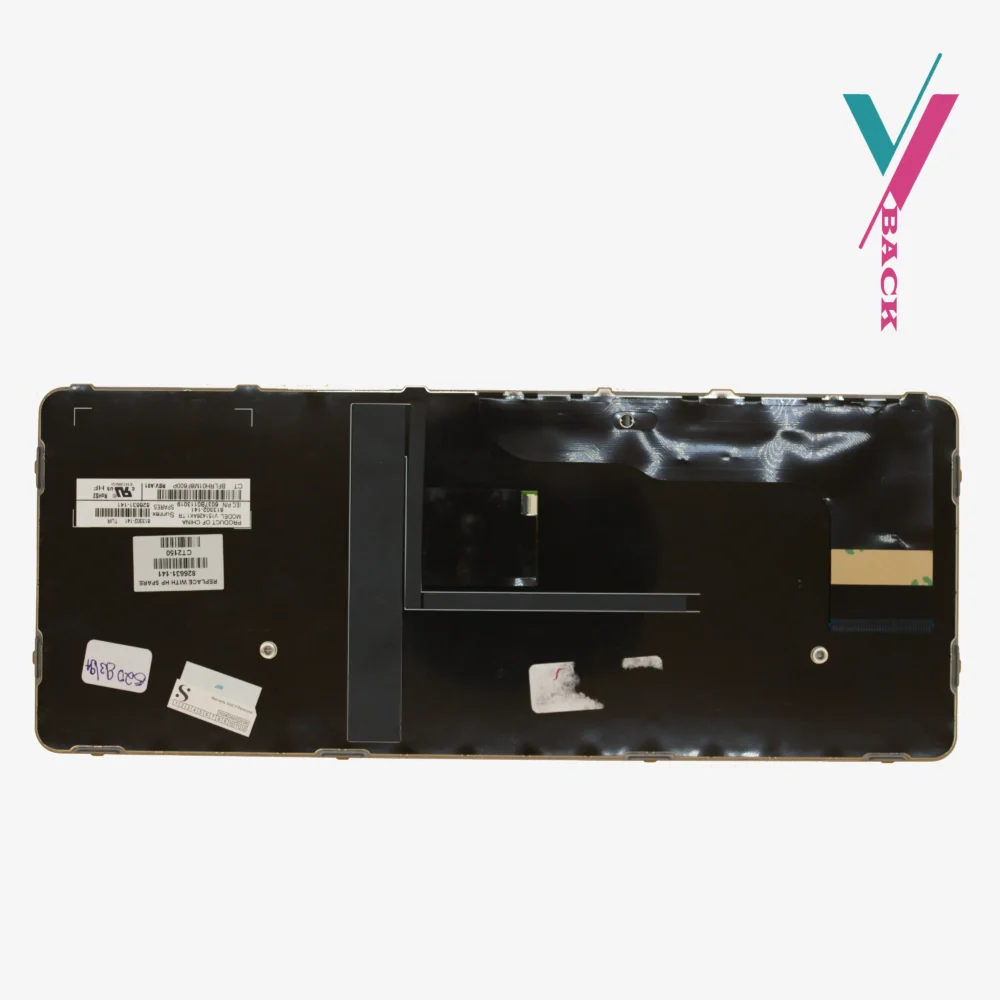
- HP P/N: 826631-141
- Alternative P/N: 826630-271
- Product Code: 2100134
Purchase Security & Our Guarantee
No-Risk Hardware Matching
The biggest frustration with keyboard replacements is receiving a unit where the ribbon cable is slightly off or a key is in the wrong place. We eliminate this stress. By clicking the verify compatibility button, share your current keyboard layout with us, our technicians will verify the exact revision you need.
If you receive the keyboard and it doesn’t align perfectly with your chassis, returns are available within 7 days (subject to policy). Whether it’s a difference in the ribbon cable or a frame misalignment, we make the return or exchange process smooth.
However, verifying your model with us first is the most efficient way to get your EliteBook back in service on the first try.
User Installation Guide
Does this keyboard require soldering?
No. This is a plug-and-play component. It uses a standard ribbon connector that snaps into the motherboard’s ZIF socket.
Is this keyboard compatible with backlit models?
Yes, you can install a non-backlit keyboard into a laptop that originally had a backlit one. The keys will function perfectly, though they will not illuminate in the dark. This is often a cost-effective solution for office environments.
How do I clean the pointing stick?
The rubber cap on the trackpoint is removable. You can gently pull it off to clean it or replace it if it becomes worn, without needing to replace the entire keyboard.

Reviews
There are no reviews yet.